You settle in after a long day, open your favorite IPTV app, and expect instant entertainment. Instead, you face buffering, blocked channels, or that subtle worry that someone might be watching your connection. If that sounds familiar, you are not alone. Many viewers discover that combining iptv with vpn is the missing piece that turns frustrating streaming into a smooth, private experience. When you choose a best iptv provider, the difference becomes even more noticeable.
Streaming should feel effortless and safe. You want to watch what you love, when you want, without limits or anxiety. This is where iptv with vpn becomes more than a technical choice. It becomes a way to reclaim control over your viewing experience.
In this guide, you will learn exactly how to set things up, why it matters, and how to stream confidently across all your devices using a secure and reliable IPTV service.
Table of Contents
What IPTV and a VPN Really Do Together
Understanding IPTV in Everyday Terms
IPTV delivers live TV channels, movies, and series through your internet connection instead of traditional cable or satellite. You access content using apps on smart TVs, phones, streaming boxes, or computers. The flexibility is powerful, but it also depends heavily on your internet connection and how your data travels online.
The Role of a VPN in Streaming
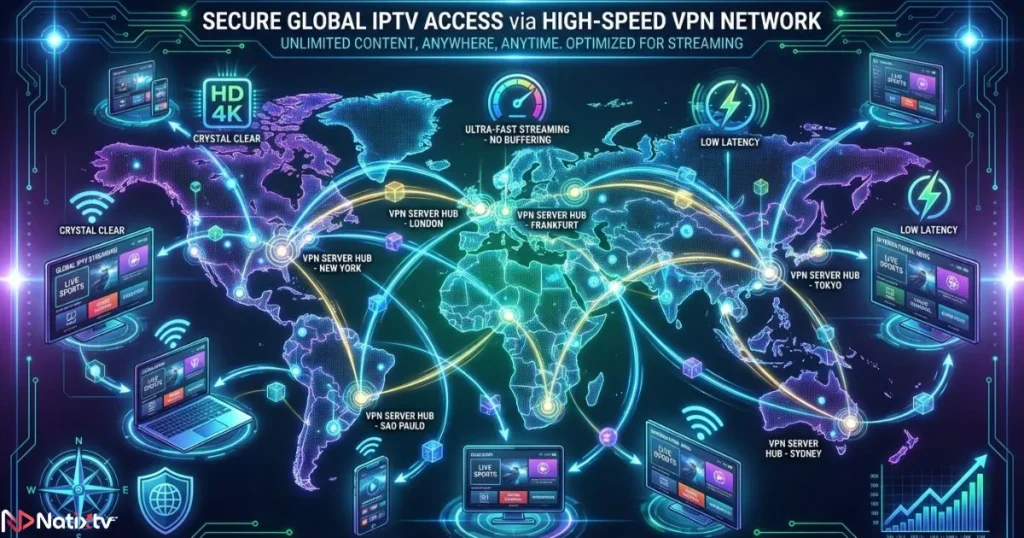
A VPN creates an encrypted tunnel between your device and the internet. It hides your IP address and protects your data from third parties. When you use iptv with vpn, your streaming traffic becomes private, harder to throttle, and often more stable. For more technical insight, you can check a trusted source on VPN benefits for streaming like PCMag’s guide to the best VPN services.
Why the Combination Works So Well
When your VPN is active before launching your IPTV app, every stream passes through that secure tunnel. This means fewer interruptions, more consistent speeds, and better peace of mind, especially on public or shared networks.

The Real Benefits of Using IPTV With a VPN
Privacy and Data Protection
Without protection, your ISP can see that you are streaming and may limit your bandwidth. With iptv with vpn, your activity stays private. This is a key step toward secure IPTV usage, especially if you value discretion and control.
Access While Traveling or Living Abroad
If you travel often or live outside your home country, some channels may not be available. A VPN lets you connect through different regions, making your IPTV service accessible wherever you are.
Reduced Buffering and Throttling
Many users notice smoother playback when using iptv with vpn, particularly during peak hours. By masking your traffic, you reduce the risk of ISP throttling that targets streaming services.
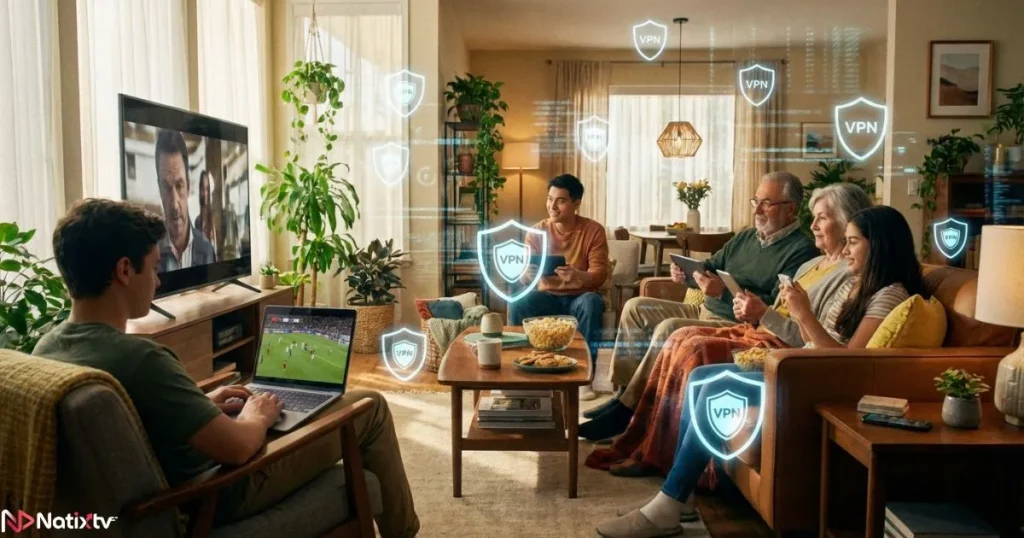
Safer Streaming on All Devices
- Smart TVs and Android TV boxes
- Fire Stick and Fire TV
- iOS and Android smartphones
- Windows and macOS computers
Is IPTV With a VPN Legal and Safe?
Legal Perspective You Should Know
In most countries, using a VPN is legal. IPTV legality depends on the provider and the content offered. Choosing a reputable service and using iptv with vpn responsibly helps you stay on the safe side.
How to Stream Safely
Avoid free VPNs with unclear privacy policies. Stick to trusted providers and combine them with a high quality IPTV subscription. You can also learn more about privacy protection in this detailed guide on protecting your streaming privacy with a VPN.
IPTV VPN Setup Step by Step
What You Need Before Starting
- An active IPTV subscription
- A reliable VPN service
- A compatible device
General Setup Process
- Install your VPN app
- Log in and choose a nearby server
- Connect the VPN
- Open your IPTV app and start watching
Device Specific Tips
Smart TVs and Android TV
Install the VPN directly from the app store. If your TV does not support VPN apps, consider configuring the VPN on your router.
Fire Stick and Fire TV
Download the VPN app using the official store or installer. Always connect the VPN before launching your IPTV app for best results.
Mobile Devices and Computers
On phones and desktops, setup is usually quick. Once connected, iptv with vpn works seamlessly in the background while you stream.
Choosing the Right VPN Features for IPTV
Essential Features to Look For
- High speed servers with low congestion
- No log privacy policy
- Strong encryption standards
- Kill switch for connection safety
Performance That Makes a Difference
Server location matters. Choosing a server close to you often delivers better speeds. This is especially important when using iptv with vpn for HD or 4K streams.
IPTV With VPN Compared to IPTV Alone
| Feature | Without VPN | With VPN |
|---|---|---|
| Privacy | Limited | High |
| ISP Throttling | Possible | Reduced |
| Access While Traveling | Restricted | Flexible |
| Public Wi Fi Safety | Risky | Secure |
Common Mistakes to Avoid
- Using overcrowded VPN servers far from your location
- Relying on free VPNs with speed limits
- Forgetting to activate the VPN before streaming
- Assuming all buffering issues come from the IPTV service
Best Practices for Secure IPTV Streaming
Keep all apps updated, test different VPN servers, and use a wired connection when possible. Combining these habits with iptv with vpn helps you achieve consistent and secure streaming.
If you are interested in regional content, you may also explore options for reliable USA IPTV streaming at home that pair perfectly with a VPN setup.
Frequently Asked Questions
Is iptv with vpn really necessary?
If you value privacy, stability, and flexibility, using both together is highly recommended.
Can a VPN slow down my IPTV streaming?
A quality VPN usually has minimal impact. In many cases, it can even improve performance by avoiding throttling.
Does IPTV with a VPN work on all apps?
Most modern IPTV apps work smoothly with VPN connections across devices.
Is it safe to use IPTV with a VPN on public networks?
Yes. This setup is one of the safest ways to stream on public Wi Fi.
Can I test IPTV before committing?
Yes. Natixtv offers a free trial period so you can test performance with your VPN before subscribing.
Conclusion: Stream With Confidence and Freedom
Streaming should never feel restrictive or unsafe. By combining a trusted IPTV service with a reliable VPN, you unlock privacy, stability, and global access. Using iptv with vpn is not about complexity. It is about simplicity done right.
If you want a service built for compatibility, quality, and peace of mind, start with a best iptv provider that supports all major devices and offers a free trial. Test your setup, feel the difference, and enjoy streaming the way it was meant to be.