You sit down to relax after a long day. You open your IPTV app, ready to watch your favorite channel, but the interface feels confusing, the stream buffers, and the whole experience becomes frustrating. Moments like this remind you that a good IPTV subscription alone is not enough. The player you use makes all the difference.
When you use the NatixTv service, you already have access to reliable IPTV content across many devices. Yet to truly enjoy smooth streaming, fast navigation, and stable playback, you also need the best player iptv. Choosing the right IPTV player turns your viewing experience from stressful to seamless.
This guide helps you understand what makes a great IPTV player and how to choose the one that perfectly fits your devices and habits. By the end, you will know exactly how to identify the best player iptv for your streaming setup.
Table of Contents
What Is an IPTV Player and Why It Matters
An IPTV player is the application that allows you to watch IPTV channels on your device. It does not provide channels itself. Instead, it reads playlists from your IPTV provider and displays the streams through a user interface designed for navigation and playback.
This distinction is essential. Your IPTV provider supplies the content, while the player manages how that content is displayed and streamed. Even if you have a premium IPTV service, a poor player can still lead to buffering, slow loading times, and confusing menus.
That is why many experienced users search carefully for the best player iptv before settling on a streaming setup.
How IPTV Players Work
Most IPTV players function by loading playlists or server credentials provided by your IPTV service. The most common formats include:
- M3U playlist links
- Xtream Codes API login
- MAG portal connections
- Local playlist files
Once the data is loaded, the player organizes the channels into categories and allows you to browse them just like a traditional television guide.
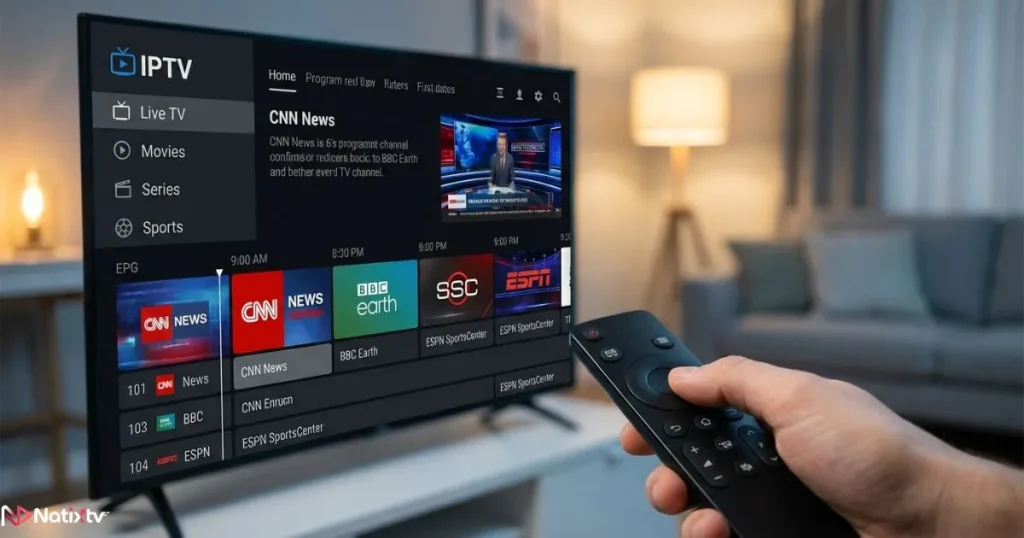
The Role of the Electronic Program Guide
Many modern IPTV players integrate an EPG, or Electronic Program Guide. This feature displays:
- Program schedules
- Current and upcoming shows
- Channel timelines
- Program descriptions
With a well integrated EPG, the best player iptv can recreate the feel of traditional TV while giving you far more control.
Essential Features of the Best IPTV Player
Not all IPTV players offer the same level of performance or usability. Some apps are simple playlist viewers, while others provide advanced streaming features that improve your daily viewing experience.
When evaluating options, look for the qualities that define the best player iptv.
Wide Device Compatibility
The ideal IPTV player should work across multiple devices. Many users switch between screens during the day, so flexibility matters.
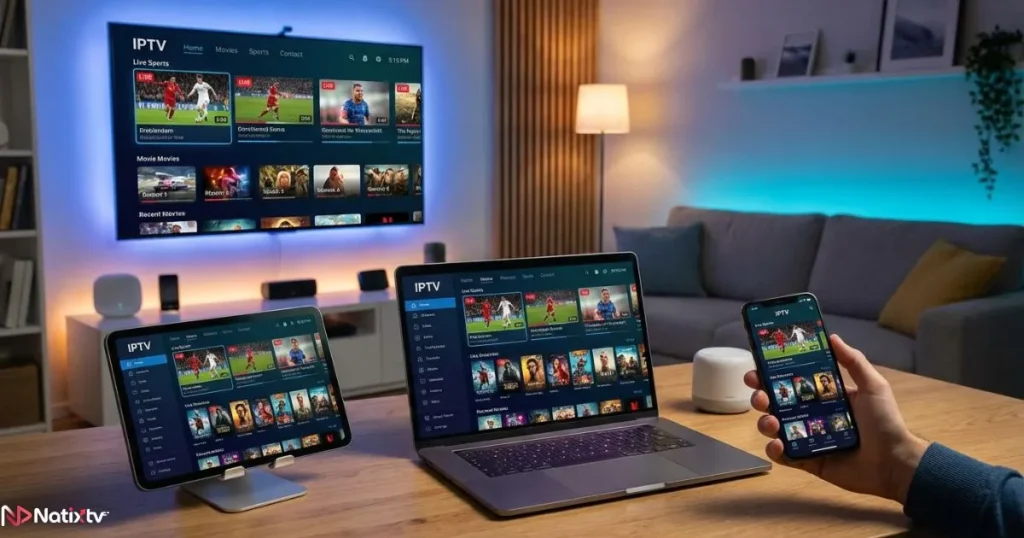
The most reliable IPTV players support:
- Smart TVs such as Samsung or LG
- Android TV and Google TV
- Amazon Firestick
- Windows and macOS computers
- iOS and Android smartphones
- Streaming boxes and TV sticks
A player that supports multiple platforms allows you to maintain the same viewing experience everywhere.
Playlist and Protocol Support
A powerful IPTV player must support the main IPTV connection methods. Without this flexibility, you may struggle to load your service.
The best player iptv typically supports:
- M3U playlists
- Xtream Codes login credentials
- External player integration
- Automatic playlist updates
Xtream Codes support is particularly useful because it simplifies setup. Instead of managing playlist files, you simply log in with your IPTV account.
User Interface and Navigation
A smooth interface is often the difference between a frustrating IPTV experience and a pleasant one.
The best player iptv should provide:
- Fast channel switching
- Clear category organization
- Favorite channels list
- Search functionality
- Remote friendly navigation
When the interface is intuitive, you spend more time watching content and less time navigating menus.
Advanced Streaming Features
Some IPTV players include additional tools that greatly enhance usability.
Examples include:
- Catch up TV for missed programs
- Multi screen viewing
- Parental controls
- Subtitle options
- Recording capabilities
- External player support
These features are often what separate a basic IPTV application from the best player iptv.
Popular IPTV Player Apps Compared
Several IPTV player apps have built strong reputations among IPTV users. While personal preference always plays a role, comparing their features can help you identify the best player iptv for your needs.
| IPTV Player | Supported Devices | Xtream Codes | EPG | Best For |
|---|---|---|---|---|
| IPTV Smarters | Android, iOS, Smart TV | Yes | Yes | Beginner friendly interface |
| TiviMate | Android TV, Firestick | Yes | Yes | Advanced customization |
| GSE Smart IPTV | Android and iOS | Yes | Yes | Mobile streaming |
| Televizo | Android devices | Yes | Yes | Lightweight performance |
Each option can work well depending on your device and preferences, but many users experiment with several players before deciding which feels like the best player iptv for everyday use.
Choosing the Best IPTV Player for Your Device
Your device strongly influences which player will perform best. Optimizing for compatibility ensures smoother playback and easier navigation.
Best IPTV Player for Smart TVs
Smart TVs require an interface designed for remote controls rather than touch screens.
The best player iptv for smart TVs usually includes:
- Large readable menus
- Quick channel switching
- Stable long term playback
- Integrated EPG navigation
Applications such as IPTV Smarters and TiviMate are commonly used for large screen viewing.
Best IPTV Player for Firestick and Android TV
Firestick devices are extremely popular among IPTV users. Their affordability and compatibility with many apps make them ideal streaming tools.
The best player iptv for Firestick should be lightweight and optimized for limited hardware resources.
Many users choose TiviMate because it provides advanced features while remaining stable on Android TV devices.
Best IPTV Player for Mobile Devices
Mobile streaming requires a different type of interface. Touch navigation and adaptive streaming become essential.
The best player iptv for smartphones usually offers:
- Responsive touch controls
- Adaptive video quality
- Efficient battery usage
- Offline playlist support
If you enjoy watching IPTV on the go, choosing a mobile friendly player can significantly improve your experience.
Common Mistakes When Choosing an IPTV Player
Many people select the first IPTV player they find without evaluating its capabilities. This often leads to unnecessary frustration.
Ignoring Device Compatibility
Some players work only on specific operating systems. Installing the wrong app can lead to crashes or limited functionality.
Using Outdated IPTV Apps
Older apps may lack modern codecs or security updates. A modern IPTV player ensures smoother streaming and better compatibility with IPTV servers.
Overlooking Interface Quality
If navigation feels complicated, you may avoid using the service entirely. A clean interface is a core element of the best player iptv.
Ignoring Performance Stability
Buffering problems are often blamed on IPTV services, but inefficient players can also cause playback interruptions.
How the Right IPTV Player Improves Streaming Quality
The player you choose directly affects streaming performance. The best player iptv uses efficient decoding technology that reduces buffering and optimizes playback.
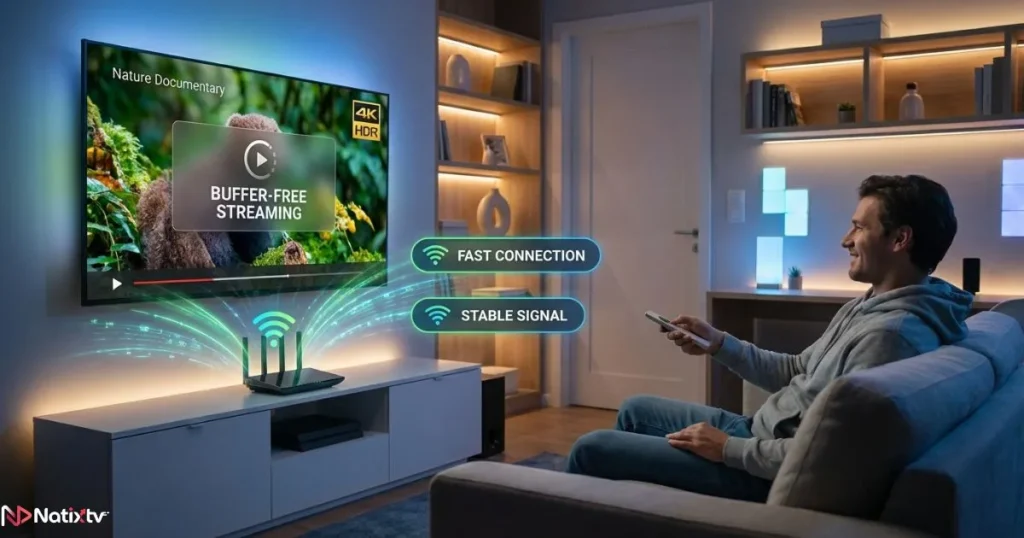
Key technical improvements include:
- Hardware accelerated video decoding
- Better buffering management
- Faster playlist loading
- Optimized network requests
These improvements create a more stable viewing experience even when streaming high definition channels.
If you primarily watch IPTV on a computer, you may also want to explore a guide dedicated to finding the right IPTV player for Windows streaming. Desktop setups often require slightly different software choices.
Testing Your IPTV Player Before Committing
Before choosing a long term IPTV solution, it is wise to test both your IPTV service and your player.
With NatixTv, you can take advantage of a free trial period between 24 and 48 hours. This gives you enough time to evaluate your streaming setup and confirm that your chosen player works smoothly.
During testing, check the following:
- Channel loading speed
- Playback stability
- EPG synchronization
- Interface responsiveness
- Compatibility with your playlist format
This process helps you confirm that you truly have the best player iptv for your environment.
Optimizing Your IPTV Experience
Even with the best player iptv, several factors influence streaming quality. A few simple optimizations can dramatically improve your experience.
Improve Your Internet Connection
Stable internet is essential for IPTV. Experts often recommend at least 25 Mbps for HD streaming. According to Speedtest by Ookla, higher speeds provide better stability when multiple devices are connected.
Use Wired Connections When Possible
An Ethernet connection usually offers more consistent performance than WiFi.
Keep Apps Updated
Regular updates ensure that your IPTV player supports the latest streaming technologies.
Organize Your Channels
Creating favorite lists and categories helps you navigate large IPTV channel libraries more efficiently.
For additional security and streaming stability, many IPTV users also consider using a reliable VPN optimized for IPTV streaming. This can help maintain stable connections while protecting your privacy.
Future Trends in IPTV Streaming Apps
The IPTV ecosystem continues to evolve rapidly. Developers are constantly improving IPTV applications to meet growing user expectations.
Upcoming innovations include:
- AI powered content recommendations
- Cloud based DVR recording
- Cross device synchronization
- Improved EPG visual design
- Better video compression technologies
As these technologies mature, the next generation of IPTV applications may redefine what we expect from the best player iptv.
FAQ
What is the best player iptv for beginners?
Beginners often prefer players with simple interfaces and easy setup. IPTV Smarters is frequently recommended because it supports Xtream Codes login and provides clear channel organization.
Are IPTV player apps free?
Many IPTV players offer free versions with basic features. Premium versions sometimes unlock advanced tools such as recording, multi screen viewing, or interface customization.
Can IPTV streaming apps work on Smart TVs?
Yes. Many IPTV players support Samsung Smart TV, LG WebOS, Android TV, and streaming devices such as Firestick. Compatibility depends on the specific application.
Do IPTV players provide channels?
No. IPTV players only display content provided by an IPTV service. You must have an IPTV subscription to watch channels.
How do IPTV players connect to IPTV services?
Most IPTV players connect using either M3U playlists or Xtream Codes login credentials provided by your IPTV provider.
Conclusion
Choosing the right IPTV player is one of the most important steps toward a smooth streaming experience. A reliable player ensures faster navigation, better playback stability, and an interface that makes watching television enjoyable again.
By evaluating device compatibility, playlist support, interface design, and streaming performance, you can confidently identify the best player iptv for your setup.
If you want to experience IPTV without commitment, the NatixTv platform offers subscriptions compatible with many IPTV players and provides a free trial between 24 and 48 hours. This allows you to test your IPTV player, verify streaming quality, and build the perfect IPTV setup before subscribing.