You sit down, ready to watch something you love, but instead of enjoying your evening, you waste time scrolling through endless channels with no idea what is playing. That frustration is exactly what happens when you don’t have a proper epg for iptv.
With a reliable iptv provider, your experience becomes completely different. You instantly see what’s live, what’s coming next, and what you should not miss. It feels like real television again, but better, smarter, and fully under your control.
This guide will walk you step by step through everything you need to know about epg for iptv, from setup to optimization, across all devices and apps.
Table of Contents
What Is EPG for IPTV and Why It Matters
Understanding the IPTV EPG Concept
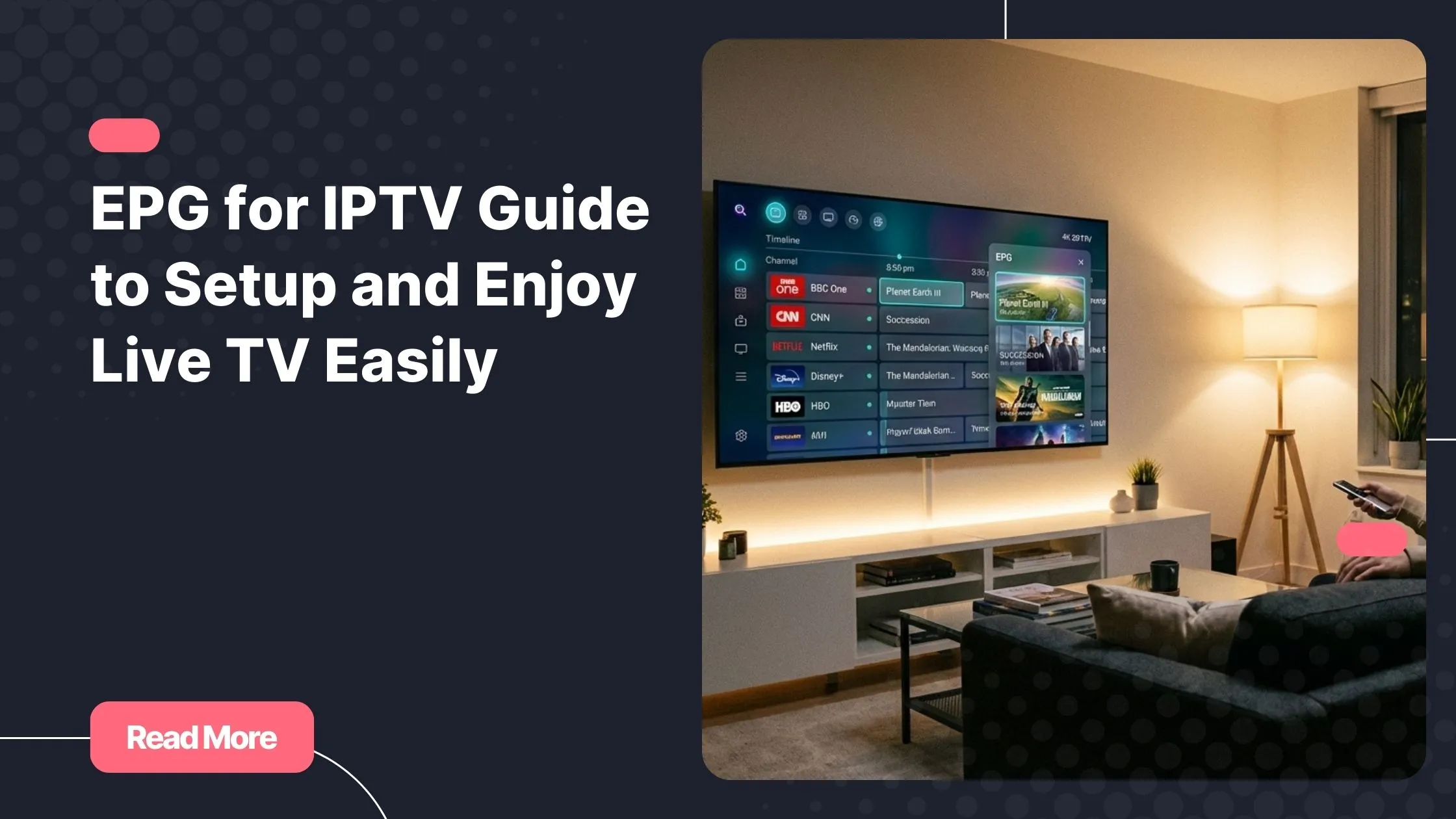
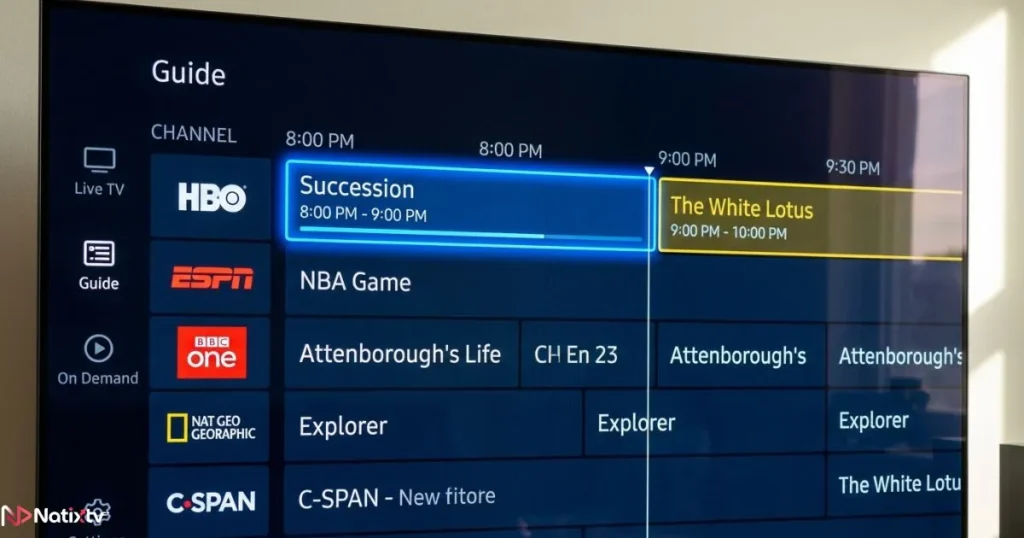
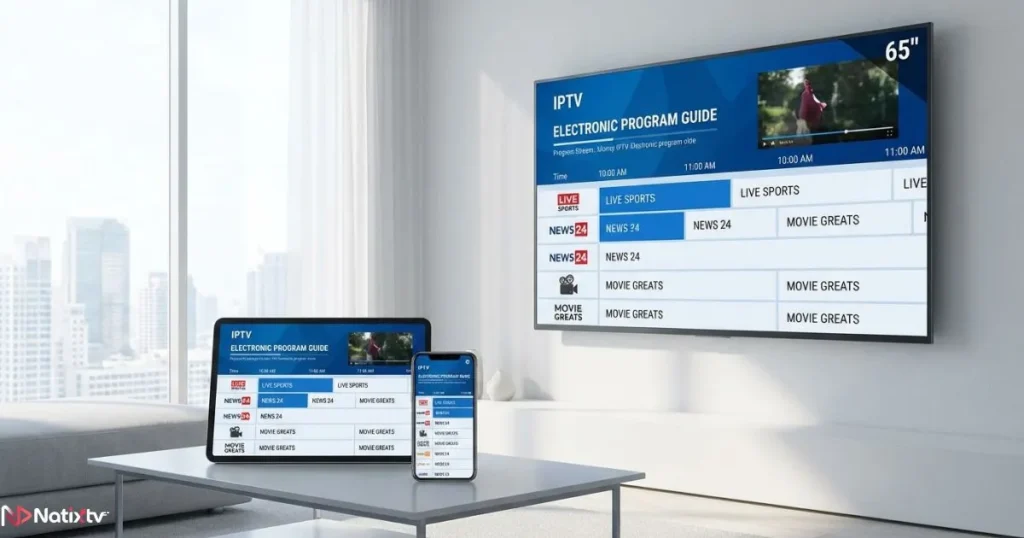
The term epg for iptv refers to the Electronic Program Guide integrated into your IPTV service. It displays live schedules, program details, and upcoming content for each channel.
Without it, your IPTV becomes a simple list of streams. With it, you get a structured TV experience that mirrors traditional broadcasting.
Why You Need an IPTV Program Guide
- See what is currently playing in real time
- Browse upcoming programs easily
- Navigate channels faster
- Discover new shows and content
In short, a well-configured epg for iptv transforms your viewing from chaotic to seamless.
How EPG Works in IPTV Systems
The Technical Basics
Your IPTV service relies on two main elements:
- M3U playlist or Xtream Codes for channels
- XMLTV file for program data
The epg for iptv connects these two by matching channel IDs with program schedules.
Understanding XMLTV Format
Most EPG data uses the XMLTV format, which is widely supported across apps. If you want to learn more about structured TV metadata, you can explore this official resource from Kodi EPG documentation.
This format ensures your epg for iptv stays accurate and regularly updated.
How to Add EPG IPTV Step by Step
What You Need Before Starting
- An active IPTV subscription
- An M3U playlist or Xtream login
- An XMLTV EPG URL
General Setup Instructions
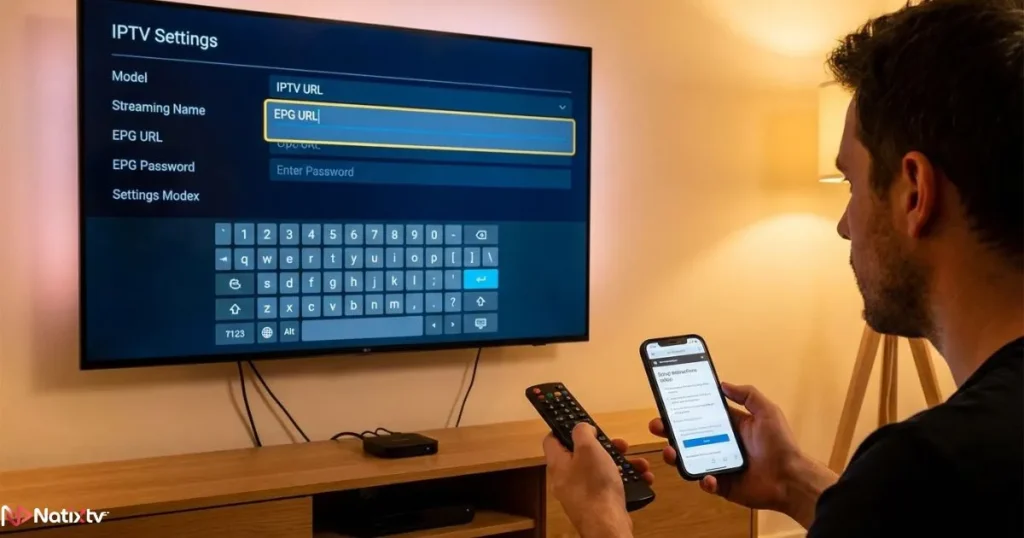
- Open your IPTV app settings
- Locate the EPG or TV Guide section
- Paste your XMLTV URL
- Save and refresh
- Wait for channels to sync
Once completed, your epg for iptv will start displaying program schedules instantly.
Common Mistakes to Avoid
- Using an incorrect EPG link
- Forgetting to refresh after adding
- Mismatched channel IDs
IPTV Program Guide Setup on All Devices
Smart TVs
Apps like Smart IPTV or SET IPTV allow easy integration. Upload your playlist and add your epg for iptv URL in the settings.
Android and Android TV
Apps such as IPTV Smarters and TiviMate offer advanced EPG features:
- Auto-update schedules
- Time shift adjustments
- Custom channel grouping
iOS Devices
On iPhone or iPad, apps like GSE Smart IPTV let you import your epg for iptv quickly and efficiently.
Firestick
Firestick remains one of the most popular choices. With the right app, your epg for iptv works smoothly and updates automatically.
Windows and Mac
While VLC has limited support, dedicated IPTV apps provide a full epg for iptv experience.
Best Apps That Support EPG for IPTV
| App | Devices | EPG Quality | Ease of Use |
|---|---|---|---|
| IPTV Smarters | Android, iOS | Excellent | High |
| TiviMate | Android TV | Advanced | Very High |
| GSE Smart IPTV | iOS, Android | Good | High |
| Smart IPTV | Smart TVs | Basic | Medium |
Choosing the right app ensures your epg for iptv performs at its best.
Best EPG Sources for IPTV
Free Sources
Free XMLTV links are widely available, but they often lack reliability. Your epg for iptv may show missing channels or outdated schedules.
Paid Sources
Premium EPG services offer:
- Accurate schedules
- Frequent updates
- Better channel matching
This makes your epg for iptv far more stable and enjoyable.
How to Choose the Right Source
- Check channel coverage
- Ensure compatibility with your provider
- Look for frequent updates
Fixing Common EPG Issues
EPG Not Loading
- Verify your URL
- Check your internet connection
- Refresh manually
Channels Not Matching
You may need to manually map channels to align your epg for iptv correctly.
Incorrect Time Display
- Adjust timezone settings
- Enable time shift
EPG Disappearing
Enable auto-update to maintain a stable epg for iptv.
Advanced Tips to Optimize Your Experience
Automate Updates
Set your app to refresh your epg for iptv daily to keep schedules accurate.
Organize Channels
Create groups by country or genre for faster navigation.
Combine Multiple Sources
Using more than one source can improve your epg for iptv coverage significantly.
Enhancing Your IPTV Experience Further
If you want a more flexible experience, you can explore features like catch-up TV that allow you to rewind and watch missed programs. Learn more about how this works with this detailed guide on watching missed content with catch-up IPTV features.
Additionally, if you are looking for an affordable yet powerful setup, this option for budget-friendly IPTV streaming solutions can complement your setup perfectly.
With the right setup, your epg for iptv becomes the center of your entire viewing experience.
FAQ
What is epg for iptv?
It is a digital TV guide that shows schedules and program details for IPTV channels.
How do I add an EPG?
You simply paste an XMLTV URL into your app settings and refresh the guide.
Why is my epg for iptv not working?
Common causes include incorrect URLs, mismatched channels, or outdated data.
Can I use an EPG on all devices?
Yes, as long as your IPTV app supports EPG integration.
What is the best EPG source?
Paid sources are generally more reliable and accurate than free ones.
Conclusion
Setting up a reliable epg for iptv is not just a technical step. It is the key to transforming your IPTV into a complete entertainment experience. You gain clarity, control, and comfort every time you turn on your screen.
When you combine a powerful EPG with a trusted iptv provider, you unlock the full potential of IPTV. Everything becomes smoother, faster, and more enjoyable.
Now is the perfect time to upgrade your setup, explore better features, and enjoy television the way it should be experienced.