Remember the last time you scrolled through hundreds of cable channels, found nothing worth watching, and still paid a premium bill at the end of the month? You are not alone. Millions of people around the world are making the switch to a smarter, more flexible way of watching TV — and if you have landed here,
you are probably ready to do the same. This iptv guide is your starting point, written in plain language so you can go from curious beginner to confident streamer without getting lost in technical jargon. Whether you are looking for live sports, international channels, or a massive on-demand library, the best iptv provider can deliver all of that and more at a fraction of the cost of traditional TV.
IPTV — short for Internet Protocol Television — has quietly become one of the most popular ways to consume content globally. Unlike cable or satellite, it runs entirely over your internet connection, which means no dish, no decoder box rental, and no long-term contract you cannot escape. Everything streams directly to your screen, whether that is your smart TV, your phone, your tablet, or your laptop.
This iptv guide covers everything you need: what IPTV is, how it works, how to set it up on any device, which apps to use, and how to get the best streaming experience possible. Let’s get started.
Table of Contents
What Is IPTV and Why Are People Switching?
In this IPTV guide, IPTV stands for Internet Protocol Television. Instead of transmitting content through a cable wire or a satellite signal, IPTV delivers TV channels and video content through your internet connection using data packets — the same technology that powers websites, video calls, and music streaming.
The shift from traditional broadcasting to IP-based streaming is not just a tech trend. It reflects a real change in what viewers want: flexibility, variety, and value. Here is why so many people are making the switch:
- Cost savings: IPTV subscriptions typically cost far less than a cable package, often by 60% to 80%.
- Massive channel selection: Access to thousands of live channels from dozens of countries, including sports, news, entertainment, and kids’ content.
- On-demand library: Most services include a VOD (Video on Demand) section packed with movies and series.
- Multi-device support: Watch on your TV, phone, tablet, PC, or streaming stick — all with one subscription.
- No physical installation: No technician visits, no hardware rental. Just download an app and log in.
The global IPTV market is expected to surpass $100 billion in value over the coming years, which tells you everything about the direction viewers are moving. This is not a niche technology anymore — it is mainstream.
How IPTV Actually Works
Understanding the basics of how IPTV works in this IPTV guide helps you troubleshoot problems and make smarter choices when picking a service. You do not need to be a tech expert — the concept is simpler than it sounds.
The Technology Behind the Stream
When you press play on an IPTV channel, your provider’s server sends the video content to your device in small data packets using streaming protocols like HLS (HTTP Live Streaming) or RTMP (Real-Time Messaging Protocol). Your IPTV app reassembles those packets in real time and displays the picture on your screen.
Two key components make this possible:
- M3U Playlist: A file containing links to all your channels and streams. You paste this URL into your IPTV app to load your channel list.
- EPG (Electronic Program Guide): The on-screen TV guide that shows what is currently playing and what is coming up next, similar to the program guide on cable TV.
Types of IPTV Content
| Type | Description | Best For |
|---|---|---|
| Live IPTV | Real-time channel streaming | Sports, news, live events |
| VOD | Watch-anytime video library | Movies, series, documentaries |
| Time-Shifted TV | Replay past broadcasts | Catch-up viewing |
| Near VOD | Scheduled on-demand content | Pay-per-view, premieres |
IPTV Guide: Setup Step by Step for Beginners
Setting up IPTV for the first time might sound intimidating, but with this iptv guide, you will be up and running in under ten minutes. Here is exactly what you need and what to do.
What You Need Before You Start
- A stable internet connection (minimum 10 Mbps for SD, 25 Mbps for HD, 50 Mbps for 4K)
- A compatible device (see list below)
- An active IPTV subscription with your M3U URL or Xtream Codes login
- A compatible IPTV app installed on your device
Compatible Devices
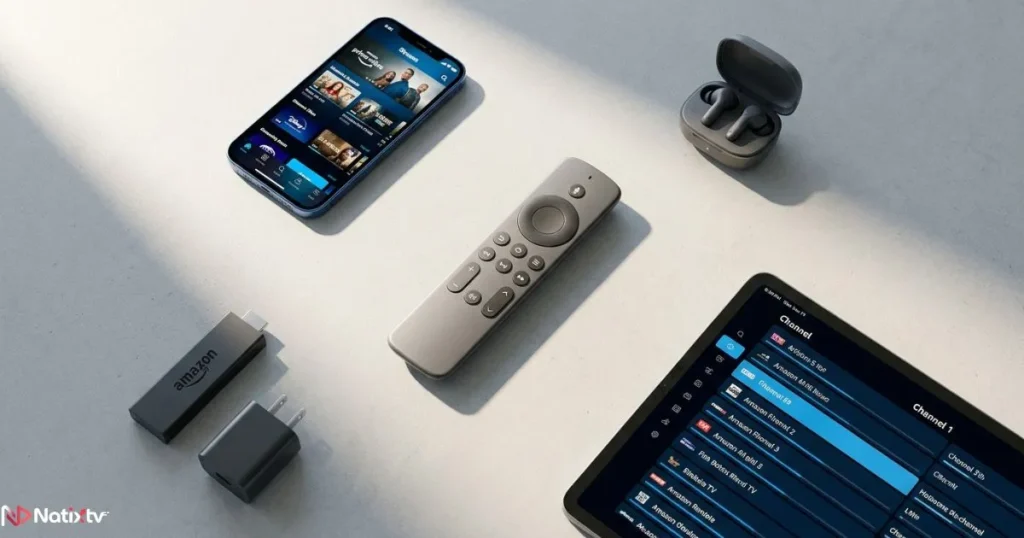
One of the biggest advantages of IPTV is how many devices it supports. You are not locked into one screen:
- Smart TVs: Samsung, LG, Android TV, Sony
- Smartphones and tablets: iOS and Android
- Streaming sticks: Amazon Firestick, Chromecast, Roku
- Set-top boxes: MAG Box, Formuler Z series
- Computers: Windows PC, Mac (via browser or desktop app)
IPTV Guide: Step-by-Step IPTV Installation Tutorial
- Choose a provider: Sign up with a trusted service. NatixTV offers a free trial of 24 to 48 hours so you can test everything before committing.
- Get your credentials: After subscribing, you receive either an M3U URL or Xtream Codes (username, password, and server URL).
- Download your IPTV app: Pick the right app for your device (see the section below for recommendations).
- Enter your details: Open the app, select “Add Playlist” or “Add Account,” and paste your M3U URL or enter your Xtream Codes.
- Load your channels: The app fetches your channel list and EPG automatically. This takes between 30 seconds and 2 minutes depending on the list size.
- Start streaming: Browse your channels, open the EPG, explore your VOD library, and enjoy.
If you want to understand how Xtream Codes work in more detail and get the most out of that connection method, check out this in-depth guide to Xtream Codes and smarter IPTV streaming on NatixTV.
IPTV Apps Guide: Which App Should You Use?
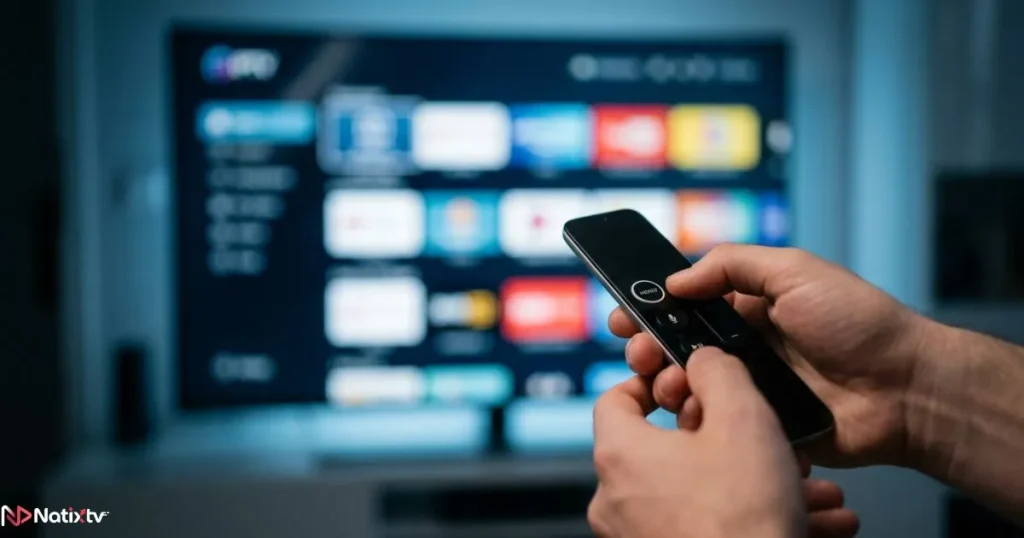
Your IPTV app is your remote control, your channel guide, and your screen — all in one. The right app makes a huge difference in daily usability. This section of the iptv guide walks you through the top picks for every platform.
Best IPTV Apps by Device
| App | Best For | Price | Key Features |
|---|---|---|---|
| TiviMate | Android TV, Firestick | Free / Premium ($5.99/year) | EPG, multi-screen, polished UI, catch-up |
| IPTV Smarters Pro | All platforms | Free | Easy setup, VOD support, Xtream compatible |
| GSE Smart IPTV | iOS, Android | Free (in-app purchases) | M3U and Xtream support, customizable layout |
| VLC Media Player | PC, Mac | Free | Lightweight, universal codec support |
| Perfect Player | Android, Firestick | Free | EPG support, clean interface, low resource use |
How to Pick the Right App for You
- If you are on a Firestick or Android TV box, start with TiviMate. The interface is the closest thing to a premium cable TV experience.
- If you value simplicity and cross-device use, IPTV Smarters Pro is a solid all-rounder.
- If you are on an iPhone or iPad, go with GSE Smart IPTV for its flexibility.
- If you are streaming from a laptop, VLC is free, reliable, and requires zero configuration beyond pasting your M3U link.
How to Use IPTV Like a Pro: Streaming Tips That Actually Work
Once your subscription is active and your app is set up, the real goal is a smooth, buffer-free experience every time you hit play. This part of the iptv guide shares the practical tips that make a real difference.
Optimize Your Internet Connection
- Use a wired Ethernet connection whenever possible. Wi-Fi introduces latency and packet loss that cause buffering.
- If Wi-Fi is your only option, position your router as close to your streaming device as possible and avoid interference from microwaves or thick walls.
- Close background apps and downloads on other devices while streaming in 4K or HD.
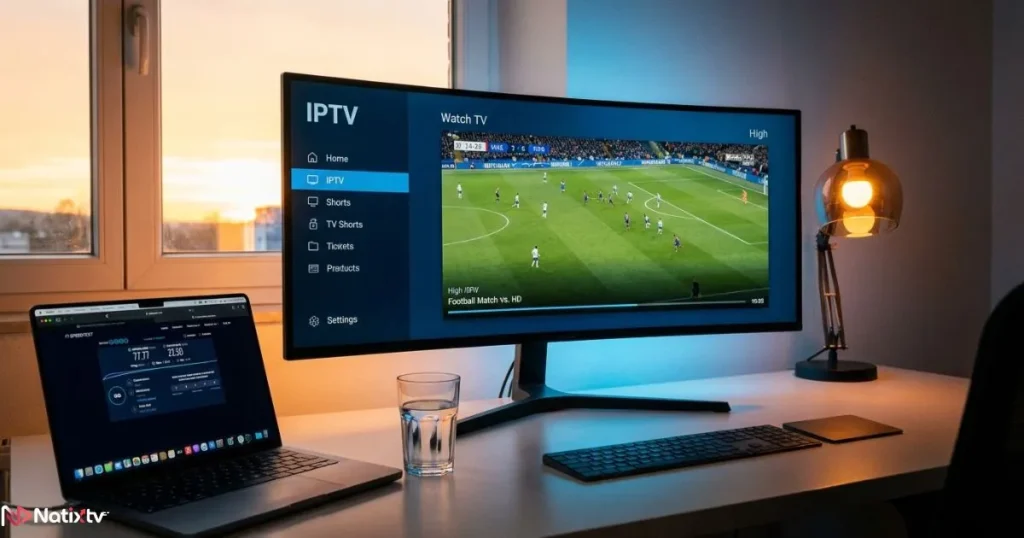
- Test your speed at Speedtest.net before troubleshooting your IPTV connection.
Fix the Most Common IPTV Problems
Even the best setup occasionally runs into a hiccup. Here is what to do when something goes wrong:
- Buffering or freezing: Lower the stream quality in your app settings, restart your router, or switch from Wi-Fi to Ethernet.
- Channels not loading: Double-check that your M3U URL or Xtream Codes are entered correctly. Verify your subscription is still active.
- EPG not showing: Go into app settings and manually refresh the guide data. Make sure the EPG URL is correctly configured.
- App crashing: Clear the app cache, update to the latest version, or reinstall from scratch.
Pro Tips for a Better Daily Experience
- Organize your favorite channels into custom playlists or groups sorted by genre, language, or sport.
- Enable hardware decoding in your app settings for smoother 4K playback on supported devices.
- Set up parental controls if children use the same device.
- Keep your app and device firmware up to date to avoid compatibility issues.
- Use a VPN only if your provider recommends it — it can sometimes reduce streaming speed rather than improve it.
Is IPTV Legal and Safe to Use?
This is one of the most common questions in any iptv guide, and it deserves a straight answer. IPTV itself is completely legal technology. The legality depends entirely on the provider you choose and the content they distribute.
- Legal IPTV services are licensed to redistribute the channels and content they offer. They operate transparently, with verifiable contact information, secure payment processing, and real customer support.
- Unlicensed services stream content without authorization. Using them puts you at legal risk and usually means poor quality, frequent downtime, and zero support when something breaks.
When choosing a provider, look for a free trial (so you can test before you pay), clear pricing, responsive support, and a track record of reliability. If you want guidance on choosing safely, this article on how to subscribe to IPTV safely and avoid common pitfalls is an excellent next read.
Why NatixTV Is the Smartest Choice for Your IPTV Subscription
NatixTV is built with beginners in mind while delivering the performance that experienced streamers demand. As a best iptv provider, it checks every box this iptv guide highlights as essential:
- Thousands of live channels covering sports, news, entertainment, and international content
- A rich VOD library with movies and series updated regularly
- Full compatibility with all major apps: TiviMate, Smarters Pro, GSE, VLC, and more
- Support for M3U playlists and Xtream Codes
- Multi-device access so your whole household can stream
- Free trial of 24 to 48 hours with no commitment required
- Stable, high-uptime servers for a buffer-free experience
Starting your free trial takes less than two minutes. No credit card surprises, no hidden fees — just a clean, honest streaming experience you can evaluate before spending a cent.
Frequently Asked Questions About IPTV Guide
What is an iptv guide and who is it designed for?
An iptv guide is a structured walkthrough that explains how to understand, set up, and get the most out of an IPTV service. It is designed for anyone making the switch from traditional cable, or anyone who wants to improve their current IPTV experience. No technical background is required.
In this IPTV guide, how long does the IPTV setup process take for beginners?
Most beginners complete the full setup in under ten minutes. You need your subscription credentials, a compatible app, and a stable internet connection. The step-by-step installation tutorial above covers the entire process.
Which IPTV app is the easiest to use?
IPTV Smarters Pro is widely considered the most beginner-friendly app because it guides you through the setup with a simple form where you enter your Xtream Codes or M3U URL. TiviMate is the top choice for those who want the most polished experience on Firestick and Android TV.
Why does my IPTV buffer even with fast internet?
Buffering is often caused by Wi-Fi signal inconsistency rather than your overall internet speed. Switch to a wired Ethernet connection if possible. If buffering persists, lower your stream quality in the app settings or contact your provider to check server-side performance.
Can I try NatixTV before buying a subscription?
Yes. NatixTV offers a free trial lasting between 24 and 48 hours. You can test the channel quality, app compatibility, and streaming performance on your actual devices before committing to any plan.
Do I need a VPN to use IPTV in this IPTV guide?
Not necessarily. A VPN is not required for legal IPTV services. It can add a layer of privacy, but it may also reduce streaming speed. Start without one and only add a VPN if you have a specific reason to do so.
Ready to Start Streaming? Here Is Your Next Step
You now have everything you need to make a confident start with IPTV. From understanding how the technology works, to picking the right app, optimizing your connection, and troubleshooting common issues — this iptv guide has covered it all. The barrier to entry is lower than ever, and the viewing experience has never been better.
The smartest move you can make right now is to test the service for yourself. Visit best iptv provider NatixTV, claim your free 24 to 48 hour trial, and see firsthand why thousands of viewers have already made the switch. No commitment, no risk — just better TV starting today.