There is a moment every cord-cutter knows well. You have finally cancelled your cable subscription, you have found a solid IPTV plan, and you are ready to enjoy your favorite channels on your own terms. Then you open a poorly designed app, the stream stutters, the guide is broken, and the whole experience falls apart before it even begins. As a trusted Iptv Provider, we have seen this happen far too often, and it is entirely avoidable.
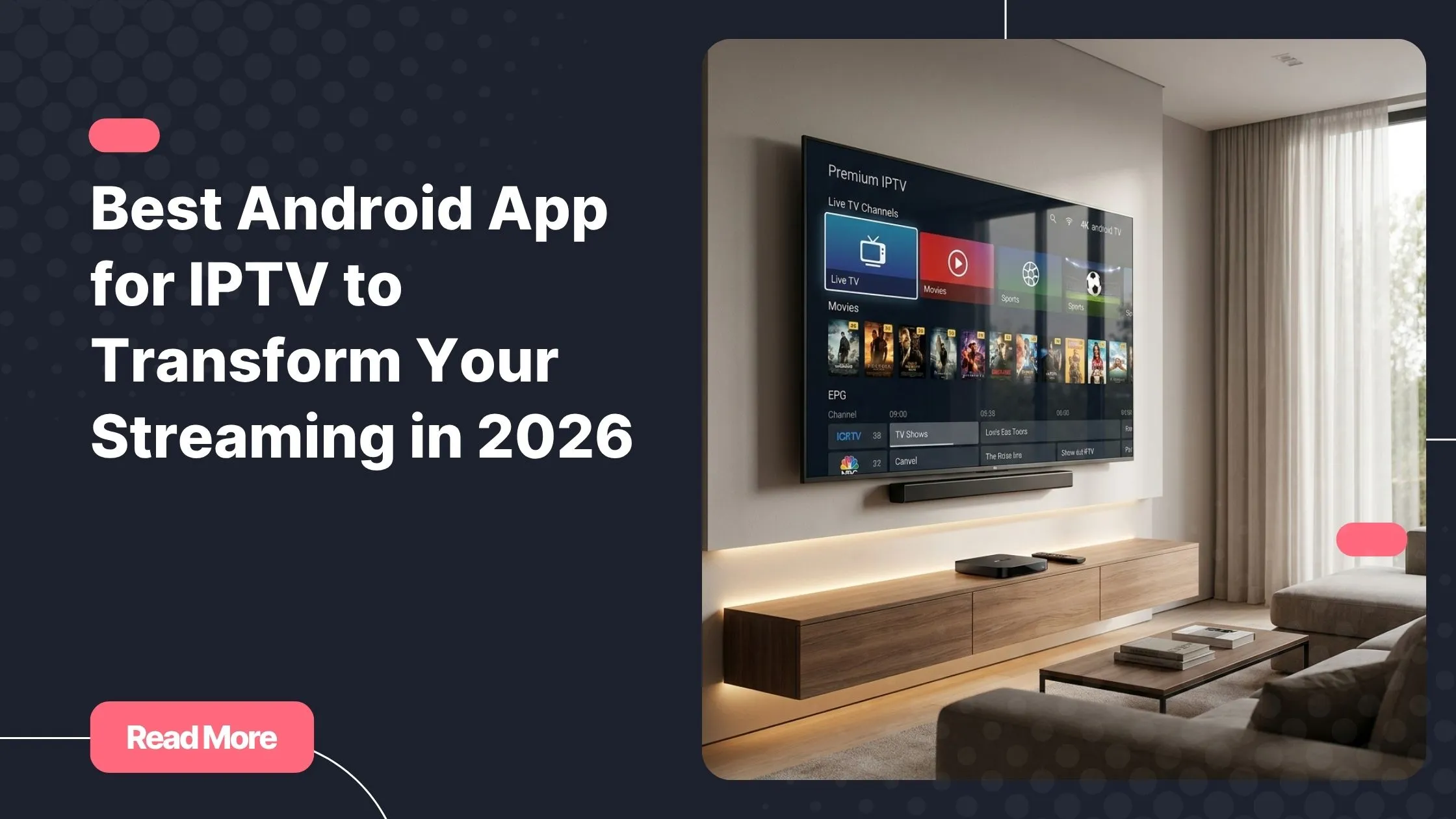
The truth is, your streaming quality depends on two things: a reliable subscription and the right player. Even the most stable IPTV feed will feel sluggish inside a poorly coded app. That is why finding the best Android app for IPTV is just as important as choosing your provider. With dozens of options flooding the market in 2026, the decision can feel overwhelming.
This guide cuts through the noise. Whether you are setting up a new Android TV box, upgrading your streaming setup, or simply tired of buffering wheels, you will find everything you need here to make a confident, informed choice.
Table of Contents
Why Your IPTV App for Android Matters More Than You Think
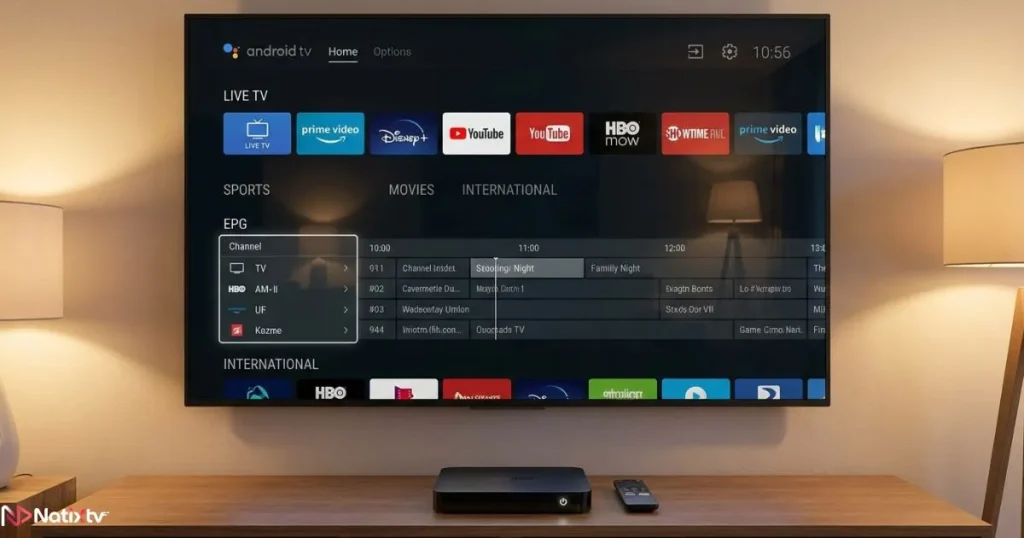
Most people spend a lot of time researching IPTV subscriptions, comparing channel counts and pricing tiers. Far fewer stop to think about the app sitting between that subscription and their screen. Yet the Android IPTV player you choose shapes every single minute of your viewing experience.
A strong app handles codec decoding efficiently, renders your Electronic Program Guide (EPG) smoothly, reconnects quickly after a dropped signal, and gives you a layout that feels natural to navigate. A weak app turns all of that into a chore.
Android remains the most flexible platform for IPTV in 2026. Its open ecosystem means you can install virtually any player, adjust settings freely, and connect any subscription format. That freedom is powerful, but it also means the responsibility of choosing well falls entirely on you.
If you want to understand what separates an average service from a great one beyond the app level, this breakdown of key features that define a quality IPTV service in 2026 is worth reading before you commit to any provider.
Key Features to Look for in the Best Android App for IPTV
Before diving into specific apps, it helps to know what to look for. Not every IPTV streaming app is built the same way, and understanding the core features will help you evaluate each option with a clear head.
M3U and Xtream Codes Compatibility
These are the two most common connection formats used by IPTV providers. M3U is a playlist-based format, while Xtream Codes uses an API login with a username, password, and server URL. Any serious IPTV subscription app must support both. Without this, you may not be able to connect your subscription at all.
Electronic Program Guide (EPG) Support
A proper EPG transforms your app from a plain channel list into something that feels like real television.
Look for apps that support XMLTV format, offer multi-day scheduling, and display now-and-next information clearly. A missing or broken EPG is one of the most common complaints among IPTV users.
Video Quality and Codec Handling
Your app needs to handle modern video codecs efficiently. In 2026, that means solid support for H.264, H.265 (HEVC), and ideally AV1 for 4K content.
Hardware decoding should be available to offload processing from your CPU and reduce buffering. Always check whether the app allows you to switch between hardware and software decoding in settings.
User Interface and Navigation
This matters more than people expect.
A clean, fast UI with good search functionality, customizable favorites, and a multi-panel layout (channel list alongside the live player) makes daily use far more enjoyable. Picture-in-picture (PiP) support is also a bonus for multitasking.
Parental Controls and Profile Management
If you share your device with children or other family members, PIN-locked content categories and profile management become essential. The best Android app for IPTV in a family home needs this built in natively.
Top Android IPTV Players Reviewed for 2026
Here are the strongest contenders this year. Each has a different strength, and the right choice depends on your device, your habits, and your expectations.
TiviMate IPTV Player
TiviMate is consistently rated as the best Android app for IPTV among experienced users, and for good reason. Its EPG grid is the most polished in the category, catch-up TV works reliably, and the interface feels genuinely premium.
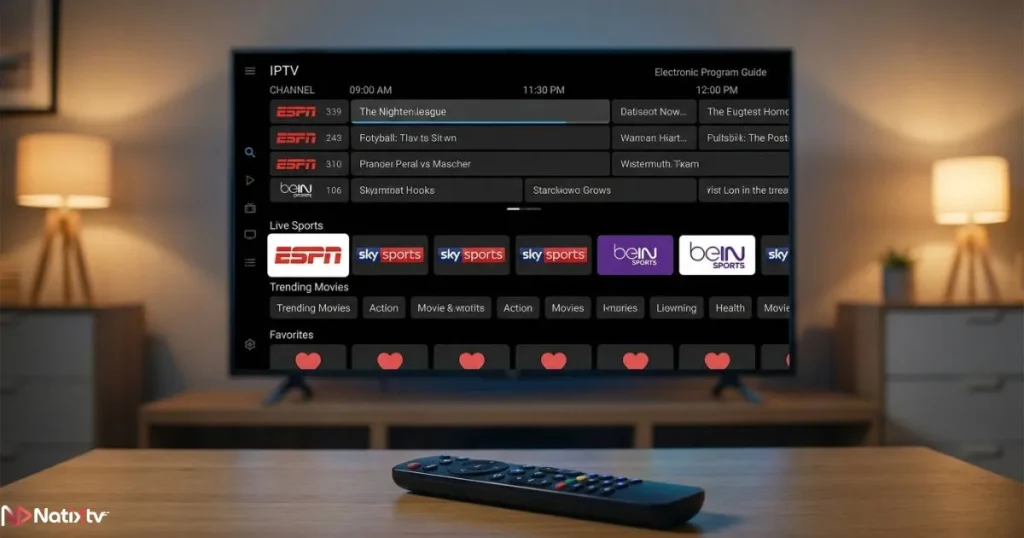
It supports multiple playlists, channel recording (with premium), and delivers an experience that rivals traditional pay-TV interfaces.
TiviMate is ideal for Android TV boxes. The free version is functional, but the premium tier (roughly $4.99 per year) unlocks recording, multiple profiles, and advanced customization.
If you want the best Android app for IPTV and you are willing to pay a small annual fee, TiviMate is the answer.
IPTV Smarters Pro
IPTV Smarters Pro takes a different visual approach, closer to a VOD streaming service layout.
It supports both M3U and Xtream Codes, handles series and movies alongside live TV, and includes parental controls out of the box. It is available on Google Play and works well on both smartphones and tablets.
It is not quite as visually refined as TiviMate, and occasional UI inconsistencies appear in some builds.
But as a free IPTV streaming app with strong feature coverage, IPTV Smarters Pro is one of the most widely used options globally, and for many users it hits the sweet spot between simplicity and power.
GSE Smart IPTV
GSE Smart IPTV is built for users who want maximum control.
It supports multiple playlist formats, allows you to assign external players like VLC or MX Player, and gives you fine-grained buffer control. If you enjoy digging into settings and optimizing your experience manually, GSE Smart IPTV rewards that patience.
The interface is less polished than TiviMate, but the flexibility is unmatched. A free version exists, with a paid upgrade removing limitations.
Kodi with PVR IPTV Simple Client
Kodi is an open-source media powerhouse.
With the PVR IPTV Simple Client add-on, it becomes a capable Android IPTV player with DVR support, a full EPG, and an enormous add-on ecosystem. It works across platforms and is completely free.
The trade-off is complexity. Setting up Kodi for IPTV is not a quick process.
For tech-savvy users who want a fully customizable media center, it is excellent. For everyone else, one of the dedicated apps above will be a better experience.
OTT Navigator IPTV
OTT Navigator has gained significant traction as a modern alternative to TiviMate.
It offers a beautiful interface, advanced filtering, multilingual EPG support, and smooth channel switching. It supports both M3U and Xtream Codes and works well on Android TV devices.
If you are looking for the best Android app for IPTV with a contemporary design and you find TiviMate’s premium price unnecessary, OTT Navigator is an excellent free alternative worth serious consideration.
Televizo IPTV Player
Televizo is lightweight, fast, and easy to set up.
It is not loaded with advanced features, but it handles the basics with impressive reliability. On older Android devices or for casual viewers who just want to watch without configuration headaches, Televizo delivers a clean, frustration-free experience.
Comparison Table: Best IPTV Apps for Android at a Glance
The following comparison table provides a quick overview of the leading IPTV applications available for Android users in 2026.
| App | M3U Support | Xtream Codes | Full EPG | Catch-Up TV | Price | Best For |
|---|---|---|---|---|---|---|
| TiviMate IPTV | Yes | Yes | Yes | Yes | Free / ~$4.99 per year | Power users, Android TV boxes |
| IPTV Smarters Pro | Yes | Yes | Yes | Yes | Free + in-app purchases | General users, smartphones |
| GSE Smart IPTV | Yes | Yes | Yes | No | Free / Paid upgrade | Tech-savvy users |
| Kodi + PVR Add-on | Yes | Via plugin | Yes | Yes | Free | Customization enthusiasts |
| OTT Navigator | Yes | Yes | Yes | Yes | Free / Paid upgrade | Modern UI seekers |
| Televizo | Yes | Yes | Basic | No | Free / Paid upgrade | Casual and lightweight use |
All six apps listed above are fully compatible with Natixtv subscription credentials using either M3U or Xtream Codes login format.
How to Set Up Your IPTV App on Android Step by Step
Getting started is simpler than most people expect. Here is how to connect TiviMate IPTV, the most popular choice among serious users.
Setting Up TiviMate IPTV
Follow these steps to connect your IPTV subscription and start streaming.
- Download TiviMate from the Google Play Store or sideload the APK on your device.
- Open the app and tap “Add Playlist” on the welcome screen.
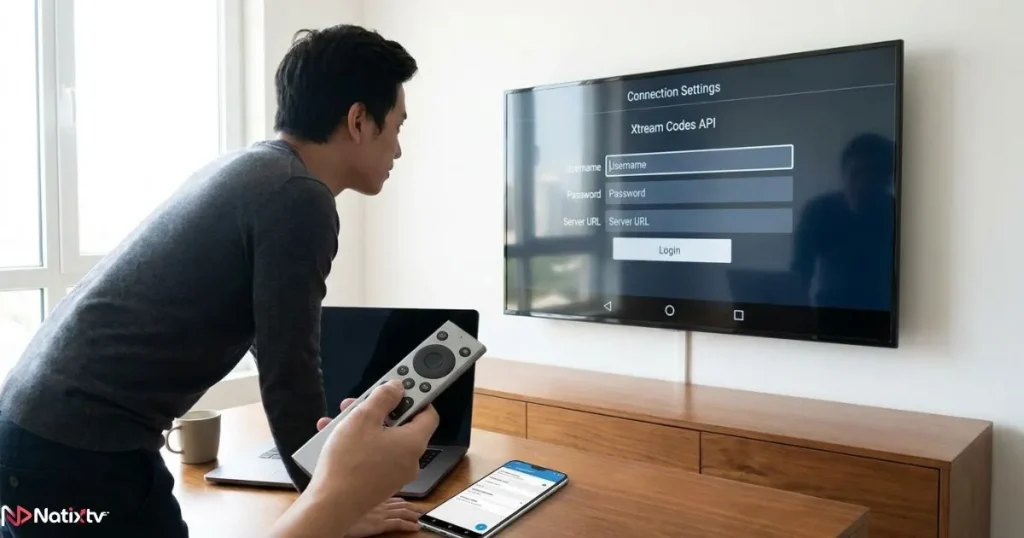
- Choose your connection type: M3U URL or Xtream Codes API.
- Enter your Natixtv credentials (server URL, username, and password).
- Wait for the playlist and EPG to load, then customize your channel categories and layout.
Setting Up IPTV Smarters Pro
The setup process is equally straightforward with IPTV Smarters Pro.
- Download IPTV Smarters Pro from Google Play.
- Select “Login with Xtream Codes API” from the main screen.
- Enter your provider details and confirm the connection.
- Browse live TV, VOD, and series sections directly from the home dashboard.
Tips for Optimal Streaming Performance
To get the best possible experience from your IPTV app, keep the following recommendations in mind.
- Use a wired Ethernet connection rather than Wi-Fi whenever possible.
- Aim for at least 25 Mbps for HD content and 50 Mbps for 4K streams.
- Enable hardware decoding in your player settings to reduce CPU load.
- Restart your playlist weekly to avoid stale token errors from your provider.
- Clear app cache if you experience sudden slowdowns after extended use.
For a broader look at how leading services compare across features like stability, channel variety, and device support, this overview of the top-rated IPTV providers for streaming in 2026 gives you a clear picture of the current landscape.
Common Mistakes to Avoid When Choosing an IPTV Streaming App
Even with good intentions, it is easy to make choices that lead to a poor experience. Here are the most common pitfalls to sidestep:
- Downloading an app without confirming it supports your provider’s connection format (M3U or Xtream Codes).
- Ignoring EPG support and settling for a plain channel list that makes browsing exhausting.
- Skipping hardware decoding configuration, which leads to unnecessary buffering on capable devices.
- Using an outdated APK version that may have security vulnerabilities or broken features.
- Not testing the app alongside your subscription before committing. A 24 to 48 hour free trial from a provider like Natixtv lets you verify that everything works together before you spend a penny.
- Overlooking multi-device support if you plan to stream on both a TV box and a smartphone.
According to Digital Trends, one of the most underrated factors in IPTV satisfaction is codec compatibility. Choosing the best Android app for IPTV means prioritizing technical depth, not just visual appeal.
Natixtv: The Subscription Built to Work With Every Top Android IPTV Player
Finding the best Android app for IPTV is only half the equation. Without a stable, well-structured subscription behind it, even TiviMate will underperform.
That is where Iptv Provider Natixtv makes a real difference.
Natixtv delivers a premium IPTV subscription fully compatible with every app covered in this guide. Whether you prefer TiviMate IPTV, IPTV Smarters Pro, OTT Navigator, or any other player, your Natixtv credentials connect instantly via M3U or Xtream Codes API. No complicated workarounds. No format mismatches.
Here is what you get with a Natixtv subscription:
- Thousands of live channels across sports, news, entertainment, and international content.
- Full VOD library with movies and series updated regularly.
- EPG data compatible with all major Android IPTV players.
- Catch-up TV support on supported channels.
- Multi-device compatibility: Android phones, Android TV boxes, Firestick, Smart TVs, MAG boxes, and more.
- A free trial period of 24 to 48 hours so you can test everything risk-free before subscribing.
- 24/7 customer support to guide you through setup if needed.
The free trial is especially valuable when you are testing a new app and subscription together. You can verify stream stability, EPG accuracy, and codec performance before committing to a plan.
FAQ: Best Android App for IPTV
What is the best Android app for IPTV in 2026?
TiviMate IPTV is the most consistently praised option, especially for Android TV box users. Its EPG grid, catch-up TV support, and overall polish make it stand out. IPTV Smarters Pro is the strongest free alternative for smartphone users who want a feature-rich experience without paying for the app itself.
Is TiviMate worth paying for compared to free options?
At roughly $4.99 per year, TiviMate Premium is one of the best value purchases in the streaming world. The free tier is already functional, but premium unlocks recording, multiple playlists, and advanced profile management. If you watch IPTV daily, the upgrade pays for itself within days.
Can I use the same IPTV app on my phone and my Android TV box?
Most apps, including TiviMate, IPTV Smarters Pro, and OTT Navigator, are compatible with both smartphones and Android TV devices. Some apps require a separate license per device, so check the terms before installing across multiple screens.
Do I need a specific subscription format to use these apps?
You need a subscription that provides either an M3U playlist URL or Xtream Codes credentials (server URL, username, and password). Natixtv supports both formats, which means it is compatible with every app reviewed in this guide, including TiviMate IPTV and IPTV Smarters Pro.
How much internet speed do I need for smooth IPTV streaming on Android?
A stable 10 Mbps connection is the minimum for standard definition and basic HD content. For Full HD, target 25 Mbps. If you stream in 4K or have multiple devices running simultaneously, 50 Mbps or more is the recommended baseline.
How do I know if an app is safe to download?
Stick to apps available on the Google Play Store or well-documented APK sources with verified reviews. Avoid apps requesting excessive permissions unrelated to media playback. Pairing any player with a legitimate IPTV subscription app from a trusted provider like Natixtv also ensures you are operating within a secure and reliable ecosystem.
Your Next Step Toward a Better Streaming Experience
You now have everything you need to stop guessing and start watching. The best Android app for IPTV is not a single universal answer: it depends on your device, your preferences, and how deeply you want to customize your setup.
But the shortlist is clear. TiviMate IPTV leads for Android TV box users who want a premium feel. IPTV Smarters Pro serves those who want a free, accessible entry point. OTT Navigator sits comfortably in between for anyone who values modern design without a subscription cost.
What unites all of them is the need for a reliable subscription behind the scenes. Test your chosen app alongside a Natixtv plan during the free 24 to 48 hour trial period, confirm that everything runs smoothly, and then commit with confidence.
There is no reason to settle for a frustrating streaming experience when the right tools are this accessible.
Visit your trusted Iptv Provider at Natixtv today, claim your free trial, and experience what IPTV on Android is supposed to feel like.