Think back to the last time you sat down to watch something and hit a wall: the show you wanted wasn’t available in your region, your cable package didn’t include the sports channel you needed, or the streaming app you tried just kept buffering. That frustration is more common than you might think, and it often comes down to one thing most people never examine closely: the quality of the iptv lists behind the service they’re using. best iptv service providers know that the list is the backbone of your entire viewing experience. Get it right, and everything flows. Get it wrong, and no app or device in the world will save you.
Understanding how iptv lists work isn’t just for tech enthusiasts. It’s the single most useful thing you can learn before paying for any IPTV subscription. Once you know what you’re looking at, the difference between a reliable service and a frustrating one becomes obvious within minutes.
This guide walks you through exactly how these lists are structured, what formats you’ll encounter, and most importantly, how to choose one that actually delivers. Whether you’re brand new to IPTV streaming or looking to upgrade from a disappointing provider, you’ll find practical answers here.
Table of Contents
What Is an IPTV List and Why Does It Matter?
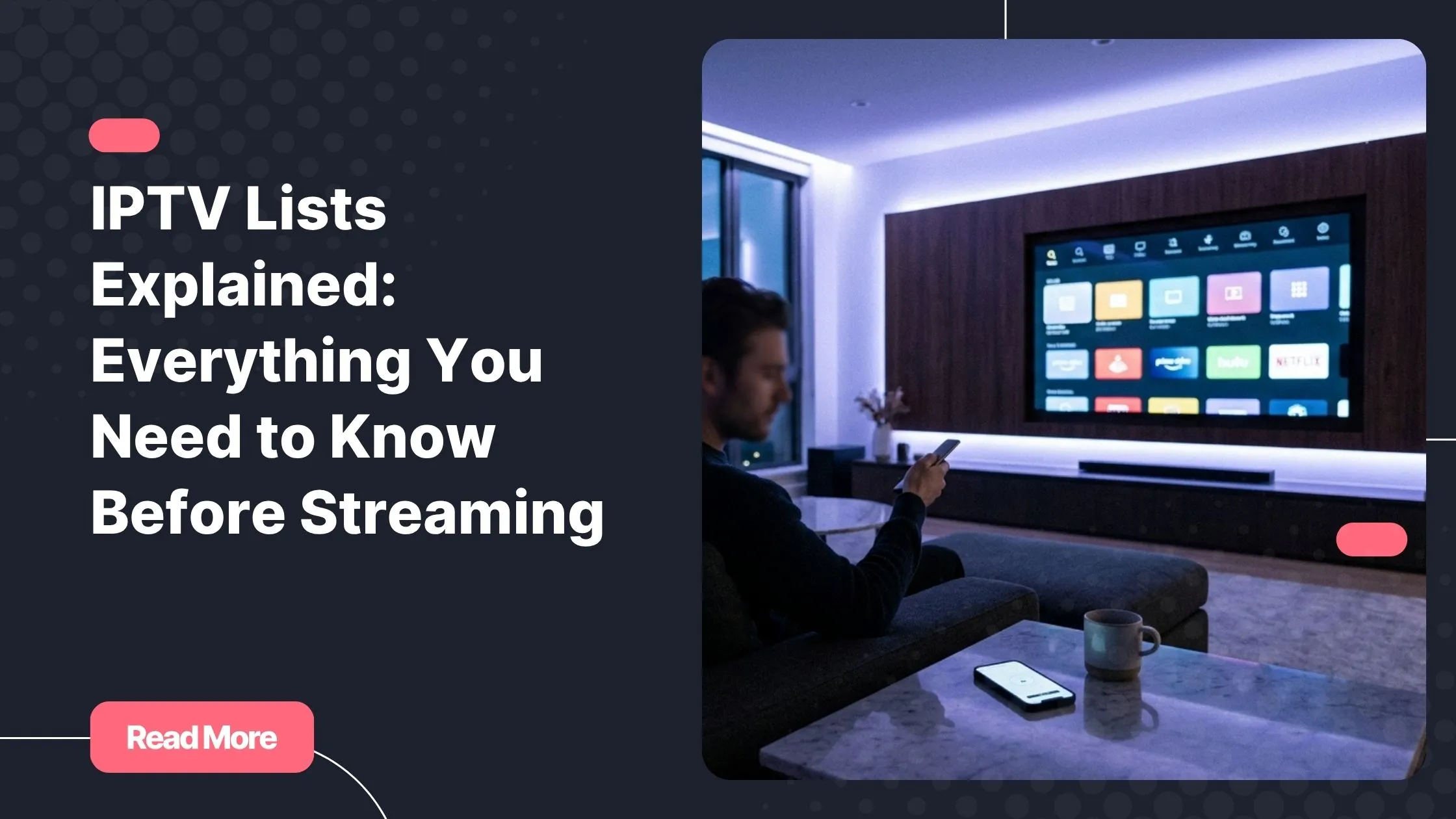
An IPTV list is a structured file that connects channel names to the live stream URLs that deliver their content. Think of it as a directory: every entry tells your player what to call a channel, where to find it, and how to categorize it. Without a valid, well-maintained list, even the most polished IPTV app on the market has nothing to show you.
This is a distinction that trips up many new users. The app you install on your TV or phone is just the player. The iptv lists are the content layer. A poor-quality list means dead channels, broken streams, and constant buffering, regardless of how good your app or your internet connection happens to be.
A quality IPTV list typically provides you with:
- Live IPTV channels across categories like sports, news, entertainment, and regional content
- Video on demand (VOD) libraries with movies and series
- Catch-up functionality so you can watch shows you missed
- Organized channel groups for easier navigation
- Regularly updated stream URLs that stay active over time
The Two Main Formats: M3U and Xtream Codes
When you look at any IPTV subscription or free list online, you’ll almost always encounter one of two formats. Knowing the difference helps you choose the right setup for your needs.
An M3U playlist is a plain-text file with a standardized structure. You import it into your app via a URL or a downloaded file. It’s universally supported, easy to share, and works across virtually every platform. The downside is that the stream URLs are visible inside the file, which makes it easier for lists to be copied or misused.
Xtream Codes is a login-based system. Instead of a file, you get three pieces of information: a server URL, a username, and a password. Your app connects to the provider’s server directly, and the channel list loads dynamically. This approach is more secure, updates in real time, and is the preferred method for serious long-term IPTV use.
| Feature | M3U Playlist | Xtream Codes |
|---|---|---|
| Format | .m3u / .m3u8 text file | API login (URL + username + password) |
| Portability | High – easy to share or download | Medium – tied to account credentials |
| Auto-updates | Requires manual refresh | Real-time, server-side |
| Compatibility | Near-universal across all apps | Supported by most smart IPTV apps |
| Security | Low – URL is exposed in the file | Higher – account-based access control |
| Best for | Testing, quick setups, flexibility | Long-term IPTV subscription use |
What’s Inside an M3U File?
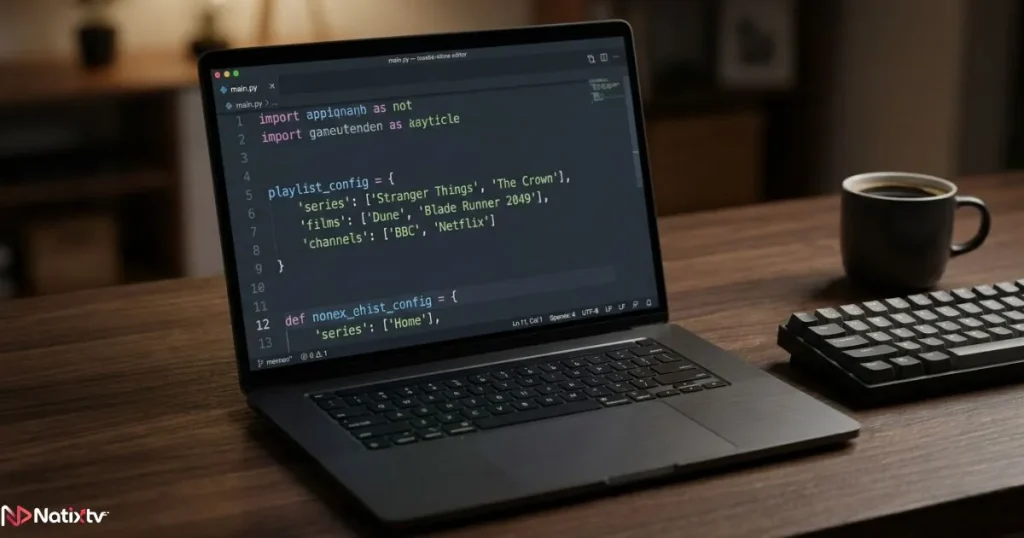
If you’ve ever opened an M3U playlist in a text editor, it can look confusing at first glance. But the structure is actually very logical. Every file starts with a header line (#EXTM3U), followed by pairs of lines: one containing the channel metadata, and one containing the actual stream URL.
The metadata line carries several useful fields:
- tvg-name: the display name of the channel
- tvg-logo: a URL pointing to the channel’s logo image
- group-title: the category the channel belongs to (e.g., Sports, News, Movies)
A well-organized M3U playlist makes navigation inside your app far more intuitive. When channels are properly grouped and labeled, browsing through hundreds of IPTV channels feels natural rather than overwhelming.
How IPTV Streaming Actually Works
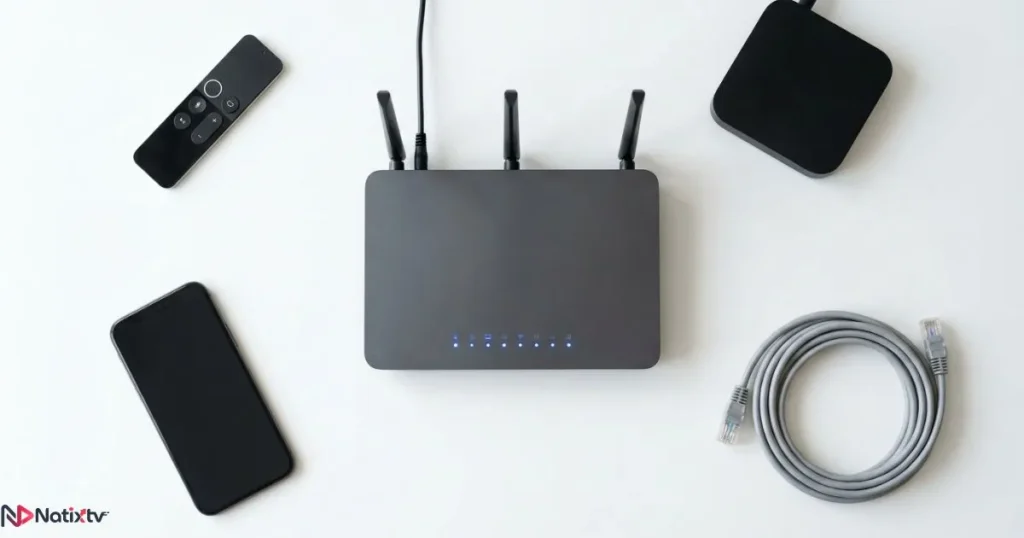
Traditional TV delivers content through satellite signals or cable infrastructure. IPTV streaming works differently: your content travels over the internet, delivered from a server directly to your device in real time. The IPTV list is the map that tells your app where to find each stream.
Here’s the basic flow every time you press play on a channel:
- Your IPTV provider hosts live channel feeds on dedicated servers
- Your IPTV list maps each channel to its corresponding stream URL on those servers
- Your app reads the list and sends a request to the stream URL
- The server responds by sending the video data over your internet connection
- Your app decodes and plays the content on your screen in real time
For this to work smoothly, you need a stable internet connection. As a general guide, SD content requires around 4 Mbps, HD needs at least 10 Mbps, and 4K streams demand 25 Mbps or more. According to Ookla’s Global Index, average fixed broadband speeds in most developed markets now exceed 100 Mbps, meaning the connection itself rarely causes issues. The bottleneck is almost always the quality of the IPTV service’s servers.
Common Streaming Issues and What Causes Them
If you’ve experienced frustrating playback issues with IPTV, the problem almost always traces back to the list or the infrastructure behind it, not your device or app.
- Buffering: Usually caused by overloaded provider servers or a list pointing to streams with insufficient bandwidth allocation
- Channel freezing: Often a sign the stream URL in the list is under heavy load or has become unstable
- Missing channels: Indicates the IPTV list hasn’t been updated and contains dead or expired URLs
- Black screens: Can result from codec mismatches, geo-restrictions, or a stream URL that’s no longer active
Tip: A well-maintained IPTV service doesn’t just give you a list and walk away. It actively monitors stream health, replaces dead URLs, and uses redundant servers to prevent single points of failure. The list format matters, but the infrastructure behind it matters more.
How to Choose the Right IPTV List
This is where most people make costly mistakes. Not all iptv lists are created equal, and choosing the wrong one means paying for a service that underdelivers from day one. Here’s the framework you should apply before committing to any IPTV subscription.
Run through this checklist when evaluating any provider:
- Content coverage: Does the list include your must-have channels, including sports, regional, and international content?
- Stream stability: Does the provider mention uptime guarantees or maintain redundant servers?
- Update frequency: How often are broken or dead stream URLs replaced?
- Simultaneous connections: Can multiple devices in your household stream at the same time?
- VOD and catch-up: Is on-demand content included alongside the live channel lineup?
- Trial period: Can you test the service before paying for a full month?
- Customer support: Is there a real support team available when something goes wrong?
If you’re looking for a reliable IPTV option in the US market, it’s worth taking the time to compare providers specifically on server quality and list maintenance frequency, not just channel count claims.
Free vs. Paid IPTV Lists: The Real Trade-Off
Free iptv lists are widely available online. At first glance, they seem like an obvious win. In practice, they rarely deliver a usable experience. Most free lists are compiled from public sources, never maintained, and filled with streams that stopped working weeks or months ago.
Beyond the reliability issue, there’s a real security concern worth taking seriously. Free lists like these often contain URLs hosted on unvetted servers. You have no visibility into what those servers are doing with your connection data.
| Criteria | Free Lists | Paid IPTV Subscription |
|---|---|---|
| Reliability | Low – frequent dead streams | High – actively maintained |
| Channel count | Variable, often incomplete | Comprehensive and curated |
| Security | Risk of unvetted URLs | Vetted, account-based access |
| Support | None | Dedicated customer service |
| Trial available | Not applicable | Often yes (e.g., 24-48 hour free trial) |
The hidden cost of free iptv lists is your time. Hours spent troubleshooting broken channels and searching for working alternatives add up fast. A low-cost paid subscription with a properly maintained channel catalog and real support will almost always prove the better investment.
Device Compatibility: Does Your List Work Everywhere?
One of the great advantages of IPTV over traditional TV is device flexibility. A good IPTV service should work across your entire ecosystem without forcing you to buy new hardware. Both M3U and Xtream Codes formats are supported by all major smart IPTV apps, including TiviMate, IPTV Smarters Pro, GSE Smart IPTV, and Perfect Player.
| Device | M3U Support | Xtream Codes Support |
|---|---|---|
| Smart TV (Samsung | LG) | Yes | Yes |
| Amazon Fire Stick | Yes | Yes |
| Android TV / Box | Yes | Yes |
| iPhone / iPad (iOS) | Yes | Yes |
| Windows / Mac | Yes | Yes |
| MAG Box | Yes | Limited |
| Apple TV | Yes (via apps) | Yes (via apps) |
| Roku | Yes (via apps) | Yes (via apps) |
If you use Roku devices specifically, it’s worth reading up on the best IPTV apps available for Roku to make sure your chosen provider’s list format is fully compatible with your setup before you subscribe.
How to Load Your IPTV List on the Most Popular Apps
Once you have your list, getting it into your player takes just a few steps. The exact process varies slightly by app, but the two most common methods are nearly identical across platforms.
Loading an M3U Playlist
Most apps follow the same basic path for M3U import:
- Open your IPTV app and navigate to the playlist or provider section
- Select “Add Playlist” or “Add Provider”
- Choose the “M3U URL” option
- Paste the URL provided by your IPTV service
- Give your list a name and confirm
- Wait for the app to scan and load all channels
Connecting via Xtream Codes
For Xtream Codes, the process uses your account credentials:
- Open your app and go to the “Add Account” or “Add Provider” section
- Select “Xtream Codes API” as the connection type
- Enter your server URL, username, and password exactly as provided
- Confirm, and your channel list will load automatically from the server
The advantage of Xtream Codes here is clear: your list stays current without any manual refreshing. If your provider adds new channels or removes broken ones, your app reflects that automatically the next time it syncs.
Red Flags: Signs of a Low-Quality IPTV List
Knowing what to avoid saves you just as much frustration as knowing what to look for. Before paying for any IPTV service, watch for these warning signs in their offering or communications.
- No trial period offered – a provider that won’t let you test the service before paying likely knows it won’t pass the test
- Channels are listed but streams are constantly down or buffering
- No accessible customer support channel: no ticket system, no live chat, no response to emails
- M3U URLs that haven’t been refreshed in weeks
- A single-server setup with no mention of redundancy or failover
- Vague claims about channel count with no verifiable list or preview available
- No mention of multi-connection support for households with multiple devices
If a provider ticks more than one of these boxes, move on. The IPTV market has enough quality options that you should never have to settle for unreliable iptv lists.
Why Natixtv Delivers a Premium IPTV Experience
Editorial note for Natixtv: this section highlights the Natixtv service naturally within the article’s flow.
If you’ve read this far, you now know exactly what separates a great IPTV experience from a frustrating one. The question becomes: where do you find a provider that checks every box?
Natixtv, recognized as one of the best iptv service options available today, is built around the principles this article covers. Their iptv lists are maintained continuously, with broken streams replaced proactively and channel lineups updated regularly. Both M3U playlist and Xtream Codes connection methods are fully supported, giving you flexibility regardless of which app or device you prefer.
Natixtv’s subscription works across a wide range of devices, including:
- Smart TVs (Samsung, LG, and others)
- Amazon Fire Stick and Android TV boxes
- iOS and Android smartphones and tablets
- MAG boxes, Roku, Apple TV, and Windows or Mac computers
Perhaps most importantly, Natixtv offers a free trial period of 24 to 48 hours. You can load their list, browse all the channels, and test stream quality on your own hardware before spending a single euro. That kind of confidence in a product is itself a quality signal.

Frequently Asked Questions
What are iptv lists and how do they actually work?
They are structured files (most commonly in M3U or Xtream Codes format) that map channel names to live stream URLs hosted on a provider’s servers. Your IPTV app reads the file and uses those URLs to request and deliver video content over your internet connection in real time. The quality of the list directly determines what you can watch and how reliably you can watch it.
What is the difference between an M3U playlist and Xtream Codes?
An M3U playlist is a text file you import into your app via a URL or direct download. Xtream Codes is a login-based system where you enter a server URL, username, and password. Both deliver the same channels, but Xtream Codes updates dynamically from the server and is generally more stable for long-term use. Most quality IPTV services support both formats.
Are free lists as good as a paid subscription?
Technically, yes – practically, no. Free lists are rarely maintained, often full of dead stream URLs, and can expose you to unvetted servers. For a reliable, consistent experience, a paid IPTV subscription with actively managed lists is far superior. The cost difference is minimal; the experience difference is significant.
How many iptv lists can I add to a single app?
Most smart IPTV apps support multiple playlists at once. You can add lists from different sources and browse all their channels within a single unified interface. This is useful for testing providers before committing, though for day-to-day use a single high-quality list from a reliable provider is usually the most convenient setup.
What internet speed do I need for stable IPTV streaming?
For SD content, 4 Mbps is typically sufficient. HD streams require at least 10 Mbps, and 4K content needs 25 Mbps or more. A wired Ethernet connection is always more stable than Wi-Fi for IPTV streaming, especially for sports or live events where buffering is particularly disruptive.
Can I use the same IPTV list on multiple devices at the same time?
That depends entirely on your subscription plan. Most paid IPTV services offer packages with 1, 2, or more simultaneous connections. Always check the multi-connection policy before subscribing, especially if you have a household where several people might want to watch different channels at the same time.
Conclusion
Understanding iptv lists changes the way you approach IPTV entirely. You stop looking at surface features like app design or channel count claims, and you start asking the right questions: How is this list maintained? What format does it use? How stable are the servers behind it? Is there a trial so I can verify quality before I pay?
The difference between a great streaming experience and a frustrating one is almost always the list. Format, maintenance, infrastructure, and support: those are the four pillars every good provider will have a clear answer for, and the standard you should hold any service to.
If you’re ready to experience what a properly built IPTV service actually feels like, Natixtv is consistently rated among the best iptv service options available, with full device compatibility, both M3U and Xtream Codes support, and a risk-free 24 to 48 hour free trial. Start there, test it on your own terms, and you’ll know within the first session whether it’s the right fit.