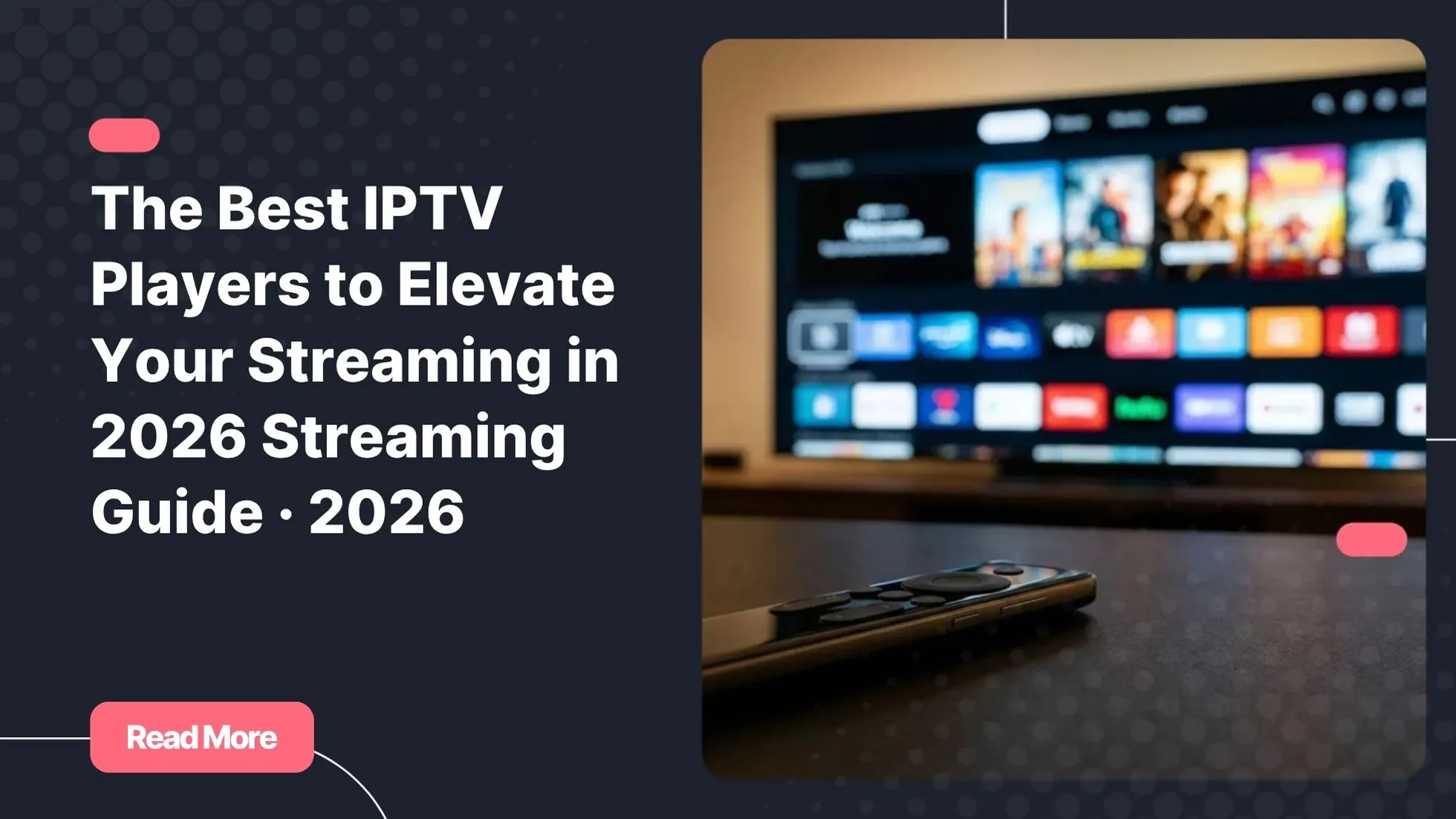
There is a specific kind of frustration every streaming fan knows too well. You have the subscription, you have the content, but the app just will not cooperate. It stutters, it freezes, or it is so cluttered you cannot find what you came for. The player is the invisible engine behind every great session, and yet most people never think twice about which one they are using. If you are looking for the best IPTV experience possible, the player you choose is the very first decision that shapes everything else.
In 2026, that choice matters more than ever. Whether you are a casual viewer catching weekend films or a power user managing hundreds of live channels, the right IPTV player can transform your entire experience. The wrong one can quietly ruin it. This guide breaks down the best IPTV players on the market today, compares them side by side, and helps you find the one that truly fits your setup and your streaming style.
By the end of this article, you will have a clear, honest answer to one of the most practical questions in streaming: which IPTV app should you actually be running?
Table of Contents
What Is an IPTV Player and Why Does It Matter?
An IPTV player is a software application that receives and plays live television streams, video-on-demand libraries, and recorded content delivered over an internet connection. Unlike a traditional media player that simply opens local files, an IPTV player connects to a remote server using either an M3U playlist URL or an Xtream Codes login, then organises channels, EPG (Electronic Programme Guide) data, and VOD categories into a navigable interface.
The difference between a good IPTV app and a great one is not just cosmetic. Your player directly controls how fast streams load, how accurately the programme guide refreshes, how cleanly VOD libraries are displayed, and whether your device can handle the decoding without overheating. Two subscribers using the exact same IPTV subscription can have completely different experiences based solely on their choice of player.
This is also why compatibility matters from day one. The best IPTV players covered in this guide are all fully compatible with Natixtv, a premium IPTV subscription provider that supports both M3U and Xtream Codes connections across a wide range of devices, and offers a free trial period of 24 to 48 hours so you can test everything before you commit.
How We Evaluated These IPTV Players
Before diving into individual apps, here are the criteria used to assess each one. These are the factors that actually affect your daily experience, not just spec-sheet checkboxes.
- Ease of setup: How quickly can a first-time user get up and running?
- Interface design: Is navigation intuitive on the device you are using?
- EPG quality: How accurate and reliable is the programme guide?
- Playlist management: Can you handle M3U and Xtream Codes connections cleanly?
- Platform availability: Android, iOS, Firestick, Smart TV, PC – how broad is the support?
- VOD and catch-up support: Does it handle on-demand content and time-shifted viewing?
- Performance and stability: How does it behave under a real, sustained streaming load?
- Price: Is the free tier genuinely usable, or is a paid upgrade effectively required?
According to TechRadar’s analysis of streaming applications, EPG reliability and multi-device support consistently rank as the top two priorities among IPTV users in 2025 and 2026. That finding shaped the weight given to those two factors in the comparisons below.
The Best IPTV Players Compared in 2026
These five applications represent the strongest options available right now. Each one has a distinct personality, a distinct audience, and distinct strengths. Read through them carefully – your ideal match depends on your device, your channel volume, and how much control you want over your setup.
TiviMate: The Gold Standard for Power Users
If you ask any experienced IPTV user which player they trust, TiviMate is the name that comes up most often. Available exclusively on Android-based devices and Amazon Firestick, it delivers a television-grade interface that feels indistinguishable from a premium cable TV guide. Channel groups are cleanly organised, the EPG is one of the most reliable in the category, and picture-in-picture support lets you keep an eye on one stream while browsing another.
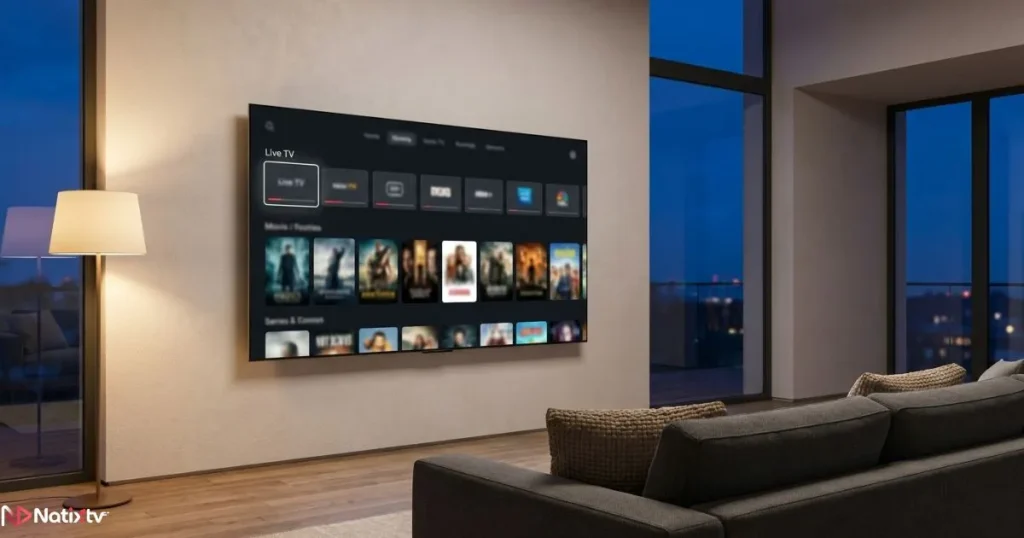
The free version covers the basics, but TiviMate Premium (a modest one-time or annual fee) is where the real value lives. It unlocks multiple playlist management, recording to local storage, and advanced parental controls. For anyone managing large channel lists – think 3,000 or more entries – TiviMate handles the load without breaking a sweat.
M3UXtream CodesAndroid | FirestickPremium unlocks full features
Best for: Power users who want precision, large channel libraries, and the most polished EPG available.
IPTV Smarters Pro: The All-Rounder
IPTV Smarters Pro is the IPTV app most providers recommend to new subscribers for good reason. It runs on Android, iOS, Windows, Firestick, and a growing list of Smart TVs, making it the most cross-platform option in this comparison. Setup takes minutes: enter your Xtream Codes credentials or paste your M3U URL, and your channels, VOD library, and series section populate automatically with cover art and metadata.
The interface is not the most modern in the category, but it is logical and well-organised. The free tier is genuinely functional for single-playlist users. The Pro upgrade adds multi-playlist support and removes the occasional promotional screen. If you are a first-time IPTV user or you frequently switch between devices, this is the safest starting point among the best IPTV players available today.
M3UXtream CodesAndroid | iOS | Windows | Smart TVFree tier available
Best for: Beginners and multi-device households who prioritise compatibility over visual flair.
XCIPTV: The Sleek Modern Choice
XCIPTV is the rising star of 2025 and 2026. Where older IPTV apps feel utilitarian, XCIPTV feels like something designed by a team that actually cares about visual experience. The interface is polished, smooth, and app-store-quality in a space where that is still genuinely rare.
Beyond aesthetics, XCIPTV offers solid catch-up TV support, a built-in stream speed test, and clean handling of both M3U and Xtream Codes playlists. Its community is smaller than TiviMate’s, so if you run into an unusual issue you may find less peer support. But for users who want their IPTV player to feel like a premium product – not a utility tool – XCIPTV earns its place among the best IPTV players of this year.
M3UXtream CodesAndroid | FirestickBuilt-in speed test
Best for: Users who prioritise a modern, visually refined experience and want catch-up TV built in.
SmartOne IPTV: The Smart TV Specialist
Most IPTV apps require an Android box or streaming stick in front of your television. SmartOne IPTV is the exception: it runs natively on Samsung (Tizen) and LG (WebOS) Smart TVs without any additional hardware. You install it directly from your TV’s app store, enter your playlist details, and you are streaming in minutes.
Navigation is remote-friendly by design, with large tiles and a layout built around a standard television remote rather than a touch screen or keyboard. It does not match TiviMate or XCIPTV in terms of advanced features, but for the living room viewer who simply wants a clean, hardware-free setup, it is the most practical choice among the best IPTV players for Smart TV environments specifically.
M3UXtream CodesSamsung Tizen | LG WebOSNo extra hardware needed
Best for: Living room viewers on Samsung or LG Smart TVs who want a clean, hardware-free setup.
GSE Smart IPTV: The Cross-Platform Veteran
GSE Smart IPTV has been in the IPTV app space longer than most of its competitors, and that longevity shows in its depth. Available on iOS, iPadOS, macOS, and Apple TV, it is the go-to M3U player for users who are deeply embedded in the Apple ecosystem. It offers granular control over EPG sources, custom refresh intervals, and playback settings that most beginner-oriented apps hide or omit entirely.
If you use a Mac as part of your streaming setup, pairing GSE with a reliable subscription is a strong combination. You can read more about choosing a dedicated IPTV player for Mac to see how different options perform on macOS specifically.
M3UiOS | macOS | Apple TV | iPadOSDeep EPG customisation
Best for: Apple users who want granular control and a proven, mature M3U player.
Head-to-Head Comparison Table
Use this table as a quick reference. Each column maps to one of the eight evaluation criteria defined earlier so you can scan across your priorities in seconds.
| Player | Platforms | Free Tier | M3U | Xtream Codes | EPG Quality | Best For |
|---|---|---|---|---|---|---|
| TiviMate | Android, Firestick | ✔ (limited) | ✔ | ✔ | ★★★★★ | Power users |
| IPTV Smarters Pro | Android, iOS, PC, Smart TV | ✔ | ✔ | ✔ | ★★★★ | All-around use |
| XCIPTV | Android, Firestick | ✔ | ✔ | ✔ | ★★★★ | Modern UI |
| SmartOne IPTV | Samsung, LG Smart TV | ✔ | ✔ | ✔ | ★★★ | Smart TV users |
| GSE Smart IPTV | iOS, macOS, Apple TV | ✔ | ✔ | ✘ | ★★★★ | Apple ecosystem |
How to Choose the Right IPTV Player for Your Setup
The best IPTV players are not all created equal, and the right one for you depends on three variables: your primary device, your experience level, and how much control you want day-to-day. Here is a quick decision guide to narrow it down.
🔥
Firestick or Android TV box
Go with TiviMate for power and precision, or IPTV Smarters Pro for the easiest first setup.
📺
Samsung or LG Smart TV
SmartOne IPTV is your answer – no extra device required.
🍎
iPhone, Mac, or Apple TV
GSE Smart IPTV is the most complete and stable option in the Apple world.
✨
You want the most polished UI
XCIPTV is the clear winner for visual experience in 2026.
🎯
Managing 1,000 or more channels
TiviMate Premium is built for exactly this scenario.
🚀
Completely new to IPTV
IPTV Smarters Pro offers the most guided onboarding experience.
All six scenarios work seamlessly with a best IPTV subscription from Natixtv. Their service supports both M3U and Xtream Codes connection methods, covers a wide catalogue of live channels and VOD content, and includes a free trial period of 24 to 48 hours so you can test your chosen player before spending a cent on a full plan.
If sports content is your main focus, the player choice also interacts with stream quality and latency in ways that matter during live events. You can explore this topic in depth in this guide on how to find the right IPTV service for live sports, which covers what to look for beyond the player itself.
Tips for Getting the Best Performance from Your IPTV Player
Even among the best IPTV players, performance is only as good as your setup allows. These practical adjustments will help you get the most stable, highest-quality output from whichever app you choose.
- 01 Use a wired Ethernet connection whenever possible. Wi-Fi introduces packet loss and latency that even the best player cannot compensate for.
- 02 Match your stream quality to your bandwidth. Forcing 4K on a 25 Mbps connection causes buffering. Set a quality ceiling that your line can sustain comfortably.
- 03 Enable hardware decoding in your player’s video settings. Software decoding is CPU-intensive and causes frame drops on lower-powered devices.
- 04 Set your EPG refresh interval to 12-24 hours. More frequent refreshes consume unnecessary bandwidth and can slow down the guide.
- 05 Use Xtream Codes whenever your provider supports it. It is a more stable and dynamic connection method than a static M3U URL.
- 06 Clear your player’s cache weekly on Android-based apps. Cached data accumulates and can cause sluggish performance over time.
- 07 Always test with a free trial first. Natixtv’s 24 to 48 hour trial is ideal for verifying that your chosen player, your device, and your internet connection all work together cleanly before you commit.
Frequently Asked Questions
What are the best IPTV players available in 2026?
The best IPTV players in 2026 are TiviMate, IPTV Smarters Pro, XCIPTV, SmartOne IPTV, and GSE Smart IPTV. Each serves a different audience: TiviMate leads for power users on Android and Firestick, IPTV Smarters Pro is the most versatile across platforms, XCIPTV offers the most polished modern interface, SmartOne IPTV is purpose-built for Samsung and LG Smart TVs, and GSE Smart IPTV is the strongest option in the Apple ecosystem. All five are compatible with Natixtv subscriptions.
Which IPTV player is best for beginners?
IPTV Smarters Pro is widely considered the most beginner-friendly IPTV app. It guides you through setup with a clean onboarding flow, works with both M3U and Xtream Codes connections, and runs on more devices than any other player in this comparison. The free tier is functional enough to evaluate the experience before deciding on an upgrade.
What is the difference between an M3U player and an Xtream Codes player?
An M3U player reads a static playlist file URL that lists your channels. An Xtream Codes player connects using a server address, a username, and a password, and fetches channel data dynamically. The Xtream Codes method is generally more stable and easier to update remotely, since a provider can adjust content on their end without sending you a new URL. Most modern IPTV apps support both methods.
Do I need a paid IPTV player to get good quality?
Not necessarily. Several of the best IPTV players offer genuinely usable free tiers. However, paid upgrades like TiviMate Premium unlock features that meaningfully improve the experience for heavy users, including multi-playlist management, recording, and advanced EPG controls. For casual viewers, the free versions are often sufficient.
Which of the best IPTV players works on Samsung Smart TVs?
SmartOne IPTV is the best choice for Samsung Smart TVs running Tizen OS. It installs directly from Samsung’s app store with no additional hardware required. LG WebOS users can also use it on their television. For other Smart TV brands, a Firestick or Android TV box running TiviMate or IPTV Smarters Pro is the most reliable workaround.
Can I try the best IPTV players with a free subscription trial?
Yes. All five players in this guide work with Natixtv’s free trial, which runs for 24 to 48 hours and gives you full access to their channel catalogue and VOD library. This is the best way to verify that your chosen player, your device, and your internet connection all perform as expected before committing to a paid plan.
Final Verdict: Your Player, Your Stream
There is no single answer to which of the best IPTV players is objectively the best – because the best one is the one that fits your device, your habits, and your expectations. TiviMate is the choice for serious users. IPTV Smarters Pro wins on versatility. XCIPTV earns its spot for anyone who wants a visually refined experience. SmartOne IPTV solves the Smart TV problem cleanly. And GSE Smart IPTV remains the strongest option in the Apple ecosystem.
What all five share is compatibility with a quality IPTV subscription. Natixtv supports every connection method and device covered in this guide, and their 24 to 48 hour free trial makes it genuinely risk-free to test your setup end-to-end. Download your preferred player, connect it to your trial, and find out which combination delivers the streaming experience you have been looking for. The right setup is closer than you think. Start your free trial today at Natixtv – best IPTV