You know that feeling when you finally sit down to watch something you love, only to be stopped by buffering, crashes, or a confusing app interface. IPTV should feel effortless, not like a technical challenge you need to solve every evening. Choosing the best android app for iptv is often the missing piece between frustration and real enjoyment.
Your IPTV subscription matters, but the app you use matters just as much. When paired with a reliable service like best iptv provider, the right Android IPTV player can completely change how you experience live TV, sports, movies, and series on your devices.
This in-depth comparison is designed to help you make the right choice with confidence, clarity, and zero guesswork.
Table of Contents
Why choosing the right Android IPTV app really matters
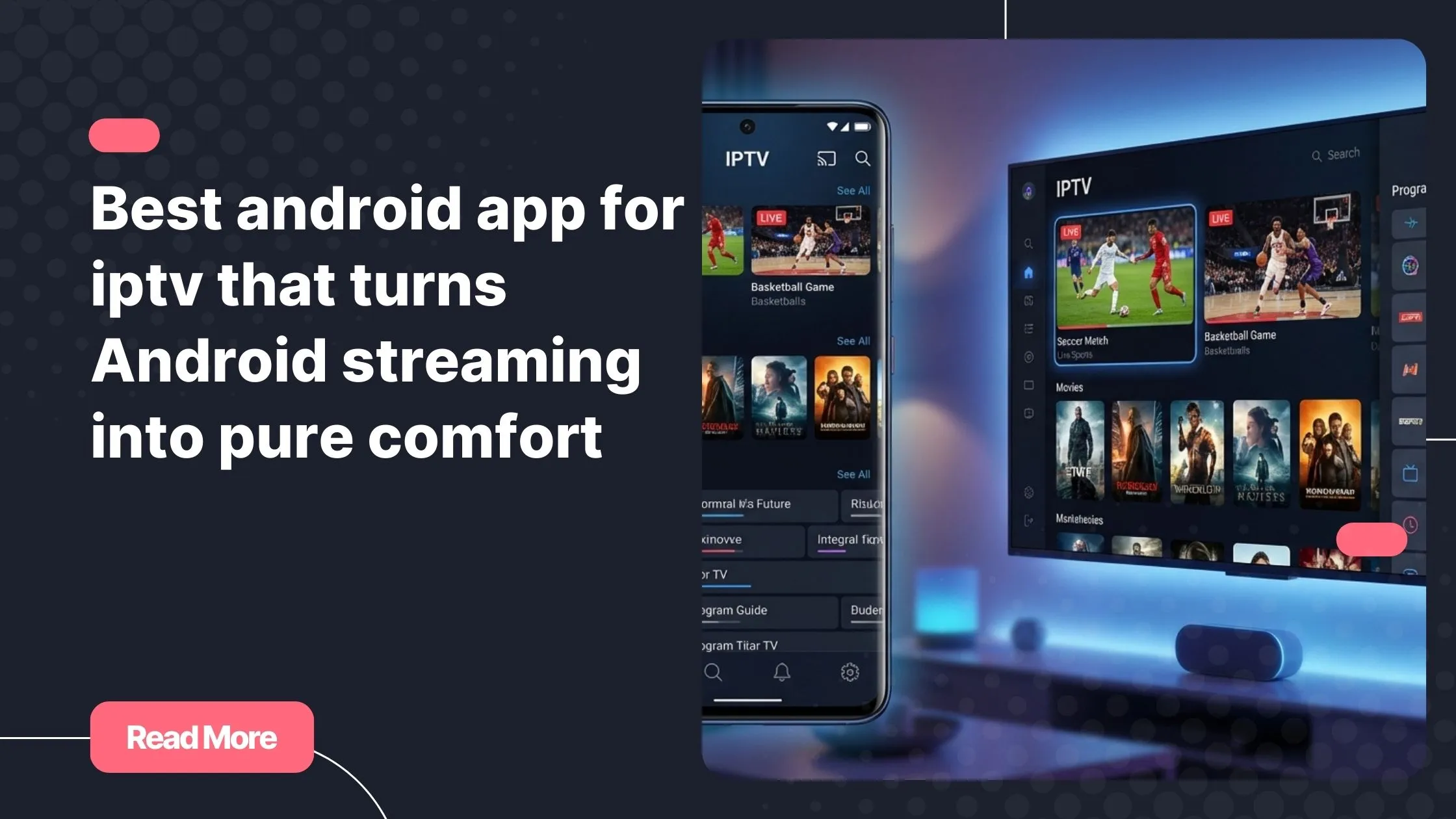
Many users assume all IPTV apps are the same. In reality, the app you choose controls how smoothly channels load, how stable your streams remain, and how intuitive everything feels. Selecting the best android app for iptv is about more than looks. It is about performance, compatibility, and daily comfort.
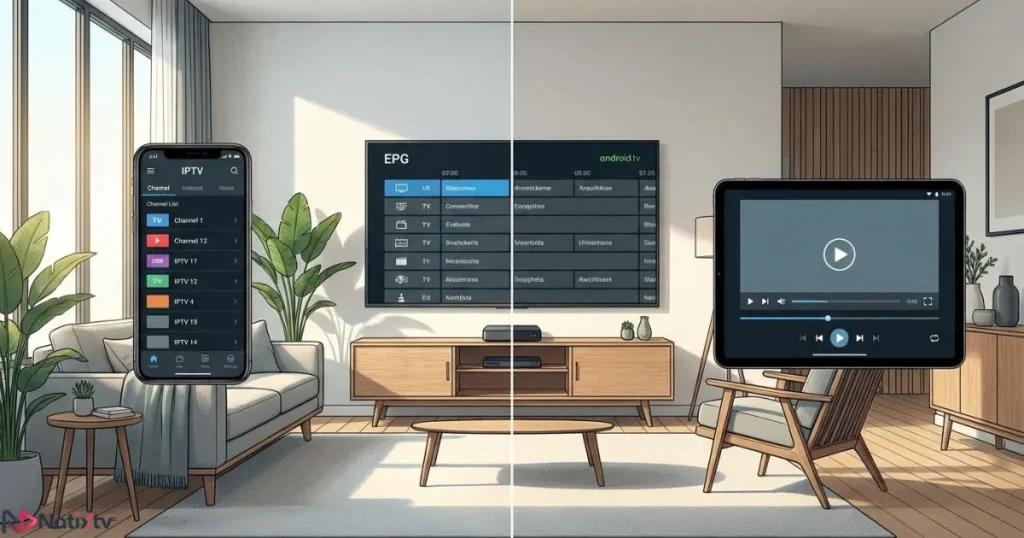
- Faster channel switching with minimal buffering
- Better stability during live sports and peak hours
- Cleaner navigation on Android phones and Android TV
- Accurate EPG and reliable VOD access
Android offers the largest ecosystem of IPTV apps Android users can choose from. That is both a strength and a challenge.
How we compared Android IPTV apps
To identify the best android app for iptv, we focused on real usage rather than marketing claims. Each app was tested with live TV, VOD, and series using stable IPTV subscriptions.
Evaluation criteria
- Support for M3U playlists and Xtream Codes
- Playback stability and stream recovery
- Electronic Program Guide quality
- User interface clarity and speed
- Performance on low and high-end Android devices
- Ads, pricing, and premium value
Devices tested
- Android smartphones
- Android TV and TV Box
- Fire TV devices
- Android tablets
Best Android IPTV apps compared at a glance
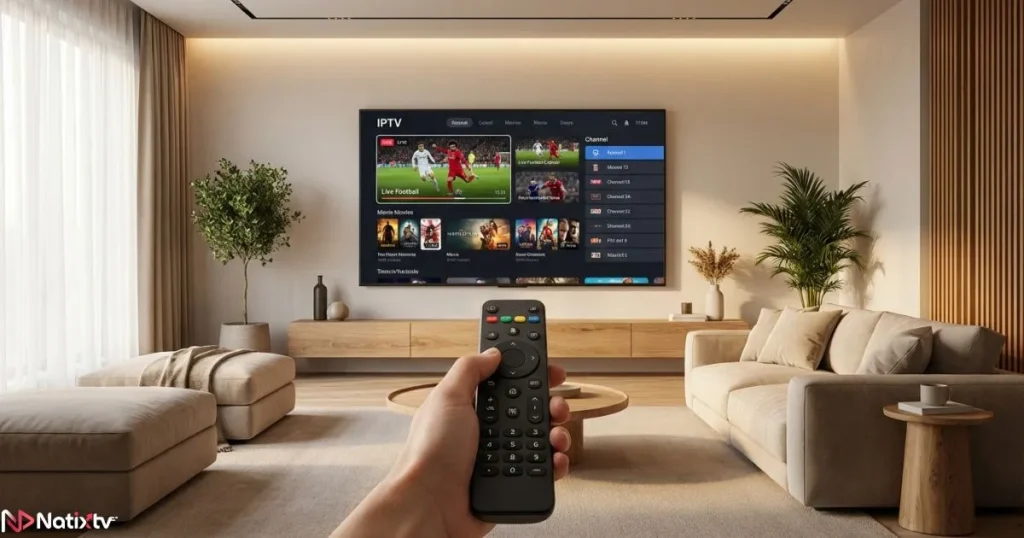
This overview highlights the strongest IPTV apps Android users rely on today. All of them are compatible with high-quality IPTV services.
| App | Free Version | Ads | Xtream Codes | Best For |
|---|---|---|---|---|
| TiviMate | Limited | No | Yes | Android TV |
| IPTV Smarters Pro | Yes | Yes | Yes | Beginners |
| XCIPTV | Yes | No | Yes | Stability |
| Perfect Player | Yes | No | M3U | Advanced users |
| Televizo | Yes | Optional | Yes | Mobile viewing |
Detailed review of the best Android IPTV apps
TiviMate: premium experience on Android TV
TiviMate is often considered the gold standard for Android TV users. If you are searching for the best android app for iptv on a big screen, this app sets the benchmark.
- Designed specifically for remote control navigation
- Fast channel switching and smooth playback
- Advanced EPG and multi-playlist support
The premium version unlocks its full potential and pairs perfectly with stable IPTV services.
IPTV Smarters Pro: simplicity for everyday users
IPTV Smarters Pro remains one of the most popular IPTV apps Android users install first. Its simple login process makes it approachable even if you are new to IPTV.
- Xtream Codes login in seconds
- Built-in VOD and series layout
- Works well on phones and TV boxes
While ads are present in the free version, usability remains solid.
XCIPTV: clean design and strong stability
XCIPTV focuses on performance and reliability. For many users, it competes closely for the title of best android app for iptv when stability is the priority.
- No ads by default
- Customizable interface
- Reliable long-session streaming
Perfect Player: control for advanced users
Perfect Player is not built for beginners. It shines when you want full control over your IPTV configuration.
- Manual playlist management
- Lightweight and fast
- Excellent for technical users
Televizo: balanced and mobile-friendly
Televizo is optimized for smartphones and tablets. It delivers a smooth experience without overwhelming options.
- Clean mobile interface
- Easy playlist handling
- Optional premium upgrade
Best Android IPTV app by usage scenario
Your ideal choice depends on how and where you watch. Selecting the best android app for iptv should match your habits.
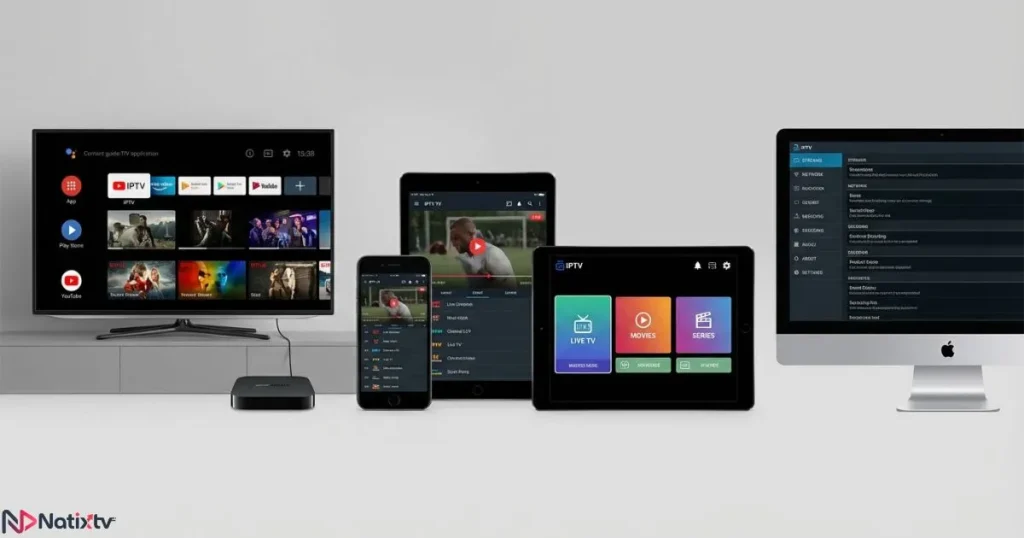
For Android TV and TV Box
- TiviMate
- XCIPTV
For smartphones and tablets
- IPTV Smarters Pro
- Televizo
For beginners
- IPTV Smarters Pro
For power users
- Perfect Player
Compatibility with Natixtv IPTV subscriptions
All the apps listed above work seamlessly with Natixtv. Choosing the best android app for iptv becomes even more effective when paired with a stable service like best iptv provider.
- Supports M3U and Xtream Codes
- Compatible with Android, Smart TV, Fire TV, and more
- Free trial available for 24 to 48 hours
If you want deeper guidance on setup and features, explore this detailed Android IPTV application guide that walks you through real usage scenarios.
Performance tips to get the best IPTV experience on Android
Even the best android app for iptv benefits from proper configuration.
- Use wired internet on Android TV when possible
- Enable hardware decoding in app settings
- Keep your EPG updated regularly
- Select the most stable video player
Understanding how IPTV works at a technical level can also help. A clear explanation is available on Internet Protocol Television for deeper insight.
Common mistakes when choosing an Android IPTV app
Many users fail to enjoy IPTV fully because they overlook simple details when selecting the best android app for iptv.
- Confusing IPTV apps with IPTV services
- Ignoring device compatibility
- Choosing apps overloaded with ads
- Skipping free trials before committing
Keeping track of channels and programs is also essential. A complete IPTV TV guide breakdown helps you understand scheduling and EPG usage better.
FAQ about Android IPTV apps
What is the best android app for iptv for beginners?
Apps like IPTV Smarters Pro are ideal for beginners due to their simple setup and intuitive interface.
Can I use one Best Android App for IPTV on multiple Android devices?
Yes, most Android IPTV players allow multiple installations as long as your subscription supports it.
Is a paid IPTV app better than a free one?
Paid versions often remove ads, unlock features, and improve stability.
Does the IPTV app affect streaming quality?
Yes, the app plays a major role in buffering control, decoding, and playback smoothness.
Final verdict and next step
There is no universal answer, but the best android app for iptv is the one that fits your device, habits, and expectations. When combined with a reliable service like best iptv provider, the right app transforms IPTV into a smooth, enjoyable experience.
Test different apps using the free 24 to 48 hour trial, fine-tune your settings, and choose the player that feels effortless. Once everything clicks, IPTV on Android becomes exactly what it should be: simple, powerful, and enjoyable.