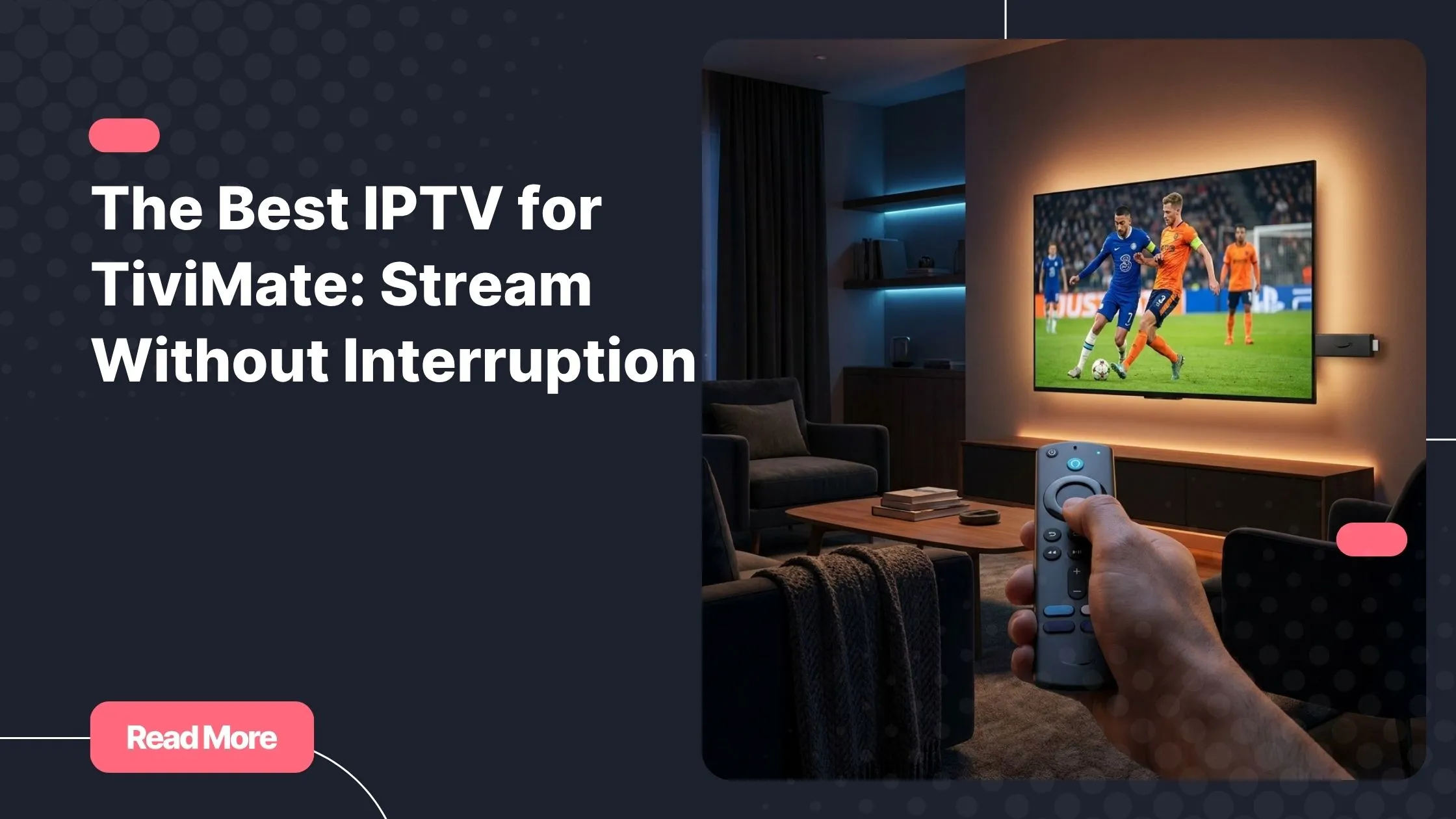
You finally get TiviMate set up on your Fire Stick, the playlist loads, and you settle in for the big game. Then it happens: the screen freezes, the buffer wheel spins, and the moment is gone. If that sounds frustratingly familiar, the problem is almost certainly not the app. TiviMate is one of the best IPTV player options available for Android-based devices, but its performance depends entirely on the quality of the subscription behind it. Finding the best IPTV for TiviMate is the single most important step you can take toward a truly smooth streaming experience. If you are already searching for reliable iptv in usa, this complete guide walks you through everything you need to know.
Choosing the wrong provider means constant freezing, missing channels, broken EPG data, and zero support when things go wrong. Choosing the right one means crystal-clear HD and 4K streams, a full electronic program guide that makes TiviMate feel like a professional TV setup, and evenings where you actually enjoy what you are watching. The difference is not a minor upgrade – it is a completely different experience.
In this guide, you will discover what separates a mediocre TiviMate IPTV service from a genuinely premium one, which provider stands out in 2026, and exactly how to set everything up in just a few minutes. No technical background required.
Table of Contents
What Is TiviMate and Why Does Your Provider Matter?
TiviMate is not an IPTV service. It is a media player – and arguably the best IPTV player for Android TV, Fire Stick, and NVIDIA Shield. Think of it as the remote control and display for your entire streaming setup. It manages the interface, the EPG guide, recording features, and multi-stream layouts. But TiviMate channels, stream quality, and overall stability all come from one source only: your IPTV subscription.
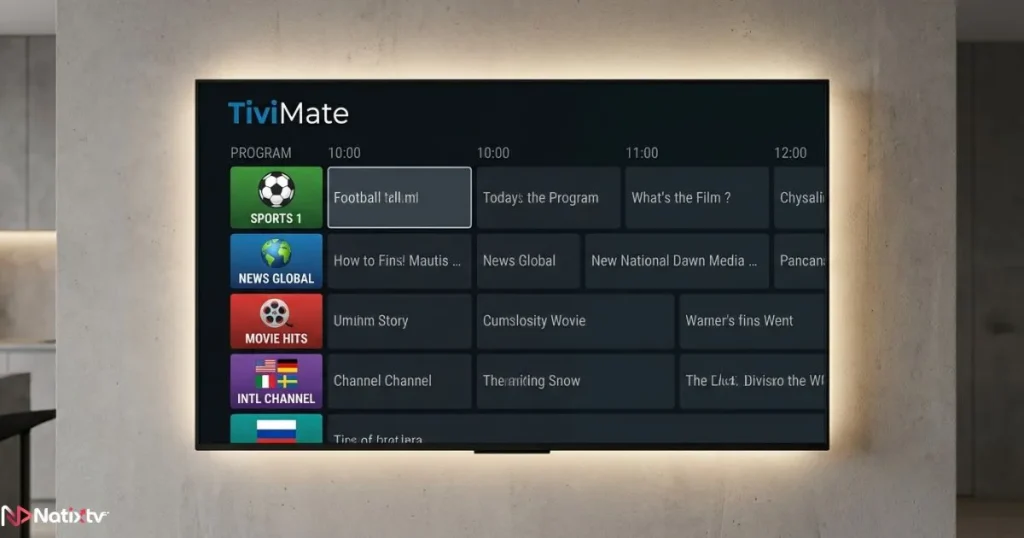
This distinction matters more than most people realize. You could have TiviMate perfectly configured on the fastest device available and still suffer through constant buffering if your provider’s servers are unreliable. The app is the car; the IPTV provider is the engine. You need both working at a premium level to get a truly smooth ride.
How TiviMate Connects to a Subscription
TiviMate connects to your provider in two main ways:
- M3U URL: A direct playlist link you paste into TiviMate. Simple, universally supported, and easy to update.
- Xtream Codes: A login-based method using a server URL, username, and password. More reliable, faster to refresh, and better suited for large channel lists.
Once your playlist loads, TiviMate pulls all available channels and EPG data directly from your provider’s servers. This is exactly why provider quality is non-negotiable. If the source is weak, no TiviMate setting in the world will fix the result. To understand how playlists work across different devices and setups, this in-depth guide on connecting and managing your IPTV playlist on any device is a great starting point.
What Makes the Best IPTV for TiviMate?
Not every provider that claims to offer the best IPTV for TiviMate actually delivers on that promise. The market is full of services that look appealing on a pricing page but fall apart the moment you go live. Here are the criteria that genuinely separate a reliable service from a risky one:
- Server uptime above 99.5%: Anything lower means regular interruptions during live events and peak viewing hours.
- Full EPG support: TiviMate’s program guide is one of its strongest features, but it is completely useless without accurate, regularly updated EPG data from your provider.
- HD, Full HD, and 4K streams: Quality options matter, especially on larger screens and modern 4K televisions.
- Xtream Codes and M3U compatibility: Both formats should be natively supported for maximum setup flexibility.
- Multi-device support: Your subscription should run seamlessly on Fire Stick, Android TV, Smart TV, PC, and mobile under a single plan.
- Responsive customer support: 24/7 availability is the standard expectation for a premium IPTV for TiviMate service.
- Free trial period: Any reputable provider lets you test the service before committing. A 24 to 48-hour trial is the gold standard in the industry.
These are not luxury extras. They are the baseline expectations for any IPTV subscription worth paying for in 2026.
NatixTV: The Best IPTV for TiviMate in 2026
After measuring providers against every criterion above, NatixTV consistently rises to the top as the best IPTV for TiviMate users who prioritize quality and long-term reliability. It checks every box on the list – and then some.
NatixTV offers thousands of live channels spanning sports, news, entertainment, and international content. Streams are available in HD, Full HD, and 4K, with servers optimized for minimal latency and maximum uptime. Whether you are watching a live NFL game, following breaking international news, or working through a VOD library on a quiet evening, the experience remains consistently smooth throughout.
Why TiviMate Users Trust NatixTV
- Full TiviMate compatibility via both M3U URL and Xtream Codes
- Complete EPG data that integrates perfectly with TiviMate’s guide view and catch-up features
- Device support for Fire Stick, Android TV, NVIDIA Shield, Smart TVs, PC, and mobile
- Multi-connection plans for households with several screens running simultaneously
- English and French market coverage with localized channel packages
- Fast activation – your TiviMate subscription goes live within minutes of signing up
- A free trial of 24 to 48 hours to verify stream quality and server stability before paying
NatixTV is a leading provider of iptv in usa, and its growing user base reflects the consistency and reliability of the service. If you are tired of providers that overpromise and underdeliver, the free trial removes every financial risk from the equation entirely.
How NatixTV Compares to Other IPTV Providers
The IPTV market is crowded with options at every price point. Here is an honest breakdown of what you typically encounter across different quality tiers, and why committing to the best IPTV for TiviMate from the start always pays off in the long run:
| Feature | Budget IPTV | Mid-Range IPTV | NatixTV (Premium) |
|---|---|---|---|
| Stream Quality | SD | HD only | HD | Full HD | HD | Full HD | 4K |
| Server Uptime | ~95% | ~98% | 99.9%+ |
| EPG Support | Partial or none | Yes | Full EPG |
| TiviMate Compatibility | M3U only | M3U + Xtream | M3U + Xtream Codes |
| Free Trial | Rarely | Sometimes | 24 to 48 hours |
| Multi-Device Support | Limited | Yes | Yes – all devices |
| Customer Support | Email only | Email + chat | 24/7 live support |
Budget providers might save you a few dollars upfront, but the hidden cost shows up the moment your stream drops during a live match or a season finale. There is no support line to call and no refund to claim. If you are also weighing subscription pricing across different providers, this guide on finding high-quality IPTV at the best possible price will help you make a sharper, better-informed decision.
How to Set Up Your IPTV Subscription on TiviMate
Getting NatixTV running on TiviMate takes less than five minutes. The recommended method is Xtream Codes, which offers faster channel loading, easier credential management, and more reliable EPG syncing compared to a static M3U link.
Setup via Xtream Codes
- Open TiviMate on your device and tap Add Playlist.
- Select Xtream Codes as the playlist type.
- Enter the server URL, username, and password from your NatixTV account dashboard.
- Wait 1 to 3 minutes while TiviMate loads your full channel list.
- Navigate to Settings – EPG and add your EPG URL from the same dashboard.
- Set the EPG refresh interval to every 24 hours for accurate, up-to-date guide data.
- Browse your TiviMate channels, build your favorites list, and start streaming immediately.
Setup via M3U URL
- Open TiviMate and tap Add Playlist – M3U URL.
- Paste the M3U link provided in your NatixTV account.
- Add the EPG URL separately if it is listed in your account dashboard.
- Reload the playlist and organize your channels into labeled custom groups.
Pro Tips for the Best Streaming Performance
- Enable hardware decoding in TiviMate player settings for smooth 4K and HDR playback.
- Use a wired Ethernet connection whenever possible – this alone eliminates most buffering issues.
- Set the buffer size to Auto so TiviMate can adapt dynamically to your connection speed.
- Create custom channel groups for faster, cleaner daily navigation through your lineup.
- Use the TiviMate Companion app on your phone to manage playlists and settings remotely.
Best Devices to Pair With Your TiviMate Subscription
TiviMate runs on Android-based operating systems, which gives you a wide and flexible range of compatible hardware. Here are the top picks for different use cases and budgets:
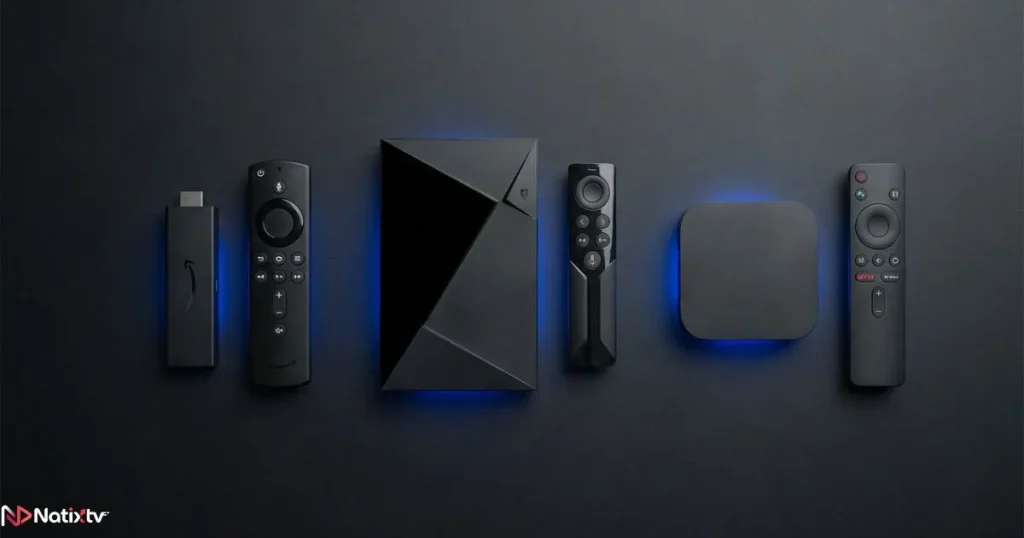
- Amazon Fire Stick 4K Max: The most popular choice overall – affordable, compact, and incredibly easy to set up in any room.
- NVIDIA Shield Pro: The top-performing Android TV device for 4K HDR and power users who want the absolute best hardware available.
- Android TV boxes (X96, Formuler, Mecool): Budget-friendly and flexible for secondary room setups or shared household configurations.
- Android smartphones and tablets: Ideal for mobile streaming when you are traveling or away from your main screen.
One NatixTV account covers all your devices, so you can run TiviMate across your entire home without paying for separate subscriptions on each screen. That multi-device flexibility is one of the primary reasons NatixTV stands out as the best IPTV for TiviMate users who stream across multiple rooms and devices at once.
Common TiviMate Issues and How to Solve Them
Buffering and Freezing
Buffering in TiviMate is almost always a server-side issue, not a problem with the app itself. When you pair TiviMate with the best IPTV for TiviMate service available – one running 99.9%+ server uptime with adaptive streaming infrastructure – the freezing disappears entirely. Combine that with a wired Ethernet connection and a 25+ Mbps internet speed, and buffering becomes a thing of the past. According to TiviMate’s official documentation, the app is engineered to perform optimally when connected to a high-uptime, low-latency IPTV source.
EPG Not Loading
This is typically caused by an incorrect EPG URL or a format that TiviMate cannot parse. Get the correct EPG link directly from your NatixTV account dashboard and paste it under Settings – EPG inside TiviMate. Set the refresh interval to every 24 hours. The guide will populate accurately within minutes.
Channels Not Appearing or Playlist Errors
Verify that your TiviMate subscription is still active and that your Xtream Codes credentials match exactly what is listed in your NatixTV account. If the issue continues, NatixTV’s 24/7 support team can resolve it quickly – typically within a few minutes via live chat.
Frequently Asked Questions
What is the best IPTV for TiviMate in 2026?
NatixTV is widely recognized as the best IPTV for TiviMate in 2026. It delivers full Xtream Codes and M3U support, complete EPG integration, HD and 4K streams, multi-device coverage, and a 24 to 48-hour free trial. It performs reliably across every major Android-based device, making it the top recommendation for both casual viewers and heavy streamers.
Does TiviMate work with any IPTV subscription?
TiviMate works with any provider that supplies an M3U URL or Xtream Codes credentials. However, the quality of your experience depends entirely on the server stability and content quality of that provider. Even the most optimized TiviMate configuration cannot compensate for a weak or unreliable subscription behind it.
How can I test an IPTV service before paying?
Always choose a provider that offers a free trial before asking for payment. NatixTV provides a 24 to 48-hour free trial, giving you enough time to verify channel stability, stream quality, EPG accuracy, and overall performance before committing to any paid plan. There is no credit card required upfront.
What internet speed do I need for smooth IPTV on TiviMate?
A minimum of 10 Mbps is sufficient for HD content. Full HD streaming requires at least 25 Mbps, and stable 4K playback needs 50 Mbps or more. That said, connection stability matters more than raw speed – a wired Ethernet connection almost always outperforms a faster but inconsistent Wi-Fi signal.
Is TiviMate itself free to use?
TiviMate offers a free version, but the premium version unlocks multiple playlists, catch-up TV, recording, and advanced EPG features. For anyone serious about getting the most out of their best IPTV for TiviMate setup, the premium version is strongly recommended. The one-time cost is minimal compared to the significant improvement in daily usability.
Can I use one NatixTV subscription across multiple devices?
Yes. NatixTV offers multi-connection plans that allow simultaneous streaming on several devices. You can run TiviMate on your Fire Stick in the living room and on an Android tablet in the bedroom under the same account, with no additional cost per device.
Stop Settling: Upgrade Your Streaming Experience Today
TiviMate gives you one of the most polished and capable streaming interfaces available on any platform. But the best IPTV for TiviMate experience only becomes possible when the app is paired with a provider that genuinely matches its quality. That means stable servers, full EPG data, HD and 4K streams delivered at consistent quality, and support you can reach around the clock when something needs attention.
NatixTV delivers all of that – and makes it completely risk-free with a free trial period of 24 to 48 hours. You get to test every channel, verify EPG accuracy, check 4K performance, and confirm server stability before spending a single dollar. There is no smarter way to start.
As one of the most trusted providers of iptv in usa, NatixTV has already transformed the streaming experience for thousands of users. Your best IPTV for TiviMate setup is one free trial away: claim yours today and stream exactly the way you deserve.