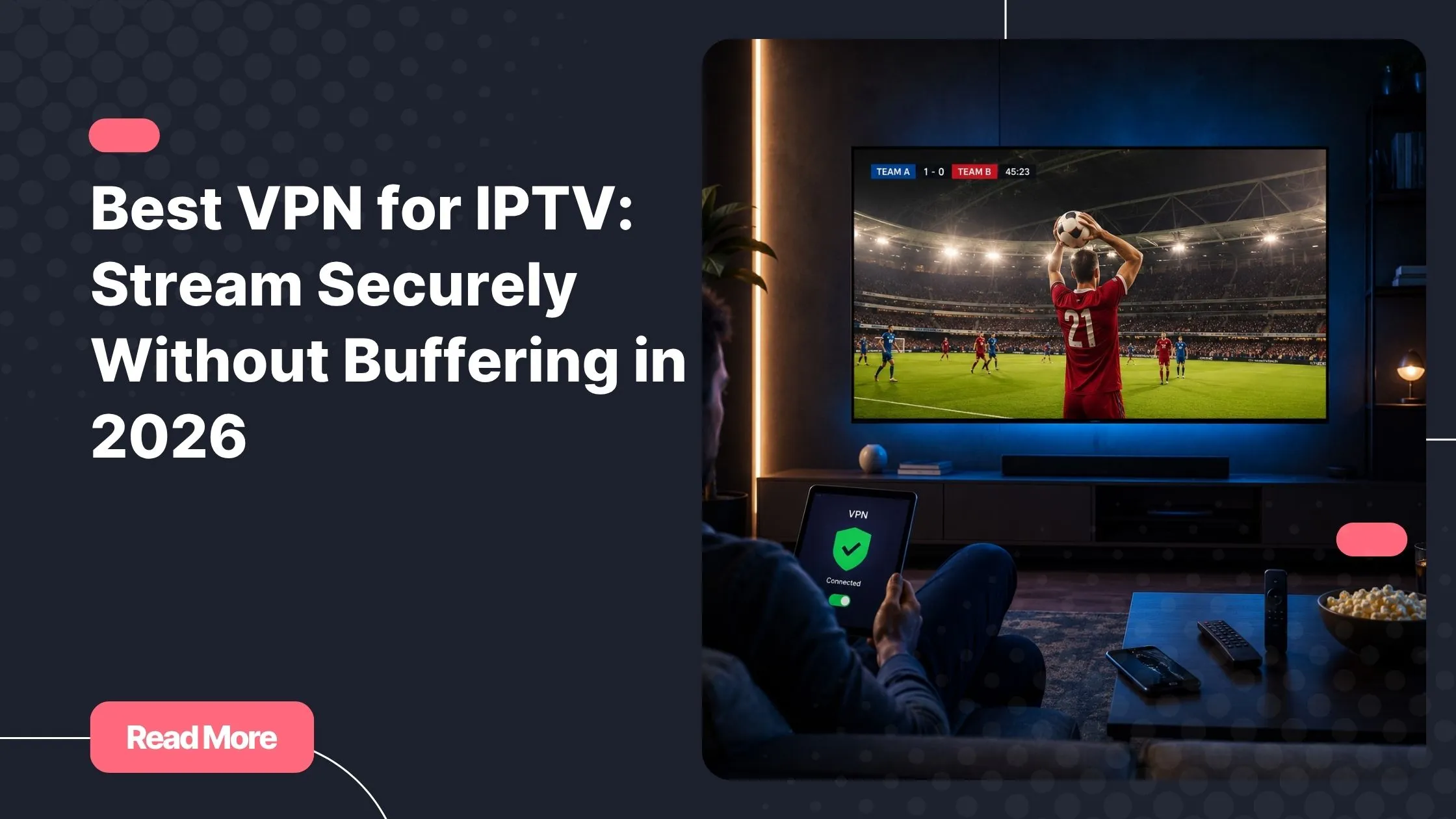
Picture this: it’s match night, your favorite team is about to kick off, the snacks are ready, and you’ve settled into the couch. Then it happens. The stream freezes. That spinning wheel appears, and the moment collapses entirely. If you’re using a top rated iptv service, you deserve a connection that keeps up with your excitement — not one that leaves you staring at a loading screen while the crowd roars somewhere else.
The frustration is real, and it’s more common than you might think. ISPs routinely throttle video streaming traffic, geo-restrictions block content based on your location, and unprotected connections expose your viewing habits to third parties. These are invisible walls that quietly ruin the experience you’re paying for.
The solution is simpler than you’d expect. Finding the best VPN for IPTV gives you back control — over your speed, your privacy, and your content. This guide walks you through everything you need to know to make the right choice in 2026.
Table of Contents
Why You Actually Need a VPN for IPTV
Many IPTV users assume a good internet connection is all they need. In reality, your connection quality is only part of the equation. What happens to your traffic between your device and the IPTV server matters just as much.
The Hidden Threats Behind Every Stream
Your internet service provider can see exactly what kind of traffic you’re generating. When they detect sustained high-bandwidth video streaming, they often deliberately slow it down. Studies suggest that between 30% and 40% of users experience ISP-related streaming throttling at some point — without ever realizing that’s the cause of their buffering.
Beyond throttling, there are other risks worth knowing about:
- Geo-restrictions: Some IPTV channels and content libraries are locked to specific countries, cutting off access based on your IP address alone.
- Privacy exposure: Without encryption, your streaming activity is visible to your ISP, network administrators, and potentially data brokers.
- Data logging: Unprotected IPTV connections can expose your viewing patterns and personal information over time.
What a VPN Does for Your IPTV Experience
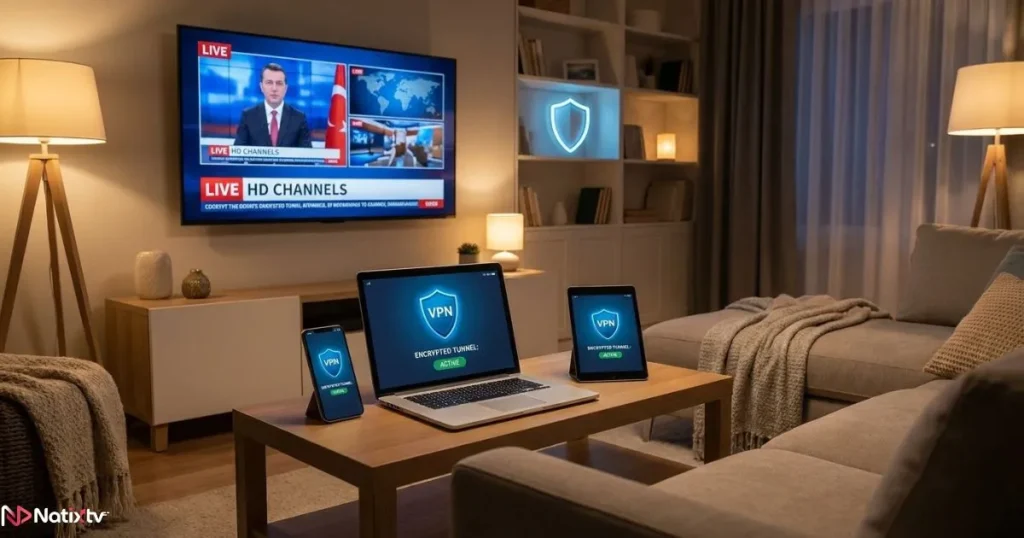
A VPN creates an encrypted tunnel between your device and the internet. It hides your real IP address, disguises your traffic type, and routes your connection through a server in a location of your choice. For IPTV users, this translates into several concrete benefits:
- Bypass ISP throttling by masking the nature of your streaming traffic
- Access geo-restricted channels from different regions
- Maintain a secure IPTV connection on any network, including public Wi-Fi
- Protect your IPTV privacy from ISPs, trackers, and surveillance
- Reduce buffering caused by poor routing or network congestion
Choosing the best VPN for IPTV is not about adding a layer of complexity — it’s about removing the invisible friction that degrades your experience.
What to Look for When Choosing the Best VPN for IPTV
Not every VPN is built for streaming. Some sacrifice speed for encryption strength. Others have limited server networks that create congestion during peak hours. Knowing what to prioritize helps you avoid wasting money on a tool that doesn’t deliver.
Speed – The Factor That Defines Your Stream Quality
The best VPN for IPTV should add as little overhead as possible to your connection. A well-optimized VPN causes under 5-10% speed loss, which is imperceptible during HD or 4K streaming. Look for providers that run 10 Gbps servers and offer modern protocols designed for low latency.
Here are the minimum speeds you need depending on your stream quality, and what you should aim for when connected through a VPN:
| Stream Quality | Minimum Speed Required | Recommended Speed With VPN |
|---|---|---|
| SD (480p) | 5 Mbps | 8 Mbps |
| HD (720p / 1080p) | 15-25 Mbps | 30 Mbps |
| 4K UHD | 50+ Mbps | 60-80 Mbps |
The Right Protocol Makes All the Difference
Your VPN protocol determines the balance between speed and security. For VPN for IPTV streaming, these are the protocols worth knowing:
- WireGuard: The fastest modern protocol. Lightweight, efficient, and ideal for IPTV without buffering.
- Lightway (ExpressVPN): A proprietary protocol built for speed and stability on streaming devices.
- IKEv2: Excellent for mobile users who switch between Wi-Fi and mobile data.
- OpenVPN (UDP): Reliable and widely supported, slightly slower but more flexible for privacy-first users.
Server Network and Global Coverage
A large, well-distributed server network means less congestion and more options for finding a fast connection. If you’re using a player like TiviMate, pairing it with the right VPN and IPTV setup can dramatically improve your playback stability and give you access to a broader content library.
When evaluating server coverage, look for:
- Servers in the countries where your IPTV content originates
- Dedicated streaming-optimized servers
- High server density in regions you frequently connect to
Security and Privacy Features
The best VPN for IPTV should protect more than just your streaming traffic. Strong IPTV privacy depends on a combination of features working together:
- AES-256 encryption: The industry-standard baseline for data protection
- No-logs policy: Independently audited providers offer the highest level of trust
- Kill switch: Cuts your internet if the VPN drops, preventing accidental IP exposure
- DNS leak protection: Ensures your real location never leaks through DNS queries
Jurisdiction also matters. VPNs based outside the 5-14 Eyes intelligence-sharing alliance are not legally obligated to retain or share user data with foreign governments. According to the Electronic Frontier Foundation, understanding where your VPN provider is legally based is a critical step in evaluating their privacy guarantees.
Device Compatibility and VPN IPTV Setup
A VPN is only useful if it works on the device you’re actually streaming from. The best VPN for IPTV should natively support:
- Android and Android TV boxes
- Amazon Fire Stick and Fire TV
- iOS and iPadOS
- Windows and macOS
- Smart TVs (via app or router)
- Routers (for whole-home protection)
Router-level VPN IPTV setup is particularly valuable because it protects every device on your network simultaneously, including Smart TVs that don’t support VPN apps natively.

Top VPNs for IPTV in 2026 – Head-to-Head Comparison
With dozens of options available, it helps to see the key players side by side. Here’s a clear breakdown of the strongest contenders for the best VPN for IPTV title this year:
| VPN Service | Speed Rating | Servers | No-Logs | Best Protocol | Approx. Price/Month | Best For |
|---|---|---|---|---|---|---|
| NordVPN | ⭐⭐⭐⭐⭐ | 6,400+ | ✅ Audited | NordLynx | ~$3.99 | Speed + Privacy |
| ExpressVPN | ⭐⭐⭐⭐⭐ | 3,000+ | ✅ Audited | Lightway | ~$6.67 | All-around IPTV use |
| Surfshark | ⭐⭐⭐⭐ | 3,200+ | ✅ | WireGuard | ~$2.49 | Budget-friendly |
| CyberGhost | ⭐⭐⭐⭐ | 9,700+ | ✅ | WireGuard | ~$2.19 | Streaming-optimized |
| Private Internet Access | ⭐⭐⭐⭐ | 35,000+ | ✅ Proven | WireGuard | ~$2.03 | Power users |
Prices are approximate and subject to change. Always verify current offers on each provider’s official website.
How to Set Up a VPN for IPTV – Step-by-Step
The VPN IPTV setup process is straightforward on most devices. Here’s how to get started depending on your platform.
On Android or Amazon Fire Stick
Follow these steps to get your VPN running on Android or Amazon Fire Stick devices:
- Open the Google Play Store or Amazon App Store and search for your chosen VPN.
- Download and install the app, then log in or create an account.
- Select a server location closest to your IPTV provider’s infrastructure.
- Enable the kill switch in the app settings before connecting.
- Tap connect, then open your IPTV app and start streaming.
On a Router (Ideal for Smart TVs and Consoles)
Router-level setup allows every connected device to benefit from VPN protection automatically.
- Confirm your router runs compatible firmware (DD-WRT, Tomato, or OpenWRT).
- Log into your router admin panel, typically at 192.168.1.1.
- Enter your VPN provider’s server credentials in the VPN section.
- Select WireGuard or OpenVPN as your protocol.
- Save and apply — every device on your network is now protected automatically.
Pro Tips for a Better Streaming Experience
These recommendations can help maximize speed and stability:
- Use split tunneling to route only your IPTV traffic through the VPN, keeping other browsing at full speed.
- Enable auto-connect on startup so your secure IPTV connection is always active.
- If your IPTV app blocks shared VPN IPs, request a dedicated IP address from your provider.
- Always choose the server geographically closest to your IPTV provider to minimize latency.
Solving Common VPN and IPTV Problems
Even with the best VPN for IPTV, you may occasionally hit a snag. Here’s how to troubleshoot the most common issues quickly.
Buffering Persists Even With the VPN Active
Switch to a less congested server — often just choosing a different city within the same country helps. Also try switching your protocol to WireGuard if you’re currently on OpenVPN. If the problem persists, run a speed test with and without the VPN to identify whether the bottleneck is your base connection or the VPN itself.
Your IPTV App Won’t Load Through the VPN
This usually happens because the service detects and blocks shared VPN IP ranges. A dedicated IP solves this in most cases. You can also ask your VPN support team for a list of streaming-optimized servers that are less likely to be flagged.
VPN Keeps Disconnecting
Enable the kill switch immediately. Then switch to WireGuard or IKEv2, both of which maintain more stable connections than OpenVPN over unreliable networks. If you’re on a router, confirm that your firewall isn’t blocking the VPN port.
IPTV, VPNs, and Your Privacy in 2026
VPNs are legal in most countries around the world. Using one does not make illegal activity legal — it simply gives you the right to stream privately. For users of legitimate IPTV services, a VPN protects personal data that would otherwise be visible to ISPs who can share or sell it in certain jurisdictions.
If you’re exploring the leading IPTV providers available for streaming this year, pairing your chosen service with a reliable VPN is one of the smartest decisions you can make — not just for privacy, but for overall performance.
Your viewing habits are personal. What you watch, when you watch it, and how often — none of that should be logged, sold, or used against you. A VPN ensures your IPTV privacy stays intact, even when everything you’re doing is entirely above board.
How a VPN Elevates Your Natixtv Experience
Natixtv is a top rated iptv provider offering premium subscriptions compatible with a wide range of devices — including Smart TVs, Android boxes, Amazon Fire Stick, iOS, Windows, and more. Natixtv also offers a free trial period of 24 to 48 hours, giving you a risk-free window to test the service before committing to a full subscription.
When you combine a Natixtv subscription with the best VPN for IPTV, you get:
- Protection against ISP throttling during peak hours and live events
- A consistently stable, encrypted connection across all your devices
- Full IPTV privacy without sacrificing streaming quality
- The confidence of knowing your connection won’t drop at the worst possible moment
Using Natixtv’s free trial alongside an active VPN is also the smartest way to evaluate real-world performance. You’ll experience exactly what your day-to-day streaming will look like — protected, optimized, and buffer-free — before spending a cent on a long-term plan.

Frequently Asked Questions
Below are answers to some of the most common questions about VPNs and IPTV streaming.
What is the best VPN for IPTV in 2026?
The best VPN for IPTV in 2026 depends on your priorities, but NordVPN consistently leads for its combination of speed, security, and server coverage. ExpressVPN is the top pick for raw performance, while Surfshark offers exceptional value for users on a budget. For streaming-optimized servers, CyberGhost is worth serious consideration.
Can the best VPN for IPTV really eliminate buffering?
A VPN won’t fix a slow base connection, but it can eliminate buffering caused by ISP throttling — which is one of the most common culprits. By hiding your streaming traffic, the fastest VPN for IPTV can restore speeds your ISP was deliberately capping, often resulting in a noticeably smoother experience.
Is a free VPN good enough for IPTV without buffering?
In most cases, no. Free VPNs come with data caps, slower speeds, limited server choices, and weaker security standards. For sustained, high-quality VPN for IPTV streaming, a paid service is the only reliable option. The cost difference is minimal compared to the improvement in experience.
Which devices support VPN IPTV setup?
Most premium VPNs support Android, iOS, Windows, macOS, Amazon Fire Stick, Smart TVs (via app or router), Linux, and browser extensions. For devices without native VPN support, a router-level setup covers your entire home network automatically.
Does using a VPN affect 4K streaming quality?
A well-optimized VPN adds under 5-10% overhead to your connection speed. If your base internet speed meets the 60-80 Mbps threshold recommended for 4K streaming through a VPN, picture quality should remain completely unaffected. Always run a speed test before and after connecting to confirm your setup is performing correctly.
Is it safe to use a VPN with a legitimate IPTV service like Natixtv?
Absolutely. Using a VPN with a licensed IPTV service is not only safe but strongly recommended. It protects your IPTV privacy, shields you from ISP throttling, and ensures a secure IPTV connection across every device you use to stream.
The Bottom Line – Make Every Stream Count
Great streaming isn’t just about having a fast internet plan. It’s about what happens to your connection between your router and the content you’re watching. ISP throttling, geo-blocks, and privacy risks are real obstacles — and a well-chosen VPN removes all of them cleanly.
The best VPN for IPTV is the one that matches your devices, your speed requirements, and your privacy expectations. Whether you go with NordVPN for its all-around excellence, ExpressVPN for its raw speed, or Surfshark for its outstanding price-to-performance ratio, the key is to commit to a solution and set it up properly from day one.
If you’re ready to experience the difference, start with a top rated iptv subscription from Natixtv — with a free trial of 24 to 48 hours, you have nothing to lose and a genuinely great streaming experience to gain. Add your VPN, connect to the right server, and enjoy every match, movie, and series the way it was meant to be watched: without interruption, without surveillance, and without limits.