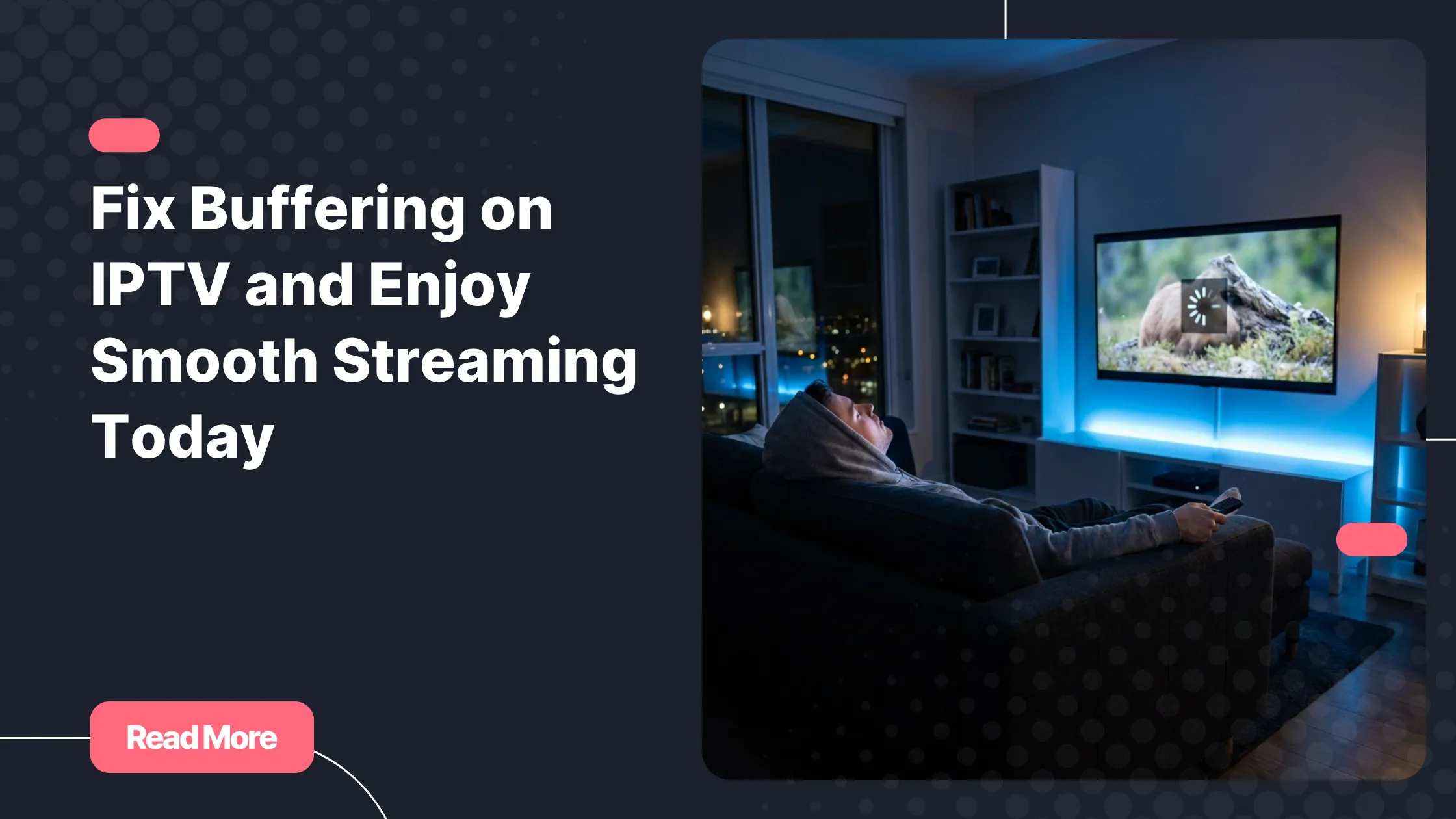
You finally sit down to relax, ready to watch your favorite show or live match, and then it happens again. The screen freezes, the loading circle spins, and your experience is ruined. If you have ever dealt with buffering on iptv, you already know how frustrating it can be.
The good news is that buffering on iptv is not something you have to accept. In most cases, it is caused by a few common issues that you can fix quickly. Whether it is your internet, your device, or your IPTV service, this guide will help you understand exactly what is happening and how to solve it.
If you want a reliable experience from the start, choosing a best iptv provider already makes a huge difference. But even with a good service, optimization is key.
Table of Contents
What Causes Buffering on IPTV
Before fixing buffering on iptv, you need to understand what is causing it. The issue rarely comes from one single factor. It is usually a combination of network, device, and service quality.
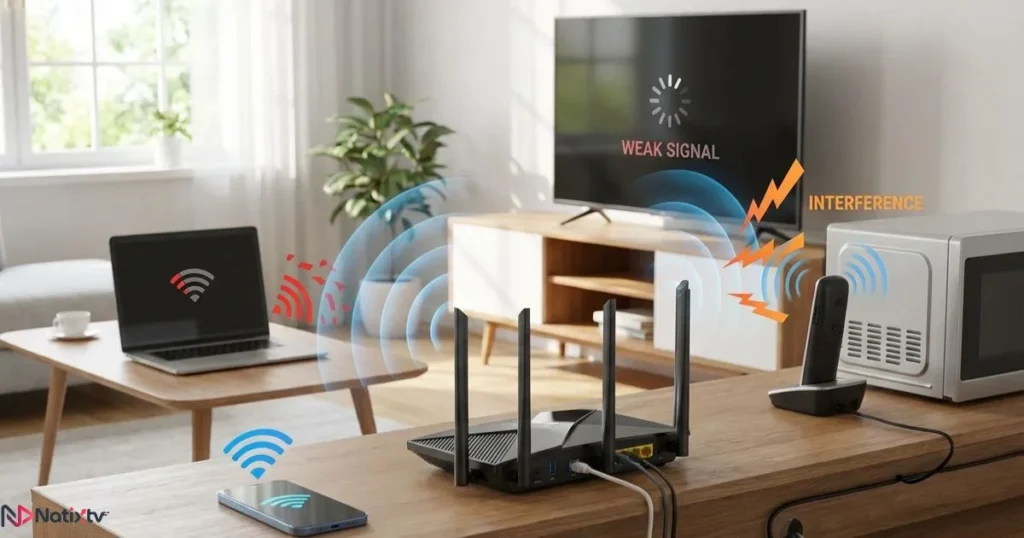
Internet Connection Problems
- Slow internet speed that cannot handle video streaming
- Unstable WiFi signal with interruptions
- Too many devices connected at the same time
- ISP throttling during peak hours
Even if your connection seems fast, instability can still lead to buffering on iptv.
Device Limitations
- Old or low performance devices
- Full storage or low RAM
- Background apps consuming resources
Your device plays a major role in how well streams are processed.
IPTV Service Quality
- Overloaded servers
- Poor stream optimization
- No anti-freeze technology
This is why choosing the right provider is critical to avoid buffering on iptv.
Recommended Internet Speed for IPTV
Your internet speed directly affects streaming quality. Here is what you should aim for:
| Streaming Quality | Recommended Speed |
|---|---|
| SD | 5 Mbps |
| HD | 10 to 15 Mbps |
| Full HD | 20 Mbps |
| 4K | 25 to 50 Mbps |
For accurate testing, use a trusted tool like Speedtest by Ookla. Always test during peak hours to detect real performance issues.
Quick IPTV Buffering Fix You Can Try Now
If you are facing buffering on iptv right now, start with these quick fixes before moving to advanced solutions.
Basic Troubleshooting
- Restart your router and device
- Close unused apps
- Reconnect to your network
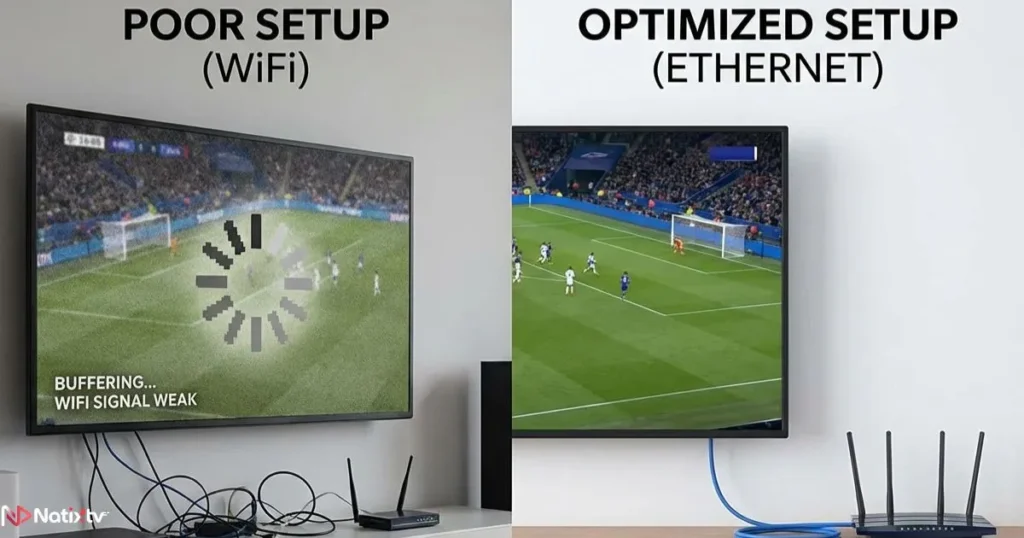
Switch to Ethernet
Using a wired connection instead of WiFi is one of the fastest ways to improve iptv streaming and eliminate instability.
Lower Video Quality
If your connection is unstable, reducing resolution can immediately reduce buffering on iptv.
Advanced IPTV Lagging Solution
If basic fixes are not enough, you need to go deeper.
Adjust Buffer Settings
Most IPTV apps allow you to increase buffer size. A larger buffer helps prevent interruptions during unstable connections.
Use a VPN
Some ISPs limit streaming traffic. A VPN can bypass this and act as an effective iptv lagging solution.
Change DNS Settings
- Google DNS: 8.8.8.8
- Cloudflare DNS: 1.1.1.1
This can improve routing and reduce buffering on iptv.
Device Specific Fixes to Improve IPTV Streaming
Smart TVs
- Update firmware regularly
- Clear app cache
- Use optimized IPTV apps
Android Devices
- Free up storage space
- Close background apps
- Install lightweight players
Firestick
- Avoid overheating
- Restart frequently
- Limit installed apps
PC and Mac
- Use updated browsers
- Disable unnecessary extensions
Optimizing your device is essential to reduce buffering on iptv effectively.
IPTV Keeps Buffering? Check Your Provider
If buffering on iptv happens across all your devices, the issue might not be on your side.
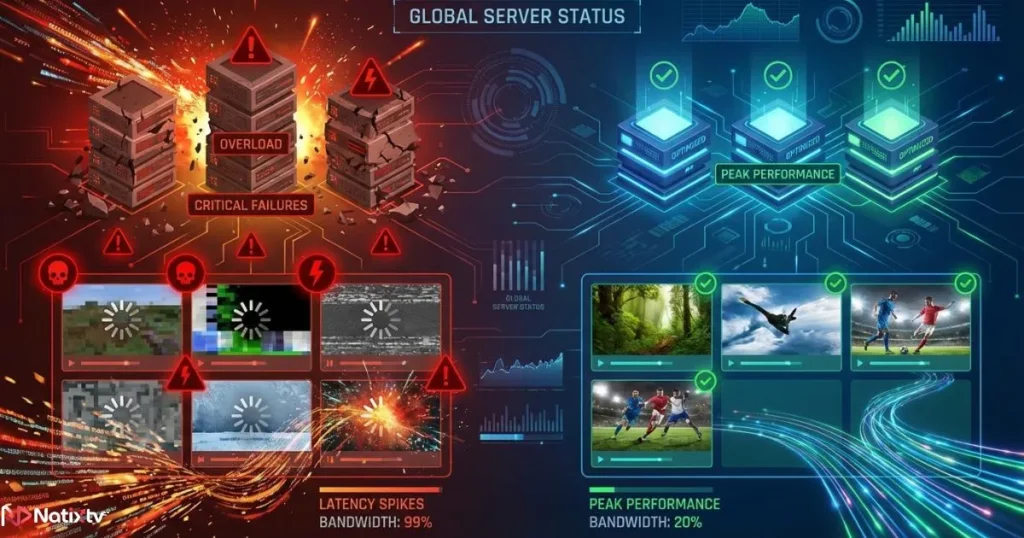
Signs of a Bad IPTV Provider
- Frequent channel freezing
- Downtime during peak hours
- Poor video quality
What a Good Provider Offers
- High uptime servers
- Anti-freeze technology
- Fast channel loading
- Multi-device compatibility
To avoid these issues, you can rely on a trusted best iptv provider that ensures stable performance.
Best Practices to Prevent Buffering
Prevention is always better than fixing issues repeatedly.
Optimize Your Network
- Use 5GHz WiFi when possible
- Place your router closer to your device
- Limit connected devices
Maintain Your Device
- Update regularly
- Clear cache weekly
- Avoid unnecessary apps
Choose the Right Player
The player you use also impacts performance. If you are unsure, check this guide on choosing the right IPTV app for smoother playback: find the most stable IPTV player for your needs.
Use an EPG Correctly
A properly configured guide improves navigation and performance. Learn how to optimize it here: set up your IPTV guide efficiently for better streaming.
Common Problems and Solutions
| Problem | Cause | Solution |
|---|---|---|
| Constant buffering | Slow internet | Upgrade speed or use Ethernet |
| Evening lag | Network congestion | Use VPN |
| Single device issue | Hardware limitation | Optimize or upgrade device |
| All channels freeze | Provider issue | Switch provider |
FAQ
Why does buffering on iptv happen even with fast internet
It can be caused by instability, ISP throttling, or poor IPTV servers, not just speed.
What is the best iptv buffering fix
The best solution combines a stable internet connection, optimized device, and a reliable provider.
How can I improve IPTV streaming instantly
Switching to Ethernet and closing background apps usually delivers immediate improvement.
Why does IPTV keep buffering at night
Peak time congestion often slows down connections and servers.
Can a VPN reduce buffering
Yes, especially if your ISP is limiting streaming traffic.
Conclusion
Dealing with buffering on iptv can be frustrating, but it is almost always solvable. By improving your internet stability, optimizing your device, and using the right settings, you can eliminate most interruptions.
However, one factor remains critical: your IPTV provider. A poor service will always cause buffering on iptv no matter how optimized your setup is. That is why choosing a reliable solution is essential.
If you want smooth, stable streaming across all your devices, consider trying a best iptv provider that offers high performance servers and a 24 to 48 hour free trial. It is the easiest way to test quality and finally enjoy IPTV without interruptions.