You finally sit down after a long day, ready to watch the big match or catch up on your favorite series. You grab the remote, hit play — and then it starts. That spinning circle. The frozen frame. The pixelated blur that makes everything look like it was filmed underwater. Buffering does not just ruin the moment; it feels like a personal insult. You paid for a service. You deserve better. The good news is that most streaming issues are entirely fixable, and you do not need to be a network engineer to solve them. As a trusted Iptv Provider, we have put together this complete guide so you can enjoy fast IPTV on any device, starting today.
Whether you are watching on a Firestick, a Smart TV, an Android box, or your phone, the same core principles apply. Your experience depends on a combination of your internet connection, your device settings, your player configuration, and the quality of your provider’s servers. Fix the weak link in that chain, and everything changes.
This guide covers everything from running a proper IPTV speed test to advanced optimization techniques. Read it once, apply the tips, and you will likely never deal with a buffering screen again.
Table of Contents
Why IPTV Speed Matters More Than You Think
IPTV is fundamentally different from traditional cable or satellite TV. Instead of receiving a broadcast signal through a physical cable, your content is delivered as a live data stream over your internet connection. That means your internet speed, stability, and latency directly determine the quality of what you see on screen.
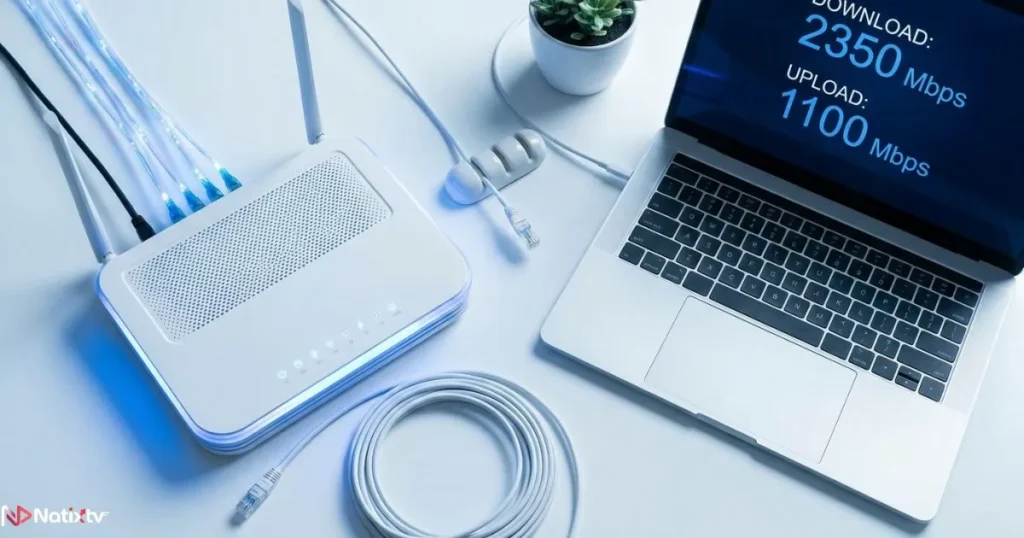
A slow or unstable connection does not just lower quality — it causes interruptions, audio desync, and complete stream drops. Understanding the minimum speed you need is the first step toward achieving fast IPTV.
| Quality | Resolution | Minimum Speed | Recommended Speed |
|---|---|---|---|
| SD | 480p | 5 Mbps | 8 Mbps |
| HD | 720p | 10 Mbps | 15 Mbps |
| Full HD | 1080p | 15 Mbps | 25 Mbps |
| 4K / UHD | 2160p | 25 Mbps | 50+ Mbps |
If you are interested in watching content in crystal-clear resolution, you can learn more about what it takes to stream 4K content reliably on any screen. The speed requirements are real, but so are the results when your setup is right.
Run an IPTV Speed Test Before Anything Else
Before adjusting any settings, you need to know where you actually stand. Jumping straight into troubleshooting without data is like trying to fix a car with your eyes closed. An IPTV speed test gives you the baseline you need.
How to Run a Proper Speed Test
Use one of these trusted tools to measure your connection:
- Speedtest.net by Ookla – the most widely used and reliable option
- Fast.com – powered by Netflix, great for quick checks
- Your Smart TV’s built-in network diagnostics (available on most Samsung and LG models)
When you run your IPTV speed test, do not just look at the download speed number. Pay close attention to these three metrics:
- Ping – ideally under 20ms for live TV streams
- Jitter – should stay below 5ms; high jitter causes stuttering even on fast connections
- Download speed – refer to the table above for the threshold you need
Test at the Right Time
Your results will vary depending on when you test. Run your IPTV speed test during peak hours (weekday evenings and weekend afternoons) because that is when your network is under the most load. Also test during off-peak hours to compare. A major difference between the two readings often points to ISP congestion — something worth raising with your internet provider.
Always test both your Wi-Fi and a wired Ethernet connection separately. The gap between the two numbers will tell you exactly how much your wireless setup is costing you in performance.
Top Reasons Your IPTV Is Slow and How to Fix Them
Most fast IPTV problems have simple causes. Here are the most common culprits and exactly what to do about each one.
Your Internet Connection Is the Bottleneck
Your router placement matters more than most people realize. Thick walls, metal appliances, and long distances all degrade your Wi-Fi signal significantly. Try these fixes first:
- Move your router to a central, elevated position in your home
- Switch from the 2.4 GHz band to 5 GHz for faster, less congested speeds
- Use an Ethernet cable directly from your router to your streaming device – this single change often eliminates buffering entirely
- Restart your modem and router at least once a week to clear memory and refresh the connection
Too Many Devices Sharing Your Bandwidth
Every device connected to your network is competing for the same bandwidth. When your household is running video calls, downloads, and gaming sessions simultaneously, your IPTV stream gets squeezed. Here is how to take back control:
- Disconnect idle devices from Wi-Fi during streaming sessions
- Access your router’s admin panel and enable Quality of Service (QoS) rules to prioritize your IPTV device
- Schedule large downloads and updates for overnight hours
Your IPTV Player Needs Optimization
Your choice of player and its configuration has a direct impact on how well your stream performs. To improve IPTV performance at the app level, start with these steps:
- Clear your app cache regularly – on Android and Firestick, do this monthly at minimum
- Use a dedicated IPTV player such as TiviMate, IPTV Smarters Pro, VLC, or GSE IPTV
- Enable hardware decoding in your player’s settings to offload processing to your device’s GPU
- Increase the buffer size in your player preferences – a larger buffer absorbs minor network fluctuations before they turn into visible freezes
Your VPN Is Slowing You Down
VPNs are a common source of hidden speed loss. Encryption overhead and server routing can reduce your effective speed by 20 to 50 percent. If you use a VPN and notice slow IPTV, try these adjustments:
- Switch to a VPN server that is geographically close to your IPTV provider’s infrastructure
- Use a lightweight VPN protocol such as WireGuard instead of OpenVPN
- Whitelist your IPTV app from your VPN client so it bypasses the tunnel entirely (known as split tunneling)
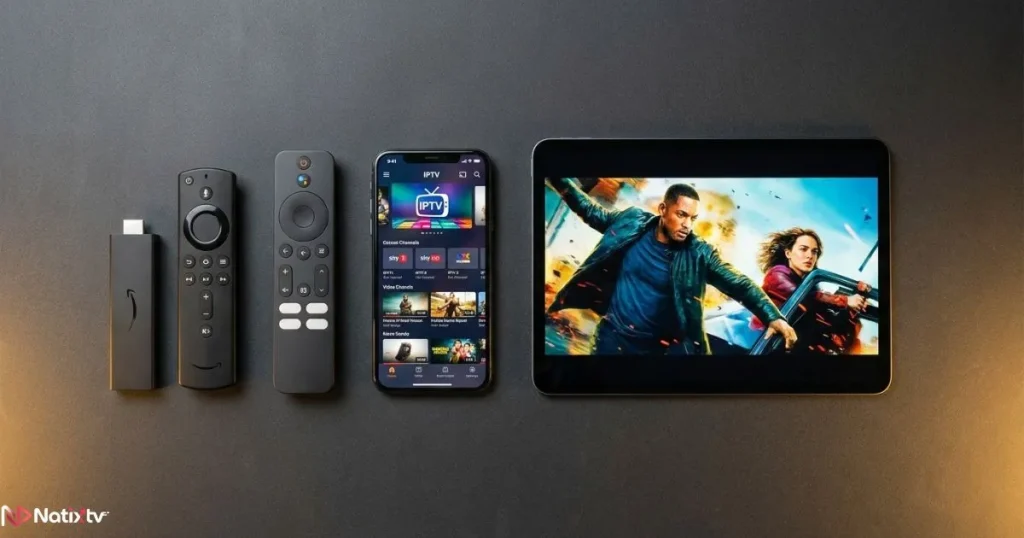
Device-Specific Tips to Improve IPTV Performance
Different devices have different performance profiles. Here is what to do on the hardware you are actually using.
Android TV Box and Firestick
- Install a lightweight launcher to free up system resources
- Disable automatic app updates and background refresh
- Use a file manager to clear junk files and reclaim storage space
- Force-stop apps you are not using before launching your IPTV player
Smart TV – Samsung, LG, Philips
- Keep your firmware updated – manufacturers regularly release patches that improve streaming performance
- Use the built-in Ethernet port if available; it will always outperform Wi-Fi
- If your TV has been running for years without a reset, a factory reset can eliminate accumulated performance drag
iPhone and iPad
- Close all background apps before launching your IPTV app
- Use IPTV Smarters or GSE Smart IPTV for a stable iOS experience
- Connect to Wi-Fi rather than relying on mobile data for long viewing sessions
PC and Mac
- VLC and Kodi are your best options for desktop fast IPTV playback
- Allocate more RAM to your media player via its preferences panel
- If using a browser-based player, disable extensions that may interfere with playback
MAG Box
- Clear the STB portal cache from within the settings menu
- Update the firmware through your provider’s portal
- Verify that your portal URL is correctly entered – Natixtv provides ready-to-use portal links with every subscription

If you want to explore an alternative way to stream your channels through a universal media interface, check out this guide on using Plex as your IPTV front-end for a seamless live TV experience. It works across virtually every device on this list.
Advanced IPTV Optimization Tips for Power Users
If you have already covered the basics and still want to squeeze out more performance, these advanced steps can make a real difference.
Switch Your DNS Server
Your default DNS server (assigned by your ISP) may be slow or unreliable. Switching to a faster alternative reduces the time it takes to resolve server addresses and can noticeably improve fast streaming IPTV response times. Use Google DNS (8.8.8.8 / 8.8.4.4) or Cloudflare DNS (1.1.1.1) for best results.
Check for ISP Throttling
Some internet service providers actively throttle streaming traffic, especially during peak hours. Run an IPTV speed test using a VPN and compare the results with your normal connection. If speeds are significantly higher through the VPN, you are likely being throttled and should contact your ISP directly.
Use a Powerline Adapter
If running an Ethernet cable through your home is not practical, a powerline adapter sends your internet signal through your existing electrical wiring. It is not as fast as a direct cable connection, but it is far more stable than Wi-Fi across distances.
Upgrade to Fiber Optic
If your area supports it, fiber optic internet is the gold standard for fast IPTV. Symmetric speeds, low latency, and consistent performance under load make it the ideal infrastructure for any serious streaming setup.
Choosing the Right Fast IPTV Provider
Even with a perfect home network, a poor-quality provider will hold your experience back. When evaluating an IPTV service, look for these factors:
- Server uptime guarantees and redundancy infrastructure
- Adaptive bitrate technology to automatically adjust quality during brief speed drops
- Support for multiple simultaneous connections if you watch on several devices
- A comprehensive EPG (Electronic Program Guide) and a well-organized VOD library
- Responsive customer support, especially for technical issues
- A free trial period so you can test fast IPTV speeds before committing
As a reliable Iptv Provider, Natixtv offers a free 24 to 48-hour trial that works on every major device including Android, iOS, Smart TV, MAG Box, Firestick, PC, and more. You can test the full performance of our servers with no commitment and no credit card required before you decide.
FAQ: Fast IPTV and Streaming Speed
What is the best internet speed for fast IPTV?
For Full HD streaming, a minimum of 25 Mbps is recommended. For 4K content, aim for 50 Mbps or above. Beyond raw speed, keep your ping under 20ms and your jitter under 5ms for the smoothest live TV experience.
How do I get fast IPTV on my Firestick without buffering?
Clear your app cache, connect to the 5 GHz Wi-Fi band or use a wired adapter, enable hardware decoding in your player settings, and make sure your IPTV provider has reliable servers. Natixtv is fully compatible with Firestick and optimized for low-latency performance.
Why does my IPTV buffer even when I have fast internet?
Raw download speed is only one part of the equation. High ping, elevated jitter, network congestion, insufficient player buffer settings, or overloaded provider servers can all cause buffering regardless of your advertised internet plan. Running an IPTV speed test and checking ping and jitter values will help you isolate the cause.
Does using a VPN affect my IPTV streaming speed?
Yes, VPNs typically reduce speed by 20 to 50 percent depending on the server and protocol used. If you need a VPN, use WireGuard protocol and connect to a server close to your IPTV provider’s infrastructure. Alternatively, use split tunneling to exclude your IPTV app from the VPN tunnel.
Can I improve IPTV performance without upgrading my internet plan?
Absolutely. Switching to a wired Ethernet connection, adjusting your router placement, clearing app cache, changing your DNS server, and optimizing your player buffer settings can all dramatically improve your experience without spending a cent on a faster plan.
Is fast IPTV possible on mobile data?
Yes, with a stable 4G or 5G connection above 15 Mbps and low latency, mobile streaming works well for HD content. For 4K or live sports, a home broadband connection remains more reliable due to consistent speeds and lower jitter on fixed networks.
Start Streaming Without Limits
Buffering, freezing, and poor picture quality are not inevitable parts of the IPTV experience. They are symptoms of fixable problems, and now you have the complete toolkit to address every single one of them. From running your first proper IPTV speed test to applying advanced DNS and buffer optimizations, each step you take brings you closer to a setup that simply works every time you press play.
The right combination of a solid home network, an optimized device and player, and a provider with real infrastructure behind it is all you need. That last part is where we come in. As your dedicated Iptv Provider, Natixtv gives you access to a fast IPTV service with thousands of channels, a rich VOD library, full device compatibility, and a free 24 to 48-hour trial with no commitment. Try it today and experience the difference a properly optimized stream makes.