You finally sit down after a long day. The lights are low, the TV is ready, and you want to watch your favorite movie, sports match, or series. But instead of smooth entertainment, the stream freezes, buffers, or crashes. That frustrating moment happens to thousands of IPTV users every day.
In many cases, the problem is not the IPTV subscription itself. The real issue is the device you are using. Choosing a good IPTV box can transform your viewing experience from constant interruptions into smooth, high-quality streaming.
If you want stable channels, fast navigation, and sharp picture quality, the right IPTV streaming device makes all the difference. In this guide, you will discover exactly how to select the best hardware for IPTV and enjoy reliable entertainment at home.
Table of Contents
What Is an IPTV Box and Why It Matters for Streaming Quality
An IPTV TV box is a dedicated device designed to stream television content through an internet connection instead of traditional cable or satellite signals. It connects to your television through HDMI and runs apps that allow you to watch IPTV channels, movies, and on-demand content.
While many smart TVs offer IPTV apps, they often lack the processing power and flexibility of a dedicated streaming device.
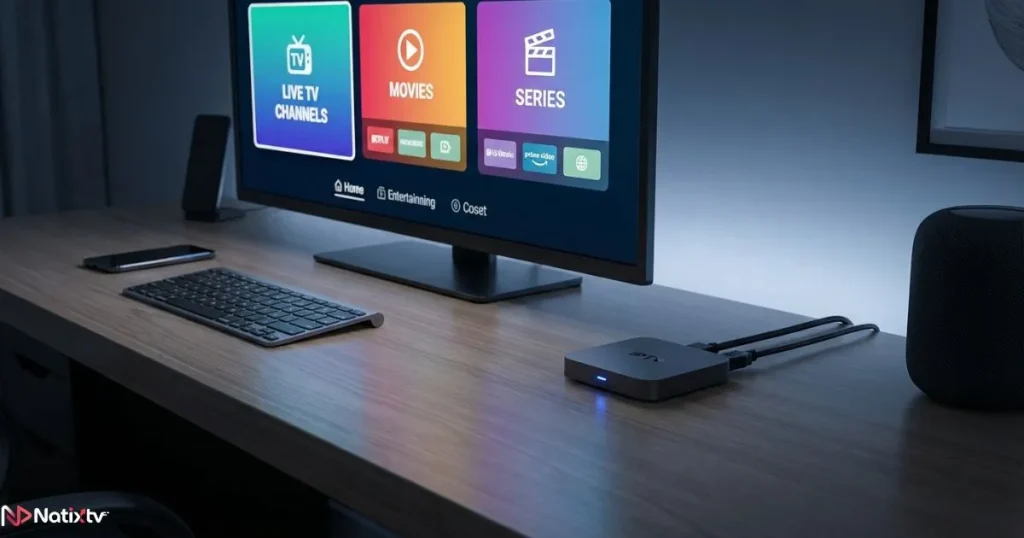
A good IPTV box provides stronger hardware, smoother performance, and better compatibility with IPTV applications.
How IPTV Boxes Work
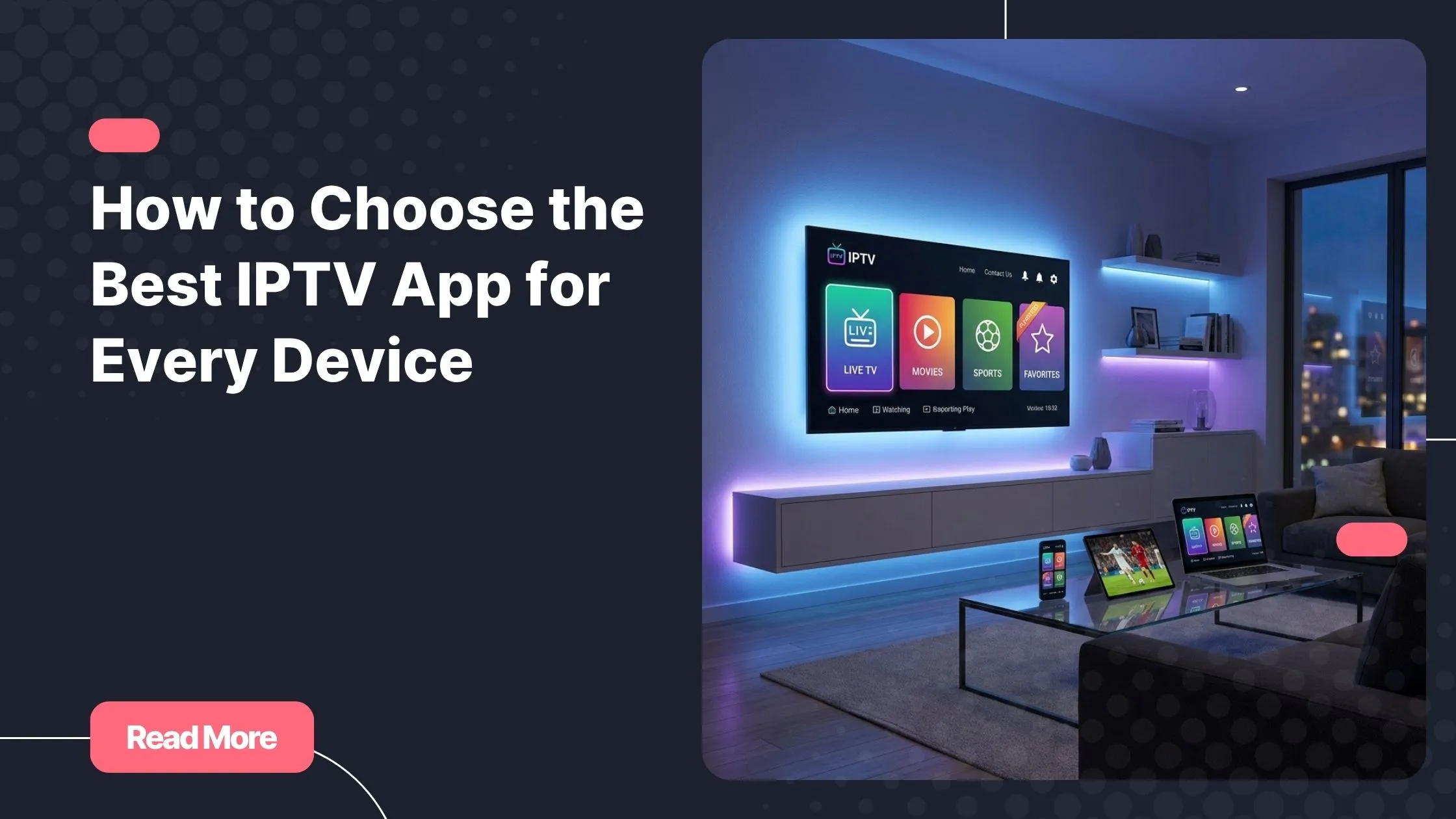
An IPTV box works by decoding digital streams sent through your internet connection. These streams are processed by the device and displayed on your TV through IPTV apps such as:
- IPTV Smarters
- TiviMate
- XCIPTV
- Hot IPTV Player
These applications organize channels, electronic program guides, and on-demand content into an interface that feels similar to traditional television.
Why Dedicated Devices Perform Better
Compared to built-in smart TV apps, IPTV boxes provide:
- More powerful processors
- Better RAM capacity
- Improved app compatibility
- Faster updates and software support
- Greater streaming stability
If you want to learn more about the devices that deliver the best streaming experience, this detailed guide explaining how powerful IPTV streaming devices improve stability and performance can help you explore the best options available.
Key Features of a Good IPTV Box
Not all IPTV devices are created equal. Some inexpensive models struggle to process streams properly, which leads to buffering and app crashes. A good IPTV box combines strong hardware, modern software, and reliable connectivity.
Processor and RAM Performance
The processor and RAM are the heart of your IPTV streaming device. These components control how smoothly the device can run applications and decode video streams.
For a comfortable IPTV experience, you should look for the following specifications:
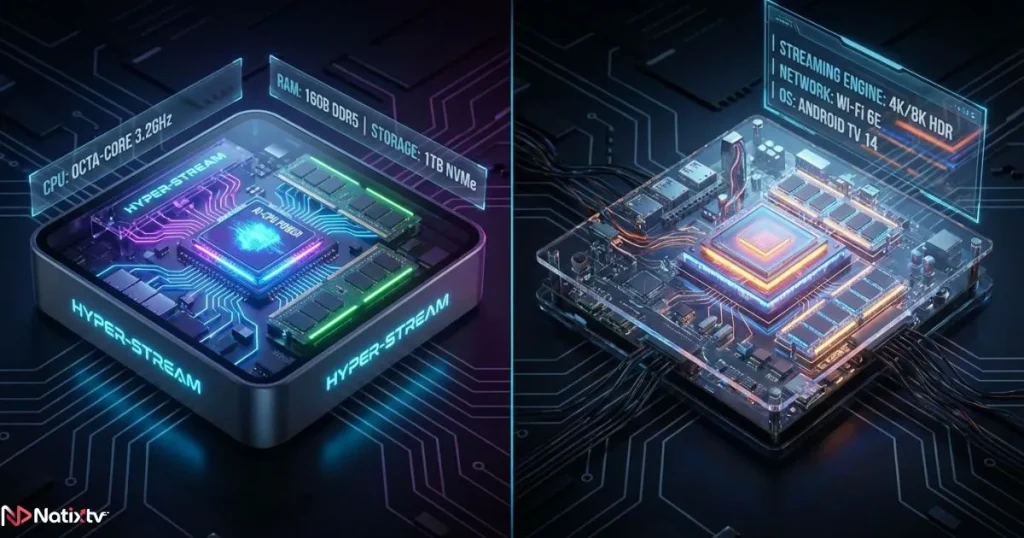
- Quad-core processor minimum
- 2 GB RAM minimum
- 4 GB RAM recommended for heavy users
More RAM allows the device to manage multiple processes simultaneously. This is particularly important if you switch channels often or use advanced IPTV interfaces with electronic program guides.
Storage Capacity
Storage space determines how many applications you can install and how much temporary data the system can manage.
Typical IPTV box storage options include:
- 8 GB basic devices
- 16 GB standard devices
- 32 GB or more for premium devices
For most users, 16 GB is enough to install several IPTV apps and keep the system running smoothly.
Video Resolution Support
Modern IPTV services often support high-definition and even ultra-high-definition content. A good IPTV box should therefore support advanced video formats such as:
- Full HD 1080p
- 4K streaming
- HDR video formats
Even if you currently watch mostly HD channels, choosing a device capable of 4K decoding ensures your setup remains compatible with future content.
Operating System Compatibility
The operating system determines which applications you can install. One of the most popular options is the Android TV IPTV box, which offers access to the Google Play Store.
Android-based systems allow you to install a wide range of IPTV apps quickly and easily. They also receive regular updates that improve performance and security.
Types of IPTV Streaming Devices Available
Before buying a device, it helps to understand the different types of IPTV hardware available. Each category offers specific advantages depending on how you plan to watch television.
Android IPTV Boxes
Android IPTV boxes are among the most popular solutions for IPTV streaming. They combine strong hardware with flexible software.
Advantages include:
- Large application ecosystem
- Advanced customization options
- Frequent software updates
- Excellent IPTV app compatibility
This type of device is ideal if you watch IPTV regularly and want maximum control over your setup.
Streaming Sticks
Streaming sticks are compact devices that plug directly into the HDMI port of your television. They are small, portable, and simple to install.
However, they typically include weaker processors than larger IPTV boxes. For casual users, they may still provide a convenient solution.
Premium IPTV Streaming Devices
Premium devices focus on performance and stability. They usually include:
- More powerful processors
- Higher RAM capacity
- Improved WiFi chips
- Better video decoding technology
If you watch sports events, live television, or 4K content regularly, investing in a high-quality IPTV streaming device often leads to a much better experience.
Technical Specifications to Compare Before Buying
Understanding hardware specifications helps you evaluate whether a device will handle IPTV streams smoothly.
| Feature | Basic IPTV Box | Good IPTV Box | Premium IPTV Device |
|---|---|---|---|
| Processor | Dual Core | Quad Core | Octa Core |
| RAM | 1 GB | 2 GB | 4 GB+ |
| Storage | 8 GB | 16 GB | 32 GB+ |
| Video Support | 1080p | 4K | 4K + HDR |
| Connectivity | WiFi | WiFi + Ethernet | WiFi 6 + Ethernet |
When comparing devices, prioritize processing power and RAM. These two factors have the greatest impact on IPTV stability.
Internet Connection Requirements for Stable IPTV
Your IPTV box alone cannot guarantee smooth streaming. Your internet connection must also be strong enough to support continuous video playback.
Recommended Internet Speeds
| Streaming Quality | Recommended Speed |
|---|---|
| HD Streaming | 10 Mbps |
| Full HD Streaming | 20 Mbps |
| 4K Streaming | 35 Mbps or more |
Whenever possible, connect your IPTV box using an Ethernet cable instead of WiFi. A wired connection reduces interference and improves stability.
For more technical information about video streaming requirements, resources from Cloudflare’s video streaming guide provide valuable insights into how streaming technology works.
IPTV Apps Compatibility to Check
The device you choose must support reliable IPTV applications. These apps act as the interface that organizes channels and media libraries.
Popular IPTV apps include:
- IPTV Smarters
- TiviMate
- XCIPTV
- Hot IPTV Player
These applications offer advanced features such as:
- Electronic program guides
- Channel categories
- Recording options
- Multi-screen viewing
A good IPTV box should run these apps smoothly without lag.
Common Mistakes When Buying an IPTV TV Box
Many buyers make the mistake of focusing only on price. Unfortunately, cheap devices often lead to poor performance.
Mistake 1: Choosing the Cheapest Device
Low-cost IPTV boxes usually include outdated processors and minimal RAM. This can cause:
- Slow menus
- Frequent buffering
- Application crashes
Mistake 2: Ignoring Hardware Specifications
Many buyers overlook the importance of CPU and RAM. These components directly affect your streaming experience.
Mistake 3: Using Outdated Operating Systems
Older systems may not support modern IPTV apps or security updates.
Mistake 4: Buying Unknown Brands
Unverified manufacturers sometimes release devices with poor software optimization. Choosing reputable brands reduces these risks.
Best Use Cases for Different IPTV Devices
The ideal IPTV box depends on how you watch television.
Casual Viewers
If you watch television occasionally, a mid-range IPTV box with 2 GB RAM may be enough for HD channels and basic applications.
Sports Fans
Sports viewers require fast channel switching and stable streams. A powerful processor and Ethernet connection help avoid interruptions during live matches.
4K Entertainment Enthusiasts
If you enjoy ultra-high-definition movies or premium sports broadcasts, choose a device capable of decoding 4K video smoothly.
Pairing the right hardware with the right service is equally important. Choosing the right provider is explained in this guide about finding an IPTV subscription that matches your streaming habits.
Testing Your IPTV Box with a Free Trial
Before committing to a long-term subscription, testing your setup is always the safest approach.
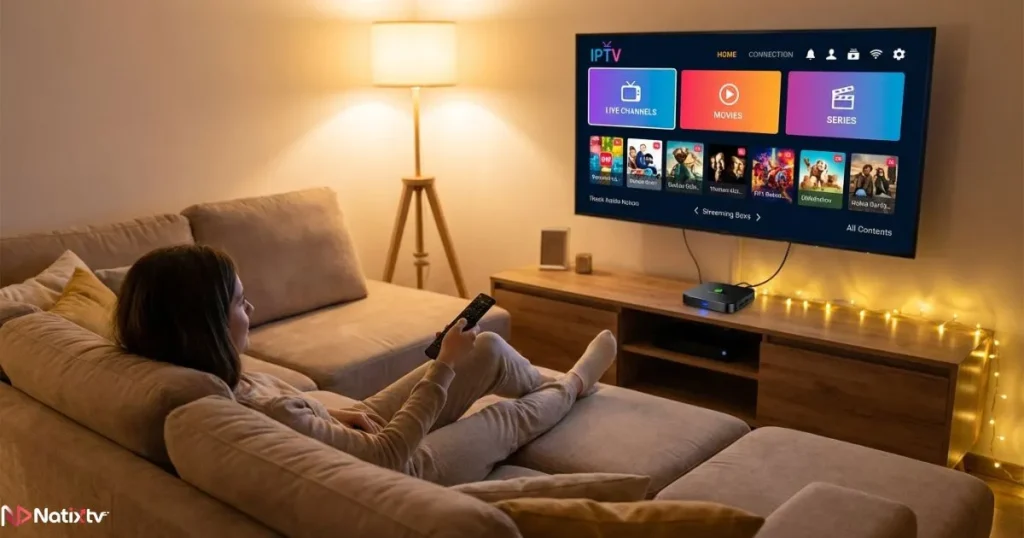
Natixtv provides IPTV subscriptions that work with a wide range of devices and applications. New users can access a free trial period lasting between 24 and 48 hours.
This trial allows you to:
- Check device compatibility
- Evaluate streaming stability
- Test IPTV applications
- Verify channel quality
By testing your IPTV box with a real service, you ensure that your setup delivers the performance you expect.
FAQ About Choosing an IPTV Device
What is a good IPTV box for stable streaming?
A good IPTV box includes a quad-core processor, at least 2 GB of RAM, and support for modern IPTV applications. These features help ensure smooth channel playback and fast navigation.
Do I need an Android TV IPTV box to watch IPTV?
No, but Android-based devices are often recommended because they provide access to a wide range of IPTV apps through the Google Play Store.
Can a smart TV replace an IPTV streaming device?
Smart TVs can run IPTV apps, but their hardware is usually weaker. Dedicated IPTV boxes offer better performance and more flexibility.
How much RAM should a good IPTV box have?
For stable performance, at least 2 GB of RAM is recommended. Heavy users or 4K viewers may benefit from 4 GB or more.
Does internet speed affect IPTV quality?
Yes. Even the best IPTV device cannot compensate for a slow internet connection. Faster speeds help maintain stable video streams.
Conclusion: Choosing the Right IPTV Box for the Best Experience
A smooth IPTV experience depends on the quality of your hardware, your internet connection, and your streaming service. Choosing a good IPTV box ensures faster app performance, stable channels, and better video quality.
When selecting your device, focus on powerful processors, sufficient RAM, modern video decoding, and strong connectivity options. These elements work together to deliver the reliable performance IPTV viewers expect.
If you want to confirm that your setup works perfectly, testing it with a free trial is the smartest step. Natixtv offers a 24 to 48 hour trial that allows you to experience channel quality and streaming stability before subscribing.
With the right IPTV streaming device and a reliable service, your television becomes a powerful entertainment hub that delivers movies, sports, and live channels exactly when you want them.