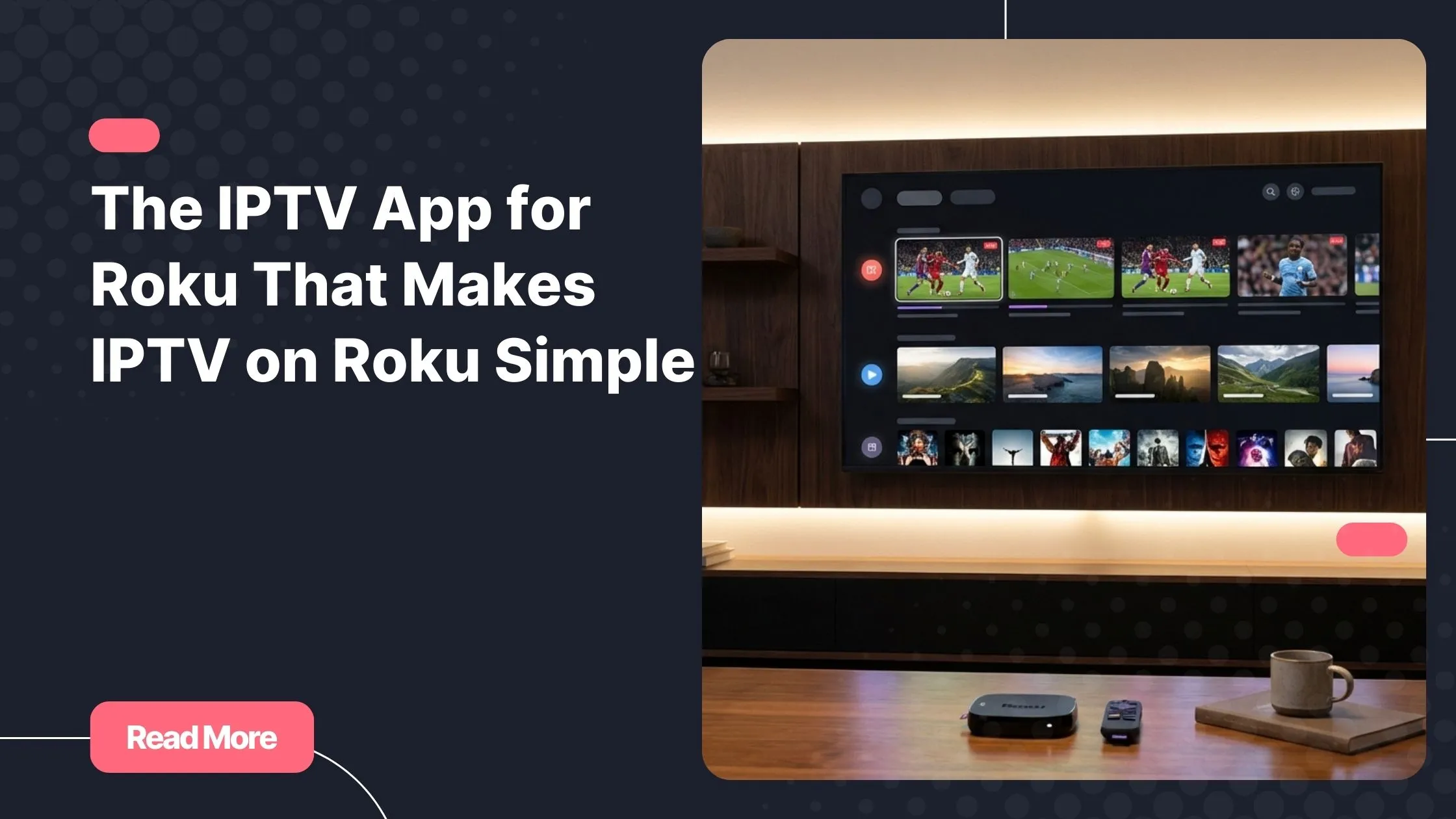
You come home after a long day, turn on your TV, and expect entertainment to be effortless. Instead, you face limitations, missing channels, or confusing setups that break the moment. This is often the moment when you start searching for an iptv app for roku that truly fits your lifestyle and restores the pleasure of watching live TV.
Modern streaming should feel flexible, not restrictive. With the right iptv subscription, you can transform how you use Roku and enjoy live channels, sports, movies, and series without feeling locked into old cable habits.
This guide explains everything you need to know about IPTV on Roku, how Roku IPTV apps really work, and how you can choose a reliable solution that fits your viewing habits.
Table of Contents
What Is an IPTV App for Roku?
An IPTV service delivers television content through the internet rather than traditional cable or satellite signals. When people talk about an iptv app for roku, they usually mean a way to access live TV and on-demand content on a Roku device using internet-based streaming.
Roku itself runs on a closed operating system. This means you cannot install most third-party IPTV players directly like you would on Android TV or Firestick. However, IPTV on Roku is still possible through smart and proven methods that many users rely on daily.
Can You Install IPTV Directly on Roku?
Understanding Roku OS Limitations
Roku prioritizes simplicity and security, which is why its Channel Store is tightly controlled. Unlike open platforms, Roku does not allow most external IPTV players. This is why you will not find a classic Roku IPTV channel offering full IPTV features in the official store.
What People Really Mean by a Roku IPTV Channel
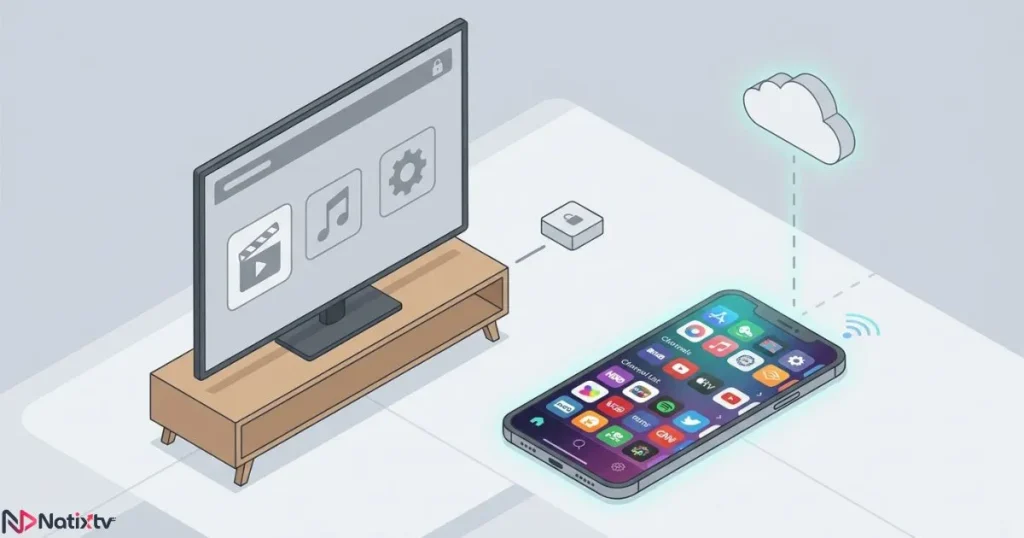
When users search for a Roku IPTV channel, they are often referring to indirect solutions such as screen mirroring, casting, or media server playback. These methods bypass installation limits while keeping Roku as your main display device.
How IPTV Works on Roku in Real Life
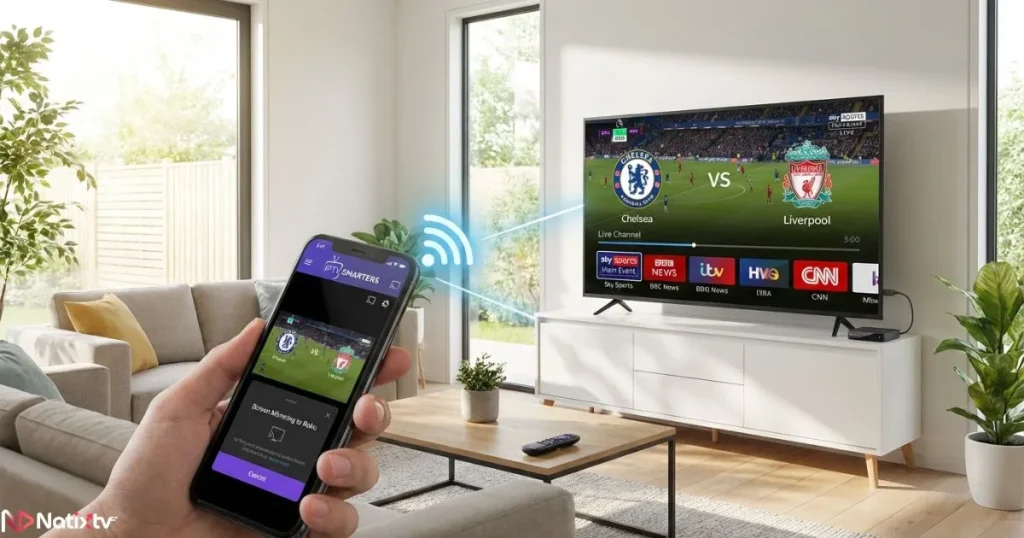
In practice, an iptv app for roku works by connecting Roku to another compatible device that runs the IPTV player. This approach is stable, legal, and widely used.
Screen Mirroring and Casting
- Mirror IPTV from Android phones or tablets
- Cast IPTV streams from a Windows or Mac computer
- Enjoy full-screen playback on Roku with minimal delay
Using Media Servers and Streaming Tools
Some users prefer streaming IPTV through media servers such as Plex or compatible casting apps. This setup is ideal if you want smoother playback and playlist organization.
Best IPTV Apps Compatible with Roku Workarounds
While Roku does not host IPTV players, several premium apps work perfectly alongside it. Each of these can function as your iptv app for roku when paired with screen mirroring or casting.
- IPTV Smarters for clean interfaces and EPG support
- TiviMate for advanced playlist management
- XCIPTV for stability and customization
- GSE Smart IPTV for flexible format support
Step-by-Step IPTV Setup for Roku Users
Setting up an iptv app for roku is easier than most people expect.
- Choose an IPTV player on a compatible device
- Activate your IPTV subscription credentials
- Enable screen mirroring or casting
- Connect to Roku and test your channels
With Natixtv, setup guidance is provided after activation, ensuring your experience remains smooth from the start.
Pros and Cons of IPTV on Roku
Using an iptv app for roku comes with clear benefits and a few limitations.
Advantages
- Access to live TV and international channels
- No long-term cable contracts
- Multi-device compatibility
Limitations
- No native IPTV player on Roku
- Requires a secondary device for playback
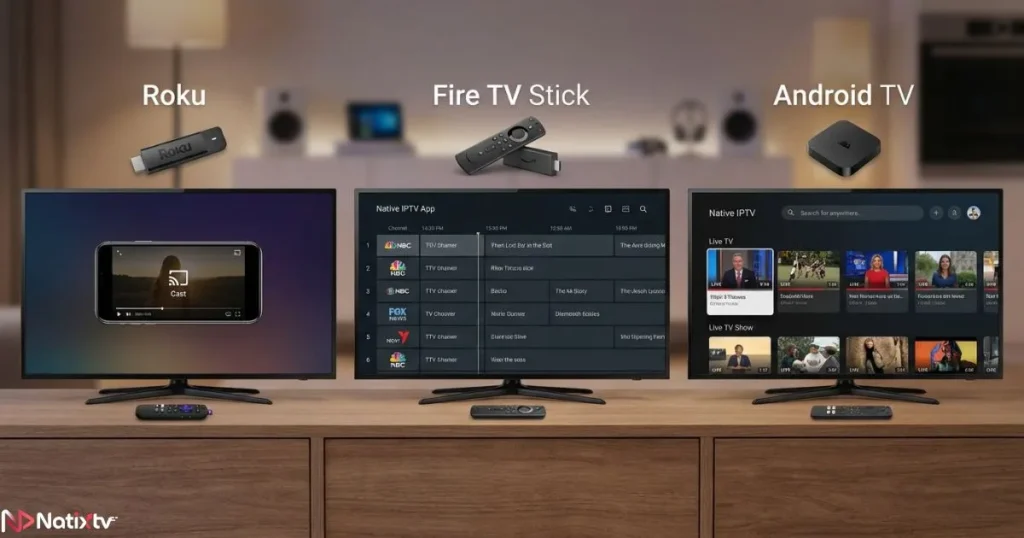
Roku IPTV Compared to Other Streaming Devices
| Feature | Roku | Firestick | Android TV |
|---|---|---|---|
| Native IPTV Apps | No | Yes | Yes |
| Setup Difficulty | Medium | Easy | Easy |
| Streaming Quality | High | High | High |
Is IPTV Legal on Roku?
IPTV itself is a legal technology used by broadcasters worldwide. Using an iptv app for roku is legal as long as your IPTV provider delivers licensed content. Choosing a reputable service protects both quality and compliance.
For deeper insight into IPTV technology and regulations, you can consult this detailed overview from TechRadar.
Choosing the Right IPTV Service for Roku
The quality of your experience depends more on the provider than the device. A reliable iptv app for roku setup should include stable servers, HD channels, and responsive support.
Services like Natixtv are designed for flexibility, offering compatibility with many devices and a free trial period of 24 to 48 hours. Features like catch-up TV and scheduling guides further enhance usability, as explained in this guide on watching missed programs with catch-up functionality and this resource covering how IPTV schedules help you plan viewing.
Common IPTV Issues on Roku and How to Fix Them
Even the best iptv app for roku setup can face occasional issues.
- Buffering: check your internet speed
- Connection drops: restart casting or mirroring
- EPG not loading: refresh playlist data
FAQ About Roku IPTV Apps
What is the best iptv app for roku?
The best option depends on your setup, but IPTV Smarters and TiviMate are popular when used with screen mirroring.
Can IPTV work smoothly on Roku?
Yes, when paired with a stable IPTV service and a reliable internet connection.
Is there an official Roku IPTV channel?
No official channel offers full IPTV features, which is why indirect methods are used.
Do I need a VPN for IPTV on Roku?
A VPN is optional but can improve privacy and connection stability.
Conclusion: Is Roku Still a Good Choice for IPTV?
Roku remains a strong streaming platform, and with the right approach, an iptv app for roku setup can deliver a powerful live TV experience. The key is choosing a flexible IPTV service that works across devices and offers real support.
If you want to test IPTV without commitment, start with a trusted iptv subscription that includes a free 24 to 48 hour trial. It is the simplest way to see how IPTV on Roku fits your daily viewing habits and finally enjoy television on your terms.