Picture Sunday evening at home. The kids are tugging at the remote, your partner is halfway through a thriller series, and you are still hunting for that sports channel you favorited two weeks ago – except someone reorganized everything. If that sounds painfully familiar, you are not alone. Managing television in a shared household can feel like a constant negotiation. But here is the good news: the right top rated iptv apps for Firestick are built precisely to solve this. They bring genuine structure to shared viewing, not just more channels, but smarter access to all of them.
The best iptv apps for Firestick today go far beyond a simple channel list. They give each member of your household their own space: a personal profile with their own favorites, their own viewing history, and their own channel layout. Parental controls mean you can hand the remote to your child without a second thought. Favorites management means you stop scrolling through thousands of channels every single evening. These are not luxury features. For anyone streaming in a shared home, they are essentials.
This guide covers the apps that genuinely deliver on those promises. You will find out which platforms handle Firestick IPTV profiles with care, which ones make Firestick IPTV favorites effortless to organize, and which offer solid IPTV parental controls that actually hold up in daily family use. Let’s get into it.
Table of Contents
Why Firestick Is the Ideal Device for IPTV Streaming
Amazon’s Firestick has quietly become the default streaming stick for millions of households worldwide. With over 50 million active Fire TV users globally, its reach is hard to argue with. The hardware is affordable, the interface is intuitive, and – crucially for IPTV – it supports APK sideloading, which opens the door to a much wider range of applications than you would find on more closed platforms.
Firestick models range from the entry-level Lite to the Firestick 4K Max, which handles 4K HDR streams without breaking a sweat. For iptv apps for Firestick, this matters: smoother hardware means less buffering, faster app response, and a more stable experience across a full evening of mixed-household viewing. Whether you are running a single stream or managing multiple profiles watching different content simultaneously, Firestick handles it well, especially when paired with a reliable subscription.
What to Look For in an IPTV App for Firestick
Not every IPTV app is built with shared households in mind. Some are fine for solo viewers but fall apart the moment a second person wants their own channel layout. Before choosing an app, it helps to know what the essential features are and why each one earns its place in a household setup.
User Profiles and Personalized IPTV App Profiles
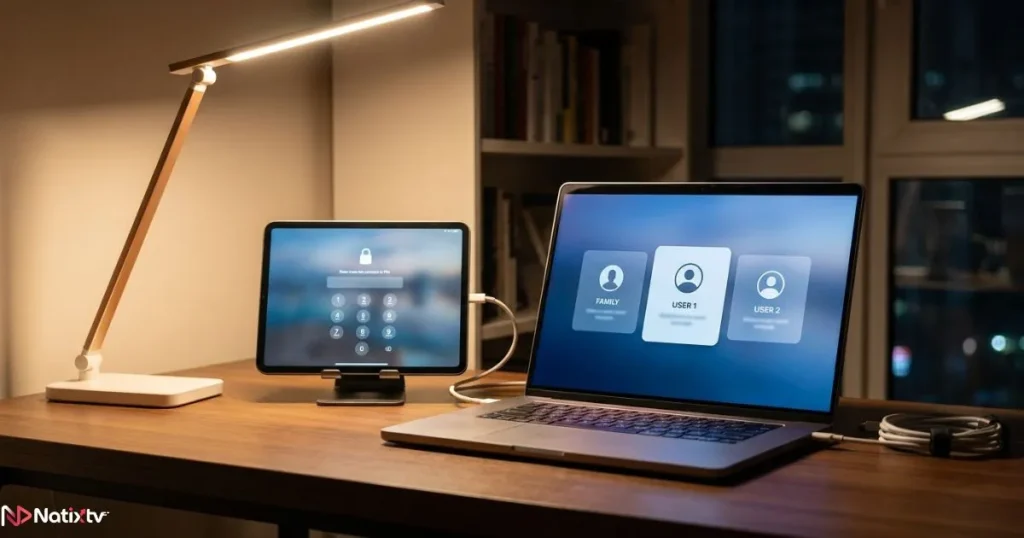
A proper profile system means each viewer gets their own space inside the app. Their watch history, their language preferences, their EPG layout: none of it bleeds into someone else’s experience. The best iptv app profiles work similarly to streaming platforms like Netflix – you pick your profile, and the app remembers exactly where you left things.
This is especially useful in larger households. Parents, teenagers, and younger children often want completely different content. Without profile separation, you end up with a cluttered, confusing channel list that belongs to nobody in particular. With it, everyone finds what they want in seconds.
Favorites and Firestick Channel Management
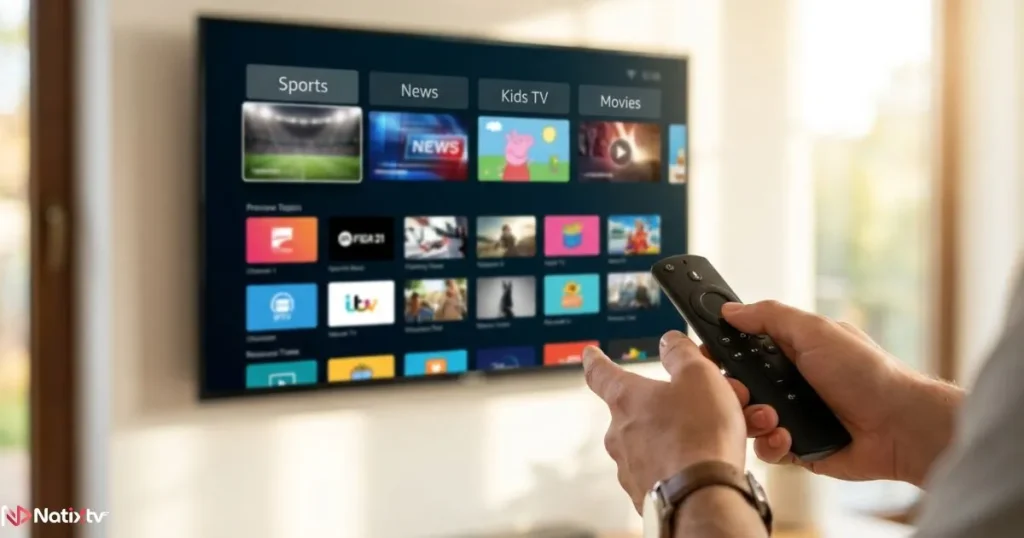
Most IPTV subscriptions come with thousands of channels. That variety is one of the great strengths of IPTV, but navigating it without a favorites system is genuinely painful. Effective Firestick channel management means building curated shortlists: your sports channels in one group, your news channels in another, children’s content in a third.
The best apps let you create multiple named favorites groups, pin them to the top of your channel list, and integrate them directly with the Electronic Programme Guide (EPG). That way, when you open your “Sports” favorites group, you see not just the channels but what is currently airing and what is coming up next. It transforms browsing into a purposeful, fast experience.
If you are curious about free IPTV apps available across different devices, it is worth understanding how favorites and channel grouping work before committing to a single platform.
IPTV Parental Controls and Content Filtering
This is where many apps still fall short. IPTV parental controls need to work at a granular level to be genuinely useful. A single master PIN to lock the whole app is not enough. What you need is the ability to lock specific channels, block entire content categories such as adult content or extreme violence, and set time-based viewing restrictions that automatically kick in after a certain hour.
The strongest implementations allow you to configure all of this at the profile level. A child’s profile can be fully locked down while an adult profile has unrestricted access, all within the same app on the same device. That flexibility is what separates a good IPTV app from a great one for family use.
The Best IPTV Apps for Firestick: A Detailed Breakdown
After testing the most popular options available, five iptv apps for Firestick consistently stand out for their handling of profiles, favorites, and parental controls. The best iptv apps for Firestick right now are more capable than ever when it comes to genuine household features. Here is what each one offers – and where each one shines.
TiviMate – Best Overall for Household Use
TiviMate is consistently ranked as the top choice among serious IPTV users, and it earns that reputation. The interface is clean, fast, and genuinely designed for remote control navigation. On Firestick, it feels native: no awkward scrolling, no mis-sized buttons.
Its IPTV app profiles system, available in the Premium tier, is one of the most complete on the market. Each profile can have its own playlist, its own favorites groups, and its own EPG configuration. Parental controls operate at both the channel level and the category level, protected by a PIN you set independently for each profile. Firestick IPTV favorites are organized through a customizable bouquet system, letting you build exactly the groups you want.
- Multi-profile support with fully separate settings per profile
- PIN-protected channels and category locks for IPTV parental controls
- Multiple favorites groups with EPG integration
- Catch-up and recording support on compatible subscriptions
- Premium version available at approximately $5.99 per year
IPTV Smarters Pro – Best Free Option
IPTV Smarters Pro is one of the most widely used iptv apps for Firestick, partly because it is free and partly because it genuinely performs well. It supports both M3U playlist URLs and Xtream Codes API login, making it compatible with virtually every IPTV provider on the market.
Its profile system is tied to individual login credentials, meaning each household member can log in with their own account details and access a completely separate environment. The built-in parental lock uses a PIN to restrict access to specific content. Firestick IPTV favorites are easy to manage, and the recently watched section helps you pick up exactly where you left off.
- Free with no mandatory subscription
- Per-login profile separation for household use
- PIN-based content lock
- Clean, remote-friendly UI
- VOD and series sections alongside live channels
Duplex IPTV (Orca TV) – Best for Family-Friendly Design
Duplex IPTV takes a slightly different approach. Its multi-account system is designed with household use front and center, and its child mode is one of the more thoughtfully built implementations across any IPTV app. When child mode is active, the interface visually changes: it becomes simpler, more colorful, and restricted to only the channels and content you have pre-approved.
Firestick channel management in Duplex is handled through group organization, with favorites pinned for quick access. EPG support is strong, which makes planning viewing for the evening straightforward for every profile in the household.
GSE Smart IPTV – Best for Power Users
GSE Smart IPTV is highly configurable, which makes it a strong choice for technically minded users who want fine-grained control over their channel management setup. Custom playlist grouping effectively functions as a favorites system, and a PIN lock adds a baseline level of parental control.
The trade-off is that the interface requires more patience to set up. It is not the most intuitive app for casual users, but if you like to control every aspect of your Firestick IPTV experience, GSE delivers.
Kodi with PVR IPTV Add-on – Best for Maximum Flexibility
Kodi is not strictly an IPTV app; it is a full media center platform with IPTV capability added through add-ons. But for households that want maximum flexibility, it is unmatched. Its profile system is deep: each Kodi profile can have its own add-ons, its own interface layout, its own master lock settings, and its own content restrictions. Firestick IPTV favorites are managed through the PVR interface and can be organized in granular detail.
The learning curve is real. But if you or someone in your household is comfortable with a bit of initial setup, Kodi rewards that effort with a level of customization no other app comes close to matching. The IPTV Simple PVR add-on on Kodi’s official site is the recommended starting point for connecting your subscription.
Quick Comparison: IPTV Apps for Firestick
| App | User Profiles | Favorites | Parental Controls | Ease of Use | Price |
|---|---|---|---|---|---|
| TiviMate | Multi-profile (Premium) | Advanced bouquet groups | PIN per channel | category | Excellent | Free | $5.99/yr Premium |
| IPTV Smarters Pro | Per login account | Favorites + recently watched | PIN content lock | Very good | Free |
| Duplex IPTV | Multi-account | Group-based favorites | Dedicated child mode | Good | Free | Premium available |
| GSE Smart IPTV | Limited | Custom playlist groups | PIN lock | Moderate | Free |
| Kodi + PVR | Full profile system | Advanced PVR favorites | Master lock + per-profile | Complex | Free |
How to Set Up Profiles, Favorites, and Parental Controls on Firestick
Knowing which apps support these features is only half the picture. Here is how to actually get everything running, using TiviMate as the primary example since it is the most feature-complete option for most households.
Creating a User Profile in TiviMate
- Open TiviMate and navigate to Settings from the sidebar menu.
- Select the Profiles section and choose Add New Profile.
- Give the profile a name such as “Kids”, “Dad”, or “Shared”.
- Assign a playlist or IPTV account to that profile.
- Set the default EPG language and channel group preferences for that profile.
- Save and switch between profiles from the main menu at any time.
Enabling Parental Controls and Setting a PIN
- Go to Settings, then select Parental Controls.
- Enable the feature and create a 4-digit PIN.
- Choose whether to lock individual channels, full categories, or both.
- Apply the lock to the relevant profile, typically the children’s profile.
- Test it by switching to that profile and attempting to access a locked channel.
If you forget your PIN, most apps including TiviMate have a recovery option through the app settings on a secondary device or via a reset linked to your account credentials.
Building Your Firestick IPTV Favorites
- Browse to any channel in your channel list.
- Long-press the select button on your Firestick remote to open the channel options menu.
- Choose Add to Favorites or Add to Group.
- Create a new group name such as “Sport”, “News”, or “Kids TV”.
- Repeat for all channels you want to include in each group.
- Access your favorites groups from the main navigation panel at any time.
Pairing Your App With the Right IPTV Subscription
Even the best iptv apps for Firestick are only as good as the subscription feeding them. A well-configured TiviMate setup with a poor IPTV provider will still buffer, lag, and frustrate everyone in the household. The content source matters as much as the app itself.
When evaluating an IPTV subscription, look for these essentials: Xtream Codes or M3U compatibility, required for all the apps in this guide; a large and regularly updated channel library; stable server infrastructure that holds up during peak evening hours; and enough simultaneous connections for your whole household. A two-person home can usually get by with two connections, while a larger family will want three or four.
Understanding why more households are switching to IPTV subscriptions this year can help you make a more informed decision about the right tier and provider for your needs.
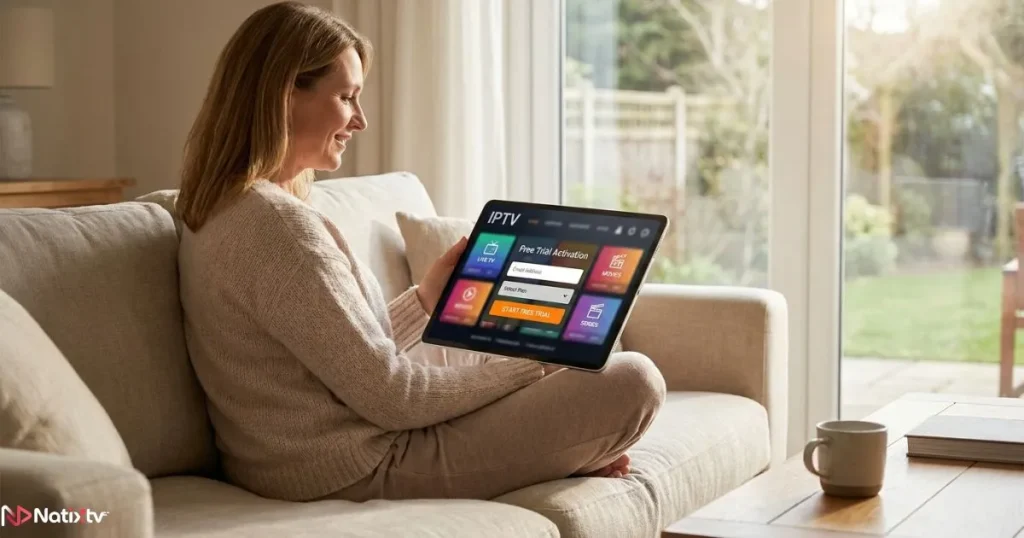
Natixtv is fully compatible with every app covered in this guide, including TiviMate, IPTV Smarters Pro, Duplex IPTV, GSE Smart IPTV, and Kodi. It works seamlessly across all Firestick models and offers a free trial period of 24 to 48 hours, which gives you real time to test the service with your chosen app before committing to a subscription. That trial window is genuinely useful: you can configure your profiles, build your favorites groups, and verify that the channels you care about stream reliably on your specific setup.
Tips for Managing IPTV Across a Shared Household
Once your app and subscription are in place, a few habits will make the whole system work more smoothly day to day. These practical adjustments make a real difference in any IPTV household viewing setup.
- Set up separate profiles before anyone else starts using the app. Retrofitting them later means rebuilding favorites from scratch.
- Enable IPTV parental controls on children’s profiles before the device is handed over, not after.
- Create at least three favorites groups from the start: one for live channels you watch regularly, one for sport or events, and one for children. Expand from there.
- Use the EPG to plan evening viewing and avoid conflicts over the TV.
- Create a lightweight “Guest” profile with a basic channel list and no saved favorites, ready for when visitors want to watch something.
- Check your subscription’s simultaneous connection limit. If your plan allows two connections and three people want to watch at the same time, you will hit a wall.
- Revisit your favorites groups every few weeks. Libraries update, channels change, and a quick cleanup keeps navigation fast.
Frequently Asked Questions
What are the best iptv apps for Firestick with parental controls?
TiviMate and IPTV Smarters Pro are the two strongest options for families. TiviMate (Premium) offers PIN protection at both the channel and category level, applied per profile. IPTV Smarters Pro includes a built-in content lock that works across all account logins. Both are easy to configure directly on the Firestick without needing a secondary device.
Can I use multiple user profiles on a single Firestick?
Yes. TiviMate, Duplex IPTV, and Kodi all support multiple profiles on a single device. Each profile maintains its own channel preferences, favorites, and access restrictions. You switch between them from within the app, so there is no need to log in and out or change device accounts.
How do I organize my channel favorites in iptv apps for Firestick?
Most apps use a long-press or context menu to add channels to a favorites group. In TiviMate, you can create named groups and assign channels to multiple groups simultaneously. The key is to set up your groups early and keep them organized by viewing habit rather than genre alone. For example, an “Evening Channels” group can be more useful than a broad “Entertainment” label.
Do iptv apps for Firestick work with any IPTV subscription?
Most do, provided the subscription supports M3U or Xtream Codes format. All five apps covered in this guide are compatible with both formats. When signing up for a provider, always confirm they supply one of these connection methods. Natixtv, for instance, provides both, which means it works across every app listed here without any additional configuration.
Are the IPTV parental controls in these apps reliable for daily family use?
The PIN-based systems in TiviMate and Duplex’s child mode are genuinely robust for everyday household use. They work at the app level though, not the network level, meaning they apply within that specific IPTV app only. If your child also uses a browser or another streaming app on the same Firestick, apply the Firestick’s own parental controls separately through Amazon’s device settings for full coverage.
How many simultaneous connections do I need for household IPTV viewing?
A two-person household where both people might watch different channels at the same time needs at least two connections. A family of four where children and parents regularly watch separately should look for a plan offering three or four simultaneous connections. Always check this limit with your provider before subscribing: it is one of the most common sources of frustration in multi-TV households.
Conclusion
Managing TV in a shared household does not have to mean constant compromise. Evaluating iptv apps for Firestick through the lens of household features – profiles, favorites, and parental controls – is the clearest way to find the one that genuinely fits your home. Profiles keep things personal. Firestick IPTV favorites cut through the noise of thousands of channels. IPTV parental controls mean you can let your kids browse freely without worrying about what they might encounter.
TiviMate remains the top recommendation for most households, thanks to its complete implementation of all three features. IPTV Smarters Pro is the smartest free alternative, and Duplex IPTV deserves a close look from any family prioritizing child-safe design. Whichever app you choose, the experience will only be as good as the subscription behind it. Natixtv offers the compatibility, stability, and channel depth these apps need to perform at their best – and with a free trial window of 24 to 48 hours, you have every reason to test the full setup before you commit. Get your profiles configured, build your favorites, lock down the right channels, and enjoy TV the way it should feel: personal, organized, and entirely yours. Start today with top rated iptv from Natixtv.