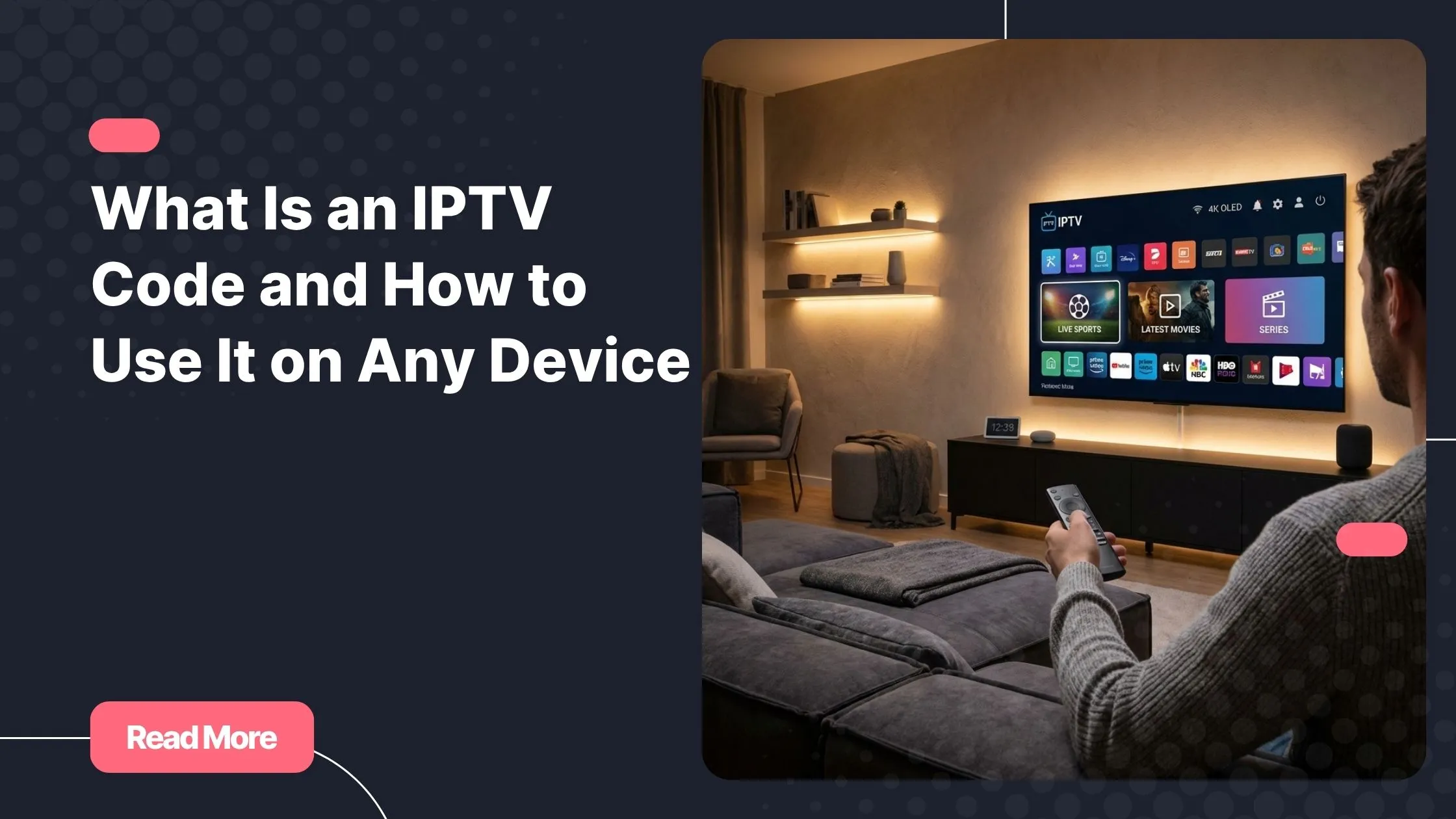
You finally decide to upgrade your streaming experience. No more limits, no more missing channels. You install your app, open it with excitement… and suddenly, you are asked for an iptv code. It feels confusing at first, like you are missing something essential.
But once you understand how an iptv subscription works, everything becomes simple and intuitive. In reality, this small step is what unlocks a world of entertainment right at your fingertips.
In this guide, you will learn exactly what an iptv code is, how it works, and how to use it smoothly on any device without stress.
Table of Contents
What Is an IPTV Code
A Simple Explanation
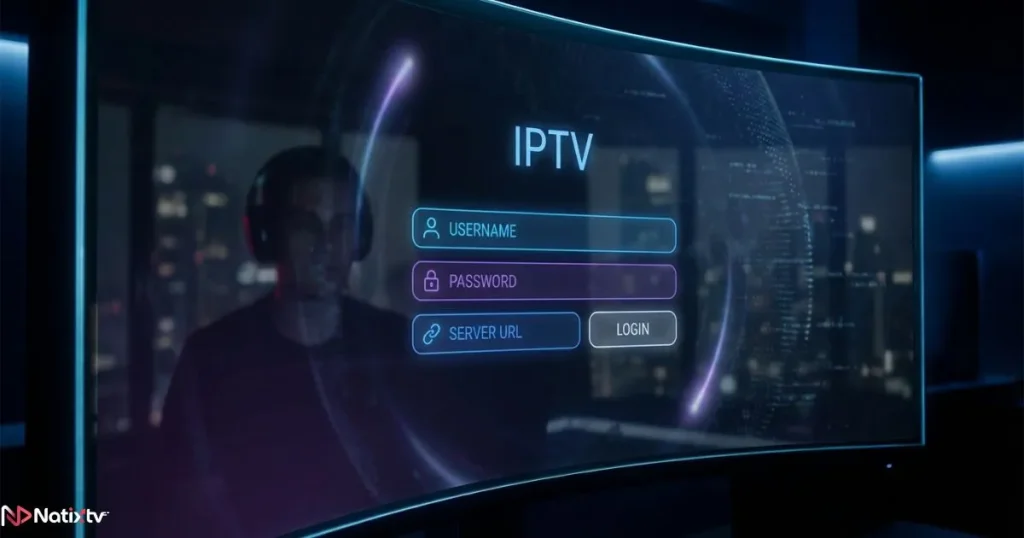
An iptv code is a set of login credentials that connects your device to an IPTV service. It gives you access to live TV channels, movies, and series through the internet instead of traditional cable or satellite.
This access is what transforms your device into a powerful streaming hub.
Types of Access Formats
- Xtream Codes IPTV: username, password, and server URL
- M3U Playlist: a direct link to channels
- Portal URL: used mainly on specific devices
In most cases, your iptv code will come in Xtream format because it is easy to use and widely supported.
Difference Between Code and Login Details
The term iptv code often refers to your full IPTV login details, including username, password, and server address.
How IPTV Access Works
The Technology Behind Streaming
When you enter your iptv code, your application connects to a remote server that streams content over the internet in real time.
According to Cloudflare, streaming works by sending data continuously, allowing instant playback without downloading full files.
What Happens After Login
- Your app sends your credentials
- The server verifies your access
- Your playlist loads
- You start watching instantly
This process happens in seconds once your iptv code is correctly entered.
IPTV Access Formats Comparison
| Format | Required Info | Compatibility | Ease of Use |
|---|---|---|---|
| Xtream Codes | Username, Password, URL | All devices | Very Easy |
| M3U URL | Playlist link | Universal | Easy |
| Portal URL | MAC + Portal | Specific devices | Moderate |
Most users prefer Xtream because it simplifies the iptv code setup process.
How to Use IPTV Access on Any Device
Universal Setup Steps
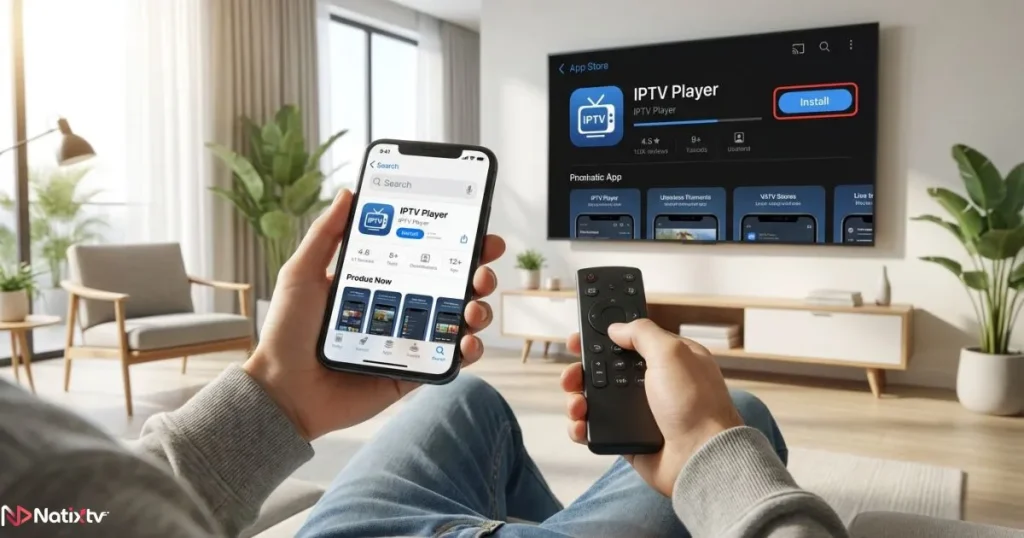
- Install a compatible IPTV player
- Open the app
- Select Xtream login
- Enter your iptv code
- Load your channels
This process is identical across most platforms.
Setup on Smart TVs
Recommended Apps
- IPTV Smarters Pro
- Smart IPTV
- TiviMate
Once installed, simply enter your iptv code and your content will load quickly.
Setup on Mobile Devices
Android and iOS
- IPTV Smarters
- GSE Smart IPTV
Mobile devices allow you to use your iptv code anywhere, giving you total flexibility.
Setup on Fire Stick
Quick Installation
Install an IPTV player using Downloader, then enter your iptv code to activate your service.
Setup on PC and Mac
Best Software
- VLC Media Player
- MyIPTV Player
With desktop software, your iptv code allows instant access to all channels.
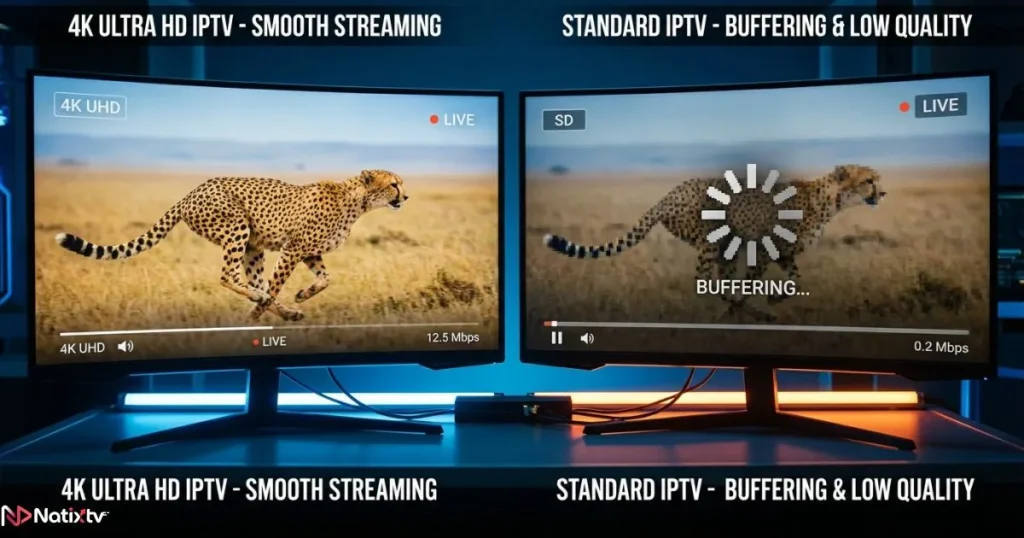
Free vs Paid IPTV Access
Free Options
- Unstable performance
- Limited content
- Potential risks
Premium Services
- High-quality streams
- Reliable servers
- Customer support
Choosing a reliable iptv code ensures a smooth and enjoyable experience.
To better understand what makes a reliable provider, explore this guide on how to choose a high-quality IPTV service for long-term use.
Common Issues and Solutions
Access Not Working
- Check your credentials
- Verify your subscription status
Buffering Problems
- Improve your internet connection
- Restart your app
If your iptv code is valid, most issues can be resolved quickly.
Tips for the Best Experience
- Use fast internet connection
- Keep apps updated
- Choose reliable providers
- Use a VPN if needed
Also, selecting the right app is essential. Learn more about choosing the best IPTV player for smooth streaming.
With proper setup, your iptv code becomes a powerful gateway to entertainment.
Why Choose Natixtv
Main Benefits
- Compatible with all devices
- Simple setup process
- High-quality streaming
- Wide content selection
Free Trial
You can test the service for 24 to 48 hours before committing.
Choosing a trusted iptv subscription ensures reliability and long-term satisfaction.
FAQ
What is an iptv code
An iptv code is a set of credentials that allows you to access IPTV content on your device.
How do I use IPTV access on my TV
Install an IPTV app, enter your login details, and start streaming.
Are free IPTV options safe
They can be unstable and sometimes unsafe compared to premium services.
Can I use one account on multiple devices
This depends on your provider and subscription plan.
Why is my IPTV not working
It may be due to incorrect details, expired access, or network issues.
Conclusion
Understanding how an iptv code works changes everything. What once felt confusing becomes a simple and fast process that opens the door to unlimited streaming.
With the right setup and a reliable provider, you can enjoy seamless entertainment across all your devices without interruptions.
If you are ready to upgrade your experience, start with a trusted iptv subscription and test the service risk-free today.