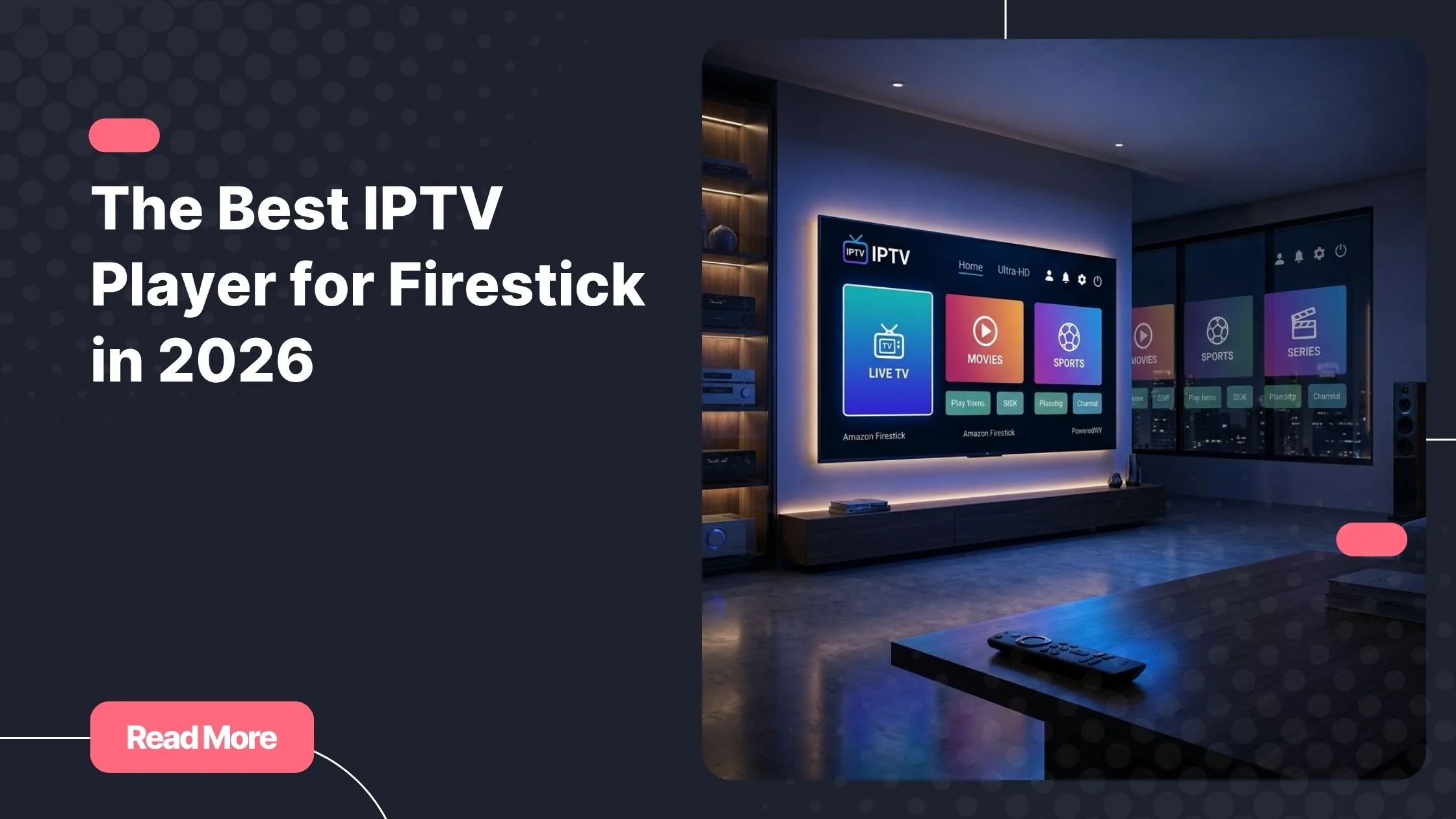
It’s Friday night. The snacks are ready, the lights are dimmed, and you’ve finally carved out two hours just for yourself. You grab your Firestick remote, open your streaming app, and… buffering. Then a crash. Then a blank screen. That quiet frustration you feel in that moment? It’s more common than you think, and it almost always traces back to one overlooked decision: choosing the wrong iptv player for firestick. The good news is that the right choice can completely transform your experience. If you’re looking for a reliable, stable, and feature-rich solution, best iptv services like Natixtv are already one step ahead.
Whether you’re a complete beginner trying to figure out how to get live TV on your Fire TV Stick, or a seasoned cord-cutter ready to upgrade your setup, this guide covers everything you need. We’ll walk through the top apps, show you how to install them, and help you avoid the most common pitfalls. By the end, you’ll know exactly which iptv player for firestick suits your lifestyle — and how to make it perform at its best.
2026 has brought a new wave of polished, powerful IPTV apps, and the competition is genuinely exciting. Let’s dig in.
Table of Contents
What Is an IPTV Player and Why Does It Matter on Firestick?
Before jumping into app recommendations, it helps to understand what you’re actually installing. An iptv player for firestick is a software application that reads your IPTV subscription data and renders it on your screen as live channels, on-demand content, or catch-up TV. Think of it as a smart TV remote for the internet.
The player itself doesn’t provide the content. It connects to your subscription provider through either an M3U playlist URL or Xtream Codes API credentials. Your provider hosts the streams; your player displays them. This means the quality of your experience depends on two things working well together: the app you choose and the subscription service behind it.
Why the Amazon Firestick Is Perfect for IPTV
The Amazon Firestick — especially the Fire TV Stick 4K and Fire TV Stick 4K Max — has become the go-to device for IPTV streaming for good reason. It’s affordable, portable, and powerful enough to handle HD and 4K streams without breaking a sweat. It runs a customized version of Android, which means most Android-compatible IPTV apps work on it either natively or through sideloading.
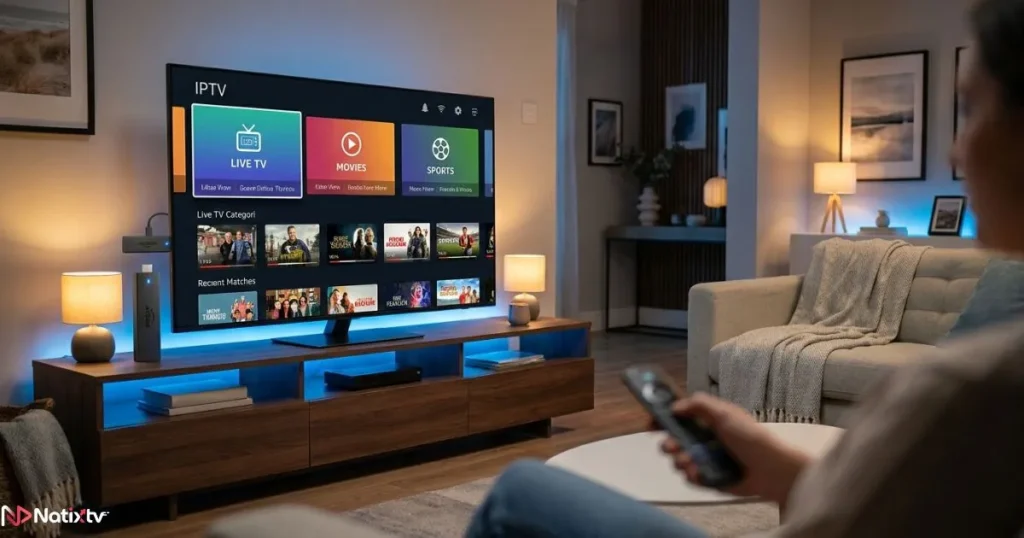
You also get access to the Amazon App Store for direct installs, and the Downloader app makes sideloading surprisingly simple. If you’ve been curious about setting up IPTV on your Firestick from scratch, you’ll find the process is far less intimidating than it sounds.
M3U vs. Xtream Codes: Which Format Should You Use?
Most IPTV subscription providers give you one of two connection options:
- M3U URL: A direct playlist link that your player reads to load channels and EPG data.
- Xtream Codes API: A more structured login system using a server URL, username, and password. It’s generally faster and more reliable.
For the best experience, choose an iptv player for firestick that supports both formats. That way, you’re never locked out regardless of what your provider offers.
How to Install IPTV on Firestick in 2026
Installing an IPTV app on your Firestick is straightforward once you know the two main routes. Here’s how both work.
Step 1: Enable Developer Options
If you want to sideload apps (install APKs not listed in the Amazon App Store), you’ll need to unlock developer permissions first:
- Go to Settings from your Firestick home screen.
- Select My Fire TV, then tap Developer Options.
- Toggle on Apps from Unknown Sources.
- Optionally enable ADB Debugging for advanced use.
This step is only required for sideloaded apps. If you’re going through the Amazon App Store, you can skip it entirely.
Method 1: Install Directly from the Amazon App Store
Several top IPTV apps are available directly in the store. Just search by name and hit install:
- IPTV Smarters Pro
- GSE Smart IPTV
- Duplex Play
No sideloading needed. This is the simplest path, especially if you’re new to Firestick IPTV apps.
Method 2: Sideload Using the Downloader App
This method allows you to install IPTV apps that are not available in the Amazon App Store.
- Search for and install Downloader from the Amazon App Store (it’s free).
- Open Downloader and enter the direct APK URL for your chosen player.
- Download the file and follow the on-screen prompts to install.
- Grant permissions when asked, then open the app.
This method is how you install TiviMate and Perfect Player, both of which aren’t listed in the App Store but are worth every extra step.
Step 3: Connect Your IPTV Subscription
Once your app is installed, open it and enter either your M3U URL or your Xtream Codes login details. Your channels, EPG guide, and VOD library will populate automatically. If you don’t have a subscription yet, best iptv provider Natixtv offers a free 24 to 48-hour trial that works with every app listed in this guide. It’s a smart way to test everything before committing to a plan.
Best IPTV Players for Firestick in 2026: Full App Breakdown
Choosing the right iptv player for firestick means thinking about your habits. Do you want a clean interface? Deep customization? The lightest possible app for an older device? Here are the top contenders this year.
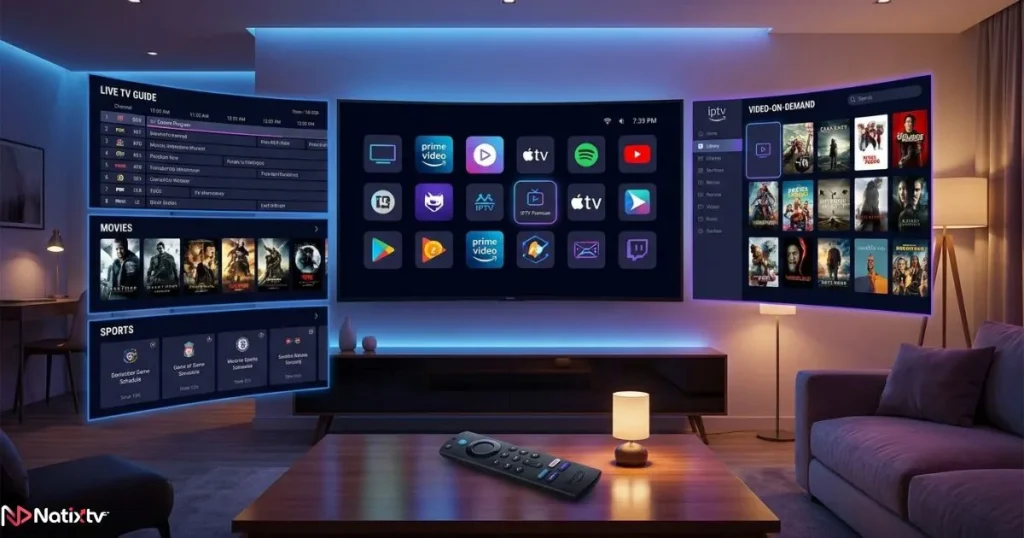
TiviMate: The Gold Standard for Power Users
If you ask any veteran IPTV user which iptv player for firestick they use, TiviMate comes up almost every time. The interface is sleek, the EPG grid is beautifully rendered, and the customization options go deep without feeling overwhelming.
Key features include:
- Full EPG (Electronic Program Guide) with grid view
- Multi-screen panel support
- Catch-up TV and local recording (Premium)
- Parental controls and channel grouping
- Xtream Codes and M3U playlist support
The free version is usable, but the Premium plan at around $4.99 per year is genuinely one of the best value upgrades in streaming. The one catch: TiviMate requires sideloading since it’s not on the Amazon App Store.
IPTV Smarters Pro: Ideal for Beginners
IPTV Smarters on Firestick has built a massive user base for one simple reason: it just works. The setup process is guided, the interface is clean, and it handles both M3U and Xtream Codes without any fuss. For anyone stepping into IPTV for the first time, this is the friendliest entry point.
Highlights:
- Available directly in the Amazon App Store
- Multi-profile support for different users
- Organized VOD and TV series library
- Clean, navigation-friendly layout for Firestick remotes
It’s not the most customizable option, but for a smooth, frustration-free experience, it’s hard to beat.
GSE Smart IPTV: For Users Who Want Full Control
GSE Smart IPTV gives you more technical control than almost any other iptv player for firestick. You can load multiple playlists simultaneously, configure custom external players, and fine-tune codec settings. If you’re comfortable with a steeper learning curve, the payoff is real.
Key capabilities include:
- Supports multiple M3U playlists at once
- Subtitle and audio track selection
- Chromecast support
- Available in the Amazon App Store
The interface feels a bit dated compared to TiviMate or Duplex Play, but the functionality underneath is rock solid.
Duplex Play: The Prettiest Player in the Room
Duplex Play takes design seriously. The interface is inspired by mainstream streaming platforms, which makes it immediately intuitive for anyone who’s used Netflix or Disney+. Navigation is smooth, artwork loads crisply, and the overall experience feels premium from the first launch.
Notable features include:
- Modern, card-based UI
- Excellent VOD and series organization
- Multi-device account sync
- EPG and live TV support
Some advanced features sit behind a paywall, and users with older Firestick models have occasionally reported buffering. On a 4K Max, though, it runs beautifully.
Perfect Player: Lightweight and Dependable
Don’t underestimate Perfect Player. It’s not flashy, but it’s fast, stable, and exceptionally light on system resources. If you’re running an older Fire TV Stick Lite or a first-generation model, this may be your best option for reliable IPTV streaming without lag or crashes.
Core benefits include:
- Very low RAM consumption
- Quick channel switching
- Basic EPG support
- Free with no ads
It lacks Xtream Codes support, which is a real limitation, but for M3U-based subscriptions it delivers consistently.
IPTV Player Comparison Table for Firestick (2026)
The table below provides a side-by-side comparison of the most popular IPTV players for Firestick in 2026.
| App | Price | M3U | Xtream Codes | EPG | App Store | Best For |
|---|---|---|---|---|---|---|
| TiviMate | Free / $4.99/yr | Yes | Yes | Excellent | Sideload only | Power users |
| IPTV Smarters Pro | Free | Yes | Yes | Good | Yes | Beginners |
| GSE Smart IPTV | Free / Paid | Yes | Yes | Good | Yes | Advanced users |
| Duplex Play | Free / Paid | Yes | Yes | Good | Yes | Design-first users |
| Perfect Player | Free | Yes | No | Basic | Sideload only | Older devices |
How to Get the Best Streaming Quality on Firestick
Even the best iptv player for firestick can underperform if your setup isn’t optimized. Here are the most impactful improvements you can make right now.
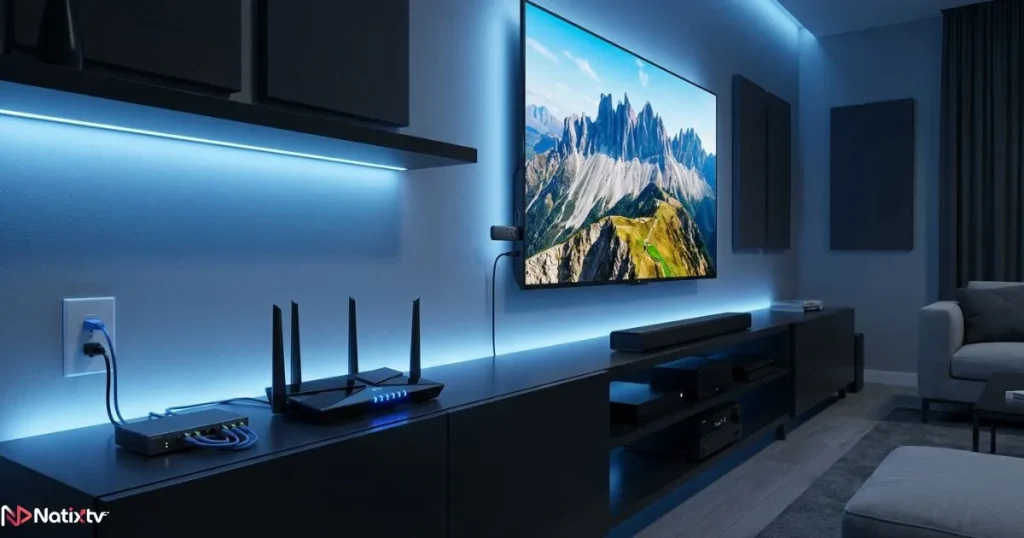
Optimize Your Internet Connection
Your internet speed is the foundation of everything. Use these benchmarks as a guide:
- SD streaming: 5 Mbps minimum
- HD streaming: 10 to 15 Mbps
- Full HD: 20 Mbps
- 4K IPTV: 25 to 50 Mbps
Whenever possible, use a 5GHz Wi-Fi band instead of 2.4GHz. For the most stable connection, a wired Ethernet adapter for Firestick eliminates wireless interference entirely.
Use a VPN to Beat ISP Throttling
Many internet providers throttle streaming traffic, especially during peak hours. A good VPN masks your activity and can dramatically improve your IPTV streaming consistency. Choose a VPN with dedicated Firestick support and connect to a server close to your actual location for minimal speed loss.
Keep Your Firestick Running Smoothly
Routine maintenance helps keep your Firestick responsive and your IPTV apps running efficiently.
- Clear app cache regularly (Settings – Applications – Manage Installed Applications)
- Restart your Firestick at least once a week
- Uninstall unused apps to free up storage
- Keep your IPTV app updated to the latest version
Start with a Reliable IPTV Subscription
No player can compensate for an unreliable provider. A good subscription should offer high server uptime, a broad channel library, fast VOD loading, and responsive support. If you’re exploring your options, you might also want to check out tips for finding a reliable free IPTV service across multiple devices before deciding on a paid plan.
Troubleshooting Common IPTV Player Issues on Firestick
Constant Buffering
Check your internet speed first. If the connection is fine, the problem likely sits with your provider’s servers during peak hours. A VPN can help, or simply switch to a different stream quality setting within your app.
App Crashing on Launch
This usually means your Firestick is low on memory. Clear the cache for the app, force stop it, and reopen. If the issue persists, reinstall the latest version of the APK.
EPG Not Loading
Double-check the EPG URL with your provider. Some players require you to force-refresh the guide manually from within the app settings. Incorrect URL formatting is the most common cause.
Channels Showing Error or Not Playing
Verify that your subscription is active and that your M3U or Xtream Codes credentials are entered correctly. If you’re seeing geo-restriction errors, a VPN set to the correct region usually resolves this quickly.
FAQ: IPTV Player for Firestick
Below are answers to the most common questions about choosing and using an IPTV player on Firestick.
Which iptv player for firestick is the best overall in 2026?
TiviMate consistently ranks as the top iptv player for firestick among experienced users thanks to its polished EPG grid, robust customization, and excellent stability. For beginners, IPTV Smarters Pro offers a gentler, equally capable experience straight from the Amazon App Store.
Do I need to sideload apps to use IPTV on my Firestick?
Not necessarily. Apps like IPTV Smarters Pro, GSE Smart IPTV, and Duplex Play are available directly in the Amazon App Store. Sideloading is only required for apps like TiviMate and Perfect Player, and the process itself takes under five minutes using the Downloader app.
How much internet speed do I need for smooth IPTV streaming on Firestick?
For HD content, a stable connection of 10 to 15 Mbps is sufficient. If you’re aiming for 4K IPTV streaming on Firestick, plan for at least 25 to 50 Mbps with minimal network congestion. A 5GHz Wi-Fi band or wired connection will always outperform 2.4GHz wireless in consistency.
Is IPTV Smarters a good iptv player for firestick?
Yes, absolutely. IPTV Smarters on Firestick is one of the most beginner-friendly options available. It supports both M3U and Xtream Codes, includes a well-organized VOD library, and handles multi-profile setups cleanly. It’s a strong choice for households with mixed levels of technical experience.
Can I try an IPTV subscription before paying for a full plan?
Yes. Natixtv offers a free trial period of 24 to 48 hours so you can test stream quality, channel availability, and app compatibility before committing. It’s compatible with every player covered in this guide and requires no long-term commitment to get started.
What should I do if my iptv player for firestick keeps buffering?
Start by running a speed test to rule out a slow connection. If speeds are adequate, try switching to a 5GHz network, enabling a VPN to bypass ISP throttling, or contacting your subscription provider to check server load. Clearing your app cache can also help if the issue is app-side rather than network-side.
Conclusion: Choose the Right IPTV Player and Make Every Night a Great One
The right iptv player for firestick doesn’t just improve your viewing experience. It removes the friction between you and the content you love. TiviMate delivers an elite experience for users who want full control. IPTV Smarters Pro makes getting started effortless. GSE Smart IPTV rewards the technically minded. Duplex Play impresses anyone who values design. And Perfect Player proves that simple can still be reliable.
Whatever you choose, remember that your player is only as strong as the subscription powering it. A stable, high-quality provider makes every one of these apps shine. Visit best iptv provider Natixtv today, claim your free 24 to 48-hour trial, and experience the difference that a premium, buffer-free IPTV service makes on your Firestick. No risk, no commitment. Just great TV, starting tonight.