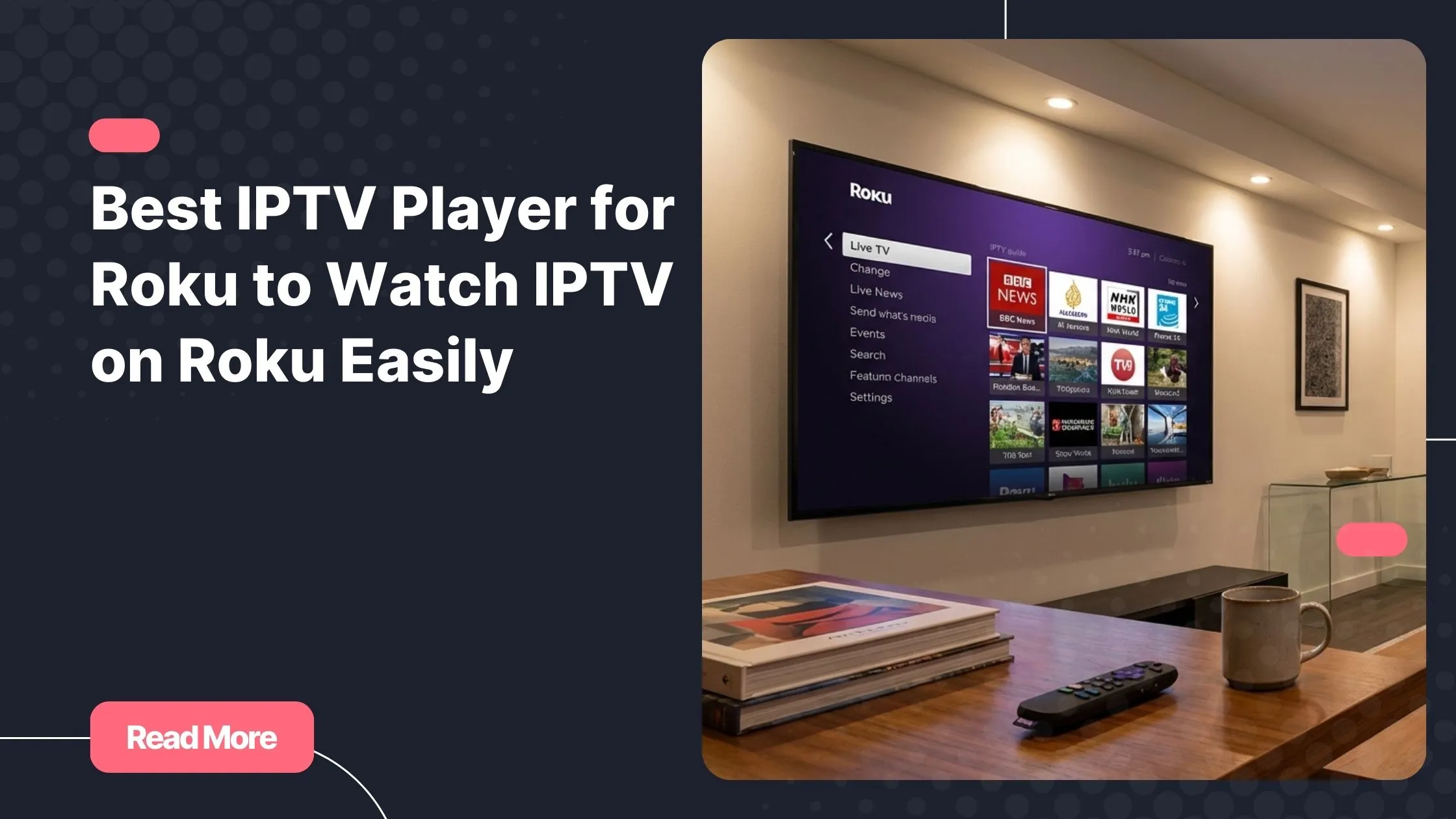
Picture this: you sit down after a long day, pick up your Roku remote, and within seconds you are watching live TV from around the world. No complicated cable packages, no limited channel lists, and no expensive monthly contracts. Just simple streaming that fits your lifestyle.
Many Roku users are discovering how powerful IPTV streaming can be. With the right setup and the right iptv services, you can transform your device into a complete entertainment center filled with live channels, sports, movies, and international content.
This guide will show you exactly how to choose the right iptv player for roku, which apps work best, and how to start watching IPTV on your Roku device smoothly.
Table of Contents
What Is IPTV and Why Roku Users Love It
Understanding IPTV Streaming
IPTV stands for Internet Protocol Television. Instead of receiving television through satellite or cable infrastructure, IPTV delivers content directly through the internet. This approach allows you to stream live channels, movies, and on-demand content on many devices.
When you use an iptv player for roku, you are essentially using software that reads IPTV playlists and streams the content on your TV.
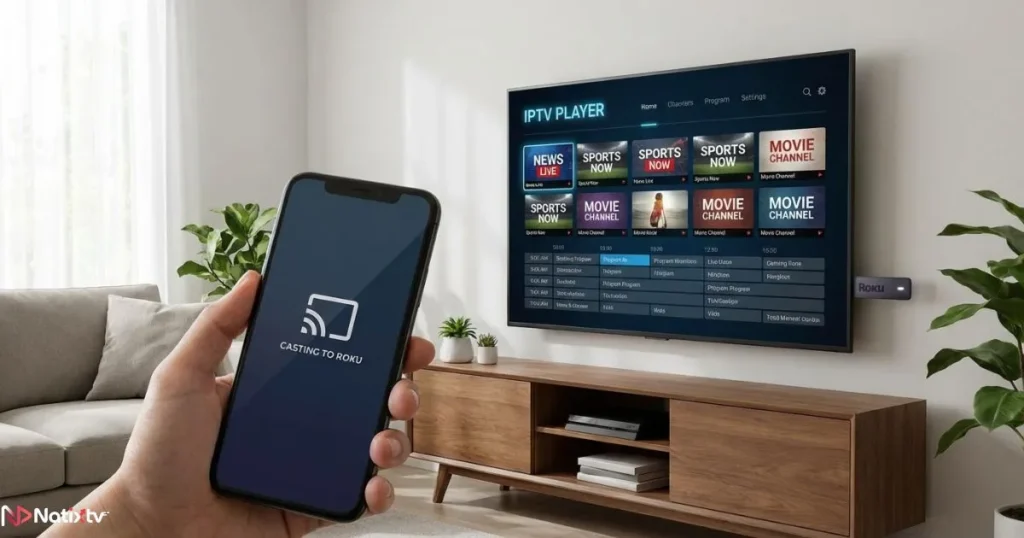
IPTV services generally provide three types of content:
- Live TV channels from multiple countries
- Video on demand including movies and series
- Catch-up TV that allows you to watch programs you missed
The technology is growing quickly. According to Statista, the global IPTV market continues expanding as more users replace traditional cable services.
Why IPTV Is Popular With Roku Users
Roku devices are known for their simplicity. You connect them to your TV, install apps, and start streaming. When combined with IPTV streaming, Roku becomes even more powerful.
Here are some of the reasons Roku users are turning to IPTV:
- Access to thousands of international channels
- Affordable streaming compared with cable TV
- Flexible viewing across devices
- Massive libraries of movies and series
Using a reliable iptv player for roku allows you to unlock this content easily.
Can You Install an IPTV Player on Roku
Understanding Roku Limitations
Roku has a controlled ecosystem. Unlike Android devices, it does not allow full open installation of third-party applications. This means that some IPTV apps are not directly available in the Roku Channel Store.
However, that does not mean you cannot use IPTV. Many users successfully watch IPTV using casting or screen mirroring.
In practice, you still have several options to run an iptv player for roku and enjoy streaming without problems.
Common Ways to Watch IPTV on Roku
Most IPTV users rely on three main methods.
- Screen mirroring from Android or Windows
- Casting IPTV streams from mobile apps
- Using Roku-compatible IPTV channels
Each option can support an iptv player for roku depending on the app you choose.
Best IPTV Apps Available for Roku Devices
Even though Roku has fewer IPTV apps compared with Android TV or Firestick, several reliable solutions still work well.
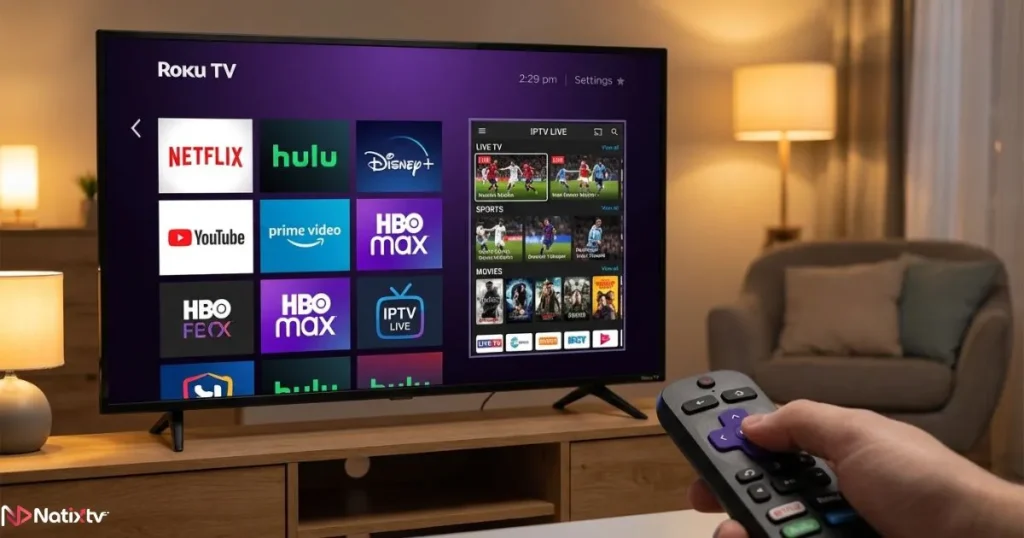
IPTV Smarters via Screen Mirroring
IPTV Smarters is one of the most widely used IPTV applications worldwide. While it is not installed directly on Roku, you can mirror it from your smartphone or computer.
Many users consider it the most complete iptv player for roku solution when casting from another device.
Main features include:
- Xtream Codes login integration
- Live TV streaming
- Video on demand libraries
- Electronic program guide
- Multi-screen viewing
Web Video Caster
Web Video Caster is another excellent tool for Roku users. It allows you to cast IPTV streams directly from your smartphone to your Roku device.
This method effectively turns your Roku into an iptv player for roku through casting.
Key advantages include:
- M3U playlist compatibility
- Simple casting process
- Subtitle support
- Fast device detection
M3U Playlist Channels
Some private Roku channels allow you to load IPTV playlists directly. These apps are usually simpler but still useful.
They work as a basic iptv player for roku for users who only need live channel playback.
Comparison of IPTV Apps for Roku
| IPTV App | M3U Support | EPG Support | Ease of Setup | Best For |
|---|---|---|---|---|
| IPTV Smarters via Mirroring | Yes | Yes | Medium | Advanced IPTV users |
| Web Video Caster | Yes | Limited | Easy | Quick streaming |
| M3U Playlist Channels | Yes | Limited | Easy | Beginners |
Regardless of the app you choose, the performance of your iptv player for roku also depends heavily on your IPTV provider.
How to Watch IPTV on Roku Step by Step
Method 1: Screen Mirroring From Android
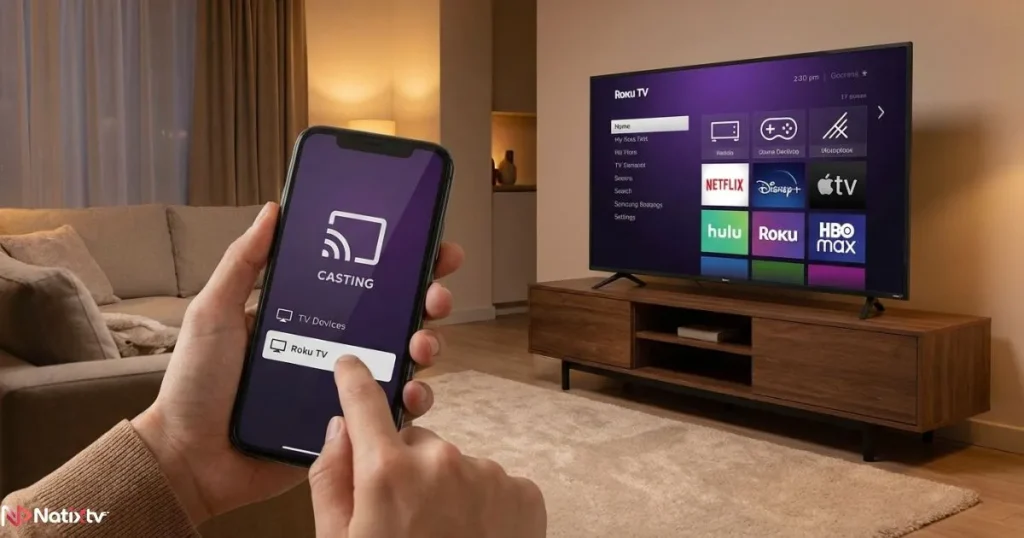
This is one of the most common solutions for running an iptv player for roku.
Follow these steps:
- Open Roku settings
- Enable screen mirroring
- Open your IPTV player on your Android device
- Select the screen mirroring option
- Choose your Roku device
- Start streaming
Method 2: Casting IPTV Streams
Casting is often smoother than mirroring.
- Install Web Video Caster on your phone
- Load your IPTV playlist
- Select your Roku device
- Start streaming channels
This method works well for turning Roku into an efficient iptv player for roku.
Method 3: Using Compatible IPTV Channels
Some Roku channels allow IPTV playlist integration. After installation you can:
- Insert your M3U playlist URL
- Load your channel list
- Start watching live content
While these apps are basic, they still function as a simple iptv player for roku.
Features to Look for in a Roku IPTV App
Not all IPTV apps offer the same experience. Before choosing one, you should evaluate several important features.
Essential IPTV Features
- M3U playlist compatibility
- Xtream Codes login support
- Electronic program guide
- Video on demand libraries
- Multi-device streaming
A well designed iptv player for roku should handle these features without buffering or complicated setup.
Streaming Quality and Stability
Streaming quality matters just as much as app features.
A good iptv player for roku should support:
- HD and Full HD channels
- 4K streaming when available
- Adaptive bitrate streaming
- Fast channel switching
Troubleshooting IPTV Streaming on Roku
Common IPTV Issues
Sometimes streaming problems can appear even with a good setup.
Common issues include:
- Channels not loading
- Frequent buffering
- Connection problems during casting
- Playlist errors
These problems can affect any iptv player for roku if the network or server is unstable.
Quick Fixes
If your IPTV stream is not working correctly, try these steps:
- Restart your Roku device
- Check your internet speed
- Update your IPTV app
- Verify that your playlist is active
Most of the time, these simple adjustments will restore your iptv player for roku to normal performance.
Choosing a Reliable IPTV Service
The application you use is important, but the IPTV provider matters even more.
A strong IPTV service ensures your iptv player for roku streams content smoothly without interruptions.
When selecting a provider, check the following:
- Server stability
- Large channel selection
- Accurate electronic program guide
- Fast technical support
- Compatibility with multiple devices
If you want a reliable experience, you can explore professional iptv services that support Roku streaming through casting and provide a free 24 to 48 hour trial.
If you also watch content on your computer, you may want to explore a reliable streaming solution for Windows devices to enjoy IPTV on your PC.
You can also learn more about how to select the right IPTV player for effortless streaming so your setup works smoothly across all devices.
Tips for the Best Roku IPTV Experience
To get the most from your iptv player for roku, follow a few simple optimization tips.
- Use an internet connection of at least 20 Mbps
- Prefer 5 GHz WiFi or Ethernet
- Keep your Roku firmware updated
- Restart your device occasionally
- Choose a stable IPTV provider
With the right setup, your iptv player for roku can deliver smooth streaming for live sports, movies, and international television.
Is IPTV Legal on Roku
IPTV technology itself is completely legal. It is simply a method of delivering television through the internet.
The legality depends on whether the IPTV provider has proper content rights.
Using a trusted IPTV service ensures that your iptv player for roku streams licensed content responsibly.
The Future of IPTV on Roku
Streaming technology continues to evolve rapidly.
As IPTV becomes more mainstream, more apps and casting tools are likely to appear that enhance the functionality of an iptv player for roku.
Cloud streaming, faster internet connections, and smarter TV platforms will continue improving the IPTV experience.
FAQ
What is the best iptv player for roku?
The best solution depends on your setup. Many users rely on IPTV Smarters via screen mirroring or Web Video Caster. Both options effectively turn your device into a powerful iptv player for roku.
Can I install an IPTV player directly on Roku?
Some IPTV channels exist in the Roku store, but many users access IPTV by casting or mirroring content from another device.
Do IPTV apps support M3U playlists on Roku?
Yes. Most casting apps and IPTV platforms support M3U playlists, allowing your iptv player for roku to load large channel lists easily.
Is Roku good for IPTV streaming?
Yes. With a stable internet connection and a reliable IPTV provider, Roku devices can stream IPTV channels smoothly.
Does Natixtv work with Roku?
Yes. Natixtv IPTV subscriptions can be used with casting or compatible IPTV applications, allowing you to watch IPTV content on Roku devices.
Conclusion
Streaming television has changed dramatically over the last decade. Instead of relying on traditional cable packages, you can now access thousands of channels online with just a few simple tools.
With the right iptv player for roku, your Roku device becomes a powerful gateway to international channels, live sports, movies, and premium entertainment.
If you want to experience this flexibility yourself, you can explore professional iptv services that support multiple devices and offer a free 24 to 48 hour trial so you can test the streaming quality before committing.