You come home after a long day, open your favorite TV app, and expect instant entertainment. Instead, you face buffering, missing channels, or a setup that feels unnecessarily complicated. This is exactly where iptv playlists make the difference. When they are well understood and correctly configured, your streaming experience becomes smooth, organized, and genuinely enjoyable.
At iptv services, the goal is simple: give you control, quality, and flexibility across all your devices. Whether you are discovering IPTV for the first time or trying to optimize your existing setup, understanding how playlists work is the foundation of reliable streaming.
This complete guide walks you through formats, setup steps, best practices, and real-world tips so you can finally stream without frustration and with confidence.
Table of Contents
What IPTV Playlists Are and Why They Matter
IPTV playlists are structured files or access methods that tell your IPTV app where to find channels and how to organize them. Instead of traditional broadcasting, IPTV relies on internet streams delivered on demand. The playlist acts as the map that connects you to live TV, sports, movies, and series.
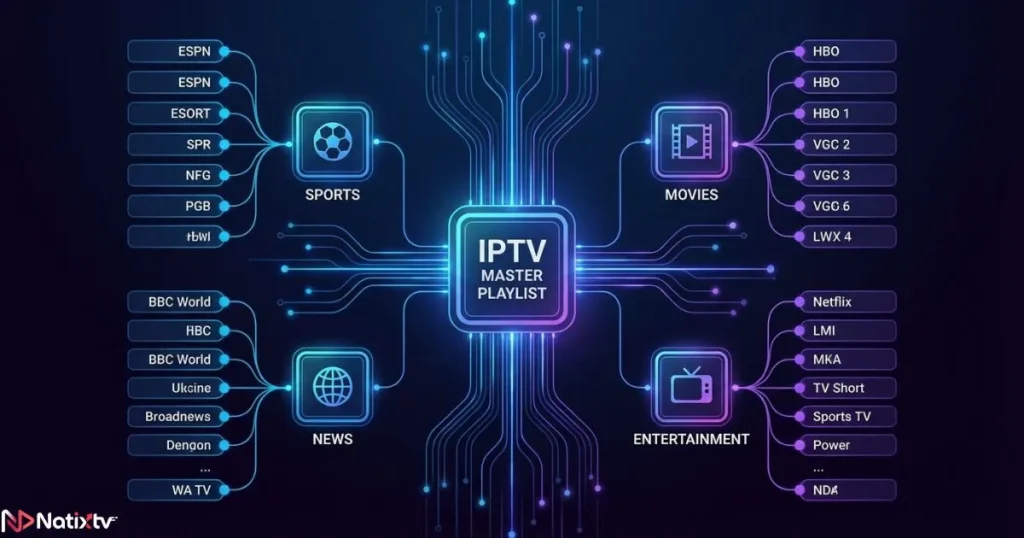
Without properly configured iptv playlists, even the best IPTV subscription can feel unstable or incomplete. A well-built playlist ensures faster loading times, clear categorization, and seamless navigation between channels.
Think of it as the difference between a messy folder and a perfectly organized media library. When playlists are optimized, your IPTV experience feels premium and intuitive.
Understanding IPTV Playlist Formats
M3U and M3U8 Playlists
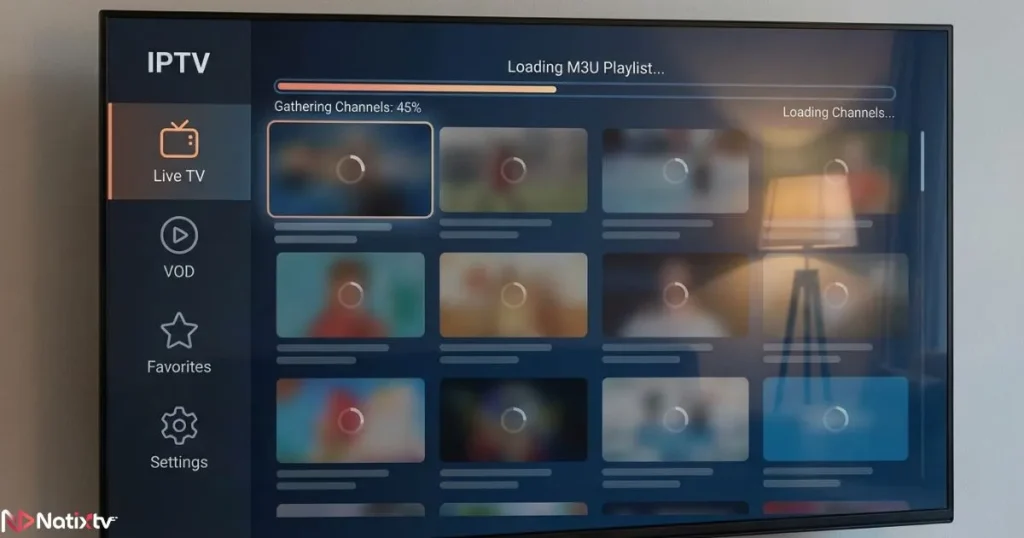
The most common format you will encounter is the M3U file. A traditional m3u playlist contains links to streaming sources and basic channel information. When hosted online, it is often referred to as an IPTV M3U URL.
IPTV playlists using M3U are widely supported across devices and apps. They are flexible and easy to update, which makes them popular among both providers and users.
- Works with most IPTV apps
- Supports channel grouping
- Can be updated remotely
Xtream Codes API
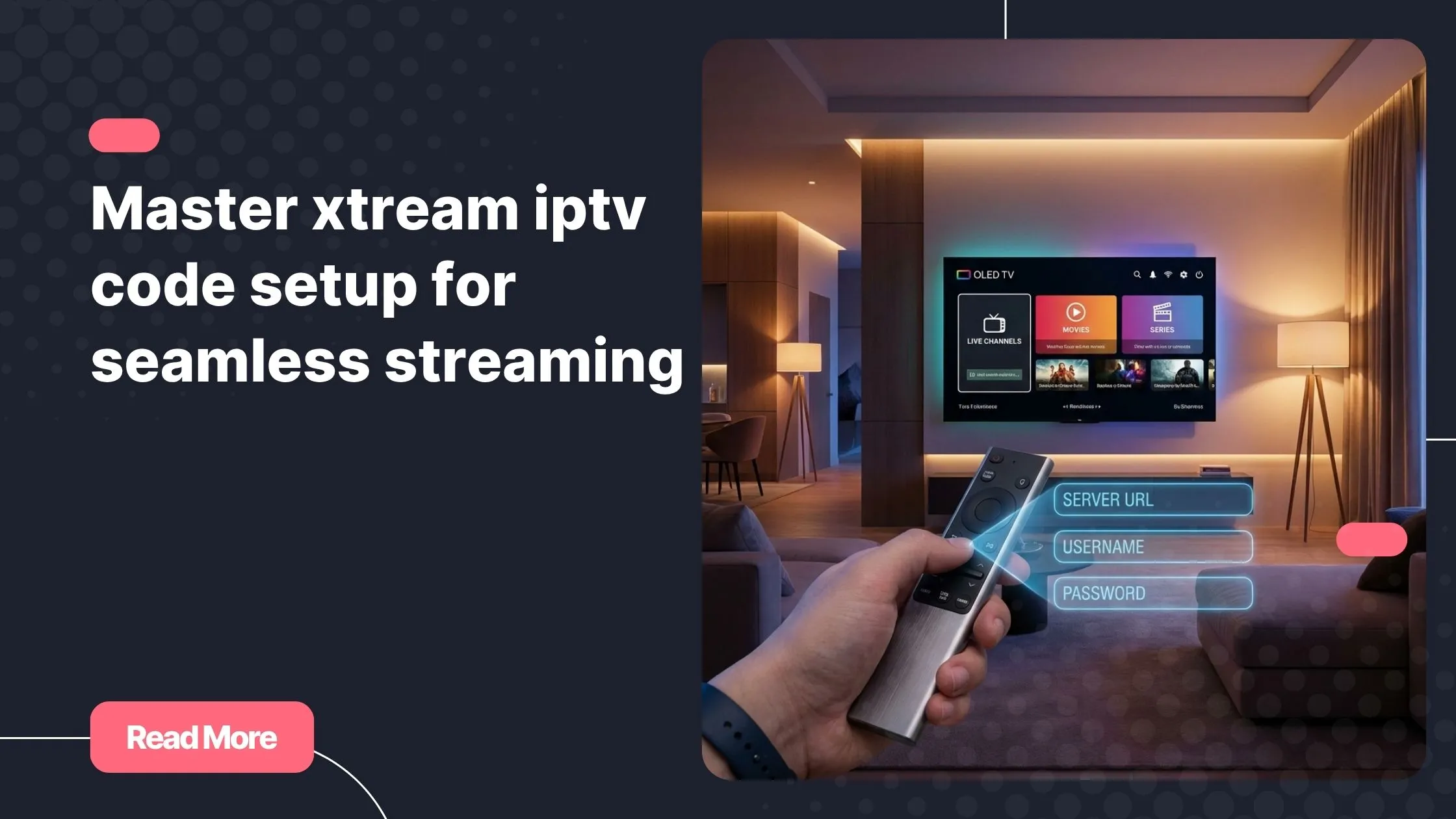
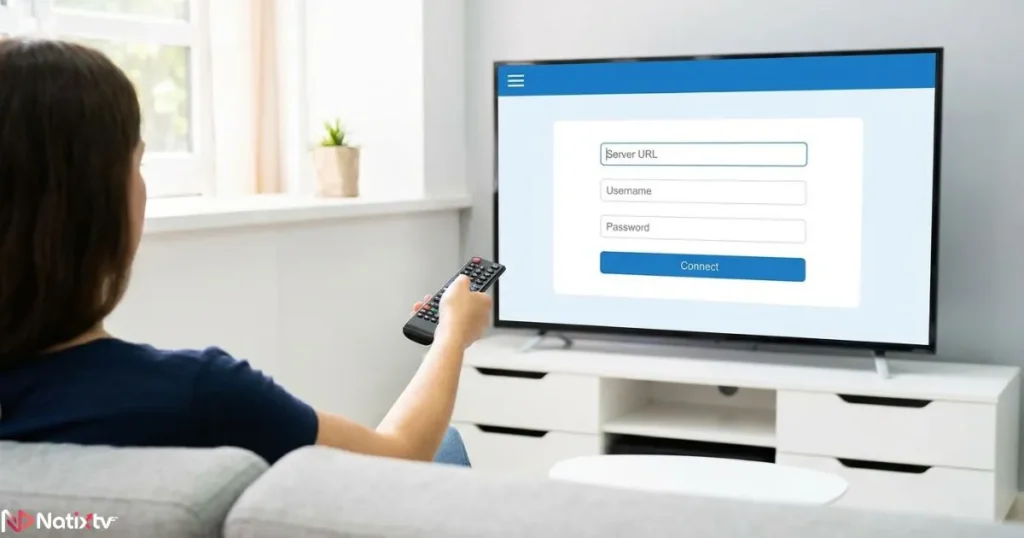
Xtream Codes offers a more modern and user-friendly approach. Instead of uploading a file or pasting a long URL, you log in with a username, password, and server address.
Many advanced iptv playlists today are delivered through Xtream Codes because they allow automatic updates, integrated EPG, and better stability. This method is especially convenient if you frequently switch devices.
XML and EPG Integration
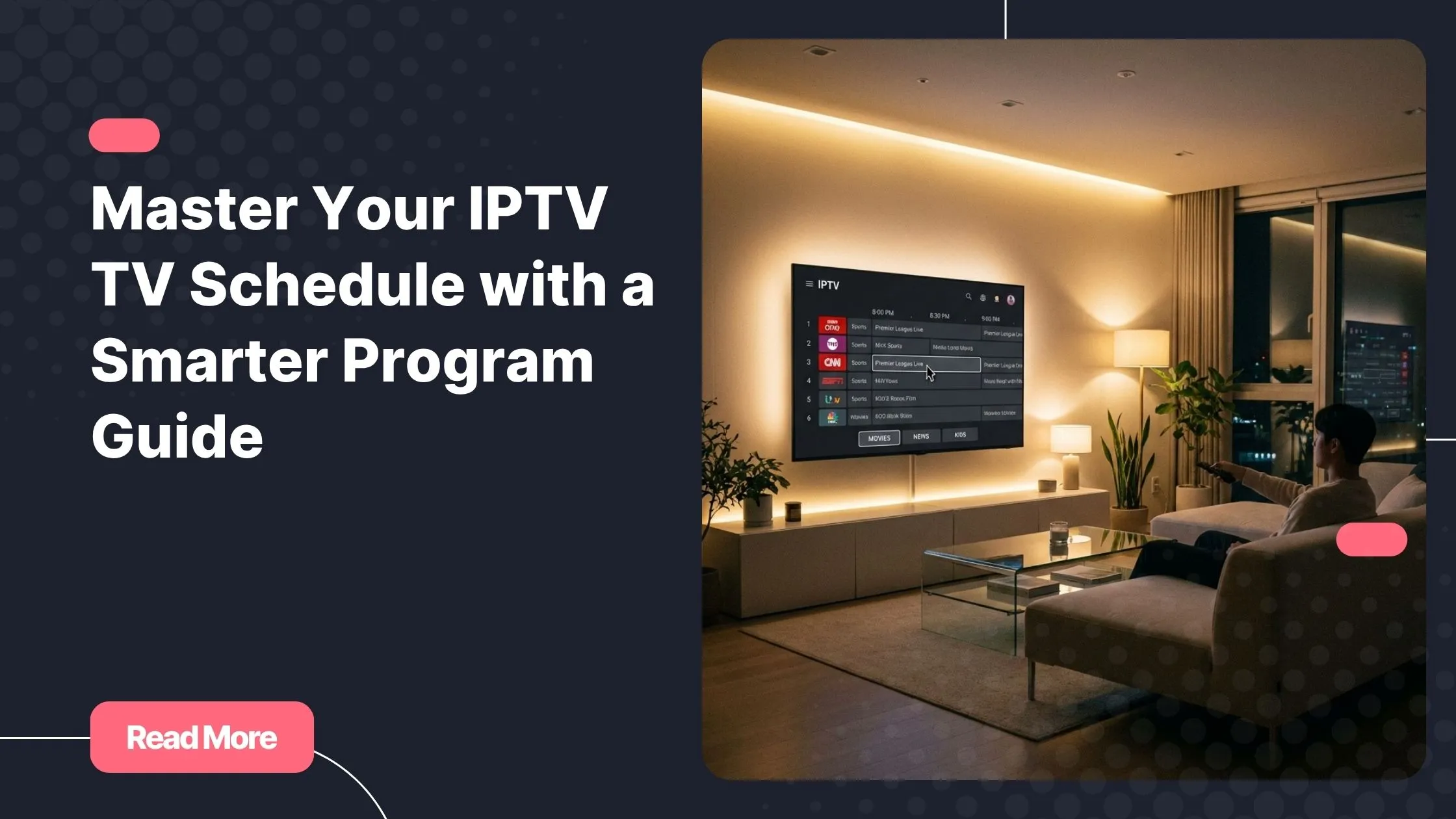
An Electronic Program Guide adds real value to IPTV. XML files provide scheduling data so you can see what is playing now and what comes next.
When iptv playlists are paired with a proper EPG, your IPTV app starts to feel like traditional TV, but with more flexibility and control.
Comparing IPTV Playlist Formats
| Format | Setup Method | Ease of Use | Best For |
|---|---|---|---|
| M3U URL | Paste link | Medium | Advanced users |
| M3U File | Upload file | Easy | Offline management |
| Xtream Codes | Login credentials | Very easy | Beginners and multi-device use |
How to Set Up IPTV Playlists Step by Step
Setting up iptv playlists is easier than most people expect. The key is choosing the right app and following a structured process.
Before You Begin
- A stable internet connection
- A compatible device
- An active IPTV subscription with playlist access
Setup on Popular Devices
Smart TVs
Samsung and LG Smart TVs support dedicated IPTV apps. Once installed, you simply enter your playlist URL or Xtream Codes details and let the app load your channels.
Android Devices and TV Boxes
Android offers the widest compatibility. Most IPTV apps on Android handle iptv playlists smoothly and allow advanced customization.
iOS Devices
On iPhone and iPad, IPTV apps are more restricted, but reliable options still exist. Using Xtream Codes often delivers the best experience on iOS.
Windows and macOS
Desktop players are ideal if you prefer watching IPTV on a larger screen. They also make it easier to edit and manage large channel lists.
Best IPTV Apps for Playlists
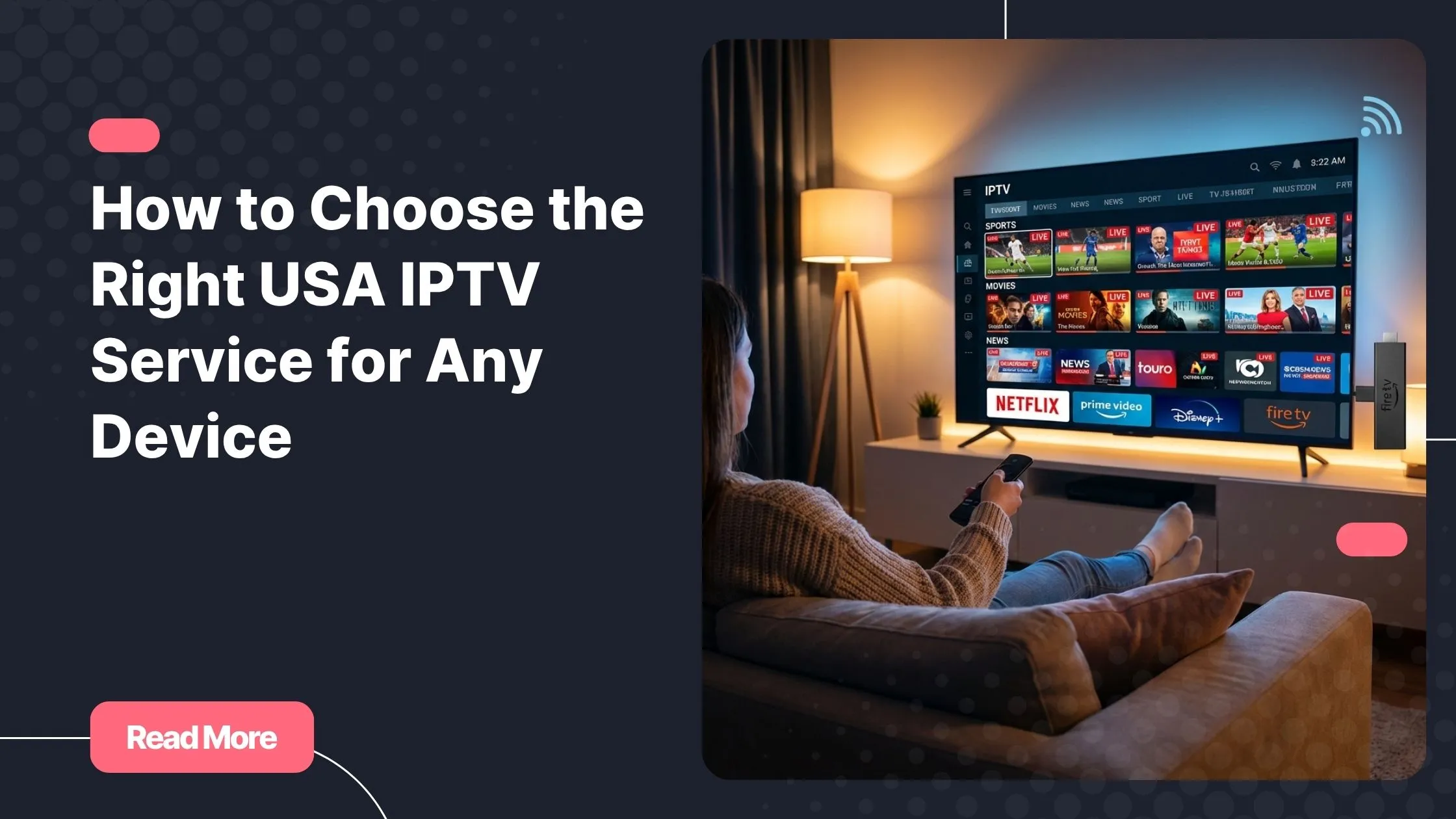
Your IPTV app determines how well iptv playlists perform. A good app should load channels quickly, support EPG, and remain stable during long viewing sessions.
Most premium providers design their playlists to work seamlessly across major IPTV apps, ensuring consistency no matter which device you use.
To better understand how platforms shape this experience, you can explore how a modern IPTV ecosystem evolves by reading about the way IPTV platforms redefine home entertainment at the role of advanced streaming platforms.
Organizing and Optimizing Your IPTV Playlists
Once set up, organizing iptv playlists is what turns a good setup into a great one. Large channel lists can feel overwhelming without proper structure.
Channel Organization Tips
- Group channels by country or language
- Hide channels you never watch
- Use favorites for quick access
Performance Optimization
If buffering occurs, the issue is often not the playlist itself but network stability or app configuration. Choosing reliable servers and keeping your app updated makes a noticeable difference.
In the middle of your IPTV journey, it is worth remembering that a trusted provider like iptv services focuses on playlist stability and device compatibility to reduce these issues.
Security and Privacy
Always avoid unknown sources. Secure iptv playlists come from established providers that respect user privacy and streaming quality.
Common IPTV Playlist Issues and Fixes
Even optimized setups may occasionally face problems. Most issues with iptv playlists can be resolved quickly.
- Playlist not loading: check your internet connection
- Channels missing: refresh the playlist
- No program guide: verify EPG settings
For users who rely heavily on scheduling, understanding how IPTV schedules work can help. A detailed breakdown is available in this guide explaining IPTV TV schedules and program guides at a complete IPTV schedule resource.
Legal and Ethical Considerations
The legality of iptv playlists depends entirely on the provider. Licensed services operate within legal frameworks, while unverified sources can expose you to risks.
For general background on IPTV technology itself, you can consult an authoritative overview on Internet Protocol Television, which explains how IPTV works from a technical standpoint.
Why Natixtv Is a Smart Choice for IPTV Playlists
A reliable IPTV experience starts with professionally maintained iptv playlists. Natixtv focuses on performance, device compatibility, and ease of use.
With support for multiple devices and IPTV apps, plus a free trial period of 24 to 48 hours, you can test the service before committing. This approach allows you to evaluate quality without pressure.
Frequently Asked Questions
What are iptv playlists and how do they work?
They are structured access methods that connect your IPTV app to live channels and on-demand content through internet streams.
Are iptv playlists better than traditional cable?
They offer more flexibility, device freedom, and often better value, especially when paired with a reliable provider.
Can I use the same iptv playlists on multiple devices?
Yes, depending on your subscription terms, playlists can often be used across several supported devices.
Why do iptv playlists sometimes stop working?
This usually happens due to expired subscriptions, network issues, or outdated app versions.
Which apps work best with iptv playlists?
Apps that support M3U and Xtream Codes with EPG integration usually deliver the best experience.
Conclusion: Take Control of Your Streaming Experience
When you understand how iptv playlists function, IPTV stops feeling complicated and starts feeling empowering. From choosing the right format to optimizing performance, every step brings you closer to seamless entertainment.
With a trusted provider like iptv services, you gain access to stable playlists, wide device compatibility, and the freedom to stream on your terms. Take advantage of the free trial, explore the features, and finally enjoy IPTV the way it was meant to be experienced.