Remember the last time you paid a bloated cable bill for 400 channels you never watched? That quiet frustration is exactly what pushed millions of viewers to rethink television entirely. The promise was always simple: watch what you want, when you want, without being locked into a rigid schedule designed by a broadcaster who doesn’t know you.
That promise is now a reality. IPTV prime has rewritten the rules of home entertainment, putting you in control of a content library so vast it would take several lifetimes to fully explore. Whether you’re a sports fanatic hungry for live matches at 3 AM, a parent looking for international cartoons, or simply someone who refuses to pay for channels they don’t use, this technology is a genuine alternative worth understanding. If you’re searching for the best iptv experience available today, you’re already in the right place.
This guide walks you through everything you need to know: how the service works, which players to use, which devices are supported, and the features that genuinely set this kind of streaming apart from anything cable ever gave you. Let’s get into it.
Table of Contents
What Is IPTV Prime and How Does It Actually Work?
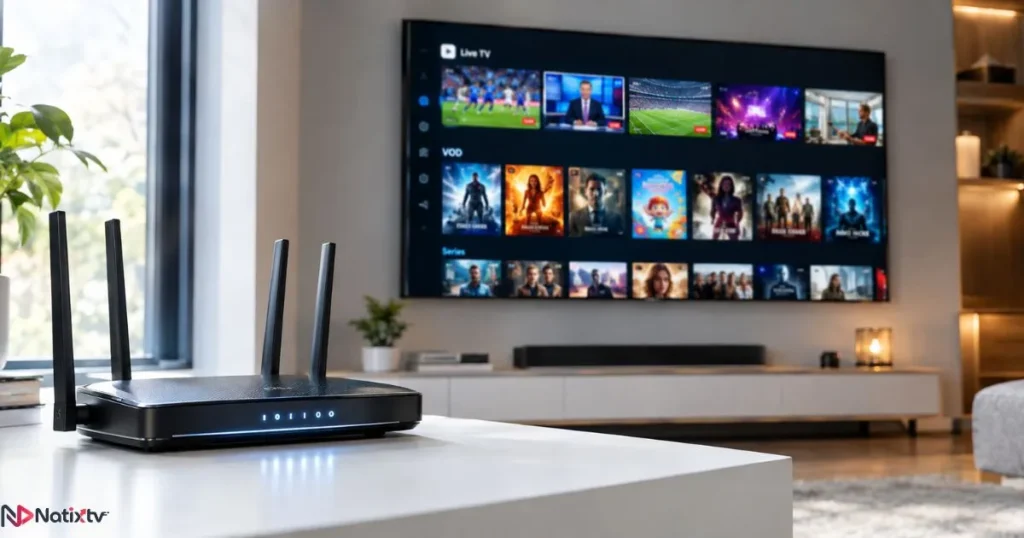
At its core, IPTV prime delivers television content over an internet connection rather than a satellite dish or a coaxial cable. The acronym IPTV stands for Internet Protocol Television, and while that sounds technical, the concept is straightforward: your content travels through the same internet infrastructure you already use for browsing, streaming music, or video calls.
Instead of a broadcaster pushing signals to everyone simultaneously, the service uses a request-and-deliver model. When you select a channel or a film, the server sends exactly what you asked for, directly to your screen. This is called unicast delivery, and it’s what makes the experience feel responsive and personal rather than passive.
The global IPTV market is growing fast, projected to surpass $117 billion by 2027 according to Statista, and the reason is simple: people are tired of paying for what they don’t need. A well-chosen subscription is the smarter alternative.
The Technology Behind the Experience
Three key components work together to make your streams possible:
- M3U playlists: a structured file containing all your channel links and video-on-demand entries.
- Xtream Codes API: a login-based protocol (username, password, server URL) that connects you to the content library.
- EPG (Electronic Program Guide): a real-time schedule overlay showing what’s playing now and what’s coming next, just like the grid you’re used to on cable.
For a stable HD stream, you need a minimum connection speed of around 10 Mbps. For 4K content, aim for 25 Mbps or higher. Most home broadband connections in 2025 comfortably exceed these thresholds.
IPTV Prime Service vs. Free Streaming: An Honest Comparison
Free streaming alternatives exist, but the gap in quality, reliability, and content depth is significant. Here’s how a legitimate subscription stacks up against no-cost alternatives:
| Feature | Licensed Service | Free Streaming |
|---|---|---|
| Live channel count | 10,000+ channels | Limited selection |
| Video quality | HD | FHD | 4K | SD to HD (inconsistent) |
| Uptime reliability | High (99%+ SLA) | Variable, frequent outages |
| VOD library | Movies and series on demand | Mostly limited VOD |
| Sports and PPV | Included in most plans | Rarely available |
| Legal subscription | Yes (authorized providers) | Often unclear |
Subscription Plans, Value, and the Free Trial Advantage
One of the most compelling things about an IPTV prime subscription is the flexibility it gives you. Unlike a cable contract that locks you in for 12 or 24 months, most plans offer monthly, quarterly, or annual billing cycles. You pick what fits your lifestyle, and you’re not penalized for changing your mind.
A standard plan typically includes:
- Access to 10,000 or more live channels across dozens of countries
- A video-on-demand library with thousands of films and TV series
- Full EPG coverage for a 7-day program schedule
- Support for 1 to 4 simultaneous connections depending on your tier
- Anti-freeze and adaptive bitrate technology for smooth playback
When you’re ready to get started with a streaming plan, it’s worth knowing what to look for in a provider: uptime guarantees, customer support responsiveness, and the breadth of content all matter significantly.
Try before you commit: Natixtv offers a free trial period of 24 to 48 hours, giving you a real opportunity to test stream quality, channel availability, and device compatibility before spending a single euro or dollar. No long-term commitment required.
How to Choose the Right Plan for Your Household
Your ideal setup depends on how you actually watch television:
- Solo viewer: a single-connection plan is more than enough.
- Couple or small family: 2 connections allow simultaneous viewing on different screens.
- Larger household: a 4-connection plan so everyone can watch independently.
- Sports enthusiast: prioritize providers that include PPV and dedicated sports packages.
- International viewer: look for strong coverage of Arabic, French, Spanish, or other language channels.
If you’re based in the US and wondering which providers cover your preferred content, this breakdown of IPTV options available for viewers in the United States is a useful starting point before you subscribe.
The IPTV Prime Player: Apps That Power Your Viewing Experience
Your subscription delivers the content. Your IPTV prime player is the software that displays it. These are two separate things, and understanding the distinction matters. The player is the interface you interact with every single day, so choosing the right one for your device and viewing habits makes a genuine difference in comfort and usability.
The Best Players to Use with Your Subscription
- IPTV Smarters Pro: the most versatile option, supporting both M3U and Xtream Codes. Clean UI, multi-screen management, and parental controls built in.
- TiviMate: widely considered the gold standard for Android TV users. Excellent EPG integration and smooth channel switching.
- GSE Smart IPTV: a strong cross-platform app available on iOS, Android, and Mac. Ideal if you move between devices frequently.
- VLC Media Player: free, open-source, and universally supported. A reliable choice for desktop users who want something simple and proven.
- Perfect Player: lightweight and fast, best suited for Android smartphones and tablets.
- Kodi: highly customizable with an extensive add-on ecosystem. Requires more setup but rewards patient users with a deeply personalized experience.
Setting Up Your Player in 5 Simple Steps
- Subscribe to a service through a trusted provider likebest iptvvia Natixtv.
- Download your preferred player on your device from its official app store.
- Open the player and enter your M3U URL or Xtream Codes credentials (server, username, password).
- Load your channel list and wait for the EPG to populate – usually under a minute.
- Start streaming in HD, FHD, or 4K depending on your connection and plan.
IPTV Prime Compatibility: Every Device You Can Use Today
One of the strongest arguments for cutting the cord is the near-universal IPTV prime compatibility across devices. You’re not tied to a specific hardware ecosystem. Whatever screen you already own, there’s almost certainly a way to enjoy your subscription on it.
| Device | Supported | Best Player to Use |
|---|---|---|
| Amazon Firestick / Fire TV | Yes | IPTV Smarters, TiviMate |
| Android TV / Google TV | Yes | TiviMate, GSE Smart IPTV |
| Android Smartphone or Tablet | Yes | IPTV Smarters, Perfect Player |
| iPhone / iPad (iOS) | Yes | GSE Smart IPTV, IPTV Smarters |
| Samsung / LG Smart TV | Yes | Built-in browser or Smarters |
| Apple TV | Yes | GSE Smart IPTV |
| Windows PC / Mac | Yes | VLC, GSE, IPTV Smarters |
| MAG Box / Enigma2 | Yes | Native player |
| Nvidia Shield | Yes | TiviMate |
| Roku | Limited | Sideloading required |
Getting Started on Firestick
The Amazon Firestick is the most popular device for streaming this kind of content. It’s affordable, portable, and plugs directly into any HDMI port. To get started, enable “Apps from Unknown Sources” in your Firestick settings, then use the built-in Downloader app to install your preferred player. Once installed, enter your credentials and you’re watching within minutes.
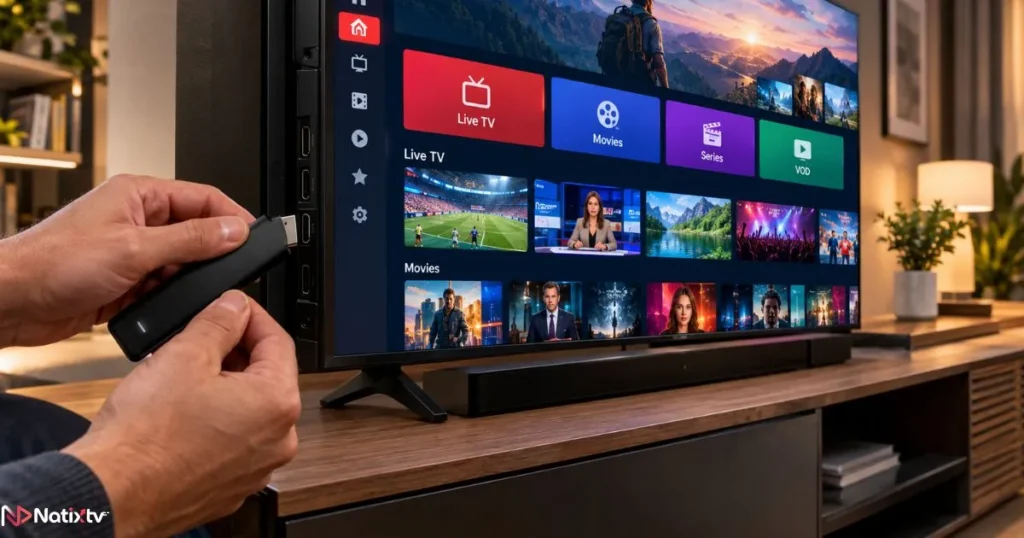
One useful tip: clear your Firestick’s cache regularly to maintain smooth performance, especially for 4K streams. Using a reputable VPN can also help if your ISP throttles streaming traffic during peak hours.
Using Your Subscription on a Smart TV
Samsung TVs running Tizen and LG TVs running WebOS both support browser-based access to streaming content. For a more polished experience, casting from your phone via Chromecast or installing a compatible player app directly on the TV is the better route. Smart TV support has improved significantly in recent years, making dedicated set-top boxes less necessary for most households.
IPTV Prime Features: What You Actually Get When You Subscribe
The features that matter most aren’t the ones listed in a marketing brochure. They’re the ones you notice when you sit down to watch something. Here’s what a quality subscription delivers in practice:
- Live TV channels: 10,000 or more across news, entertainment, sports, kids, and international categories.
- VOD library: thousands of films and full TV series available on demand, updated regularly.
- Sports and PPV access: live football, basketball, UFC, Formula 1, and major pay-per-view events.
- Full EPG schedule: a 7-day program guide integrated directly into your player.
- Catch-up TV: replay missed broadcasts from up to 7 days ago on supported channels.
- Multi-screen support: watch on up to 4 devices simultaneously depending on your plan.
- Anti-freeze technology: adaptive bitrate streaming that adjusts quality in real time to avoid buffering.
- International content: dedicated packs for Arabic, French, Spanish, UK, US, and many more regions.
- Parental controls: PIN-protected channels to keep younger viewers away from adult content.
Streaming Quality: Choosing the Right Resolution
Multiple quality tiers are available for your streams. Your experience depends on matching your plan and player settings to your internet speed:
| Quality Level | Resolution | Minimum Speed Required |
|---|---|---|
| SD | 480p | 5 Mbps |
| HD | 720p | 10 Mbps |
| Full HD | 1080p | 15 to 20 Mbps |
| 4K UHD | 2160p | 25 to 50 Mbps |
Most modern players support adaptive bitrate, which means the stream automatically adjusts quality when your connection fluctuates. This prevents freezing during a live match or a critical scene in a film you’ve been waiting to watch all week.
EPG and Catch-Up: Your Safety Net for Live TV
The Electronic Program Guide is the feature that makes this kind of streaming feel most like traditional television, but smarter. You can browse upcoming programming, set reminders for live events, and with catch-up TV functionality, go back and watch anything you missed in the past week on supported channels.
Worth noting: not every channel in a provider’s lineup supports catch-up. It depends on the broadcaster’s licensing agreements, so check with your provider before relying on it for specific channels you care about.
Should You Use a VPN with Your Subscription?
A VPN isn’t strictly necessary, but it can be genuinely useful. Some internet service providers throttle streaming traffic during peak hours, which can cause buffering even on fast connections. A reliable VPN routes your traffic differently, bypassing these policies and often improving stream stability. Look for services that support WireGuard or OpenVPN protocols for the best balance of speed and security.
Is It Right for You? Honest Pros and Cons
Advantages
- Enormous content library
- Works on virtually any device
- Significantly cheaper than cable
- Free trial available (24-48 hours)
- International channels included
- No long-term contracts required
Considerations
- Requires a stable internet connection
- Quality varies by provider
- Initial setup may feel complex
- Catch-up not on every channel
- A good player is essential
Frequently Asked Questions
What is IPTV prime and is it legal to use?
This streaming platform delivers live channels and on-demand content over an internet connection. When you subscribe through an authorized provider like Natixtv, the service operates within proper licensing frameworks and is completely legal. The key is choosing a legitimate provider rather than an unlicensed gray-market alternative.
How do I install an IPTV app on my device?
First, choose a compatible player such as IPTV Smarters Pro or TiviMate from your device’s app store. Then open the app, enter the M3U URL or Xtream Codes credentials provided by your subscription (server address, username, and password). Your channel list and EPG will load automatically within seconds.
Which devices support this type of streaming?
The compatibility covers a wide range: Amazon Firestick, Android TV, Apple TV, Samsung and LG Smart TVs, iPhones, Android smartphones, Windows PCs, Mac computers, and MAG boxes. Roku support is limited but possible through sideloading. See the full compatibility table above for complete details.
Does IPTV prime offer a free trial before I subscribe?
Yes. Natixtv provides a free trial period of 24 to 48 hours, allowing you to test stream quality, explore the channel lineup, and verify compatibility with your devices before committing to a paid plan. No credit card is required to start the trial.
What internet speed do I need for smooth streaming?
For standard HD at 720p, a minimum of 10 Mbps is recommended. For Full HD at 1080p, aim for 15 to 20 Mbps. If you want 4K, a connection of at least 25 Mbps ensures a buffer-free experience. Most modern broadband connections comfortably meet these requirements.
Can multiple people in my household watch simultaneously?
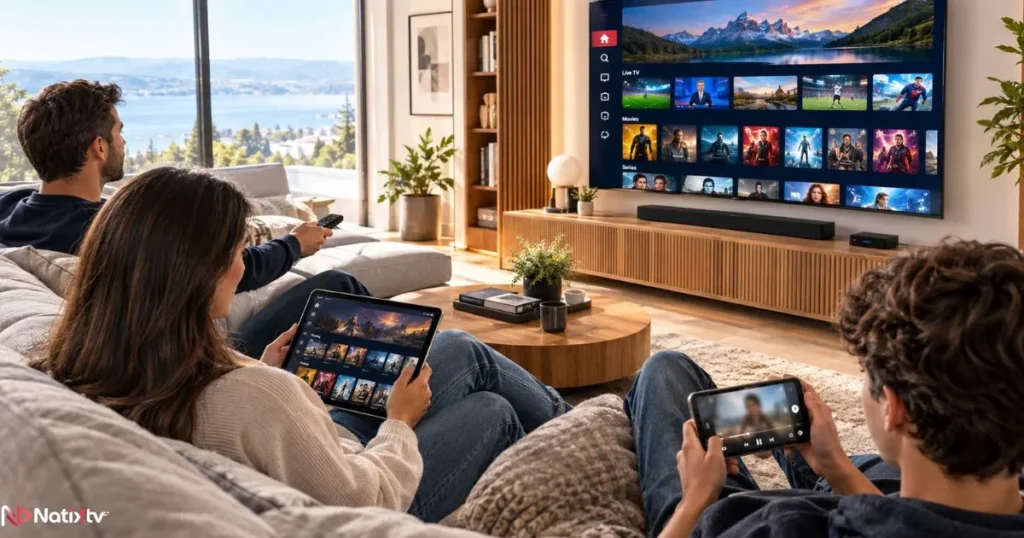
Yes. Most subscription plans support between 1 and 4 simultaneous connections. If your household has multiple viewers who watch on different screens at the same time, choose a plan with enough connections to cover everyone. Natixtv offers multi-connection plans designed precisely for this use case.
Final Thoughts: A Smarter Way to Watch Television
This technology isn’t a trend or a workaround. It’s the natural next step in how television evolves, and the reasons people are switching from cable are entirely logical: more content, more flexibility, better value, and complete freedom over which device you use. Whether you’re watching live sports in 4K, catching up on a series you missed last week, or browsing 10,000 channels from around the world, this technology delivers an experience that cable simply cannot match at its price point.
The best part: you don’t have to take anyone’s word for it. The 24 to 48 hour free trial available through Natixtv lets you test everything firsthand, with zero financial commitment. Experience the channel quality, the EPG navigation, and the stream stability on your own devices before you decide.
Ready to Make the Switch?
Join thousands of viewers who have already discovered a better way to watch television.
Test the service risk-free with Natixtv’s 24 to 48 hour free trial, compatible with every device you own.Explore plans at the best iptv on Natixtv