You sit down after a long day, ready to relax, open your IPTV app… and suddenly you are lost. Hundreds of channels, no clear direction, and too much time wasted scrolling. What should be effortless entertainment becomes a frustrating search.
The truth is simple: your experience depends less on the content and more on how you navigate it. When you understand how your iptv tv schedule works, everything changes. You move faster, find better content, and enjoy your subscription the way it was meant to be.
With the right setup and provider like best for iptv, you can transform confusion into control and turn your screen into a perfectly organized entertainment hub.
Table of Contents
What Is an IPTV TV Schedule and Why It Matters
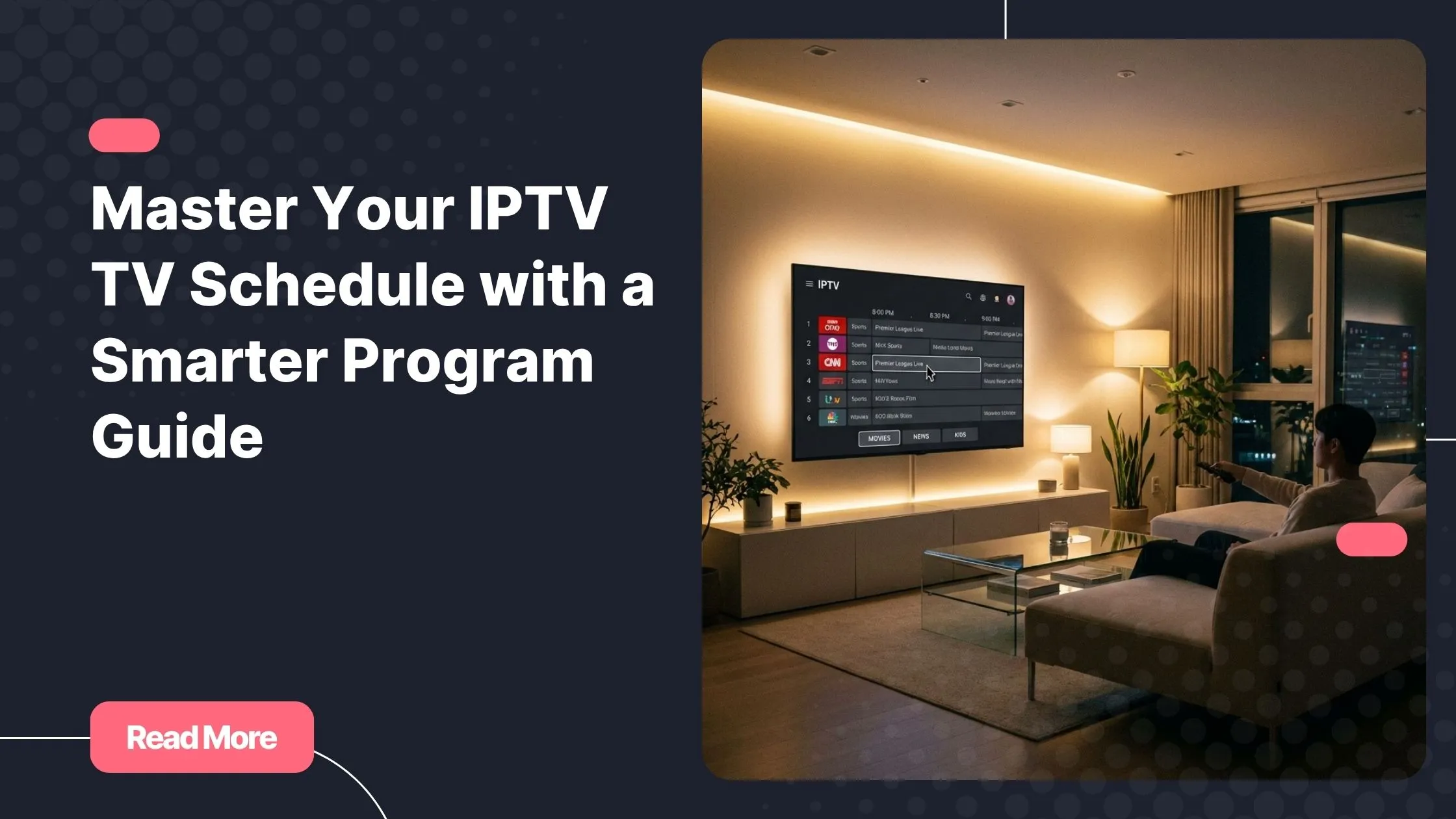
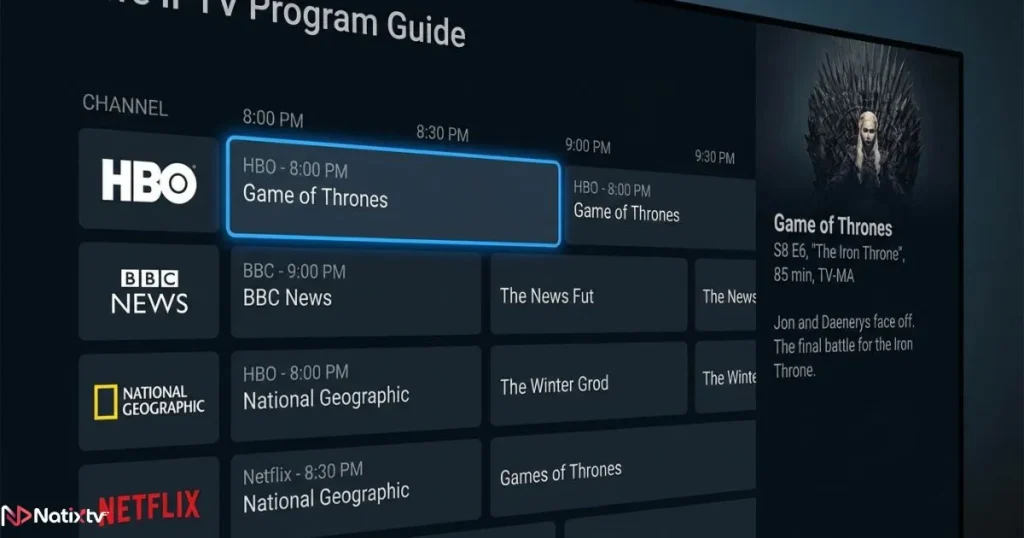
An iptv tv schedule is your digital roadmap to live television. It displays what is currently playing, what is coming next, and often includes detailed program information across all your channels.
Core Functions of an IPTV Program Guide
- Real-time broadcasting updates
- Program titles and descriptions
- Channel categorization
- Timeline navigation
Without a properly configured iptv tv schedule, you are essentially browsing blindly. With it, you gain structure, clarity, and speed.
Why It Improves Your Viewing Experience
- You instantly find live content
- You plan your viewing in advance
- You reduce time wasted searching
- You discover new programs easily
How IPTV Guide TV Listings Work Behind the Scenes
Your iptv tv schedule is powered by EPG data, which stands for Electronic Program Guide. This data is delivered from external servers and synchronized with your IPTV app.
Common Formats Used
- XMLTV files
- M3U playlists with EPG integration
- API-driven dynamic guides
The quality of your iptv tv schedule depends heavily on your provider. Poor data leads to missing or incorrect listings.
Why Schedules Sometimes Fail
- Invalid or expired EPG links
- Incorrect device time zone
- Outdated synchronization
If your guide is not working properly, it is not just an inconvenience. It directly impacts your overall IPTV experience.
How to Set Up an EPG IPTV Schedule Step by Step
Setting up your iptv tv schedule is easier than most people think. You only need a valid EPG source and a compatible app.
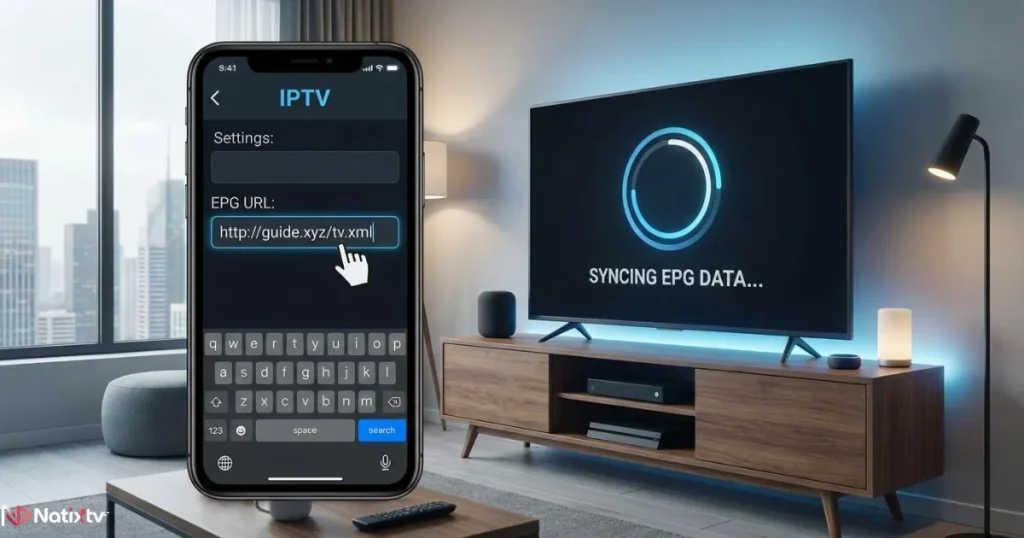
Basic Setup Process
- Get your EPG URL from your provider
- Open your IPTV application settings
- Paste the EPG link
- Refresh or reload the guide
If you want a detailed walkthrough, you can follow this step-by-step guide to configure your IPTV guide correctly.
Device-Specific Setup
Smart TVs
- Apps like Smart IPTV and Net IPTV
- Simple interface for EPG integration
Android Devices
- TiviMate and IPTV Smarters
- Advanced customization options
iOS Devices
- GSE Smart IPTV and IPTVX
- Smooth and user-friendly interface
PC and Mac
- VLC or MyIPTV Player
- Manual configuration required
Once configured, your iptv tv schedule will automatically update, giving you real-time access to all programs.
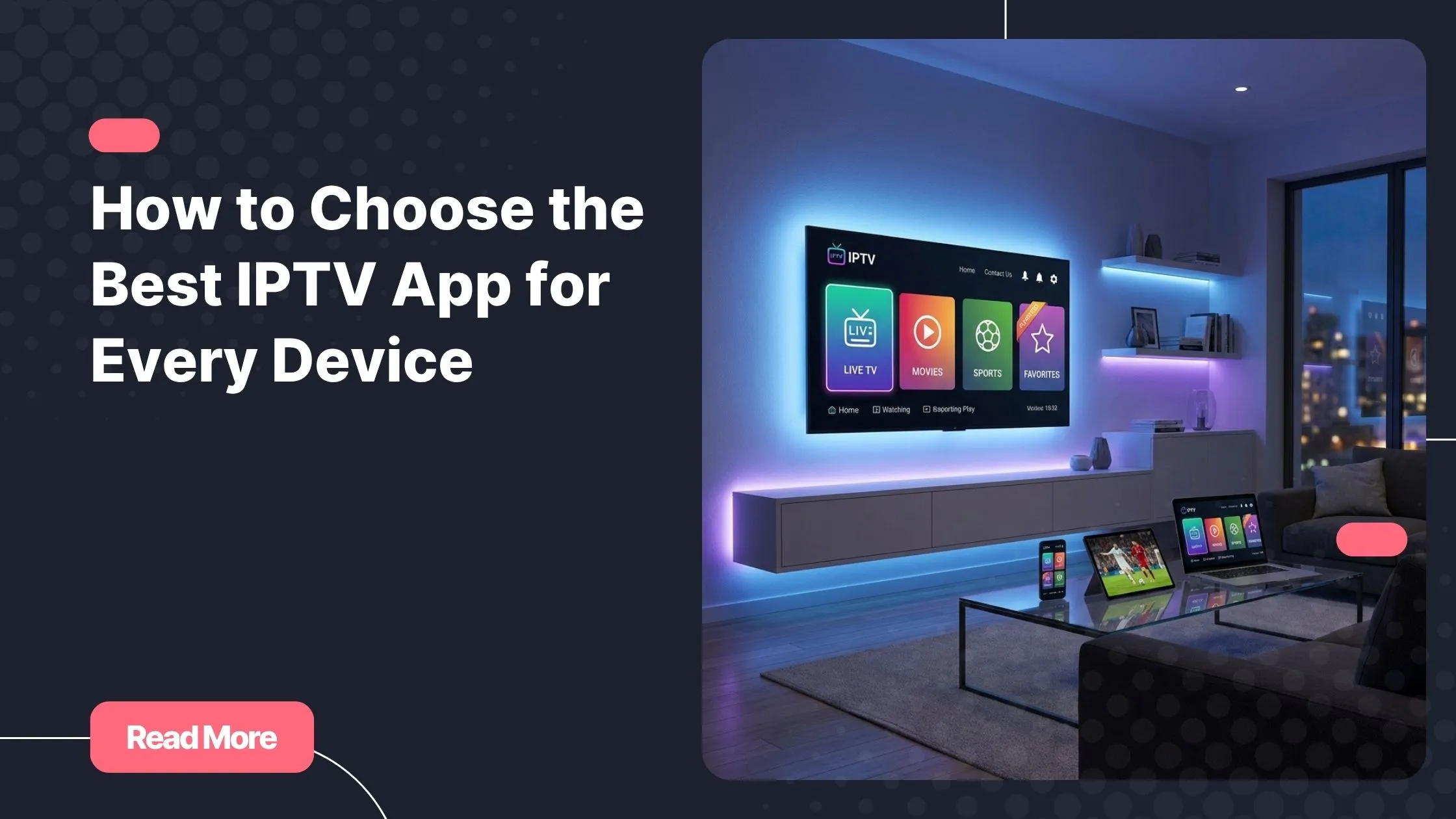
Best Apps to View IPTV Channels Guide Smoothly
| App | EPG Support | Ease of Use | Best For |
|---|---|---|---|
| IPTV Smarters | Excellent | Easy | All devices |
| TiviMate | Advanced | Moderate | Android users |
| GSE IPTV | Good | Easy | Mobile users |
| Smart IPTV | Basic | Easy | Smart TVs |
The app you choose directly impacts how efficiently you navigate your iptv tv schedule. A better interface means faster access and less frustration.
How to Navigate an IPTV Channels Guide Efficiently
Once your iptv tv schedule is active, the next step is learning how to use it like a pro.
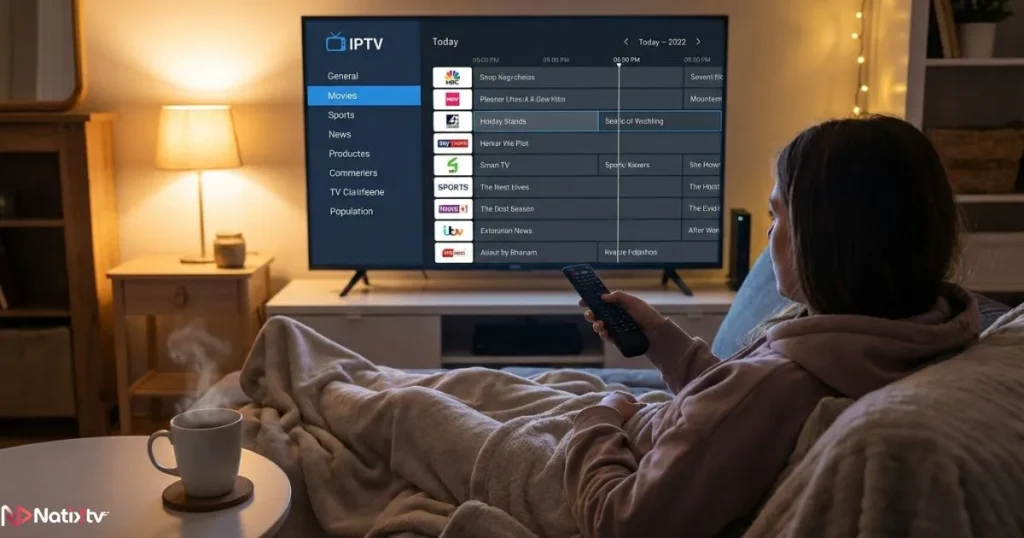
Understanding the Interface
- Horizontal timeline view
- Channel categories
- Program duration indicators
Pro Navigation Tips
- Use favorites to reduce clutter
- Filter by genre or country
- Check upcoming shows in advance
Advanced Features
- Catch-up TV for missed programs
- Recording options
- Multi-screen viewing
Mastering these features allows you to fully leverage your iptv tv schedule and save valuable time.
Common IPTV TV Schedule Problems and Fixes
Even the best systems can encounter issues. Knowing how to fix them ensures your iptv tv schedule stays reliable.
Common Issues
- No guide data displayed
- Incorrect timing
- Missing channels
Quick Fix Checklist
- Reload EPG data
- Verify your EPG link
- Adjust time zone settings
- Restart your app
If streaming quality is also an issue, you can explore these proven solutions to eliminate buffering problems and improve performance.
Optimizing Your IPTV Experience with a Reliable Provider
Your provider plays a critical role in maintaining an accurate iptv tv schedule. A high-quality service ensures consistent updates and reliable listings.
- Stable servers
- Accurate EPG data
- Fast channel loading
Choosing a service like best for iptv gives you access to a clean, well-organized guide and a smoother experience across all devices.
IPTV TV Schedule vs Traditional TV Guide
| Feature | IPTV | Traditional TV |
|---|---|---|
| Real-time updates | Yes | Limited |
| Multi-device access | Yes | No |
| Customization | High | Low |
| Catch-up support | Yes | No |
The flexibility of an iptv tv schedule makes it far superior to traditional TV guides, especially for modern users who want control.
Future of IPTV Program Guides
The evolution of the iptv tv schedule is just beginning. Technology is pushing it toward a smarter, more personalized experience.
- AI-powered recommendations
- Voice search integration
- Personalized viewing suggestions
- Smart home synchronization
According to Statista, digital TV consumption continues to grow rapidly, making advanced program guides more essential than ever.
FAQ
What is an IPTV TV schedule?
An iptv tv schedule is a digital guide that shows live and upcoming programs across IPTV channels.
How do I fix my IPTV TV schedule not working?
Check your EPG link, refresh the data, and ensure your device time zone is correct.
Can I use IPTV TV schedule on all devices?
Yes, most IPTV apps support guide integration on Smart TVs, smartphones, and computers.
Why is my IPTV TV schedule incorrect?
This usually happens بسبب time zone mismatch or outdated EPG data.
Do all IPTV providers include a program guide?
No, only high-quality providers offer a complete and reliable guide.
Conclusion
Once you understand how your iptv tv schedule works, everything becomes easier. You stop wasting time, you discover better content, and you finally enjoy your subscription the way it was designed.
The difference between frustration and satisfaction often comes down to one thing: control. And that control starts with a properly configured guide.
If you want a seamless experience across all your devices, start with a trusted provider like best for iptv and take advantage of their 24 to 48 hour free trial to test everything yourself.