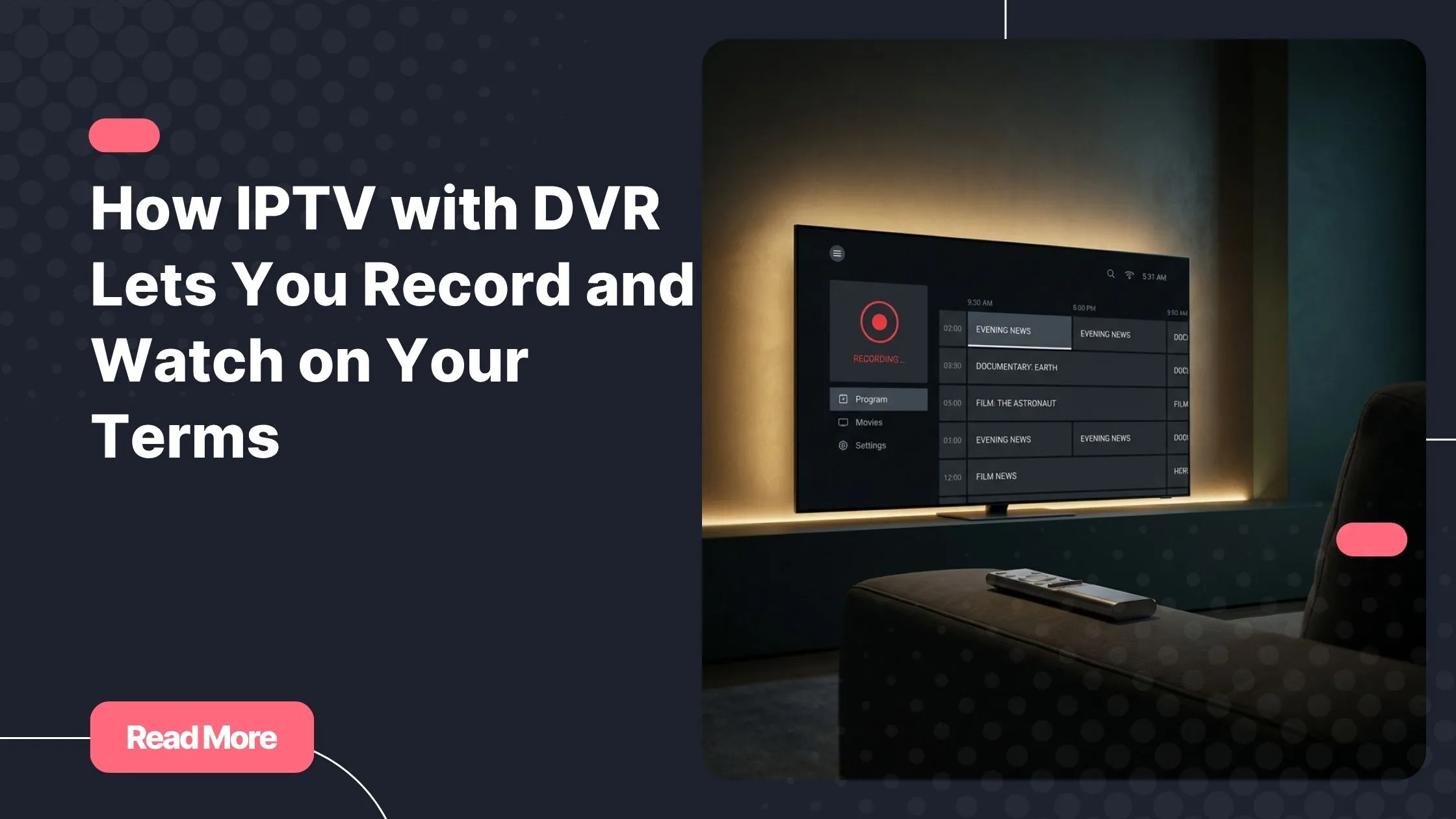
You’re stuck in traffic. Your favorite team just scored — you can feel it from the notifications flooding your phone. Or maybe you finally put the kids to bed, only to realize the season finale started an hour ago. These moments used to mean one thing: you missed it. But if you’re using a quality iptv provider, that frustration belongs firmly in the past. IPTV with DVR is the feature that gives you back full control over when and how you watch.
Think about what it really means to never be held hostage by a broadcast schedule again. No more rushing home, no more setting three alarms as reminders, no more spoilers from friends who caught it live. With the right setup, your entertainment waits for you — not the other way around.
This guide breaks down exactly how this technology works, why it has become one of the most sought-after features in streaming today, and what to look for when choosing a service that truly delivers on its promise.
Table of Contents
What Is IPTV with DVR and How Does It Differ from Standard IPTV?
Standard IPTV delivers live television channels over an internet connection. You tune in, you watch in real time, and when the broadcast ends, it’s gone — unless your service offers something extra. That extra something is IPTV with DVR.
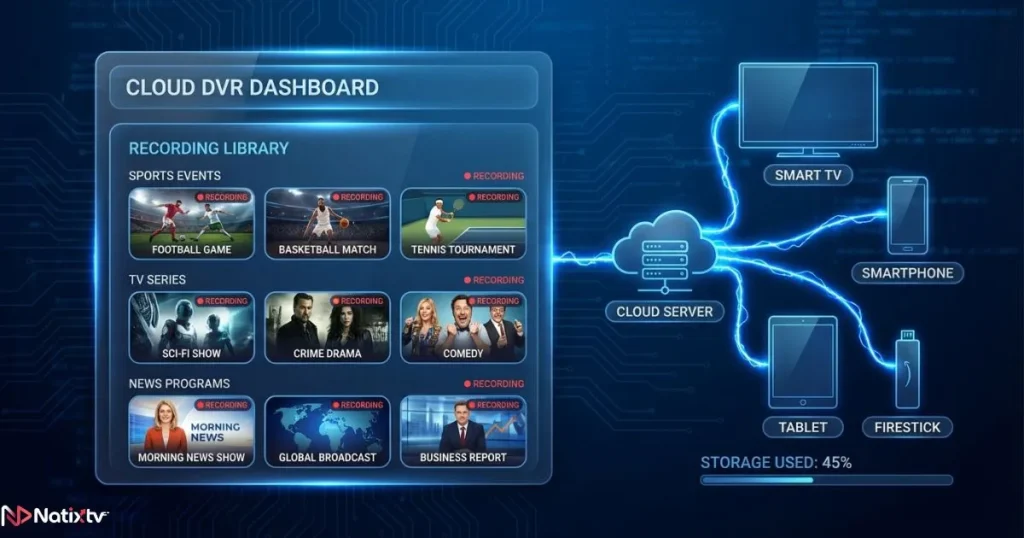
DVR stands for Digital Video Recorder. In traditional cable setups, it meant a physical box sitting under your TV with a hard drive inside. In the world of internet television, it works very differently. Most modern services use a cloud-based approach: your recordings are stored on the provider’s servers, not on your device. You press record, and the content is saved remotely, ready to stream whenever you choose.
Cloud DVR vs. Local DVR: Which One Do IPTV Services Use?
Understanding the difference between these two options helps you pick the right service for your lifestyle.
| Feature | Cloud DVR | Local DVR |
|---|---|---|
| Storage location | Provider’s server | Your device or NAS drive |
| Setup required | None | Hardware or app configuration |
| Access from multiple devices | Yes | Limited |
| Storage limits | Depends on your plan | Depends on your hardware |
| Best for | Casual and everyday users | Power users and tech enthusiasts |
For most users, cloud DVR is the more practical option. No boxes, no cables, no complicated configurations — just a clean interface and instant access to your saved content from any screen you prefer.
How IPTV DVR Recording Actually Works
The IPTV recording feature may seem like magic, but the mechanics behind it are straightforward once you understand the pipeline. When you schedule a recording, your app sends a request to the provider’s servers. Those servers capture the incoming broadcast stream and save it as a video file tied to your account. Once the program ends, that file sits in your recording library, ready to play back on demand. The entire process runs in the background — no waiting, no manual downloads, no technical intervention needed on your end.
The Role of the EPG in Scheduling Recordings
The Electronic Program Guide (EPG) is the backbone of any reliable IPTV dvr recording system. It is the on-screen schedule that tells you what is airing, when it starts, and how long it runs. When you tap “Record” on a program inside the EPG, you are essentially instructing the system to capture that stream at the exact specified time.
A well-maintained EPG is what separates a dependable IPTV service from a frustrating one. If the guide is inaccurate or delayed, your recordings may start late or cut off early. Always verify EPG quality and update frequency before committing to a provider long-term.
Pause, Rewind, and Catch-Up: The Full Time-Shifting Suite
IPTV dvr recording is just one part of a broader set of time-shifting tools that modern services offer. Here is how each feature works in practice:
- Pause live TV: Freeze the current stream and resume from exactly where you left off, even if you walked away for thirty minutes.
- IPTV pause rewind: Go back within a live buffer window — typically 30 to 120 minutes — to replay a goal, a key dialogue exchange, or a breaking news segment you almost missed.
- IPTV with catch up: Access broadcasts from the past 7 to 30 days without having scheduled anything in advance. The provider automatically archives recent content, and you can watch it retroactively at any time.
The critical distinction to understand is this: IPTV with catch up is passive and automatic, while DVR requires intentional scheduling ahead of time. Both are powerful in their own right, and the best services offer both together as a unified experience.

If you want to configure these features efficiently on your device, connecting your service through an Xtream code is one of the fastest and most flexible setup methods available across all major platforms.
Why the IPTV Recording Feature Is a Game-Changer for Streaming
The freedom that comes with a strong IPTV recording feature goes beyond simple convenience. It fundamentally changes your relationship with television. Here are six reasons why this capability matters so much to modern viewers:
- Freedom from broadcast schedules: Watch any program at any time, entirely on your own terms.
- Full series recording: Set up automatic recording for an entire season without ever touching the app again.
- Sports on your timeline: Record a live match, avoid spoilers, and watch it when you are actually ready to sit down and enjoy it.
- Perfect for international viewers: Live events that air in the middle of your night get saved automatically, without you losing any sleep over it.
- Household harmony: Multiple people in your home can record different channels at the same time without any conflict.
- No more missed moments: Unexpected plans no longer mean a missed episode or a lost sporting moment.
Natixtv is built around exactly this philosophy. As a dedicated iptv provider focused on viewer freedom, the platform is designed so that your entertainment adapts to your life — never the reverse.
What to Look for in the Best IPTV with DVR
Not all recording features are created equal. When evaluating which service delivers the best IPTV with DVR experience, work through this practical checklist before you commit to a subscription:
- Storage quota: How many hours or gigabytes of recordings are included in your plan?
- Simultaneous recordings: Can you record multiple channels at the same time without conflict?
- Retention period: How long are recordings kept on the server before they are automatically deleted?
- Cross-device playback: Can you start watching on your TV and continue seamlessly on your phone?
- EPG accuracy: Is the program guide updated frequently and reliably enough to trust?
- User interface: Is the recording library intuitive, well-organized, and easy to manage?
These criteria separate a genuinely smooth experience from a frustrating one. Always prioritize services that are transparent about storage limits and retention policies before you sign up.
Device Compatibility: Where Can You Watch Your Recordings?
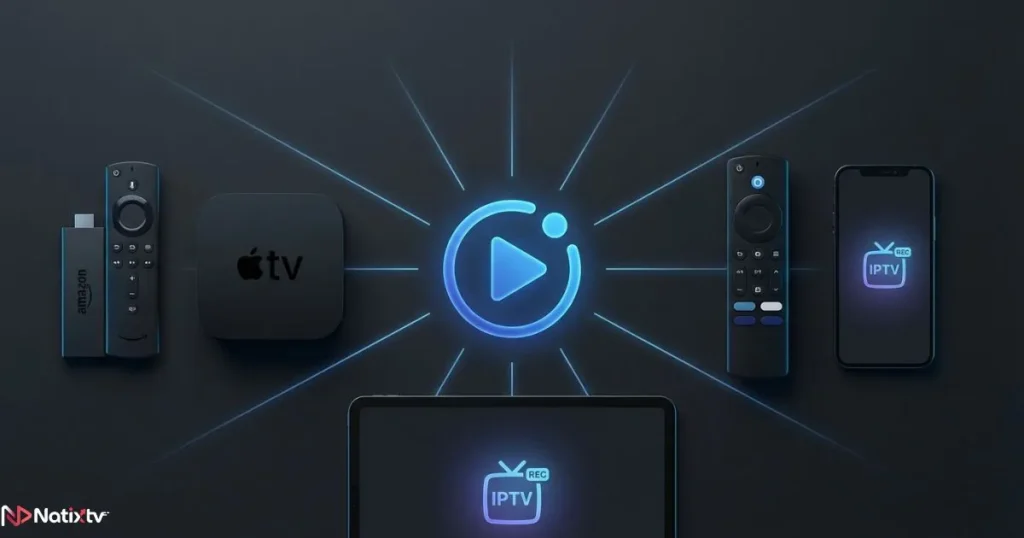
A great IPTV with DVR feature only matters if you can access your recordings on the screen you actually want to use. The best services support a wide range of devices, including:
- Amazon Firestick and Fire TV
- Android TV boxes and Android smartphones
- Apple TV and iOS devices
- Smart TVs from Samsung, LG, and Sony
- Kodi and other media center applications
- Windows and Mac computers via browser or app
Natixtv is fully compatible with all of these platforms. Whether you’re watching on your living room TV or catching up during a commute, your recordings follow you. To make sure you’re using the right player for your specific device, choosing the most compatible app for your screen makes a real difference in playback quality and overall stability.
IPTV with DVR vs. Streaming Platforms: A Fair Comparison
You might wonder how IPTV with DVR stacks up against subscription video-on-demand services like Netflix or Disney+. The comparison is more revealing than most people expect.
| Criteria | IPTV with DVR | Netflix / Disney+ | Traditional Cable DVR |
|---|---|---|---|
| Live TV | Yes | No | Yes |
| Record live content | Yes | No | Yes |
| Catch-up TV | Yes | No | Partial |
| Hardware required | No | No | Yes |
| Monthly cost | Low | Mid to high | High + equipment fees |
| Channel variety | Very high | Limited to platform library | High |
| Pause and rewind live TV | Yes | Not applicable | Yes |
The conclusion is clear: IPTV with DVR delivers the best of both worlds. You get the live television experience of cable combined with the flexibility and accessibility of modern on-demand platforms — at a fraction of the traditional cost. According to Statista’s global pay-TV research, cord-cutting continues to accelerate worldwide, and flexible internet television services with smart recording capabilities are a primary reason why viewers are making the switch.
How to Start Using IPTV DVR Recording with Natixtv
Getting started with the record live tv iptv features on Natixtv takes just a few minutes from sign-up to first recording. Here is exactly how to do it:
- Sign up for the free trial on Natixtv — 24 to 48 hours of full access, with no credit card commitment required.
- Download the compatible app for your device, or configure your preferred media player with your account credentials.
- Open the EPG inside the app and browse the full program guide to find what you want to record.
- Select any program and tap “Record” to schedule it, or enable the catch-up toggle for automatic retroactive archiving.
- Access your full recording library at any time, from any compatible device connected to your account.
The setup is intentionally simple. Natixtv is designed so that you spend your time watching and enjoying content — not troubleshooting configurations.
Frequently Asked Questions
What is IPTV with DVR and how does it work?
IPTV with DVR is a feature that lets you record live television broadcasts delivered over an internet connection. Instead of a physical hard drive, most modern services use cloud storage hosted on their own servers. You schedule recordings through the EPG, and the content is saved to your personal account, ready to watch at any time from any compatible device.
Can I record live TV directly through my IPTV service?
Yes. Modern IPTV platforms include an IPTV recording feature built directly into the app or web interface. You simply find the program in the EPG, tap “Record,” and the service handles everything server-side. No external device, no extra software, and no complicated configuration is needed on your end.
What is the difference between IPTV with DVR recording and catch-up TV?
IPTV DVR recording is intentional: you actively schedule specific programs in advance. IPTV with catch up is retroactive and automatic: the provider archives recent broadcasts for a defined window — usually 7 to 30 days — and you can watch them without having set anything up beforehand. Both features are genuinely useful, and the best services include both as standard.
Does IPTV with DVR require any special hardware?
No. Cloud-based IPTV with DVR runs entirely on the provider’s infrastructure. Your smartphone, smart TV, Firestick, or computer is everything you need. There are no boxes to buy, no hard drives to manage, and no technical setup beyond installing the app and logging into your account.
Can I pause and rewind live TV with IPTV?
Yes. The IPTV pause rewind capability is typically included as part of the same time-shifting feature set as cloud DVR. A live buffer stores a rolling window of the current broadcast, allowing you to pause, go back, and resume without missing any content. The buffer window length varies by provider but generally ranges from 30 minutes to two hours.
Which devices support IPTV with DVR recording?
Most quality services, including Natixtv, support DVR playback across all major platforms: Firestick, Android TV, Apple TV, Smart TVs, Kodi, iOS, Android, and desktop browsers. Your recordings are tied to your account rather than a specific device, so you can access them from anywhere at any time.
Take Full Control of What You Watch and When
Television used to be a rigid schedule you planned your evenings around. IPTV with DVR has fundamentally changed that relationship. You can now record entire seasons automatically, catch up on yesterday’s news at lunch, pause a live match to answer the door, and rewind to the exact moment you missed — all without a single piece of extra hardware sitting in your living room.
Combined with IPTV with catch up and seamless IPTV pause rewind functionality, cloud DVR turns passive viewing into a fully personalized, on-demand experience that works around your life rather than against it.
If you are ready to stop missing moments and start watching entirely on your own terms, the process starts with a single free trial. As a reliable iptv provider offering 24 to 48 hours of free access, full device compatibility, and an intuitive interface designed for real users, Natixtv gives you everything you need to take control of your streaming experience — starting right now.