There is a special moment when you finally sit down, open your media center, and expect everything to just work. Live TV, sports, movies, all in one place. Yet too often, that moment turns into frustration. Buffers, missing channels, confusing menus.
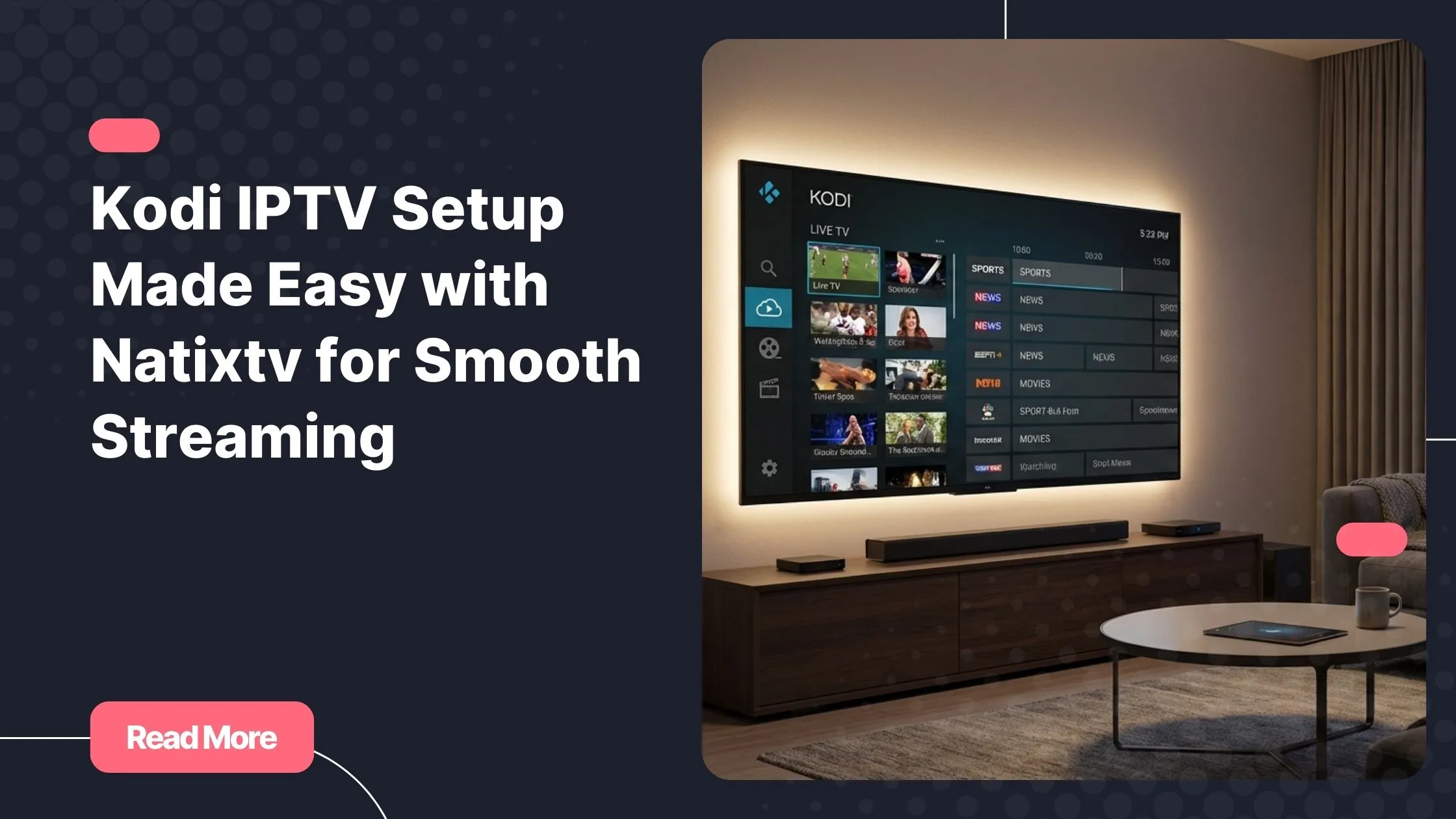
With kodi iptv, you are only one correct setup away from transforming Kodi into a powerful TV platform. When paired with a reliable iptv provider, the experience becomes smooth, stable, and surprisingly simple.
This guide is written for you if you want clarity, control, and premium streaming without technical stress. Follow each step and you will understand not just how it works, but why it works.
Table of Contents
What Kodi IPTV really is and why it matters
Kodi is an open-source media center designed to organize and play your digital content. On its own, it does not provide live TV channels. IPTV fills that gap by delivering television streams over the internet instead of satellite or cable.
kodi iptv combines the flexibility of Kodi with live television, video on demand, and series libraries. You control how channels are displayed, how content is categorized, and which devices you use.
Unlike basic TV apps, Kodi gives you:
- Full customization of channels and categories
- Support for EPG and catch-up features
- One interface for live TV, movies, and series
- Compatibility with many devices and platforms
This level of control is exactly why advanced users prefer IPTV on Kodi.
Why Natixtv is ideal for IPTV on Kodi
Your experience depends heavily on the service behind the streams. kodi iptv only performs well when the provider delivers stable servers, clean playlists, and reliable EPG data.
Natixtv is built with Kodi compatibility in mind. It offers:
- Optimized streams for PVR clients
- Accurate channel grouping and EPG
- Live TV, sports, VOD, and series in one subscription
- Support for M3U and Xtream Codes login
Most importantly, you can test everything through a free 24 to 48 hour trial before committing. This lets you confirm performance on your own setup without risk.
What you need before starting your Kodi IPTV setup
Preparation makes the process smooth. Before configuring kodi iptv, make sure you have the basics ready.
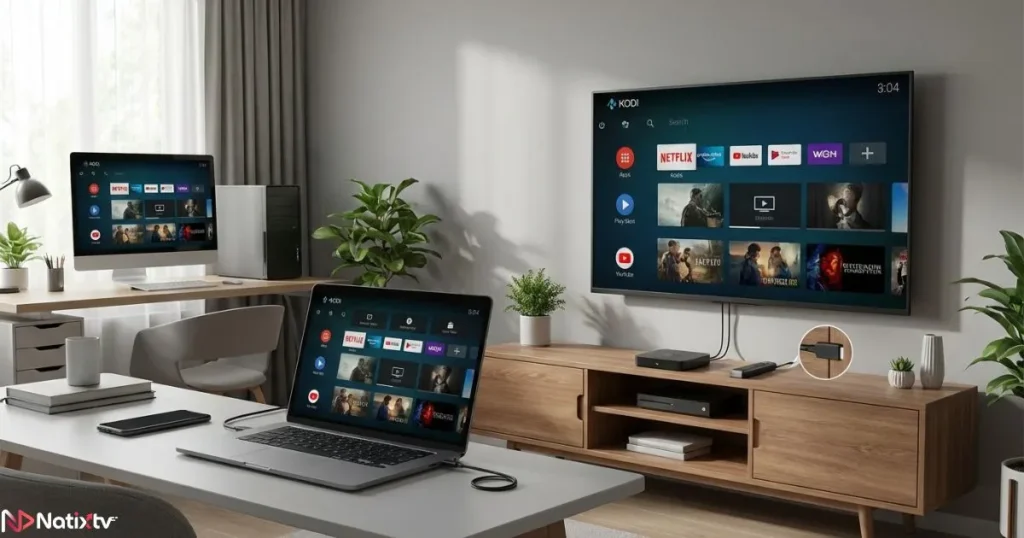
Compatible devices
- Android TV and Android boxes
- Amazon Fire TV and Fire Stick
- Windows, macOS, and Linux computers
- Raspberry Pi installations
Technical requirements
- Latest stable version of Kodi
- Internet speed of at least 10 Mbps for HD
- Natixtv subscription or free trial credentials
- M3U playlist URL or Xtream Codes details
A VPN is optional but recommended for privacy, especially on public networks.
Step by step Kodi IPTV setup using M3U
This method is popular for its simplicity and broad compatibility. kodi iptv works very well with M3U playlists when configured correctly.
Installing and enabling the PVR client
- Open Kodi and go to Settings
- Select Add-ons then My Add-ons
- Choose PVR Clients
- Enable PVR IPTV Simple Client
Adding your Natixtv M3U playlist
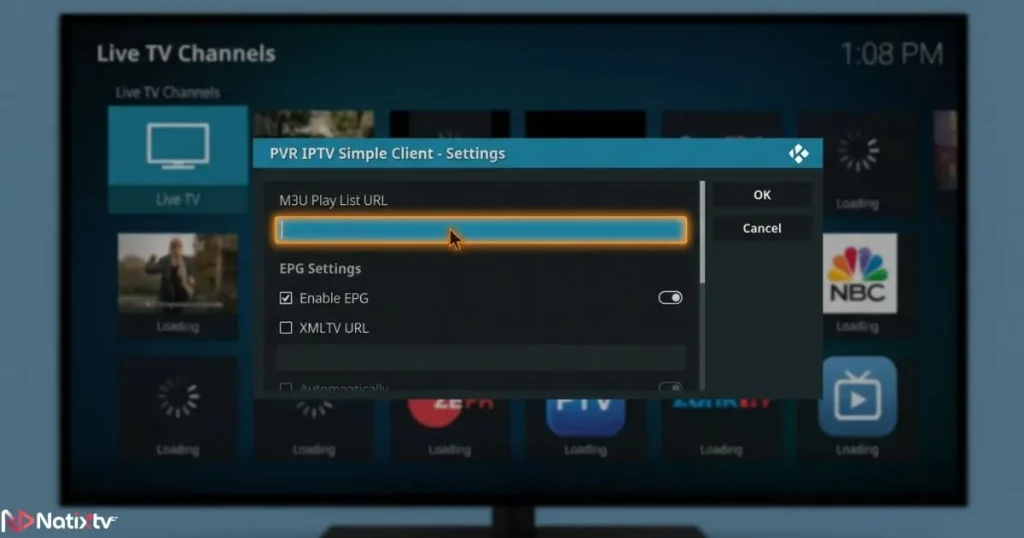
- Open the PVR IPTV Simple Client settings
- Select M3U playlist URL
- Paste the playlist provided by Natixtv
- Add the EPG URL if provided
- Restart Kodi
Once restarted, channels will load automatically and appear under the TV section.
Using Xtream Codes login on Kodi
For many users, Xtream Codes offers better performance and easier updates. kodi iptv becomes more responsive when authentication is handled directly through the server.
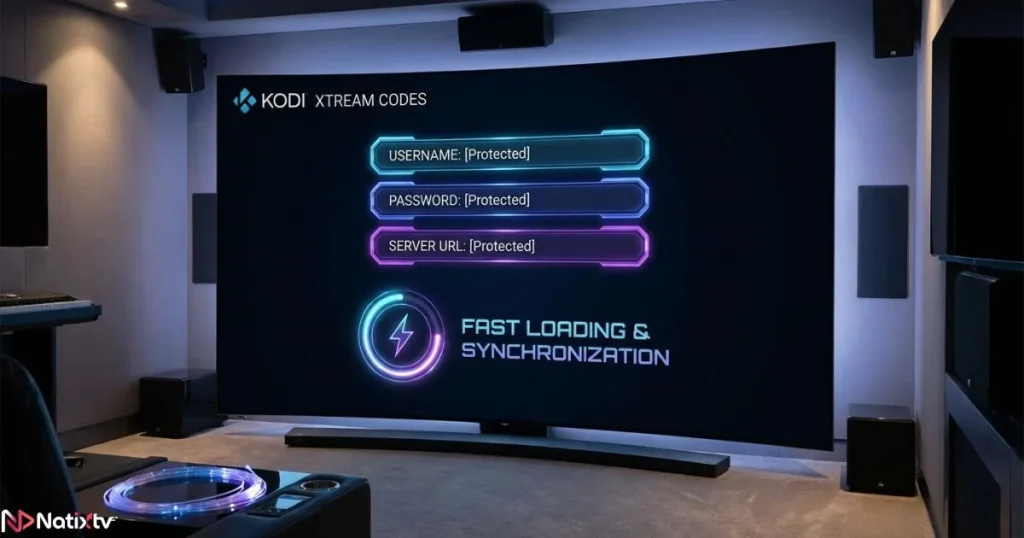
Why choose Xtream Codes
- Faster channel loading
- Automatic playlist updates
- Improved EPG synchronization
Setup steps
- Select Xtream Codes API confirm in the PVR client
- Enter your username, password, and server URL
- Save settings and restart Kodi
This method is recommended if you want long-term stability.
Kodi IPTV addons and why simple is better
Many users search for third-party addons, but this often leads to instability. kodi iptv performs best with official PVR tools.
Unofficial addons can break, disappear, or expose you to security risks. The built-in PVR IPTV Simple Client is maintained, reliable, and fully compatible with premium services like Natixtv.
If you want to understand how a complete IPTV ecosystem fits into modern homes, you can explore this detailed explanation of how modern IPTV platforms enhance home streaming experiences.
Optimizing IPTV on Kodi for best performance
Even with a great provider, small adjustments improve results. kodi iptv can be fine-tuned for smoother playback.
Recommended settings
- Enable hardware acceleration
- Reduce unnecessary background addons
- Organize channels into groups
Reducing buffering
- Use wired Ethernet when possible
- Restart your router periodically
- Select the appropriate stream quality
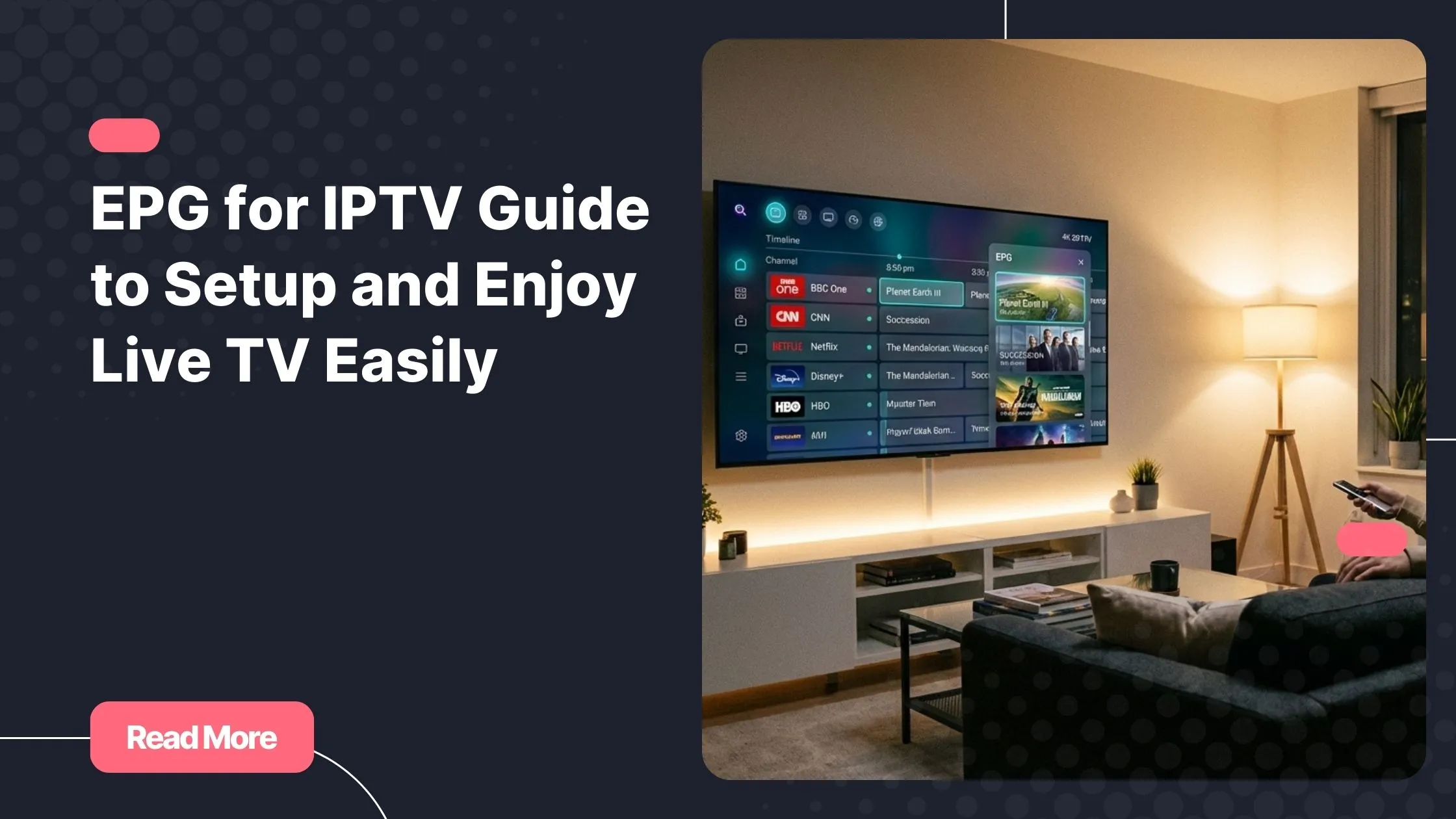
For understanding scheduling, catch-up, and EPG behavior, this clear breakdown of how IPTV TV guides and schedules work is especially helpful.
Troubleshooting common Kodi IPTV issues
Problems usually have simple solutions. kodi iptv issues are rarely caused by Kodi itself.
Common fixes
- No channels: check playlist URL and restart Kodi
- No EPG: verify EPG URL and refresh data
- Freezing: test internet speed and device load
If issues persist, Natixtv support can quickly verify your account and stream status.
Kodi IPTV vs other IPTV apps
Understanding the difference helps you choose the right tool. kodi iptv excels in flexibility and control.
| Feature | Kodi | Dedicated IPTV Apps |
|---|---|---|
| Customization | High | Medium |
| Device compatibility | Very wide | Limited |
| Learning curve | Moderate | Easy |
Is Kodi IPTV legal and safe
kodi iptv itself is completely legal. Kodi is an open-source media player used worldwide.
Legality depends on the service you choose. Reputable providers that respect content rights operate legally in many regions. For additional technical clarity, the official Kodi documentation at kodi.tv explains how the platform functions.
Frequently asked questions
What is kodi iptv and how does it work
It is the use of IPTV services inside Kodi through official PVR tools, allowing live TV and on-demand content.
Is Kodi IPTV free to use
Kodi is free, but IPTV services require a subscription to access live channels and VOD.
Can I use Kodi on multiple IPTV devices?
Yes, as long as your provider allows multiple connections or devices.
Is Xtream Codes better than M3U
Xtream Codes is generally faster and easier to maintain, especially for long-term use.
Does Natixtv offer a free trial
Yes, Natixtv provides a 24 to 48 hour free trial so you can test performance before subscribing.
Conclusion and next step
kodi iptv gives you total control over how you watch television. When configured properly, it delivers a premium experience that rivals traditional TV systems.
By choosing a stable service, following the correct setup, and optimizing performance, you turn Kodi into a powerful entertainment hub. Natixtv makes this process simple with flexible subscriptions, broad device compatibility, and a free trial.
If you are ready to upgrade your streaming experience, start today with a trusted iptv provider and experience IPTV on Kodi the way it was meant to be.