
It is Sunday evening. The match is about to start, you pick up the remote, and the channel appears in two seconds. You never stop to wonder what happened in between. Yet behind that instant, a long chain of machines is working for you, and when you buy iptv subscription access, you are really choosing a provider that masters every link of that chain.
Remember the old days? You adjusted the antenna, hoped for a clear picture, and watched the final minutes freeze at the worst possible moment. Today, when you stream iptv, the experience feels almost magical: any channel, any device, exactly when you want it.
This guide follows one video signal on its journey, from the studio to the screen in your living room. You will finally understand why some streams look crisp while others stutter, and how to get the best from your own setup. Better still, Natixtv lets you test everything yourself with a free trial of 24 to 48 hours.
Table of Contents
What Is IPTV and Why Does It Change How You Watch TV?
IPTV stands for Internet Protocol Television. Instead of arriving through a satellite dish, a coaxial cable, or an antenna, television reaches you through your internet connection. The video is cut into small data packets, sent across the network, and reassembled on your device. This is exactly what happens each time you stream iptv on a phone, a box, or a smart TV.

The three types of content you can watch
- Live TV streaming: channels broadcast in real time, from sports and news to entertainment.
- Video on demand (VOD): movies and series you start whenever you like.
- Catch-up and replay: programs you missed, available for a limited time after broadcast.
Unlike a free video website, an IPTV service is managed from end to end. Channels are organized, authenticated, and delivered through dedicated infrastructure. That management is what keeps quality consistent, evening after evening.
The IPTV Streaming Process in Six Steps
Before we zoom in, here is the full picture of the IPTV data flow. Every step happens in a fraction of a second, and any weak link can affect what you see on your screen.
- Content source and acquisition
- Encoding and compression
- Packaging on the IPTV server
- Distribution through a content delivery network (CDN)
- Delivery over the internet to your home
- Decoding and display by your IPTV player
Think of it as a relay race. The signal is the baton, and each runner must hand it over cleanly. Once you understand how IPTV streaming works, you also understand where a problem can hide and how to fix it quickly.
Steps 1 and 2: From Content Source to Encoded Stream
Where the content comes from
Everything starts at the source: broadcasters, satellite feeds, studios, live event venues, and film libraries. The raw signal is captured and sent to a facility called the head-end, a process known as ingest. At this stage the video is enormous, far too heavy to travel over a normal home connection.
Encoding and compression
To make the video light enough, encoders compress it using a codec. The most common ones are:
- H.264 (AVC): widely supported, with a great balance between quality and file size.
- H.265 (HEVC): similar quality at a much lower bitrate, ideal for HD and 4K.
- AV1: a newer, highly efficient codec that is gaining ground on modern devices.
Picture a suitcase packed more cleverly: the same clothes fit into less space, and nothing important is left behind. That is what compression does for your favorite channel. The amount of data per second is called the bitrate, and it shapes both picture quality and the bandwidth you need.
Adaptive bitrate: one channel, several qualities
Good providers encode each channel in several versions, from standard definition to Full HD and 4K. Your player then picks the best version your connection can handle at any given moment. If your Wi-Fi dips, the picture becomes slightly less sharp instead of freezing. That small trick is one reason it feels so smooth when you stream iptv on a busy evening.
Step 3: The IPTV Server, Where the Stream Is Packaged and Managed
What an IPTV server actually does
The IPTV server is the control room. It receives the encoded streams, packages them into small segments, and manages the channel list and the electronic program guide (EPG). It also checks who you are: your account, your subscription, and your access rights. Without this step, there would be no order, no security, and no personalization.

Streaming protocols explained
A protocol is the language used to move the video from the server to your device. The HLS format, documented in RFC 8216, is the most widely supported today, but it is not the only option.
| Protocol | Typical use | Latency | Device compatibility |
|---|---|---|---|
| HLS | Live and VOD delivery to most devices | Medium | Very high |
| MPEG-DASH | Adaptive streaming | Medium | High |
| RTMP | Sending content to the server (ingest) | Low | Limited on players |
| RTSP | Cameras and specialized feeds | Low | Limited |
| UDP multicast | Managed networks and set-top boxes | Very low | Set-top boxes |
Many services also give you a playlist that lists channels and their addresses. If you have ever wondered how M3U and M3U8 playlists differ, that guide explains it clearly and shows you how to use them with confidence.
Middleware and subscriber management
Middleware is the software layer that connects accounts, billing, and activation. It is what makes a free trial possible: your access is created, limited in time, then either renewed or closed. A stable server and clean middleware are exactly what you should expect when you stream iptv with a serious provider.
Ready to experience infrastructure built for stability? You can buy iptv subscription access with Natixtv and start with a trial to see the difference on your own screen.
Steps 4 and 5: How IPTV Content Delivery Reaches You
CDNs and edge servers
A single server cannot serve thousands of viewers around the world without slowing down. That is why providers rely on a content delivery network. Copies of the stream are placed on edge servers closer to viewers, which reduces delay and prevents overload. In practice, IPTV content delivery works like local warehouses: the goods travel a shorter distance before reaching your door.
The last mile: your home connection
The final stretch runs through your fiber, ADSL, or mobile network, then through your router to your device. This last mile is where most problems appear. Wi-Fi interference, a weak signal, and shared bandwidth are the usual suspects.
Why buffering happens
- Your connection speed is lower than the bitrate of the channel.
- Your Wi-Fi is crowded or too far from the router.
- Other devices are downloading or gaming at the same time.
- The provider’s server is overloaded during peak hours.
As a rule of thumb, here are approximate speed targets when you stream iptv at different quality levels:
| Quality | Recommended minimum speed |
|---|---|
| Standard definition | 3 to 5 Mbps |
| HD (720p to 1080p) | 8 to 10 Mbps |
| Full HD with a safety margin | 15 Mbps |
| 4K | 25 Mbps or more |
Step 6: The IPTV Player, Where Data Becomes Picture
What the player does
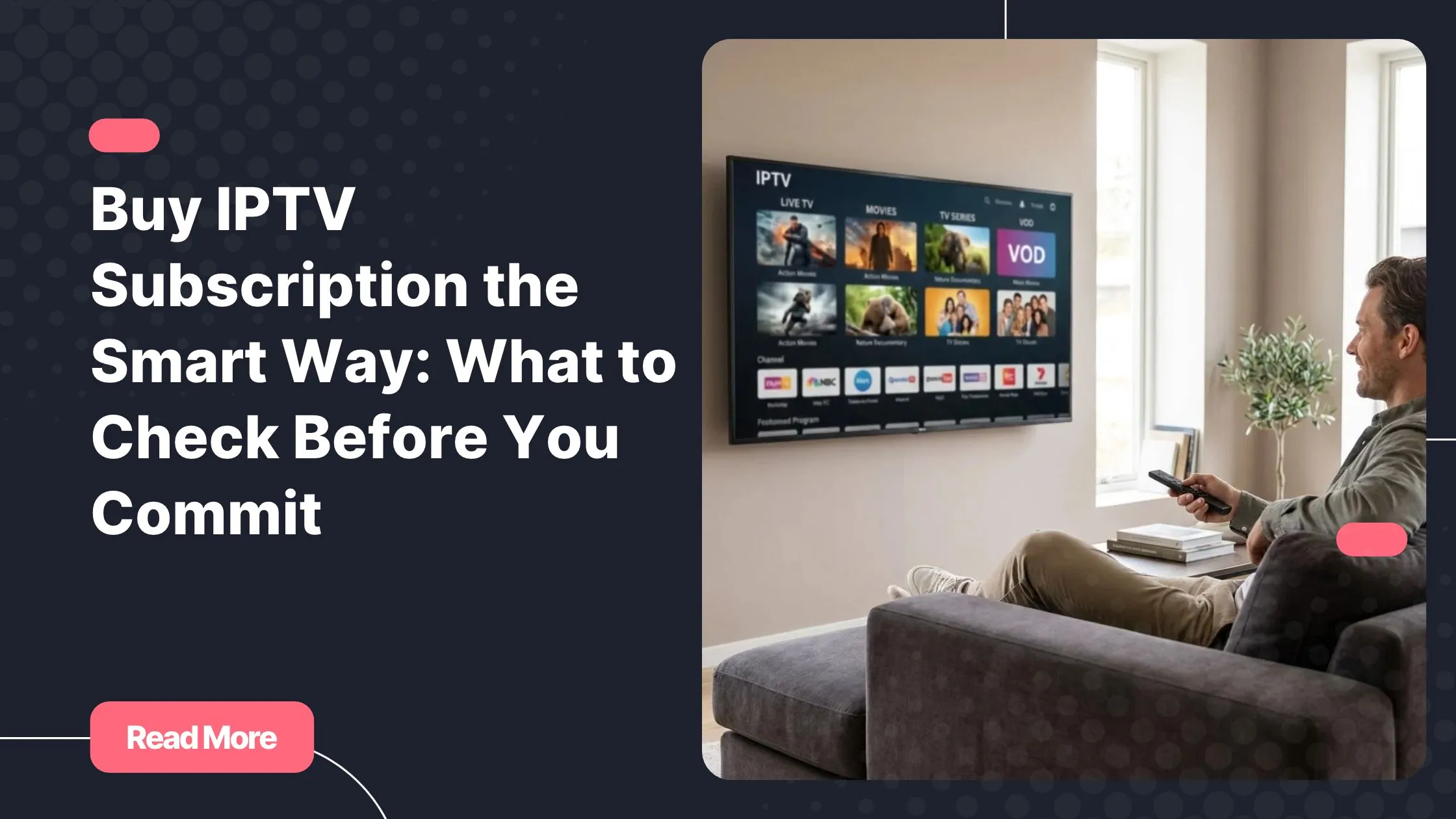
The IPTV player is the last runner in the relay. It asks the server for the playlist, downloads the segments one after the other, stores a few seconds in a buffer, decodes them, and displays them on your screen. It also handles the program guide, subtitles, audio languages, and your favorite channels.
Devices that work
One of the great strengths of IPTV is flexibility. You can watch on:
- Smart TVs
- Android boxes and Fire TV Stick
- Apple TV
- Smartphones and tablets
- Computers
- MAG boxes
Hardware matters. A device with a recent decoder handles HEVC and 4K effortlessly, while an older smart TV may struggle. If you are unsure which route suits you, read about choosing a dedicated IPTV box or relying on your smart TV before you decide.
Features worth having
- A clear electronic program guide (EPG)
- Catch-up and replay
- Multiple audio tracks and subtitles
- Favorites and parental control
A polished IPTV player turns raw data into comfort. When you stream iptv with the right app, channel changes feel instant and the interface stays out of your way, so you can simply enjoy the show.

How to Get the Best Picture Every Time
Quick optimization tips
- Use an Ethernet cable whenever possible, especially for 4K.
- Choose a device with a modern hardware decoder.
- Restart your router regularly to keep it running smoothly.
- Keep your player app updated.
- Pick a provider with reliable servers and responsive support.
Small habits make a big difference. A wired connection alone can transform how you stream iptv during a big match, when thousands of other viewers are online at the same time.
Test before you commit
The best way to judge quality is to see it on your own screen. Natixtv offers IPTV subscriptions compatible with many devices, along with a free trial of 24 to 48 hours. You can check channel quality, stability, and compatibility before paying anything. It is a risk-free way to stream iptv with your own setup and your own internet connection.
Frequently Asked Questions
How do I stream iptv on my smart TV?
Install a compatible IPTV player app on your TV, then enter the playlist or login details provided by your provider. Once the channel list loads, you can start watching. If your TV is older, a small external box usually gives a smoother result.
What internet speed do I need to stream iptv without buffering?
About 8 to 10 Mbps is enough for HD, while 4K works best from 25 Mbps. Leave a safety margin, because other devices at home share the same connection.
Why does my IPTV stream keep buffering?
The most common causes are a slow or congested connection, weak Wi-Fi, or an overloaded server. Try a wired connection first, then restart your router and your device.
What is the difference between an IPTV server and a CDN?
The IPTV server packages the streams and manages accounts, channel lists, and the program guide. The CDN copies those streams to servers closer to you so they arrive faster and more reliably.
Can I test the service before I subscribe?
Yes. Natixtv offers a free trial of 24 to 48 hours, so you can stream iptv on your own device and judge the quality before you commit.
Conclusion: From a Distant Source to Your Living Room
What looks effortless is a chain of well-coordinated steps: a source, an encoder, an IPTV server, a delivery network, your connection, and finally your player. Each link matters, and now you know how to check them. The next time the match starts and the picture appears instantly, you will know the small miracle behind it.
Ready to stream iptv with confidence? Start with the free 24 to 48 hour trial, test it on your favorite device, and when you are convinced, buy iptv subscription access with Natixtv to enjoy live TV streaming without compromise.