You finally sit down, ready to enjoy your favorite channels after a long day. Everything is set, your subscription is active, and yet one thing stops you: how do you actually use your xtream iptv code? That small set of login details can feel confusing at first, especially when you just want things to work instantly.
The truth is simple: once you understand how your xtream iptv code works, streaming becomes effortless. With the right guidance and a trusted best iptv provider, you can unlock a smooth, high-quality experience across all your devices in just a few minutes.
Table of Contents
What Is an Xtream IPTV Code?
Understanding the Basics
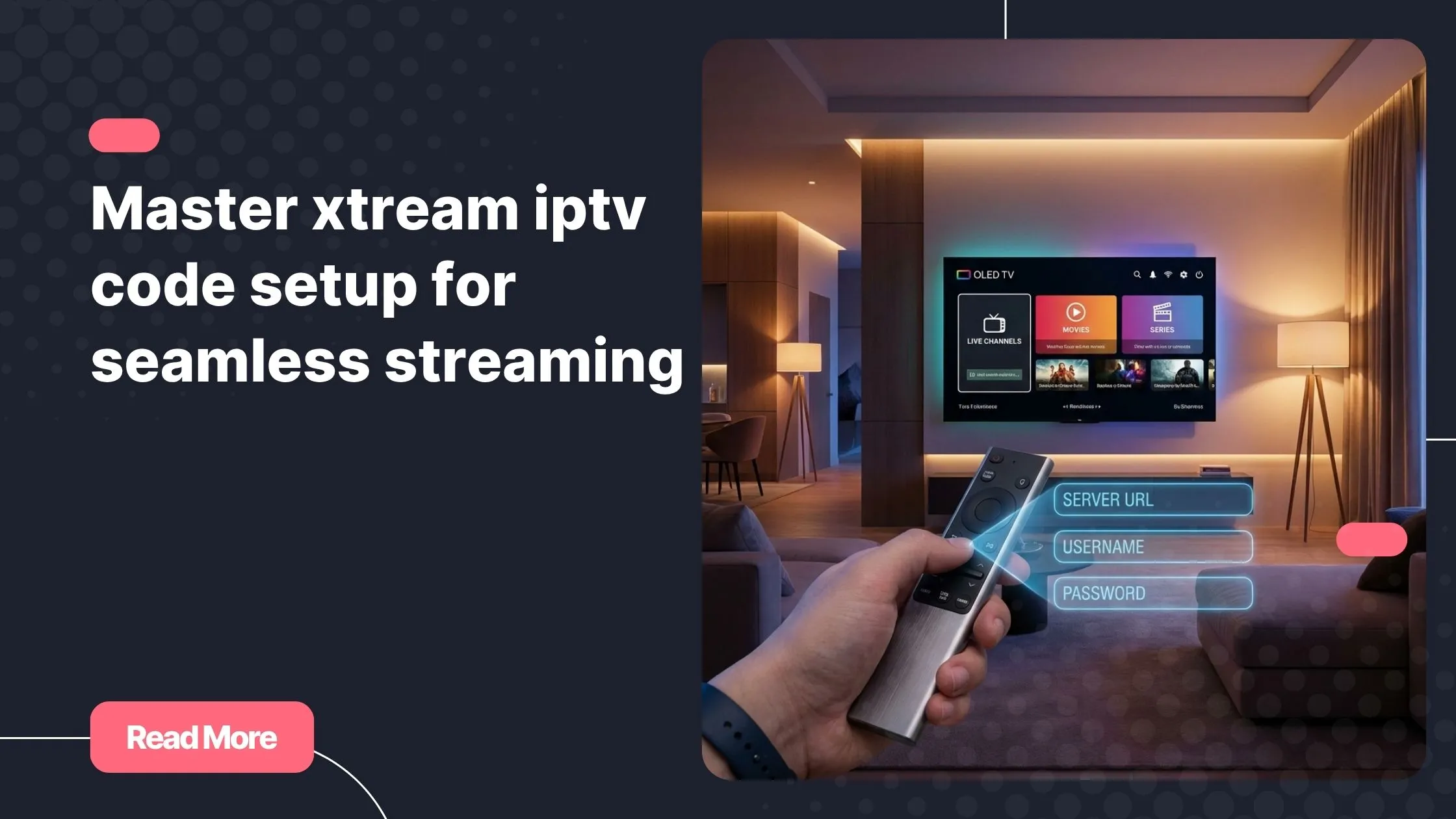
An xtream iptv code is a set of login credentials that allows you to access IPTV content through compatible applications. Instead of dealing with long playlist links, you simply enter three elements:
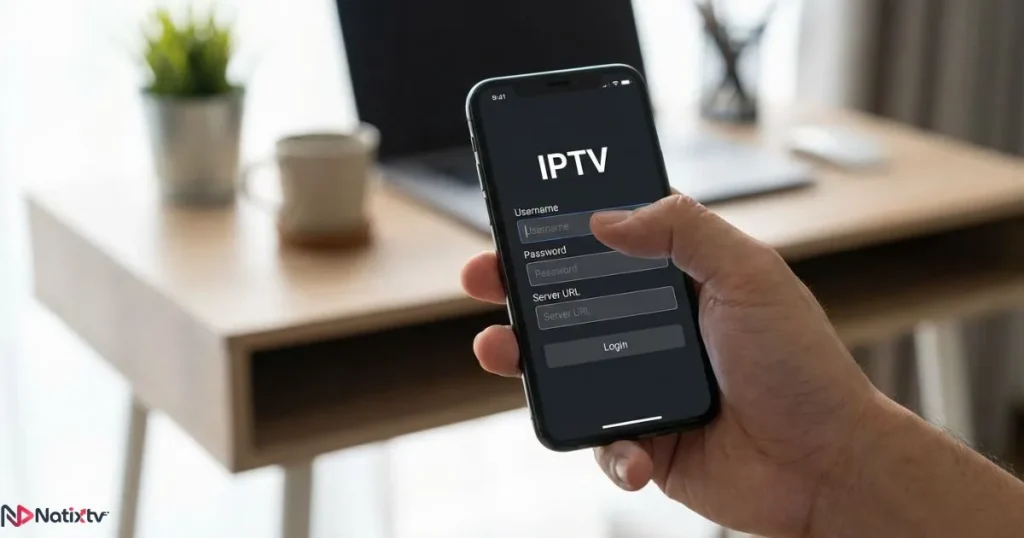
- Server URL
- Username
- Password
This method is commonly referred to as xtream codes IPTV and is widely used for its simplicity and performance.
How Xtream API IPTV Works
Behind your xtream iptv code, there is a system called Xtream API. It connects your IPTV player to a server that delivers live TV, movies, and series in real time. This approach offers:
- Faster authentication
- Automatic content organization
- Built-in EPG support
If you want to understand the technical side of streaming protocols, you can explore this helpful guide from Cloudflare.
What You Need Before Using an Xtream IPTV Code
Essential IPTV Login Details
Before using your xtream iptv code, make sure you have the following:
- Correct server URL
- Active username and password
- A stable internet connection
Without accurate IPTV login details, your connection will fail instantly.
Compatible Devices
Your xtream iptv code works on almost every modern device:
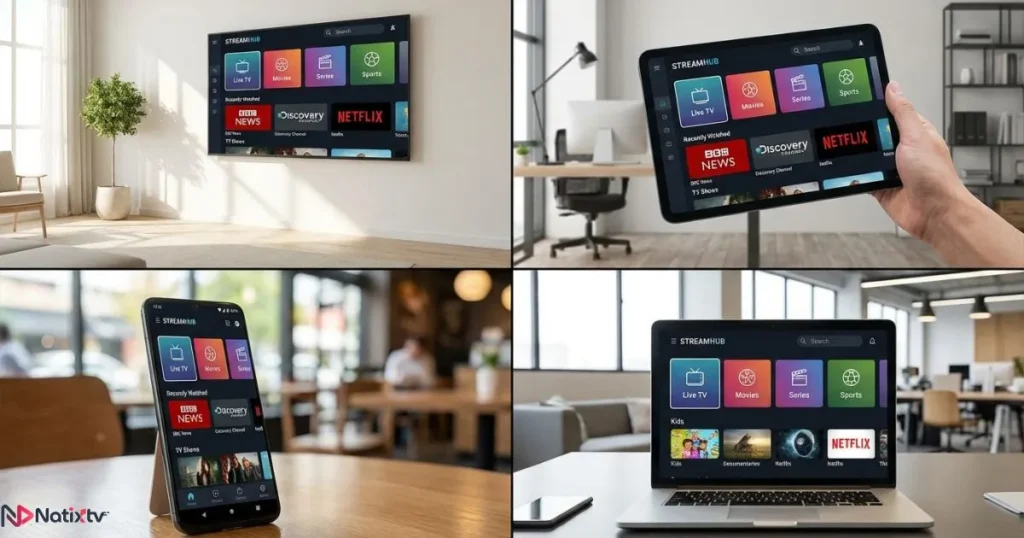
- Smart TVs: Samsung and LG
- Android TV and TV boxes
- iPhone and iPad
- Fire Stick
- Windows and Mac computers
Best IPTV Apps to Use
Choosing the right player is critical. Some apps fully support xtream API IPTV while others do not. For a detailed breakdown, check this guide on choosing the right IPTV player for smooth streaming.
- IPTV Smarters Pro
- TiviMate
- Smart IPTV
- Hot IPTV
How to Use Xtream Code on All Devices
On Android Devices
- Install IPTV Smarters or TiviMate
- Select login with Xtream API
- Enter your xtream iptv code
- Wait for content to load
On Smart TVs
Using your xtream iptv code on Smart TVs is straightforward:
- Install Smart IPTV or Hot IPTV
- Enter your login details
- Restart the app
On Fire Stick
Fire Stick users can easily activate their xtream iptv code:
- Install Downloader
- Download IPTV Smarters
- Enter your credentials
On iOS Devices
For iPhone and iPad:
- Download IPTV Smarters Player Lite
- Use your xtream iptv code to log in
On PC and Mac
Desktop users can run IPTV Smarters or use alternatives. However, the xtream iptv code method remains the most reliable.
Understanding IPTV Login Details and Security
What Your Subscription Includes
Your xtream iptv code usually provides access to:
- Live TV channels
- Video on demand
- Series and catch-up
Security Best Practices
To protect your xtream iptv code, follow these rules:
- Never share your credentials
- Avoid free or suspicious services
- Use a reliable provider
Common Problems and Fixes
Xtream IPTV Code Not Working
If your xtream iptv code fails, check:
- Incorrect username or password
- Expired subscription
- Server issues
Buffering Issues
Streaming interruptions may occur even with a valid xtream iptv code. Fix them by:
- Improving internet speed
- Using Ethernet instead of Wi-Fi
- Switching apps
Quick Fix Checklist
- Restart your device
- Re-enter your xtream API IPTV details
- Contact your provider
Xtream Codes IPTV vs M3U Playlist
| Feature | Xtream IPTV Code | M3U Playlist |
|---|---|---|
| Setup | Easy | Moderate |
| Performance | High | Variable |
| EPG | Automatic | Manual |
| User Experience | Modern | Basic |
This comparison clearly shows why many users prefer using an xtream iptv code for a smoother experience.
Why Xtream IPTV Setup Is the Best Choice
Performance Benefits
Using an xtream iptv code improves:

- Channel loading speed
- Interface navigation
- Content organization
Multi-Device Flexibility
With one xtream iptv code, you can stream on multiple devices depending on your subscription.
If you are exploring options, you can review services offering trial access in this curated list of reliable IPTV services with free testing options.
Choosing a trusted best iptv provider ensures stability and premium quality.
Tips to Optimize Your IPTV Experience
Improve Streaming Quality
- Use wired internet
- Close background apps
- Update your IPTV player
Best App Settings
Maximize your xtream iptv code performance by:
- Adjusting buffer size
- Enabling hardware decoding
- Refreshing EPG regularly
FAQ
What is an IPTV xtream code?
An xtream code is a set of login credentials that allows you to access IPTV services through compatible apps.
How do I use IPTV xtream code on my TV?
Install a compatible IPTV app, select Xtream login, and enter your details.
Why is my IPTV xtream code not working?
This usually happens due to incorrect login details, expired subscriptions, or server issues.
Can I use one IPTV xtream code on multiple devices?
Yes, but it depends on how many connections your subscription supports.
Is Xtream API IPTV better than M3U?
Yes, it offers better performance, easier setup, and a more user-friendly interface.
Conclusion
Once you understand how to use your xtream iptv code, everything becomes simple. Setup takes only a few minutes, and the result is a powerful streaming experience with fast access to thousands of channels and on-demand content.
If you want reliability, performance, and full compatibility across all your devices, choosing the right service makes all the difference. Start today with a trusted best iptv provider and enjoy a premium IPTV experience with a free trial available for 24 to 48 hours.