You remember the feeling. You dim the lights, grab your snacks, and press play — only to watch your screen freeze mid-scene, break into digital squares, and kill the moment entirely. You upgraded your TV. You paid for a subscription. And still, the experience let you down.
In 2026, that frustration is optional. A truly great iptv service gives you every channel, every match, every film in flawless Ultra HD — delivered instantly, with no stutter and no compromise. The living room becomes a private cinema. Every evening feels like opening night.
The challenge is not finding an IPTV provider. There are hundreds of them. The challenge is finding the right one, the one that actually delivers on its promises. This guide breaks down everything you need to know to make the smartest choice, and avoid the most common mistakes buyers make every day.
Table of Contents
What Is a 4K IPTV Service and Why Does It Matter Right Now?
IPTV stands for Internet Protocol Television. Instead of receiving a signal through a cable wire or satellite dish, your content travels over your internet connection — the same way a webpage or a video call does. A 4k iptv service takes that delivery method one step further by streaming content at Ultra HD resolution: 3840 x 2160 pixels, four times sharper than standard Full HD.
Why does this matter in 2026 specifically? Because 4K TVs are now the default choice in most homes, and yet most traditional pay-TV packages still deliver HD at best. There is a growing gap between the screens people own and the picture quality they actually receive. A quality 4k iptv service closes that gap completely.
It is also worth understanding how IPTV differs from on-demand platforms like Netflix or Disney Plus. Those services are closed libraries: you watch what they offer, when they feel like offering it. A premium IPTV subscription gives you live channels, sports events in real time, international programming, and an on-demand catalog, all in one place. If you want to understand more about how IPTV compares to other delivery models, this breakdown of OTT and IPTV differences is a great place to start.
The Technical Side: What Makes Ultra HD IPTV Look So Good
Resolution is only part of the story. The best 4K IPTV streams also support HDR formats, primarily HDR10 and Dolby Vision, which expand the range of brightness and color your screen can display. The result is not just more pixels — it is a richer, more lifelike image.
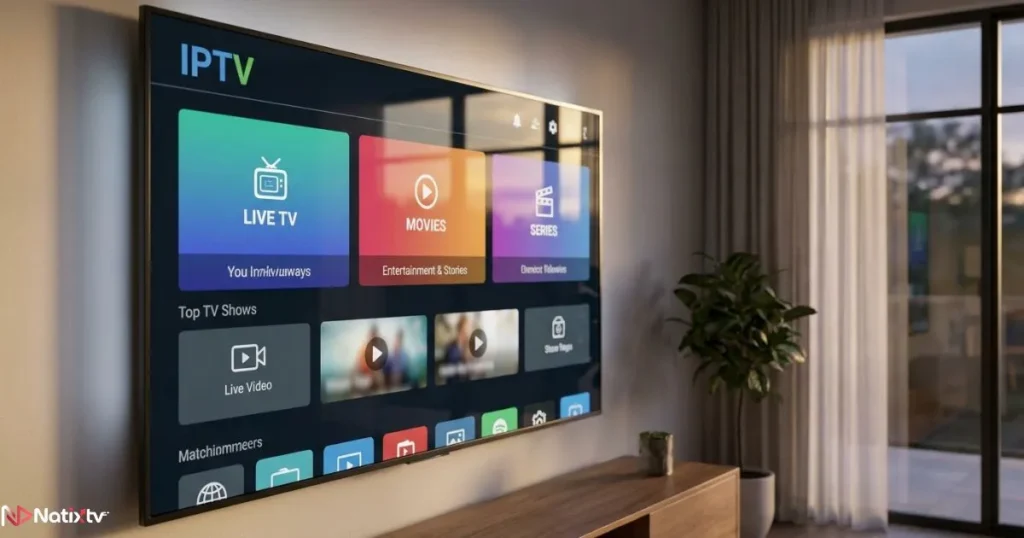
Codec efficiency matters too. Modern providers use H.265 (HEVC) encoding, which delivers 4K quality at roughly half the bandwidth of the older H.264 standard. That means your 4k iptv service uses your internet connection more intelligently, which translates directly into fewer buffering events.
Minimum speed for 4K IPTV: You need at least 25 Mbps dedicated to your stream. For households with multiple devices running simultaneously, a 100 Mbps connection is a safer baseline.
The 6 Criteria That Define the Best 4K IPTV Service
Every provider will claim to be the best. Few will prove it. Here are the six criteria that actually separate a reliable premium IPTV service from a flashy website with an empty promise behind it.
1 – Content Library: Quantity Versus Quality
A headline figure of “20,000+ channels” sounds impressive. But if those channels buffer constantly or carry content you will never watch, the number means nothing. What you actually need is a focused, well-curated selection that covers your real interests: live sports, international news, cinema, series, and local programming.
Check whether the provider clearly labels which channels are available in 4K. A provider worth your money will be transparent about this rather than hiding it in the small print.
2 – Stream Stability and Buffer-Free Performance
This is the single most important factor. A 4k iptv service that buffers during peak hours is worse than useless — it actively ruins your viewing experience at the exact moments that matter most.
Look for providers that publish uptime guarantees of 99.9% or higher, and that use a distributed CDN infrastructure to handle traffic spikes. Speedtest by Ookla is a useful free tool for checking whether your connection can support consistent 4K streaming before you even subscribe.
3 – Genuine 4K Streams – Not Upscaled HD
Some providers label HD streams as 4K to appear more competitive. Genuine Ultra HD IPTV content is encoded at the source in 4K, not stretched from a 1080p feed. If a provider cannot explain its stream origins clearly, treat that as a red flag.
4 – Device Compatibility
Your 4k iptv service is only useful if it works on the devices you already own.
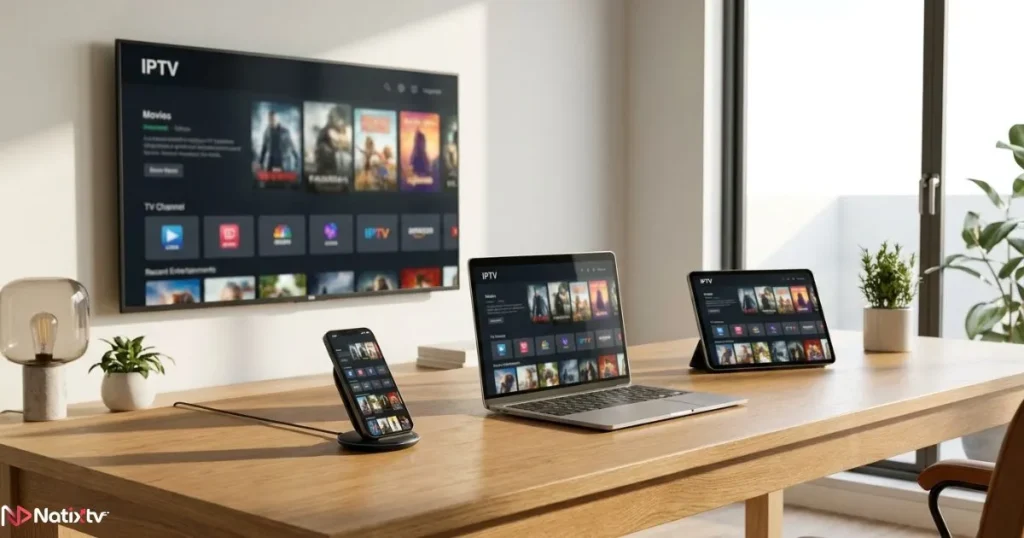
The best providers support a wide range of hardware without requiring expensive add-ons or technical expertise. Here is what to expect from a genuinely cross-platform service:
| Device | Compatibility | Recommended App | Notes |
|---|---|---|---|
| Amazon Firestick | ✓ Yes | IPTV Smarters / TiviMate | Most popular setup for Firestick IPTV users |
| Android TV Box | ✓ Yes | TiviMate / GSE Player | Best overall Android IPTV performance |
| Samsung Smart TV | ✓ Yes | Smart IPTV / SS IPTV | Ideal for IPTV for Smart TV setups |
| LG Smart TV | ✓ Yes | SS IPTV / IPTV Smarters | WebOS compatible |
| iPhone / iPad | ✓ Yes | IPTV Smarters Pro | Excellent for watching on the go |
| MAG Box | ✓ Yes | Built-in portal | Plug-and-play, no extra app needed |
| PC / Mac Browser | ✓ Yes | Web portal | No install required |
5 – Customer Support That Actually Responds
Technical issues happen. What matters is how quickly your provider resolves them. A trustworthy 4k iptv service offers 24/7 live chat or ticket support with response times under a few hours. If the only contact option is a generic email form with no response guarantee, move on.
6 – Pricing, Flexibility, and a Free Trial
Monthly, quarterly, and annual plans each have their place. But no pricing structure matters more than the ability to test the service before you pay. A provider that is confident in its quality will always offer a free trial period. If a provider refuses to let you try it first, ask yourself why.
Before signing up for any long-term plan, reading a practical checklist for new IPTV buyers can save you from the most avoidable mistakes in the process.
How to Set Up Your 4K IPTV Service on Any Device
Setup is simpler than most people expect. You do not need to be technical. You need your login credentials from your provider and about five minutes.
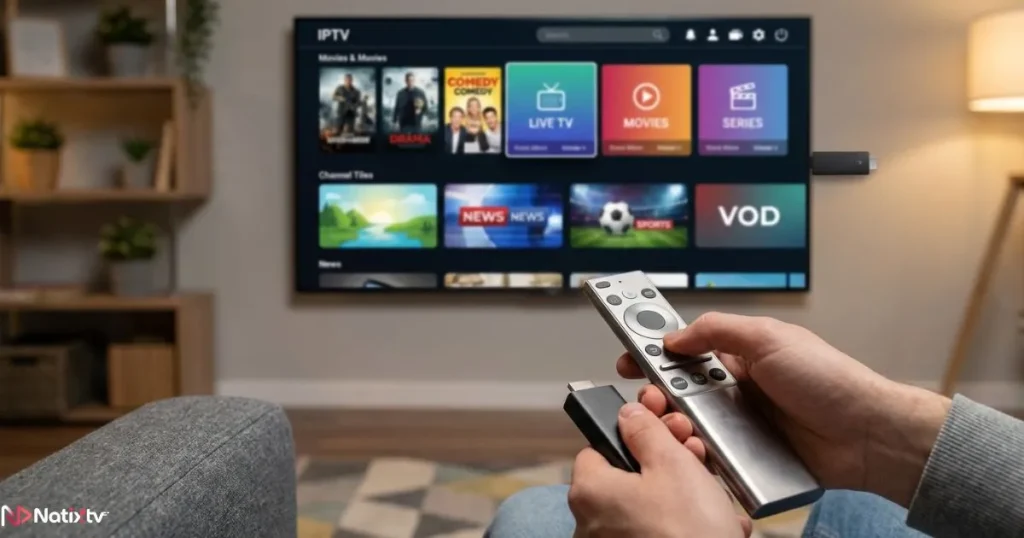
Setting Up IPTV on a Firestick
- Go to Settings and enable Apps from Unknown Sources.
- Install the Downloader app from the Amazon App Store.
- Use Downloader to install your IPTV player (TiviMate or IPTV Smarters are both solid choices).
- Open the player and enter your M3U URL or Xtream Codes credentials from your subscription confirmation email.
- Browse your channel list and load a 4K stream to confirm picture quality.
Setting Up IPTV on Android
- Download your preferred player from the Play Store, or sideload an APK if needed.
- Enter your subscription credentials and configure the EPG (Electronic Program Guide) for a proper TV schedule view.
- Test a 4K stream and verify that your device is displaying it at full resolution.
Setting Up IPTV on a Smart TV
For Samsung and LG televisions, search your app store for SS IPTV or Smart IPTV. These apps accept M3U playlist URLs and set up in under two minutes. If your Smart TV does not support a dedicated IPTV app, screen mirroring from a phone or tablet is a reliable fallback.
Pro Tips for Optimizing Your IPTV Streaming Quality
- Use a wired Ethernet connection rather than Wi-Fi whenever possible. A stable cable eliminates the interference and speed drops that cause most buffering events.
- Enable QoS (Quality of Service) in your router settings to prioritize streaming traffic above other household internet use.
- Clear your IPTV app cache every few weeks to prevent the slowdowns that build up over time.
- When your provider offers multiple server locations, choose the one closest to you geographically for the lowest latency.
10 Mbps
Standard HD stream
25 Mbps
Single 4K stream
100 Mbps
Multi-device household
Common Mistakes to Avoid When Choosing an IPTV Subscription
Most buyer regret in the IPTV space comes from a handful of predictable errors. Avoid these and you will already be ahead of the majority of new subscribers.
- Choosing purely on price without testing the stream quality first.
- Ignoring device compatibility before committing to a subscription plan.
- Skipping the free trial — always test during peak evening hours, not at 3am.
- Equating a large channel count with a good content library.
- Signing up for a 12-month plan with a provider that has no verifiable track record.
- Overlooking EPG support, which you will miss immediately once it is gone.
- Relying on Wi-Fi for a 4K stream without first confirming adequate signal strength at your TV location.
Why Natixtv Stands Out as a 4K IPTV Service in 2026
Natixtv was built around one premise: your streaming experience should be consistently excellent, regardless of what device you use or where you watch. As a iptv service designed for real viewers, not tech enthusiasts, Natixtv makes the setup straightforward and the picture quality obvious from the first minute.
Here is what sets it apart from the crowd:
- Universal device compatibility: Works on Firestick, Android boxes, Samsung and LG Smart TVs, MAG boxes, iOS devices, and desktop browsers.
- Genuine 4K streams: Premium sports, cinema, and entertainment channels delivered in true Ultra HD, not upscaled HD rebranded as 4K.
- Buffer-free infrastructure: CDN architecture engineered to maintain smooth delivery even during peak viewing hours.
- Flexible plans: Monthly, quarterly, and annual options adapted to different viewing habits and budgets.
- Free trial of 24 to 48 hours: Full access to the service before any financial commitment. You test everything, then decide.
- Responsive customer support: Real assistance when you need it, not an automated reply 72 hours later.
Natixtv Free Trial: Test every feature — live 4K channels, VOD, live sports, and multi-device playback — completely free for up to 48 hours. No risk. No obligation. Just a clear picture of what you are signing up for.
What Is Next for 4K IPTV Streaming: Trends to Watch in 2026
The IPTV streaming landscape is moving fast. Understanding where the industry is heading helps you choose a provider built for the long term, not just for today.
- AI-powered stream optimization: Leading providers are beginning to use machine learning to dynamically adjust stream quality in real time based on your connection speed, reducing buffer events without any input from you.
- 8K readiness: Infrastructure is being built for 8K delivery, but 4K remains the dominant resolution sweet spot for the next several years. A good 4k iptv service today will be well positioned for that transition.
- Multi-profile family plans: Household-wide IPTV subscriptions with individual profiles and simultaneous connections are becoming standard rather than a premium add-on.
- Cloud DVR and catch-up TV: The ability to record live broadcasts to the cloud and replay missed content is no longer a luxury. Expect it as a baseline feature in any serious offering.
- Smart home integration: Voice control via Alexa, Google Assistant, and Apple Siri is increasingly common, letting you switch channels or search content without touching a remote.
Traditional pay-TV subscriptions are declining globally, and the shift toward internet-delivered content is accelerating. Choosing a solid 4k iptv service now puts you ahead of that curve rather than behind it.
Frequently Asked Questions
What exactly is a 4K IPTV service and how does it work?
A 4k iptv service delivers live television and on-demand content over your internet connection at Ultra HD resolution (3840 x 2160 pixels). Unlike cable or satellite, there is no physical infrastructure required. Your provider sends a stream directly to your device via an app, and you watch in real time. The quality of that experience depends on your internet speed, the provider’s server infrastructure, and the encoding quality of the streams themselves.
How much internet speed do I need to watch a 4K IPTV service without buffering?
A single 4K IPTV stream requires a stable connection of at least 25 Mbps. If multiple people in your household stream simultaneously, or if you combine IPTV with gaming or video calls, a 100 Mbps plan is the safer baseline. A wired Ethernet connection is always preferable to Wi-Fi for 4K streaming.
Can I try a 4K IPTV service for free before I commit to a paid plan?
Yes, and you should always insist on this. Any reputable provider will offer a free trial before asking for payment. Natixtv, for example, offers a free trial period of 24 to 48 hours, giving you full access to 4K channels, live sports, and VOD content before you decide. A provider that refuses to offer a trial is one worth avoiding.
Is a 4K IPTV service compatible with my Smart TV, Firestick, or Android device?
In most cases, yes. A well-built 4k iptv service supports a broad range of devices, including Amazon Firestick, Android TV boxes, Samsung and LG Smart TVs, MAG boxes, iOS devices, and desktop browsers. The setup process typically takes under five minutes and does not require technical knowledge beyond entering your subscription credentials into the player app.
Why does my IPTV buffer even when my internet connection is fast?
A fast home connection is necessary but not sufficient on its own. Buffering often results from server overload on the provider’s end, especially during peak hours like evenings and weekends. It can also stem from using Wi-Fi instead of a wired connection, an overloaded app cache, or choosing a server location that is geographically far from you. Switching to Ethernet and selecting a closer server often resolves the issue immediately.
What is the difference between genuine Ultra HD IPTV and upscaled HD content?
Genuine Ultra HD IPTV streams are encoded at the source in 4K. Upscaled content is simply an HD feed that has been stretched to fill a 4K frame, which delivers a noticeably softer and less detailed image. When evaluating a provider, ask specifically whether their 4K streams are native or upscaled, and test a 4K channel during your trial period to judge the difference yourself.
Your Best Streaming Experience Starts With the Right Choice
You now have the complete framework: the technical knowledge, the six key criteria, the setup steps, and the red flags to avoid. Choosing the right 4k iptv service is no longer guesswork. It is a checklist you can work through confidently.
The one thing left is to test it for yourself. With Natixtv’s free trial of up to 48 hours, you can experience buffer-free 4K streaming, explore the full channel library, and try every device before spending a single penny. No pressure. No risk. Just the picture quality your TV was always capable of delivering.
Make tonight the last time a buffering screen interrupts your evening. Explore your options with Start Your Free Trial on Natixtv