Picture this: you have just settled in for the evening, snacks ready, looking forward to the big match or the series finale you have been waiting for all week. You open your IPTV app, and there it is — a wall of channel names with no schedule, no times, no context. You scroll endlessly, guessing. That frustration is completely avoidable. If you want to buy iptv subscription and get the most out of it from day one, understanding how to find the best EPG for IPTV is just as important as choosing the right provider.
An EPG — Electronic Program Guide — is the invisible backbone of a great IPTV experience. It turns a raw list of streams into a real, navigable TV guide, showing you what is on now, what is coming next, and what you can plan to watch tonight. Without it, even the best IPTV setup feels incomplete. With it, everything clicks into place.
This guide walks you through everything: what an EPG is, how it works, what to look for, and which options are worth your time in 2026. By the end, you will know exactly how to choose the best EPG for IPTV and build a setup you will actually enjoy every day.
Table of Contents
What Is an EPG and Why Does It Matter for IPTV?
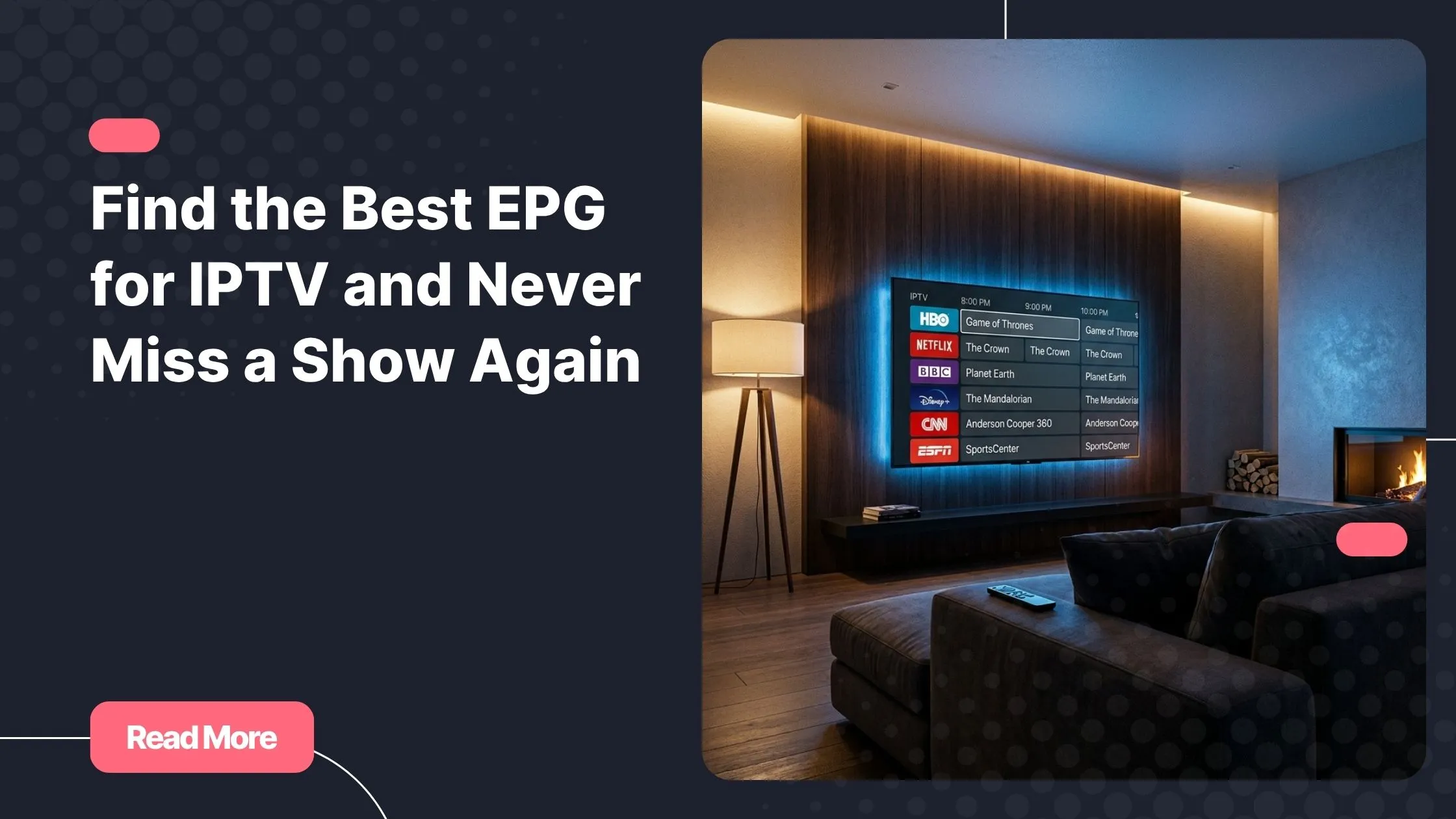
An EPG is a digital program schedule — the IPTV equivalent of a printed TV guide, but smarter and interactive. It tells your IPTV player what is currently airing on each channel, complete with title, description, start time, and end time. Instead of staring at a channel called “Sport HD 4” with no idea what is playing, a good IPTV channel guide shows you “Formula 1 – Monaco Grand Prix | 14:00 – 16:30” right on your screen.
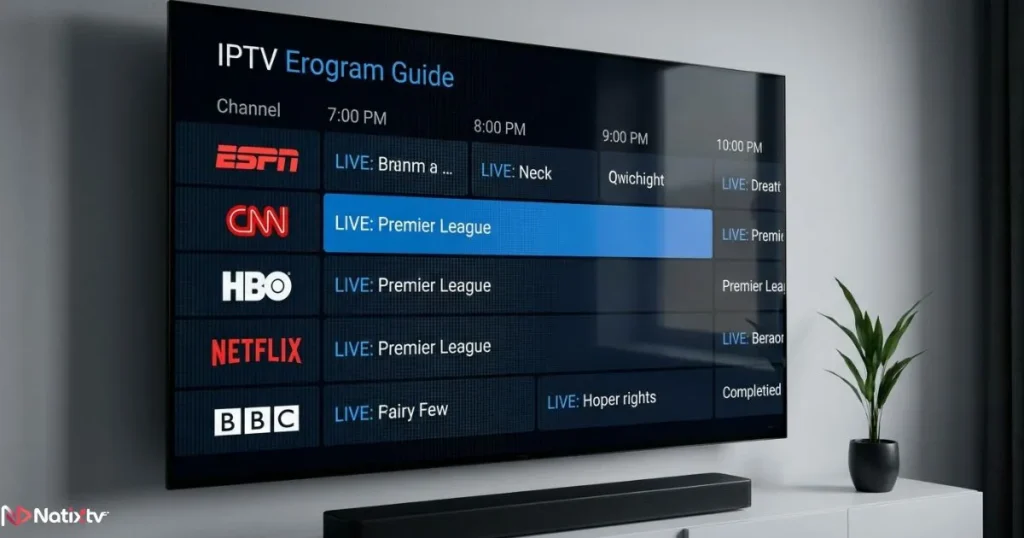
On traditional cable or satellite TV, the EPG data is broadcast automatically. With IPTV, you have to source and configure it yourself — unless your provider handles it for you. That distinction matters a lot when you are comparing services and evaluating what a quality IPTV subscription actually includes.
Beyond convenience, a well-configured EPG unlocks features like:
- Scheduled recordings (on supported IPTV apps)
- Catch-up and start-over viewing
- Program reminders and alerts
- Browsing schedules hours or days in advance
In short, the best EPG for IPTV is not a luxury — it is the feature that separates a frustrating experience from a genuinely enjoyable one.
How Does an EPG Work with IPTV?
The XMLTV Format Explained
Almost every IPTV player EPG relies on a format called XMLTV. This is an open, standardized XML-based format that organizes program data — channel names, show titles, descriptions, broadcast times — into a structured file your app can read. When you add an EPG source to your IPTV app, you are typically pointing it to an XMLTV IPTV file hosted on a remote server, which updates every 12 to 24 hours.
The XMLTV format has been the industry standard for years because it is flexible, widely supported, and easy to integrate into any IPTV player. If you have ever seen an EPG URL ending in .xml or .gz, that is exactly what it is.
EPG Integration in IPTV Players
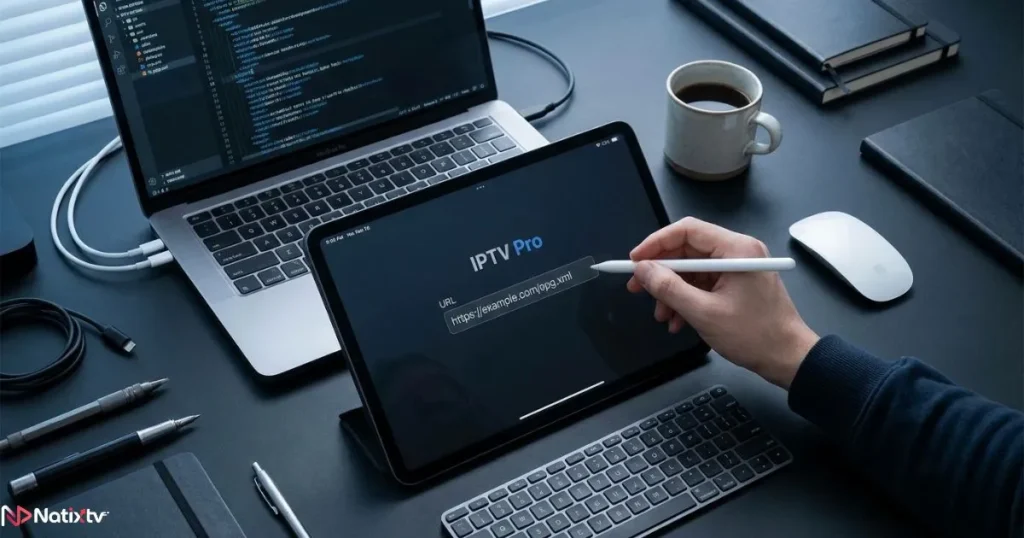
Most modern IPTV apps accept an EPG URL alongside your M3U playlist. The process looks like this:
- Open your IPTV app and add your M3U playlist URL.
- Navigate to the EPG or guide settings section.
- Paste your XMLTV EPG source URL.
- Save and allow the app to fetch and parse the data.
- Map channels if needed (matching EPG channel IDs to playlist channels).
- Refresh the EPG and check your guide is populating correctly.
The key technical requirement is that the channel IDs in your EPG file must match the channel IDs in your M3U playlist. A mismatch here is the most common reason people see blank schedules. This is why provider-supplied EPG URLs — designed to match their specific stream IDs — almost always work better than generic third-party sources.
Key Criteria to Choose the Best EPG for IPTV
Coverage and Channel Accuracy
The best EPG for IPTV is one that actually covers the channels you watch. There is little point in a source that maps 500 channels if 200 of those are channels you never use and your favourite sports or news channels are missing. Before committing to any EPG source, check:
- Does it cover your target regions (France, UK, MENA, international sports)?
- How many channels in your playlist are correctly mapped?
- Are broadcast times accurate, or do they show programmes 30 to 60 minutes off?
Accuracy in start and end times is particularly important if you plan to use recording or reminder features. A guide that is consistently off by an hour is worse than no guide at all.
Update Frequency and Reliability
An EPG source that refreshes every 24 hours is generally sufficient for most users. Some high-quality sources update every 6 to 12 hours, which is ideal for live sports and news where schedules change frequently. What you want to avoid are sources that update weekly or that go offline without warning — both are common issues with low-quality free EPG feeds.
Reliability also means consistent uptime. If your EPG source is unavailable when your app refreshes overnight, you will wake up to a blank guide. For a worry-free IPTV setup, an EPG maintained by your provider is far more dependable than a random public source.
Compatibility with Your IPTV Player
Not all IPTV apps handle EPG data equally. Here is a quick compatibility overview of the most popular IPTV apps in 2026:
| IPTV App | EPG Support | XMLTV Compatible | Notes |
|---|---|---|---|
| TiviMate | Full | Yes | Best visual EPG UI on Android |
| IPTV Smarters Pro | Full | Yes | Multi-profile and multi-screen support |
| GSE Smart IPTV | Full | Yes | Works on iOS and Android |
| XCIPTV | Full | Yes | Excellent for FireStick users |
| Kodi (PVR IPTV) | Full | Yes | Requires PVR Simple Client add-on |
| VLC | Limited | Yes | No visual grid guide — not recommended for EPG use |
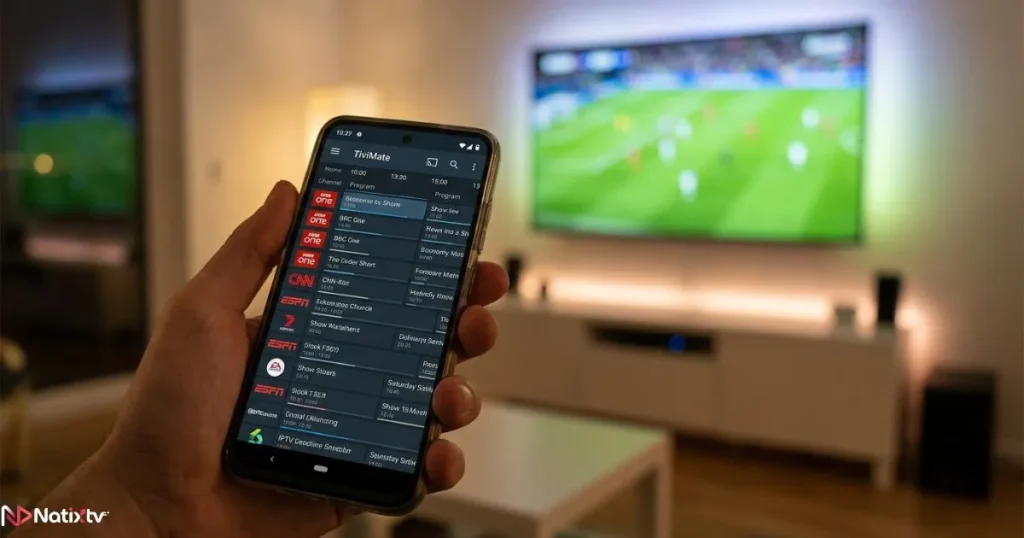
If you are serious about having the best EPG for IPTV experience, TiviMate remains the gold standard on Android and FireStick devices in 2026. Its grid guide is clean, responsive, and supports multiple EPG sources simultaneously.
Free vs. Paid EPG Sources
Free XMLTV IPTV sources such as EPG.best offer broad channel coverage and are a legitimate starting point, especially for users testing a new setup. However, free sources come with trade-offs:
- Inconsistent uptime and reliability
- Limited regional coverage (often skewed toward English-language content)
- Slower or irregular update schedules
- No support or accountability if the source breaks
A paid or provider-included EPG eliminates these concerns entirely. If your IPTV service offers a dedicated EPG URL with your subscription, always use it first. It is matched to your exact channel list and maintained alongside your streams.
Multilingual and Multi-Region Support
If you watch content across multiple languages — French, Arabic, English, Spanish — you need an EPG source that covers all of them in a single feed or supports multiple simultaneous sources. Some IPTV apps like TiviMate allow you to stack multiple EPG URLs, which solves this problem neatly. Look for sources that clearly list their regional coverage before adding them to your setup.
Best EPG Sources for IPTV in 2026
Rather than a definitive ranked list (which changes as sources go up and down), here is how to evaluate any EPG source quickly:
- Check regional coverage: Does it include your main markets — France, UK, MENA, or international sports?
- Test update frequency: Compare the guide times against actual broadcast schedules for 24 to 48 hours.
- Verify channel mapping rate: In your IPTV app, check how many channels received schedule data after adding the source.
- Monitor uptime over a week: A source that fails twice in seven days is not reliable enough for daily use.
The simplest path is skipping this evaluation entirely by choosing an IPTV provider that includes a ready-matched EPG. It saves hours of troubleshooting and gives you the best EPG for IPTV right out of the box. If you want to buy iptv subscription with a built-in EPG and zero configuration headaches, that is exactly what Natixtv offers.
How to Set Up an EPG on the Most Popular IPTV Apps
EPG Setup on TiviMate
- Open TiviMate and go to Settings.
- Select Playlists, then tap your active playlist.
- Scroll to EPG Sources and tap Add EPG.
- Paste your XMLTV EPG URL and confirm.
- Go back to the main screen and tap Update to refresh.
- Open the TV guide grid to confirm channels are populating correctly.
EPG Setup on IPTV Smarters Pro
- Open IPTV Smarters and go to Add User or edit your existing profile.
- Select Load Your Playlist and EPG from URL.
- Enter your M3U URL in the playlist field and your XMLTV URL in the EPG field.
- Save the profile and allow the app to load both sources.
- Navigate to the TV Guide section to verify the schedule data.
EPG Setup on GSE Smart IPTV
- Open GSE Smart IPTV and tap the menu icon.
- Select Remote Playlists, then add your M3U playlist.
- Tap the settings icon next to your playlist and find the EPG URL field.
- Paste your XMLTV source URL and save.
- Force-refresh the playlist and open the EPG grid to verify.
Common EPG Problems and How to Fix Them
| Problem | Likely Cause | Fix |
|---|---|---|
| EPG not loading at all | Wrong URL or expired source | Double-check and re-enter the EPG URL |
| Channels show no schedule | Channel ID mismatch between M3U and EPG | Remap channels manually in the app settings |
| Times are off by 1 to 2 hours | Timezone not correctly configured | Adjust the timezone offset in your app settings |
| EPG updates very slowly | Refresh interval set too long | Set auto-refresh to every 12 hours |
| Some channels always missing | EPG source does not cover those channels | Add a secondary EPG source or switch to a provider EPG |
Most of these issues disappear entirely when you use a provider-matched EPG. Understanding what to look for in a professional IPTV service includes knowing whether EPG data is included and properly maintained — it is a sign of a serious provider.
Why Your IPTV Provider’s Built-in EPG Is Often the Best Choice
When a provider builds their EPG directly into their service, the channel IDs in the EPG file are designed to match the channel IDs in their M3U playlist. That means no manual mapping, no mismatched times, and no blank schedules. It is the cleanest solution available and almost always gives you the best EPG for IPTV without any extra configuration.
Natixtv includes a fully integrated EPG with all subscriptions. It is compatible with TiviMate, IPTV Smarters, GSE Smart IPTV, and every other major IPTV player EPG setup. Whether you are watching on a Smart TV, FireStick, Android box, iPhone, or PC, the guide works immediately after adding your credentials. And if you are not sure whether it is right for you, Natixtv offers a free 24 to 48 hour trial so you can test everything — streams, guide, and compatibility — before committing.
FAQ – Best EPG for IPTV
What is the best EPG for IPTV in 2026?
The best EPG for IPTV is one that accurately covers your channels, updates regularly, and matches seamlessly with your M3U playlist. In practice, a provider-supplied EPG almost always outperforms third-party sources because it is built to match the exact stream IDs in your subscription. For Natixtv subscribers, the EPG is included and pre-configured — no extra steps required.
What is XMLTV and how does it work with IPTV?
XMLTV is the standard open format used by virtually all IPTV apps to display program schedules. It is an XML-based file hosted on a remote server that your app downloads and parses to show you what is playing on each channel. Your IPTV player reads the file, matches channel IDs, and displays the schedule in a visual grid. Most providers and third-party EPG sources deliver their data in this XMLTV IPTV format.
Why is my EPG not showing any schedule information?
The most common cause is a channel ID mismatch between your M3U playlist and your EPG source. Your app cannot link a channel to its schedule if the IDs do not match. The quickest fix is to use your provider’s official EPG URL, which is designed to match their specific stream IDs. If you are using a third-party source, try remapping the channels manually within your app.
Which IPTV apps have the best EPG support?
TiviMate leads the field for Android and FireStick users with its clean, fast grid guide and support for multiple EPG sources. IPTV Smarters Pro and GSE Smart IPTV are strong alternatives, especially for multi-device households. All of them support XMLTV IPTV format natively and work well with provider-supplied EPG URLs as part of a complete IPTV setup.
Is a free EPG source reliable enough for daily use?
Free EPG sources can be a useful starting point, but they come with real drawbacks: irregular update schedules, limited regional coverage, and no guarantee of uptime. For casual use, they may work fine. For a daily IPTV setup where you rely on accurate schedules, a provider-included EPG is significantly more dependable and saves considerable troubleshooting time.
Does Natixtv include an EPG with its IPTV subscription?
Yes. Natixtv includes a fully integrated, auto-updating EPG with every subscription. It is compatible with all major IPTV apps and works across all devices. You can verify this yourself during the free 24 to 48 hour trial before subscribing.
Conclusion
Getting the best EPG for IPTV comes down to three things: accurate channel coverage, reliable update frequency, and clean compatibility with your chosen IPTV player. When all three align, your IPTV experience transforms from a raw stream list into a genuine, enjoyable TV guide you can navigate with confidence.
The fastest way to get there is choosing a provider that handles the EPG for you. No manual configuration, no mismatched IDs, no blank schedules. You open your app, and the guide is just there — working exactly as it should. That is the difference a quality service makes.
If you are ready to experience that for yourself, buy iptv subscription from Natixtv today and start your free 24 to 48 hour trial. A fully configured IPTV channel guide, stable streams, and multi-device support are all waiting for you — no guesswork required.