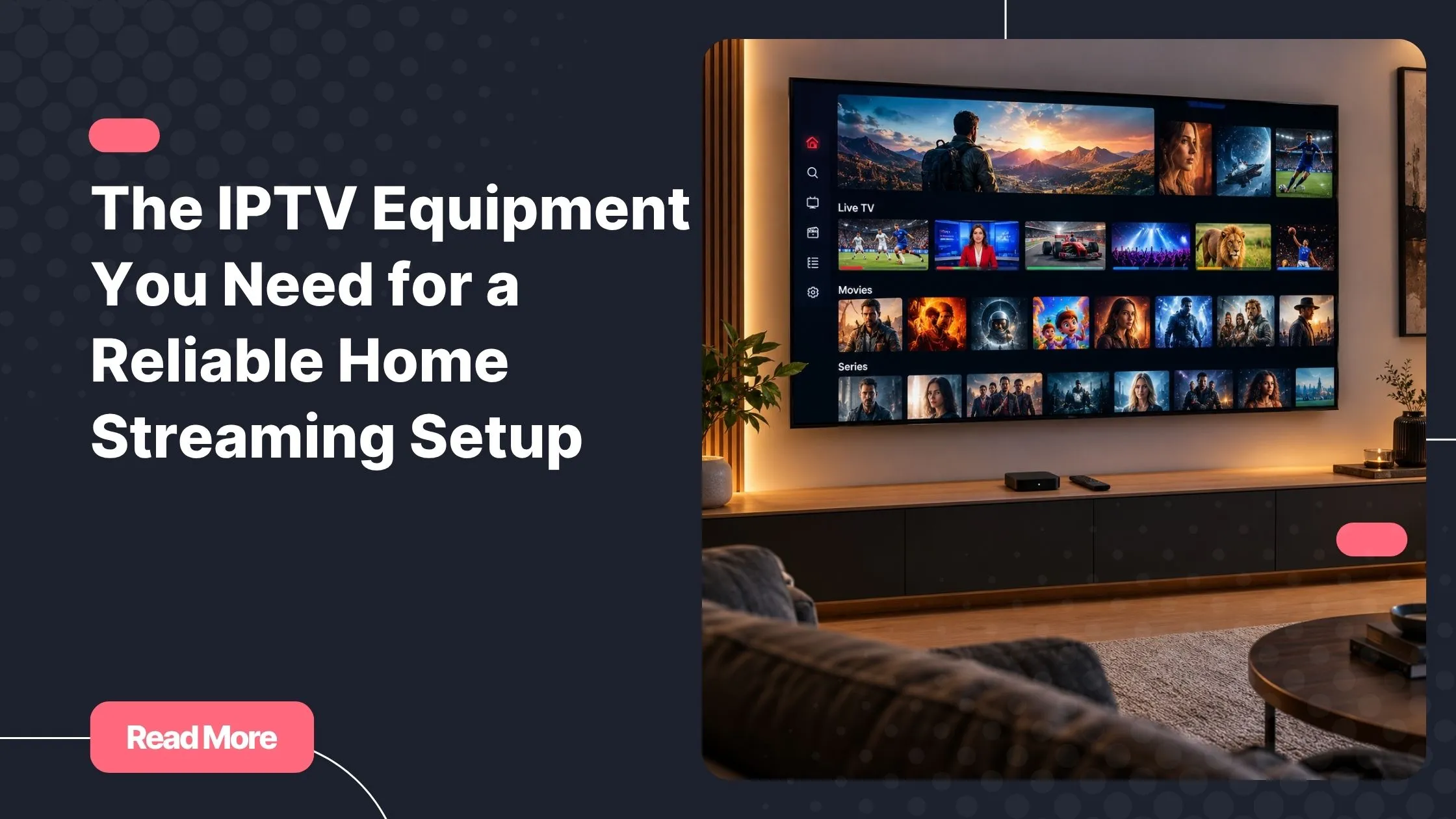
Remember the last time a crucial match cut to a buffering wheel, or a film you had been waiting weeks to watch froze at the worst possible moment? It is a small frustration, but it sticks. Most of those moments are not the fault of your IPTV service. They trace back to a weak link somewhere in your setup, a mismatched device, a congested Wi-Fi band, or a router that was already old when streaming was still a novelty.
The good news is that getting your best iptv experience does not require an IT background or a large budget. You need a handful of smart choices and a clear picture of which components actually matter. This guide walks you through every piece of IPTV equipment worth your attention, explains what each one does, and helps you skip everything you do not need.
Whether you are cutting the cord for the first time or fine-tuning a setup that never quite felt right, you are in the right place. Let us build this properly, from the ground up.
Table of Contents
What Is IPTV and Why Does Your Equipment Actually Matter?
IPTV stands for Internet Protocol Television. Instead of receiving a broadcast signal through a cable or satellite dish, you stream your channels and on-demand content directly over your internet connection. The signal travels as data packets, the same way a video call or a web page does.
That shift changes everything about your setup. With traditional TV, a weak signal was the broadcaster’s problem. With IPTV, every component between your router and your screen plays a direct role in picture quality, loading times, and stability. Your IPTV equipment is not just passive hardware sitting in the background. It is an active part of the experience you get every evening.
The reassuring part: the chain is short. A capable streaming device, a solid internet connection, and the right subscription are genuinely all most households need. The sections below cover each link in that chain, from essential to optional, so you know exactly where to invest and where to relax.
If you want to understand how the industry itself is evolving, this overview of recent shifts in how viewers consume live and on-demand content gives useful context before you commit to a hardware setup.
The Core IPTV Equipment You Actually Need
Five components form the foundation of any reliable IPTV streaming setup. Get these right and everything else becomes a bonus rather than a fix.
1 – A Compatible Streaming Device
Your streaming device is the brain of your setup. It runs the app that connects to your IPTV service, decodes the video stream, and sends a picture to your screen. Choosing the wrong one here is the single most common cause of a frustrating experience, regardless of how fast your internet is.
The table below covers the main categories of IPTV hardware currently available, with honest assessments of what each one suits best.
| Device Type | Popular Examples | Best For | Price Range |
|---|---|---|---|
| Android TV Box | Nvidia Shield, Formuler Z8 | Power users, 4K, app flexibility | $50 – $200 |
| Fire TV Stick | Fire Stick 4K Max | Budget simplicity, casual viewing | $30 – $55 |
| Built-in Smart TV | Samsung (Tizen), LG (WebOS), Sony | All-in-one, no extra box needed | Already owned |
| Apple TV | Apple TV 4K (3rd gen) | Apple ecosystem users | $129 |
| MAG Box | MAG 524W3 | Dedicated IPTV use, IPTV-first UI | $80 – $130 |
Android TV boxes offer the most flexibility as IPTV setup equipment because they support a wide range of apps including TiviMate, IPTV Smarters Pro, and GSE Smart IPTV. If you want full control over your interface and the ability to switch apps freely, an Android box is the natural starting point.
The Fire TV Stick punches above its weight for casual users. It runs IPTV Smarters and several other compatible apps without issue, and its price makes it an easy recommendation for anyone who wants to test the waters without committing heavily upfront.
MAG boxes are purpose-built IPTV hardware. They are not general-purpose media players, which means less flexibility but a more focused, stable experience if IPTV is your primary use case.

2 – A Fast and Stable Internet Connection
No piece of IPTV equipment compensates for a poor internet connection. Your bandwidth determines the maximum quality you can stream without interruption, and consistency matters more than peak speed. A connection that varies wildly between 50 Mbps and 5 Mbps will cause more problems than one that holds steady at 15 Mbps.
| Stream Quality | Minimum Speed Required |
|---|---|
| SD (Standard Definition) | 5 Mbps |
| HD (720p / 1080p) | 10 – 15 Mbps |
| Full HD (stable 1080p) | 20 Mbps |
| 4K Ultra HD | 25 – 50 Mbps |
Source: adapted from Speedtest.net bandwidth guidelines.
Fibre or cable broadband is strongly preferred over DSL. Run your speed test during peak hours, typically evenings and weekends, not at 9 am on a Tuesday. If you plan to stream on multiple screens simultaneously, multiply your minimum requirement accordingly.
3 – A Reliable Router and Network Setup
Your router is the bridge between your internet connection and every device in your home. It deserves more attention than most people give it when planning an IPTV home setup.
A wired Ethernet connection between your router and streaming device is always the most stable option. It eliminates the interference and congestion that affect Wi-Fi, particularly during peak household usage. For 4K streaming, a live sports broadcast, or any scenario where buffering would be genuinely disruptive, running an Ethernet cable is worth the minor effort.
If running a cable is not practical, a dual-band router that separates 2.4 GHz and 5 GHz traffic will meaningfully improve your wireless performance. Wi-Fi 6 routers go further and handle multiple simultaneous connections without the speed degradation common on older hardware. Powerline adapters are a useful middle ground when your device is far from the router but you still want a wired-quality signal.

At minimum, your router should support 5 GHz Wi-Fi. If it only operates on 2.4 GHz, upgrading the router will likely have a bigger positive impact on your streaming than upgrading any other piece of IPTV equipment.
4 – A Quality TV or Monitor
Your screen does not need to be the most expensive on the market. It does need to match the quality of content you are streaming. If your IPTV subscription delivers in HD, a solid 1080p television gives you the full benefit. A 4K screen only adds value if your content, your device, and your internet connection all support that resolution end to end.
Check how many HDMI ports your TV has before buying additional streaming devices. It sounds trivial, but finding yourself short on ports when your smart TV equipment is all set up is a common and avoidable frustration. Any television with at least one free HDMI port and a screen size appropriate for your viewing distance will work well as part of a considered IPTV streaming setup.
Smart TVs with Android TV or Tizen built in can also serve as the streaming device themselves, which removes one component from the equation entirely. If your existing TV supports app installation, check its compatibility before buying a separate box.
5 – An Active IPTV Subscription
Your IPTV equipment is the vessel; your subscription is what fills it. Without a reliable subscription, even the most capable hardware delivers nothing. When evaluating providers, look at channel breadth, VOD library quality, server uptime history, and how many simultaneous connections the plan allows.
Just as important: test before you commit. Best iptv services offer a trial period so you can verify that your specific setup, your device, your app, and your network all work together before you spend a penny on a full subscription.
Natixtv is compatible with Android boxes, Fire TV Sticks, Smart TVs, MAG boxes, Apple TV, and more. Their free trial runs for 24 to 48 hours, giving you a genuine window to test every channel and feature on your actual hardware before subscribing. If you are unsure which provider to start with, this is a low-risk way to find out whether the service fits your setup. Explore the trial here.
Useful Streaming Accessories (Optional but Worth Knowing)
Once your core IPTV equipment is in place, a few streaming accessories can sharpen the experience without being essential from day one.
HDMI Cables and Splitters
Not all HDMI cables are equal when it comes to 4K and HDR content. If you are streaming at that quality, verify that your cable supports HDMI 2.0 or higher, which handles the bandwidth those formats require. For households wanting to mirror the same stream across two screens, an HDMI splitter paired with a single streaming device is a practical and inexpensive solution.
VPN App or VPN-Enabled Router
A VPN is not required for IPTV, but it can be useful in specific situations. Some ISPs throttle video streaming traffic during peak hours, and a VPN can sidestep that throttling by masking your activity type. A VPN also adds a layer of privacy for users who prefer it. The trade-off is a potential speed reduction depending on the VPN provider and server location, so test your streaming performance with the VPN active before committing to it as a permanent part of your setup.
External Storage for Android Boxes
Higher-end Android boxes allow you to download VOD content locally for offline viewing. A USB drive or external SSD expands that storage capacity, which is useful if you travel frequently or have an unreliable connection at certain times. For everyday home streaming, internal storage is usually sufficient.
Universal or Voice Remote
If your streaming device and television require separate remotes, a universal remote or a voice-enabled option simplifies day-to-day use considerably. Amazon Alexa-compatible and Google Assistant-enabled remotes let you search channels, adjust volume, and switch inputs without juggling multiple controllers. It is a small comfort that adds up meaningfully over time.
Setting Up Your IPTV Equipment: A Simple Walkthrough
Getting your IPTV streaming setup running for the first time takes under twenty minutes if you follow a logical order. Here is the sequence that avoids the most common stumbling points.
- Choose your streaming device based on your budget and which apps you want to use (refer to the table in Section 1 above).
- Connect the device to your TV via HDMI and power it on.
- Connect to your network using an Ethernet cable if possible, or your 5 GHz Wi-Fi band if not.
- Download your IPTV app from the device’s app store. TiviMate, IPTV Smarters Pro, and GSE Smart IPTV are widely compatible and well-maintained options.
- Enter your subscription credentials: your provider will supply either an M3U URL or Xtream Codes API details. Paste these into the app when prompted.
- Run a channel test across a few HD and SD streams to confirm performance before settling in for the evening.
Natixtv provides straightforward setup instructions after you activate your trial, and their support is available if anything does not load as expected. The 24 to 48-hour trial is precisely the right window to run this process end to end and confirm that your IPTV equipment and the service work well together.
For a broader look at how services differ in what they offer, this comparison of the leading IPTV options available to viewers in the US is worth reading before you finalize your choice.
Mistakes to Avoid With Your IPTV Setup
Most streaming problems are setup problems, not subscription problems. These are the most frequent missteps worth steering around.
- Using an underpowered streaming device: a cheap, low-RAM Android box will buffer even on a fast connection because it cannot process the stream quickly enough. Check processor and RAM specs before buying.
- Relying on 2.4 GHz Wi-Fi for HD or 4K content: the 2.4 GHz band carries more interference and lower practical speeds. Switch to 5 GHz or use Ethernet.
- Skipping the peak-hour speed test: your connection at 10 am is not your connection at 8 pm. Test during the hours you actually stream.
- Mismatching your app and subscription format: some apps only accept M3U links; others prefer Xtream Codes. Confirm compatibility before choosing your app.
- Committing to a provider without a trial: even well-reviewed services can have performance differences on specific devices. Always use a trial period to verify.
- Ignoring router age: a router from 2014 running outdated firmware is a hidden bottleneck that no amount of IPTV hardware downstream can compensate for.
Budget Breakdown: What a Complete Setup Actually Costs
One of the most common misconceptions about IPTV is that you need to spend significantly to get a quality experience. The reality is that a reliable, enjoyable setup starts at under $100.
| Component | Budget Option | Mid-Range | Premium |
|---|---|---|---|
| Streaming Device | Fire Stick ($35) | Android Box ($80) | Nvidia Shield ($200) |
| Router | Basic dual-band ($40) | Wi-Fi 6 router ($100) | Mesh Wi-Fi system ($250+) |
| HDMI Cable | $8 – $12 | $15 – $25 | $30+ (certified) |
| IPTV Subscription | Varies by provider – try a free trial first | ||
| Total (approx.) | ~$85 – $100 | ~$200 | $450+ |
A Fire TV Stick and a solid internet plan gets the average household 90% of the way to a premium streaming experience. Spend more when a specific need justifies it: 4K content warrants a better device, a large home warrants mesh Wi-Fi, and frequent VOD downloads warrant external storage. But for straightforward live TV and on-demand viewing, the budget tier delivers genuinely good results.

Frequently Asked Questions About IPTV Equipment
What is the minimum IPTV equipment I need to get started?
You need three things: a streaming device (a Fire TV Stick covers the basics), a broadband internet connection with at least 10 Mbps of consistent speed, and an active IPTV subscription. Everything beyond that is an upgrade, not a requirement. Many users start with just these three and never feel the need to add anything else.
Can I use my existing Smart TV as IPTV equipment?
Yes, in many cases. Smart TVs running Android TV, Samsung Tizen, or LG WebOS support IPTV apps either natively through their app stores or via sideloading. Before buying a separate streaming device, check your TV’s app store for TiviMate or IPTV Smarters. If neither is available and your TV does not support sideloading, adding an external streaming device is the straightforward fix.
Does IPTV hardware need to be expensive to work well?
No. A Fire TV Stick at around $35 handles 1080p streaming comfortably and runs all the major IPTV apps. The bigger investment is in your internet connection, not the device. If buffering persists on a budget device, check your network first before upgrading the hardware.
What type of IPTV equipment is best for 4K streaming?
For 4K, the Nvidia Shield TV Pro is the gold standard and handles even the most demanding streams without breaking a sweat. The Apple TV 4K (3rd generation) is an excellent alternative for users already in the Apple ecosystem. On a tighter budget, a Formuler Z8 or a mid-range Android TV box delivers 4K playback at a lower price, though you may notice differences in sustained heavy use.
How much internet speed do I need for my IPTV setup equipment to work reliably?
For a single HD stream, a consistent 15 Mbps is sufficient. For Full HD without any buffering risk, aim for 20 Mbps or more. 4K requires 25 to 50 Mbps depending on the codec your service uses. The keyword is consistency: a connection that holds steady at 20 Mbps is more valuable than one that peaks at 100 Mbps but drops frequently. Run a speed test at your usual streaming time before drawing conclusions.
Can I try an IPTV service before buying all the equipment?
Absolutely, and you should. Most reputable providers offer a trial period. Natixtv, for example, gives you a free 24 to 48-hour trial that is compatible with nearly every major device type. This lets you test performance, picture quality, and channel availability on your actual hardware before making any subscription commitment.
Build Your IPTV Setup Smart, Not Complicated
The right IPTV equipment does not need to be expensive, elaborate, or installed by a professional. A compatible streaming device, a reliable internet connection, a sensible router, and a subscription worth having are genuinely all you need to transform your living room into a fully capable home streaming hub.
Start simple. A Fire TV Stick or an entry-level Android box gets you up and running within the hour. Test your setup with a trial subscription before locking in a long-term plan. Upgrade individual components only when a specific limitation makes itself known, and by that point you will know exactly what the weak link is.
If you want a service designed to work across all of this IPTV hardware without configuration headaches, Start your free trial at Natixtv
A 24 to 48-hour free trial. No commitment. Your setup, your channels, your way. The best iptv experience is closer than you think.