Remember the last time you missed a live match because you were stuck at work? Or that frustrating moment when you realized your cable bill had quietly climbed to over $100 a month — for channels you never watch? You are not alone. Millions of people around the world are walking away from traditional TV and discovering something far more flexible, affordable, and personal. If you have been curious about making the switch, you are in exactly the right place. This guide, brought to you by best iptv provider Natixtv, covers everything you need to know — from the basics to a full device setup — in plain, beginner-friendly language.
The good news is that getting started is simpler than you might think. You do not need to be technical. You do not need expensive hardware. All you need is a reliable internet connection, the right subscription, and a few minutes to follow a straightforward setup process. By the end of this guide, you will have all the tools and knowledge to start streaming your favorite content today.
Whether you want live sports, international news, movies on demand, or shows from around the world, IPTV delivers it all — on any screen you own. Let’s walk through it together, step by step.
Table of Contents
What Is IPTV and Why Is Everyone Talking About It?
The Simple Definition of IPTV
IPTV stands for Internet Protocol Television. In simple terms, it means watching television content delivered through your internet connection rather than through a traditional cable wire or satellite dish. Instead of receiving a broadcast signal, your device connects to a server that streams content directly to your screen in real time.
This shift changes everything. You are no longer tied to a set-top box from your cable company. You are not locked into rigid broadcast schedules. You watch what you want, when you want, on whatever device you choose.
How IPTV Streaming Actually Works
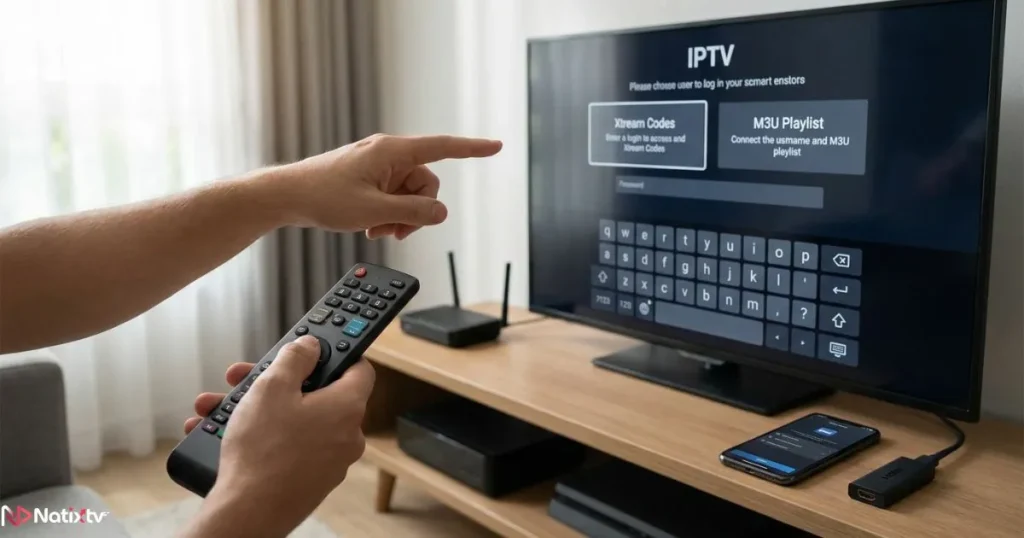
When you subscribe to an IPTV service, you gain access to a server library containing thousands of live TV channels, movies, series, and catch-up content. Your IPTV app connects to that server using a unique login — usually an M3U URL or Xtream Codes credentials — and streams content directly to your device.
The global IPTV market is expected to surpass $100 billion by 2030, reflecting just how rapidly this technology is reshaping the entertainment landscape. The three main types of content you can access include:
- Live TV channels – sports, news, entertainment, and international programming
- Video on Demand (VOD) – movies and TV series available at any time
- Time-shifted content – catch-up TV that lets you watch missed broadcasts
IPTV vs Cable vs Streaming Platforms
To understand the real value of IPTV, it helps to compare it side by side with the alternatives you already know.
| Feature | IPTV | Cable TV | Streaming (Netflix/Disney+) |
|---|---|---|---|
| Live TV channels | Thousands | Limited selection | Mostly unavailable |
| International content | Yes, extensive | Very limited | Partial |
| Monthly cost | Low ($5-$20) | High ($80-$150+) | Medium ($10-$20 each) |
| Device flexibility | Any device | Set-top box only | Limited devices |
| Contract required | No | Yes (12-24 months) | Monthly, cancelable |
| Free trial available | Yes (e.g. Natixtv) | Rarely | Sometimes |
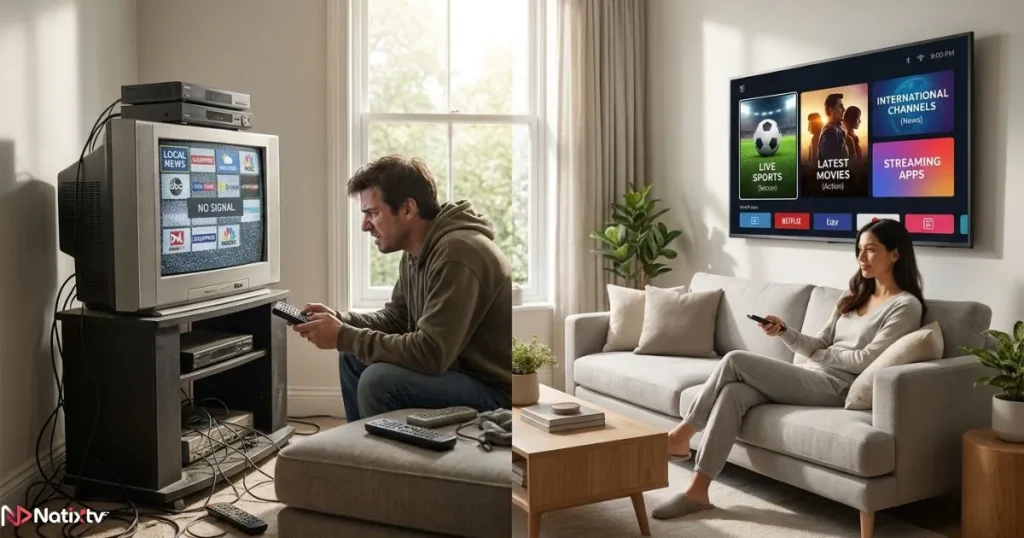
The difference is clear. IPTV gives you more content, more flexibility, and a lower monthly cost — with no long-term commitment required.
How to Get IPTV: A Step-by-Step Overview for Beginners
What You Need Before You Start
Before you learn how to get IPTV running on your device, make sure you have these essentials in place:
- A stable internet connection – minimum 10 Mbps for HD, 25 Mbps for 4K
- A compatible device – Smart TV, smartphone, tablet, PC, Amazon Firestick, or MAG box
- A reliable IPTV subscription from a trusted provider
- The right IPTV app for your specific device
Once those four elements are in place, you are ready to begin. The setup process itself takes less than ten minutes on most devices.
Choosing the Right IPTV Subscription
What Makes an IPTV Provider Reliable?
Understanding how to get IPTV is only part of the equation. Choosing the right provider is what determines your actual experience. Here is what to look for when evaluating any IPTV service:
- A wide variety of channels, including international options
- Multiple stream quality levels – HD, Full HD, and 4K
- High server uptime with minimal buffering or downtime
- Responsive customer support available when you need it
- A free trial period so you can test before committing
- Compatibility with multiple devices under one subscription
- A regularly updated Electronic Program Guide (EPG)
For a deeper dive into how premium providers are raising the bar for modern viewers, this look at how premium IPTV services are redefining modern television is well worth your time.
Red Flags to Avoid When Picking an IPTV Service
Not every provider is worth your trust. Watch out for these warning signs:
- No trial period offered before purchase
- Prices that seem unrealistically cheap (under $2/month)
- No identifiable customer support channel
- Overwhelmingly negative user reviews online
- Frequent buffering or streams that drop without explanation
If a provider ticks any of those boxes, move on. Your streaming experience is only as good as the service behind it.
Why Natixtv Is Worth Considering
When it comes to understanding how to get IPTV the right way, starting with a trusted provider makes all the difference. Best iptv service Natixtv offers a compelling starting point for any beginner. Here is what sets it apart:
- An extensive library of live channels and on-demand content
- Full compatibility with Smart TV, Firestick, Android, iOS, MAG boxes, and PC
- A free trial period of 24 to 48 hours – no payment required upfront
- Flexible subscription plans designed for every budget
- Stable servers with consistently high stream quality
That free trial alone removes the biggest hesitation most beginners have. You get to experience the full service before spending a single dollar.
IPTV Apps: Which One Should You Use?
Understanding IPTV App Types
There are two main categories of IPTV apps. The first type is a branded app provided directly by your IPTV service. The second type is a universal IPTV player where you enter your own M3U playlist URL or Xtream Codes login. Both work well — the right choice depends on your device and your preference for simplicity versus customization.
Most Popular IPTV Apps by Platform
The table below shows the most widely used IPTV apps, the platforms they support, and the key features each one offers.
| App Name | Platform | Free? | M3U Support | Xtream Codes |
|---|---|---|---|---|
| TiviMate | Android / Firestick | Freemium | Yes | Yes |
| IPTV Smarters Pro | All platforms | Free | Yes | Yes |
| GSE Smart IPTV | iOS / Android | Free | Yes | Yes |
| Smart IPTV (SIPTV) | Samsung / LG Smart TV | One-time fee | Yes | No |
| VLC Media Player | PC / Mac | Free | Yes | No |
| Kodi + PVR Client | All | Free | Yes | Yes |
For most beginners, IPTV Smarters Pro is the easiest starting point. It is free, intuitive, and works across virtually every platform. If you are an Android user looking for a more polished experience, explore this guide to the top-rated Android IPTV player for smooth streaming to find the best match for your setup.
How to Set Up IPTV on Any Device
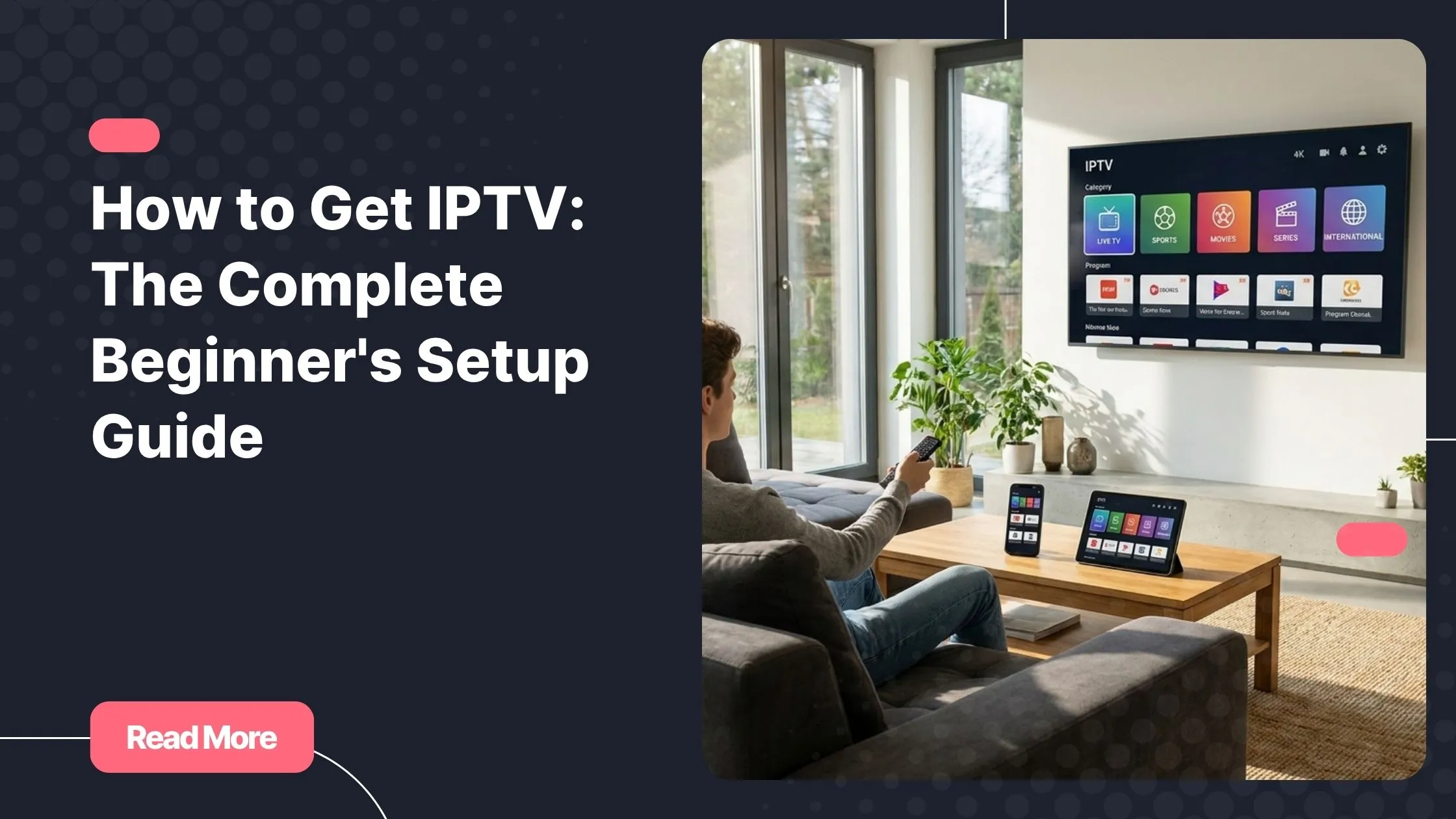
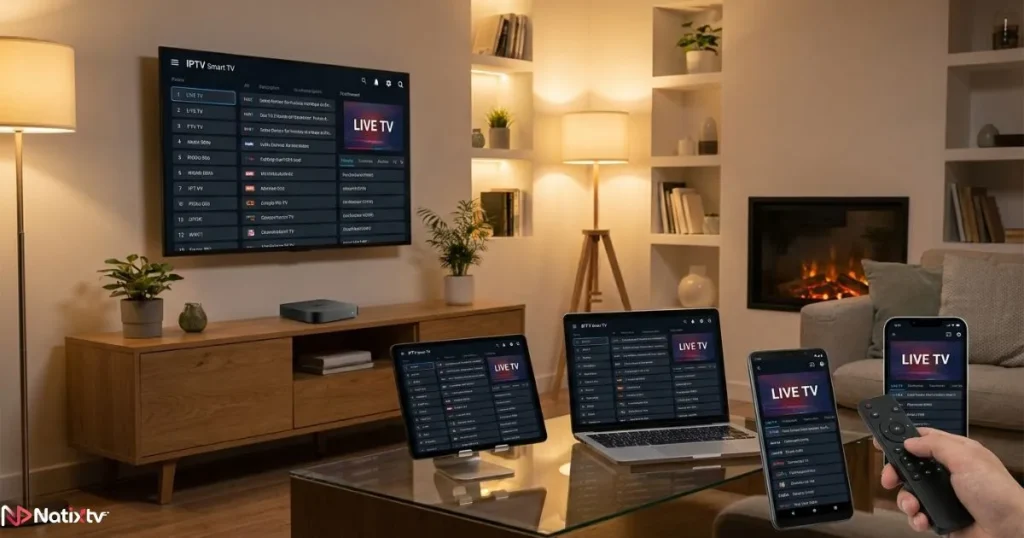
Now that you know how to get IPTV and which app to use, it is time to walk through the actual setup. Each platform follows a similar logic – install an app, enter your credentials, and start watching.
IPTV Installation on Smart TV (Samsung / LG)
Follow these steps to get IPTV running on your Samsung or LG Smart TV:
- Open your Smart TV’s app store (Samsung Apps or LG Content Store)
- Search for and install a compatible IPTV app such as Smart IPTV or IPTV Smarters Pro
- Open the app and select “Add Playlist” or “Add New User”
- Enter the M3U URL or Xtream Codes credentials provided by your IPTV service
- Load your channels and configure the EPG for program guide support
- Browse your channel list and start streaming
Note: Some older Samsung models may require sideloading apps via a USB drive. Check your model’s compatibility before purchasing a subscription.
IPTV Setup on Amazon Firestick / Fire TV
The Firestick setup process is quick and beginner-friendly. Follow these steps:
- Go to Settings and enable “Apps from Unknown Sources” if needed
- Download the Downloader app from the Amazon store
- Use Downloader to install IPTV Smarters Pro or TiviMate via APK
- Open the app and enter your subscription login details
- Load your channels and begin streaming immediately
The Firestick is one of the most popular IPTV devices available. It is affordable, portable, and incredibly easy to set up – making it the ideal hardware choice for beginners who want to get started fast.
IPTV Setup on Android / Android TV
Android and Android TV users can set up IPTV directly from the Google Play Store in just a few steps:
- Open the Google Play Store on your device
- Search for and install IPTV Smarters Pro or TiviMate
- Open the app and add your M3U playlist URL or Xtream Codes login
- Let the app load your channels and EPG data
- Start watching your favorite content right away
IPTV Setup on iPhone / iPad (iOS)
Setting up IPTV on an iPhone or iPad takes just a few minutes through the App Store:
- Open the App Store on your iOS device
- Download GSE Smart IPTV or IPTV Smarters Pro
- Navigate to “Remote Playlists” within the app settings
- Enter your M3U URL provided by your subscription service
- Sync your playlist and browse your full channel library
IPTV on PC or Mac via VLC
PC and Mac users can stream IPTV easily using VLC Media Player, a trusted free application:
- Download and install VLC Media Player – it is free and trusted by millions
- Open VLC and go to Media, then select “Open Network Stream”
- Paste your M3U URL into the input field
- Click Play and your channel list will load automatically
Kodi with the PVR IPTV Simple Client plugin is an excellent alternative for users who want a more customizable home theater experience on PC or Mac.
IPTV Setup on MAG Box / Formuler
MAG boxes and Formuler devices use a portal-based setup. Follow these steps to get started:
- Connect your MAG box to your internet router via Ethernet or Wi-Fi
- Navigate to Settings, then System Settings, then Servers
- Enter the portal URL provided by your IPTV subscription provider
- Save the settings and reboot the device
- Your channels will load automatically on restart
Tips to Get the Best IPTV Streaming Experience
Optimize Your Internet Connection
Your internet speed is the single biggest factor in stream quality. Use a wired Ethernet connection whenever possible – it is always more stable than Wi-Fi. Here are the minimum speed guidelines to keep in mind:
- Standard Definition (SD) – 5 Mbps
- High Definition (HD) – 10 to 15 Mbps
- 4K / Ultra HD – 25 Mbps or more
Restarting your router regularly and minimizing the number of devices sharing your connection during streaming sessions can also make a noticeable difference.
How to Avoid Buffering Issues
If you experience buffering, these steps can help resolve the most common causes:
- Choose a server location geographically close to your region
- Avoid streaming during peak network hours if your area experiences heavy congestion
- Consider using a VPN if your Internet Service Provider throttles streaming traffic
- Close background apps that consume bandwidth on your streaming device
Use a VPN With Your IPTV Service
A VPN – Virtual Private Network – adds a layer of privacy to your streaming activity and can bypass ISP throttling that slows down video streams. Trusted options include ExpressVPN and NordVPN. Always verify that your chosen VPN is compatible with your IPTV app and device before subscribing.
Is IPTV Legal? What You Need to Know
This is one of the most common questions for anyone learning how to get IPTV. The technology itself is completely legal. What matters is the licensing of the content being delivered. Licensed, legitimate providers operate within the law and offer properly sourced content.
Avoid free, unverified IPTV services. Beyond the legal exposure, many carry real security risks including malware and data theft. Choosing a reputable provider like Natixtv protects you on both fronts.
A few simple habits keep you safe and compliant:
- Always read your IPTV provider’s terms of service
- Never share your subscription credentials with others
- Use a VPN for additional privacy
- Stick to providers with transparent contact information and real customer support
Frequently Asked Questions
How to get IPTV for the first time?
Start by selecting a reliable provider – Natixtv offers a 24 to 48-hour free trial with no commitment. Once you have your login credentials, download a compatible IPTV app on your preferred device, enter your M3U URL or Xtream Codes details, and your channels will load within minutes. That is genuinely all it takes to understand how to get IPTV up and running from scratch.
What internet speed do I need for smooth IPTV streaming?
For HD content, a stable connection of at least 10 Mbps is recommended. For 4K streaming, aim for 25 Mbps or higher. A wired Ethernet connection will always outperform Wi-Fi in terms of consistency and buffering prevention.
Which devices are compatible with an IPTV subscription?
IPTV works on a wide range of devices including Smart TVs (Samsung and LG), Amazon Firestick, Android phones and tablets, iPhones, iPads, MAG boxes, Formuler devices, and Windows or Mac computers. One subscription from a provider like Natixtv covers multiple devices depending on your chosen plan.
Can I try IPTV before paying for a full subscription?
Yes. Many quality providers offer a trial period so you can evaluate stream quality and channel availability before committing. Natixtv specifically offers a 24 to 48-hour free trial, which gives you enough time to test everything on your actual device at no cost.
What is the best IPTV app for a complete beginner?
IPTV Smarters Pro is the most beginner-friendly option available across Android, iOS, and Firestick. It is free, easy to navigate, and works with any M3U playlist or Xtream Codes login. TiviMate is another excellent choice for Android users who prefer a more polished interface.
How do I know if my IPTV provider is trustworthy?
A trustworthy provider offers a clear free trial, transparent pricing, verifiable customer support, and positive community feedback. They will never ask you to share your credentials or pressure you into long-term contracts. Start with a trial – that single step tells you more about a service than any marketing material ever will.
Conclusion: You Are Ready to Make the Switch
You now have everything you need. From understanding what IPTV actually is, to picking a subscription that fits your needs, to setting it up on any device in your home – this guide has walked you through each step without shortcuts or jargon. Knowing how to get IPTV is no longer a technical mystery reserved for tech enthusiasts. It is a straightforward process that anyone can complete in under fifteen minutes.
The shift from cable to IPTV is not just about saving money – though you will likely save a significant amount. It is about reclaiming control over your entertainment. Watching what you want, on your schedule, on any screen. That kind of freedom is worth experiencing firsthand.
The easiest way to start? Take advantage of the free trial from best iptv provider Natixtv. You get 24 to 48 hours of full access – live channels, VOD content, and multi-device support – with zero commitment required. Your next favorite show, match, or series is one click away. Go ahead and start today.