You found what looks like the right TiviMate Downloader code on a forum thread somewhere. The post is two years old, the comments are a mix of “works great” and “got a virus,” and you are staring at your Fire TV Stick wondering whether to go ahead. That feeling of hesitation is your instinct protecting you. Listen to it.
Installing an unverified APK on your streaming device is not just a technical inconvenience. It can mean adware flooding your screen, personal data leaking to unknown servers, or losing your entire IPTV playlist configuration overnight. For anyone who has spent hours fine-tuning a setup, that is a real cost. If you want to buy iptv subscription and actually enjoy it, your TiviMate install must be rock-solid from the start.
This guide walks you through every step of verifying a TiviMate Downloader code safely – from finding the right source to checking the APK integrity and knowing exactly which red flags to watch for. No guesswork. No shortcuts. Just a clean, secure setup you can trust.
Table of Contents
What Is the TiviMate Downloader Code and Why Does It Matter?
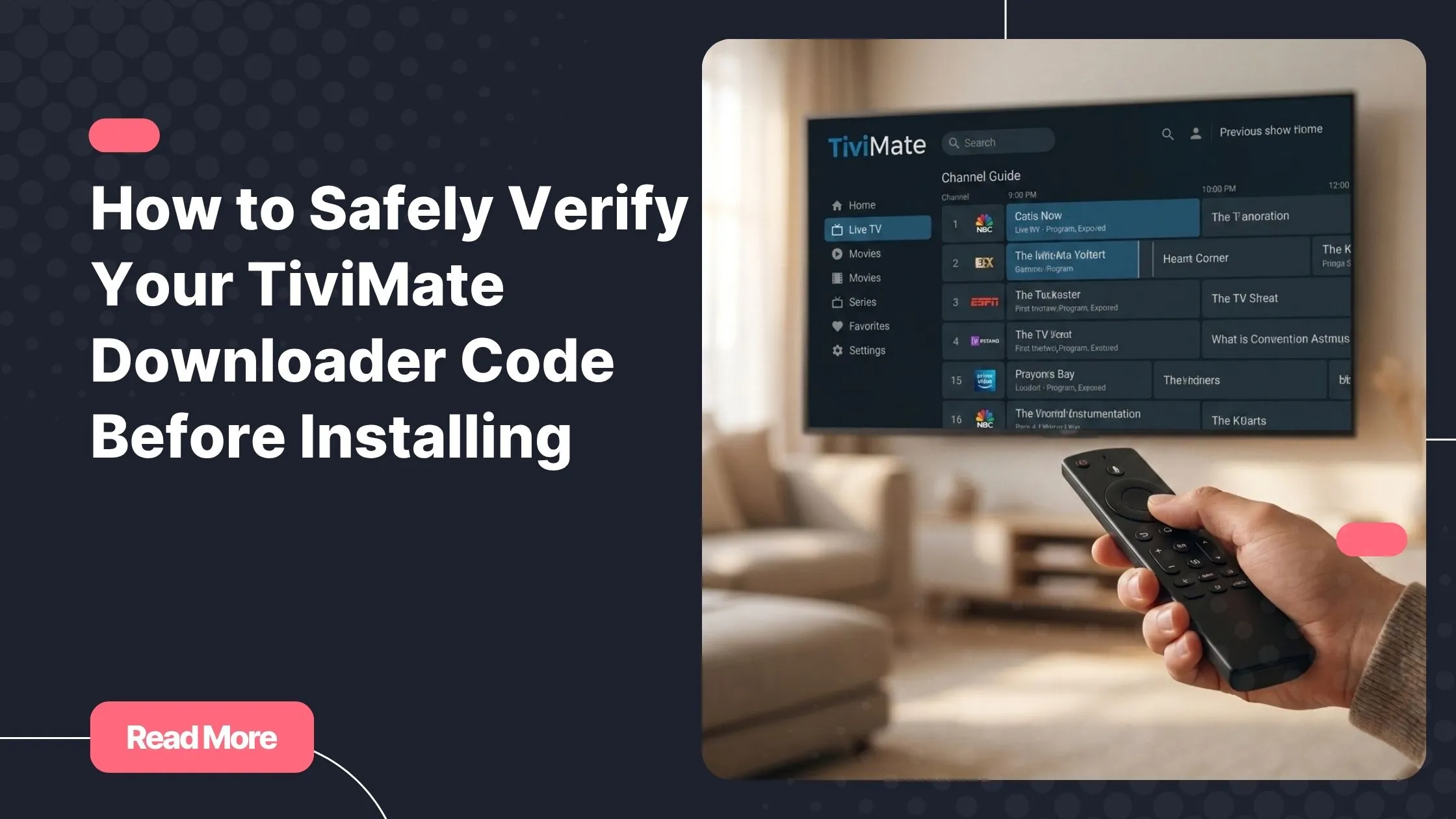
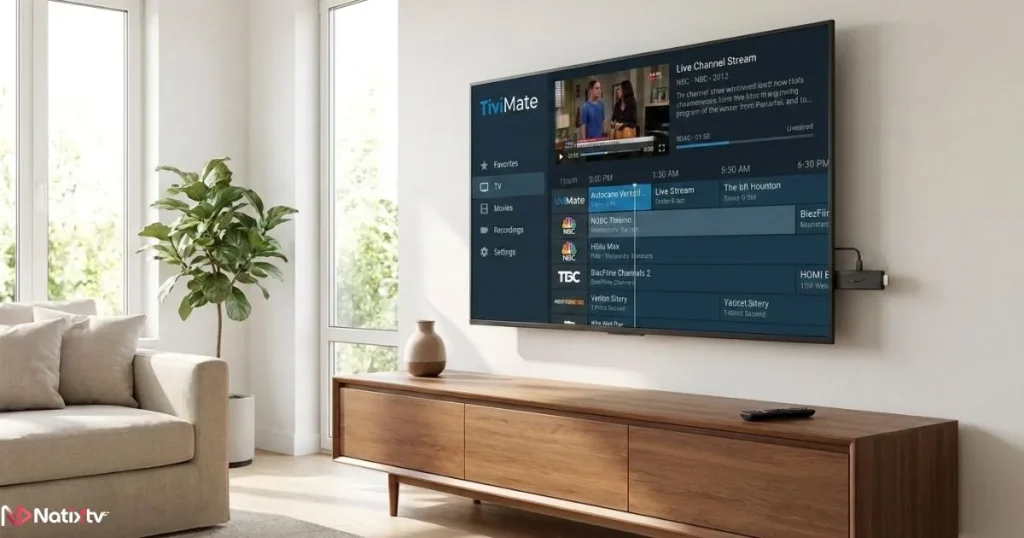
TiviMate is one of the most respected IPTV players available for Android TV and Fire TV devices. It supports M3U playlists, Electronic Program Guides (EPG), multi-screen viewing, and a polished interface that rivals any native app. Because it is not available in all regional versions of the Amazon App Store, many users install it through sideloading – and that is exactly where the Downloader app code comes in.
The Downloader app, developed by AFTVnews, is a trusted sideloading tool with over 10 million installs. When you open it and enter a short numeric code, the app resolves that code into a full URL and fetches whatever file lives at that address. In TiviMate’s case, that file is the APK installer.
Here is the critical detail: the TiviMate Downloader code is essentially a URL shortcut. It points to a file. If that file is legitimate and up to date, your install will go smoothly. If the code has been recycled, expired, or replaced by a malicious actor, the file at the other end may be something very different from what you expected. The code itself is just a number – its danger or safety comes entirely from where it leads.
How the Downloader App Code System Works
The process is straightforward on the surface:
- Open the Downloader app on your Fire TV Stick or Android TV device.
- Enter the numeric TiviMate Downloader code in the URL field.
- The app resolves the code to a full web address (you can preview this before downloading).
- The APK file downloads and prompts you to install.
The codes are managed through the AFTVnews shortlink system. They can expire when a new version of TiviMate is released, or they can be reassigned entirely. A code that worked perfectly six months ago may now resolve to a completely different file – or nothing at all. This is why verification is not optional. It is the most important step in the entire process.
Official Codes vs. Unofficial Codes – A Critical Distinction
Not all codes circulating online are created equal. Official codes come directly from TiviMate’s developer or from AFTVnews, which maintains a curated and regularly updated shortlink database. Unofficial codes – shared on Reddit, Telegram, Discord, or YouTube comment sections – may point to modified APKs with injected adware, credential-harvesting software, or worse.
The visual difference between a legitimate TiviMate install and a tampered one is often zero. That is what makes this risk so serious. You only discover the problem after the damage is done.
Where to Find the Latest TiviMate Downloader Code Safely
The answer here is short and non-negotiable: use only sources you can verify with confidence. The latest TiviMate Downloader code should always come from one of the following trusted origins.
| Source | Trust Level | Notes |
|---|---|---|
| AFTVnews.com | High | Official publisher of Downloader app codes |
| TiviMate official website | High | Best starting point for any install |
| Google Play Store listing | High | Direct APK info when region allows |
| Reddit threads (dated) | Medium | Only trust posts confirmed within 30 days |
| YouTube tutorials | Medium | Check upload date carefully before following |
| Random blog posts | Low | Often SEO bait with no date or accountability |
| Telegram groups | Low | High risk of modified or outdated APKs |
Search engines are a particular risk here. Attackers use SEO techniques to rank fake TiviMate download pages above legitimate results. Instead of clicking search results, navigate directly to known URLs like aftvnews.com or the official TiviMate site by typing the address manually.
How to Check Whether a Code Is Still Current
Before you commit to downloading anything, take 30 seconds to preview where the code leads. When you enter a numeric code in the Downloader app, it shows you the resolved URL before the download begins. Check that URL carefully:
- Does it begin with HTTPS?
- Does the domain match a recognizable and trusted host?
- Does the filename reference TiviMate and include a version number?
You can also cross-reference the code against recent community posts on AFTVnews or the TiviMate subreddit – but only if those posts are recent (within the last 30 days). An older confirmation means nothing if the code was recycled since then.
Red Flags That Signal a Fake or Dangerous Code
- The resolved URL uses HTTP instead of HTTPS.
- The domain name looks unusual or loosely resembles “tivimate” without being official.
- The expected file size is significantly different from the known APK size.
- There is no version number visible in the filename or URL.
- The source page has no publication date, no author, and no contact information.
If any of these apply, stop. Do not proceed. Go back to a verified source and start the search again. The few minutes this takes are nothing compared to the time spent recovering a compromised device.
How to Verify a TiviMate APK Before Installing
Even when you find a TiviMate Downloader code from what appears to be a trusted source, verifying the APK itself before installing is the next layer of protection. This is where TiviMate code verification goes from a concept to a concrete action.
Checking the APK Hash Using SHA-256
Every legitimate file has a unique cryptographic fingerprint called a hash. If a single byte of the file has been altered – by an attacker injecting malware, for example – the hash changes completely. The TiviMate developer publishes the expected SHA-256 hash alongside official releases on GitHub and the official site. Here is how to use it:
- Download the APK using the Downloader app code from your verified source.
- Transfer the file to a PC or use a file manager app (such as ES File Explorer) on your device.
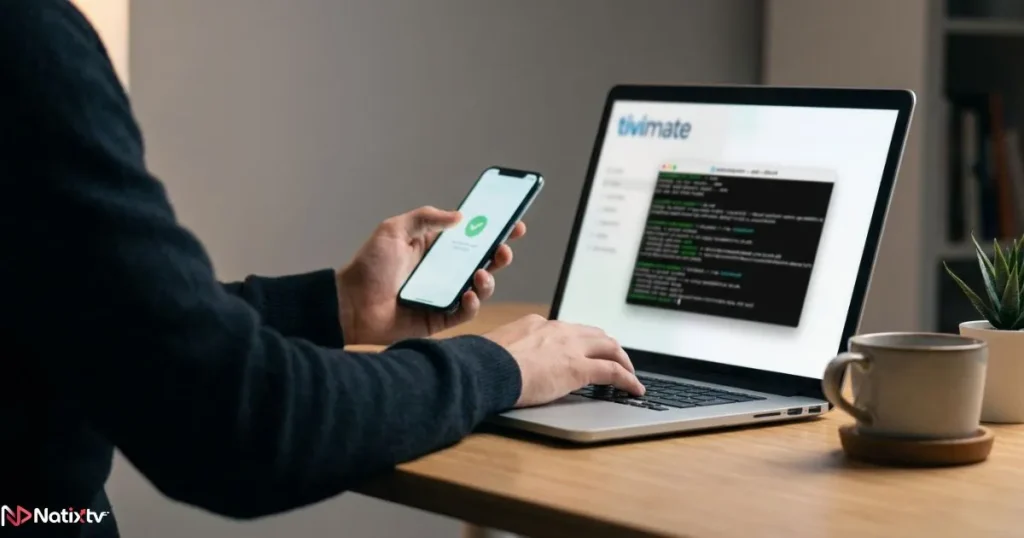
- Generate the SHA-256 hash of the downloaded file using a tool like CertUtil (Windows) or sha256sum (Linux/Mac).
- Compare your result character by character against the hash published by the developer.
- If they match exactly, the file is authentic. If they differ at all, delete the file immediately.
This step takes about two minutes and provides near-absolute certainty that your file is legitimate. It is the gold standard of APK verification.
Using VirusTotal to Scan the APK File
VirusTotal, maintained by Google, allows you to upload any file and run it against over 70 antivirus engines simultaneously. It is free, fast, and requires no technical expertise. Simply go to virustotal.com, upload the APK you downloaded, and wait for the results.
A clean file will show zero or near-zero detections. If multiple engines flag the file – especially with terms like “Trojan,” “Adware,” or “Spyware” – discard it and look for a fresh, verified source.
Note: Fire TV devices do not have a native browser for direct VirusTotal scanning. The workaround is to download the APK to a PC first, scan it there, and then transfer the verified file to your device via a local server or USB method.
Reviewing App Permissions After Installation
Even after a clean install, it is worth checking what permissions TiviMate is requesting. A legitimate version of TiviMate needs access to the internet and storage – nothing more. The following permissions should never appear in a legitimate install:
- Access to contacts or call logs
- Permission to send or read SMS messages
- Device administrator privileges
- Access to the microphone without a clear feature reason
If you spot any of these, you are likely dealing with a tampered APK. Uninstall immediately and run through the verification process again from the beginning. If you are still deciding which app to use for your streams, reviewing the top-rated IPTV players available in 2026 will help you choose a reliable option that works well with your subscription – a compromised device puts your credentials at risk too.
Keeping TiviMate Updated Safely
Updates are not a one-time concern. Every time TiviMate releases a new version, you go through the same process again – and every update cycle is a fresh opportunity for a bad actor to serve you a malicious file under the cover of a legitimate update. The TiviMate updates process demands the same vigilance as the original install.
How TiviMate Manages Updates
TiviMate offers a Companion app (available on Google Play) that can notify you of updates. However, even with the Companion app installed, you still need to sideload the updated APK using the TiviMate Downloader code method if your device does not support direct Play Store installation. The code for each new version may differ from the previous one – always re-fetch it from official sources rather than reusing an old code.
You can track new releases through the official TiviMate GitHub page, the developer’s Telegram channel, or AFTVnews, all of which publish changelogs alongside new version announcements.
Safe Update Checklist
Follow this sequence every time you update TiviMate to keep your setup protected:
- Confirm the new version on AFTVnews or the TiviMate official source.
- Note the exact version number and expected APK file size.
- Retrieve the fresh Downloader app code from that same official source.
- Preview the resolved URL in the Downloader app before accepting the download.
- Verify the APK hash against the developer’s published value.
- Optionally run a VirusTotal scan for additional confidence.
- Test the new install before uninstalling the old version.
What Happens When You Skip Verification During an Update
Skipping verification during an update is where many experienced users get caught off guard. Because they already trust TiviMate, they assume the update is safe. Attackers know this and time fake “update” campaigns to coincide with legitimate version releases.
The consequences can include losing your entire M3U playlist configuration, exposing login credentials stored in the Companion app, or installing persistent adware that survives a simple uninstall. None of these outcomes are recoverable in five minutes. Taking two minutes to verify is always the better trade.
Common Risks and Scams Around TiviMate Downloader Codes
Understanding the threat landscape helps you recognize danger before it reaches your device. These are the most common attack vectors targeting users who search for a TiviMate Downloader code online.
Malware and Adware Hidden in Modified APKs
The most prevalent risk is a near-identical fake version of TiviMate with malicious code injected before packaging. From the outside, the app looks and behaves almost exactly like the real thing. The signs only appear over time: unusual battery drain, mobile data spikes, aggressive pop-up ads, or sluggish performance that was not there before.
Some modified APKs are designed specifically to harvest credentials – including the M3U playlist URL for your IPTV subscription, which may contain a username and password embedded in the link.
Phishing Sites Designed to Look Like Official Download Pages
Attackers build convincing fake websites that mimic the look and feel of TiviMate’s official presence. They register domain names like “tivimate-download.com” or “get-tivimate.net” and sometimes manage to rank them highly in search results through aggressive SEO manipulation.
Always check the domain carefully. The official TiviMate website has a consistent, well-documented URL. If anything about the address looks off – extra hyphens, unfamiliar extensions, missing HTTPS – close the tab and go directly to AFTVnews or the Play Store listing instead.
Outdated Codes That No Longer Resolve Safely
This risk is more subtle but equally real. A safe Downloader code that you used successfully last year may now resolve to a completely different file. The AFTVnews shortlink system does recycle codes, and abandoned URLs can be registered by third parties who then host whatever content they choose. Never assume that a code which worked before is still safe. Always re-verify each time you use it.
Pairing a Verified TiviMate Install with a Trusted IPTV Provider
Once your TiviMate installation is verified, tested, and running cleanly, the next step is connecting it to a quality IPTV service. The best player in the world delivers nothing without a reliable stream behind it. Choosing the right provider is just as important as getting your app setup right. If budget is a factor, it is worth knowing that affordable IPTV providers can still offer premium-quality streams – you do not have to overpay to get a stable, well-organized service that works seamlessly with TiviMate.

Natixtv offers IPTV subscriptions fully compatible with TiviMate across a wide range of devices – Fire TV Stick, Android TV, Nvidia Shield, MAG boxes, and more. Before you commit, you can test the service completely free with a 24 to 48-hour trial period. To get started, simply buy iptv subscription through Natixtv and pair it with your newly verified TiviMate setup.
What to Look for in an IPTV Service Compatible with TiviMate
- M3U playlist support: TiviMate works exclusively with M3U-format streams. Confirm your provider delivers this.
- EPG availability: A good Electronic Program Guide transforms your experience from a stream list into a real TV guide.
- Device compatibility: Check that your specific device is supported before purchasing.
- Trial period: Any reputable provider offers a free or low-cost trial. This protects you from paying for a service you cannot verify.
- Customer support: Responsive support indicates a legitimate, accountable operation.
Frequently Asked Questions
What is the TiviMate Downloader code and where should I find it?
The TiviMate Downloader code is a short numeric code you enter into the Downloader app on your Fire TV or Android TV device. It resolves to a URL and triggers the APK download. You should only retrieve this code from AFTVnews.com or the official TiviMate website. Any other source carries meaningful risk.
How do I know if a TiviMate Downloader code is still valid?
Enter the code in the Downloader app and preview the resolved URL before accepting the download. Cross-reference that URL against the official source, and check that community confirmations are dated within the past 30 days. Old confirmations are unreliable because codes can be recycled or expire.
Can a wrong TiviMate Downloader code actually damage my device?
Yes. A bad code can resolve to a malicious APK that installs malware, injects adware, or harvests data from your device. In serious cases, it can expose your IPTV subscription credentials. This is why verifying the TiviMate Downloader code before downloading is not a precaution – it is a necessity.
What is the safest way to verify a TiviMate APK before installing?
Run a SHA-256 hash check against the developer’s published value. If you prefer a simpler method, upload the APK to VirusTotal.com and check the scan results before proceeding. Combining both methods gives you the highest level of assurance that the file is legitimate.
Does the TiviMate Downloader code change with every update?
It can. The code may be updated with each new version release, and using an old code can point to an outdated or even reassigned file. Always retrieve the latest TiviMate Downloader code from an official source each time you update – never reuse a code from memory.
Is sideloading TiviMate using the Downloader app inherently risky?
Not inherently. Sideloading is a standard, widely used practice for installing apps outside the official store. The risk does not come from sideloading itself – it comes from the source of the code and the APK it fetches. Follow the verification steps in this guide and you can sideload safely and confidently.
Conclusion: Verify First, Stream with Confidence
The TiviMate Downloader code is a small number with a big responsibility. It points your device toward a file, and that file becomes part of your daily streaming experience. Getting it right is not complicated – but it does require a few deliberate steps that most people skip.
Always source your TiviMate Downloader code from AFTVnews or the official TiviMate site. Always preview the resolved URL before downloading. Always verify the APK hash or run a VirusTotal scan before installing. And every time you update TiviMate, repeat the same process from scratch – because previous safety is no guarantee of present safety.
With your app verified and your setup secure, the only thing left is a stream worth watching. Natixtv delivers exactly that: reliable IPTV subscriptions compatible with TiviMate on all your devices, backed by a free 24 to 48-hour trial with no commitment. Buy iptv subscription through Natixtv and experience what a clean, properly configured TiviMate setup was always meant to deliver.