Picture this: you have just unboxed your Roku, the remote fits perfectly in your hand, and you are ready to settle in for the evening. You want your favorite channels, your sports and the shows you grew up with, all in one place. You even picked the best iptv provider you could find, so the hard part should be over.
Then you open the store, type a few searches, and nothing looks like what you saw on your phone. That small moment of frustration is more common than you might think. Many people assume iptv and roku work together as easily as any other pair of streaming tools, then discover the reality has a few twists.
This guide clears the fog. You will learn which apps and setup methods are reliable, where the platform draws its limits, and how to test everything before you commit. By the end, your evenings will be about watching, not troubleshooting.
Table of Contents
Understanding How iptv and roku Fit Together
What IPTV Actually Is
IPTV delivers live television and on-demand content over your internet connection instead of a cable or satellite line. Two pieces make it work: the service, which supplies the channels and the playlist or login details, and the player, which is the app that displays everything on your screen.
Understanding that split is the key to everything that follows. Your provider controls the content and the quality of the servers. Roku only gives you control over the player side, and that is where most of the confusion begins.
What Makes the Roku Streaming Platform Different
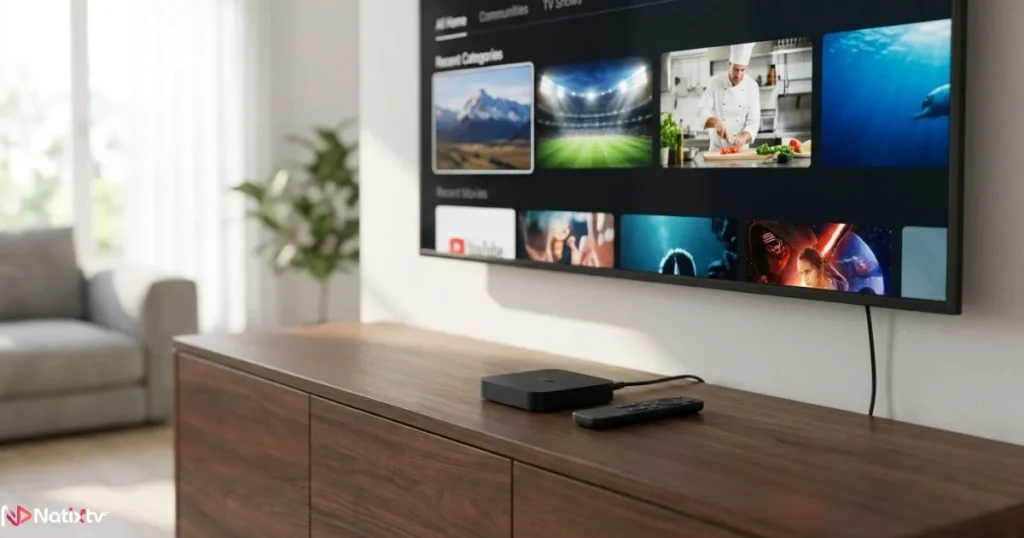
The Roku streaming platform is a closed ecosystem built around its Channel Store. Its hardware is light, its interface is simple, and its approach to outside software is strict. Unlike an Android box, a Roku does not let you install APK files directly. That single design choice explains why iptv and roku require a slightly different approach than other devices.
- No Android system, so no direct APK installation
- Apps come from the official Channel Store or from private channels
- A very simple interface that is easy to learn but less flexible than open platforms
Is IPTV Compatibility With Roku Really Possible?
The Short Answer
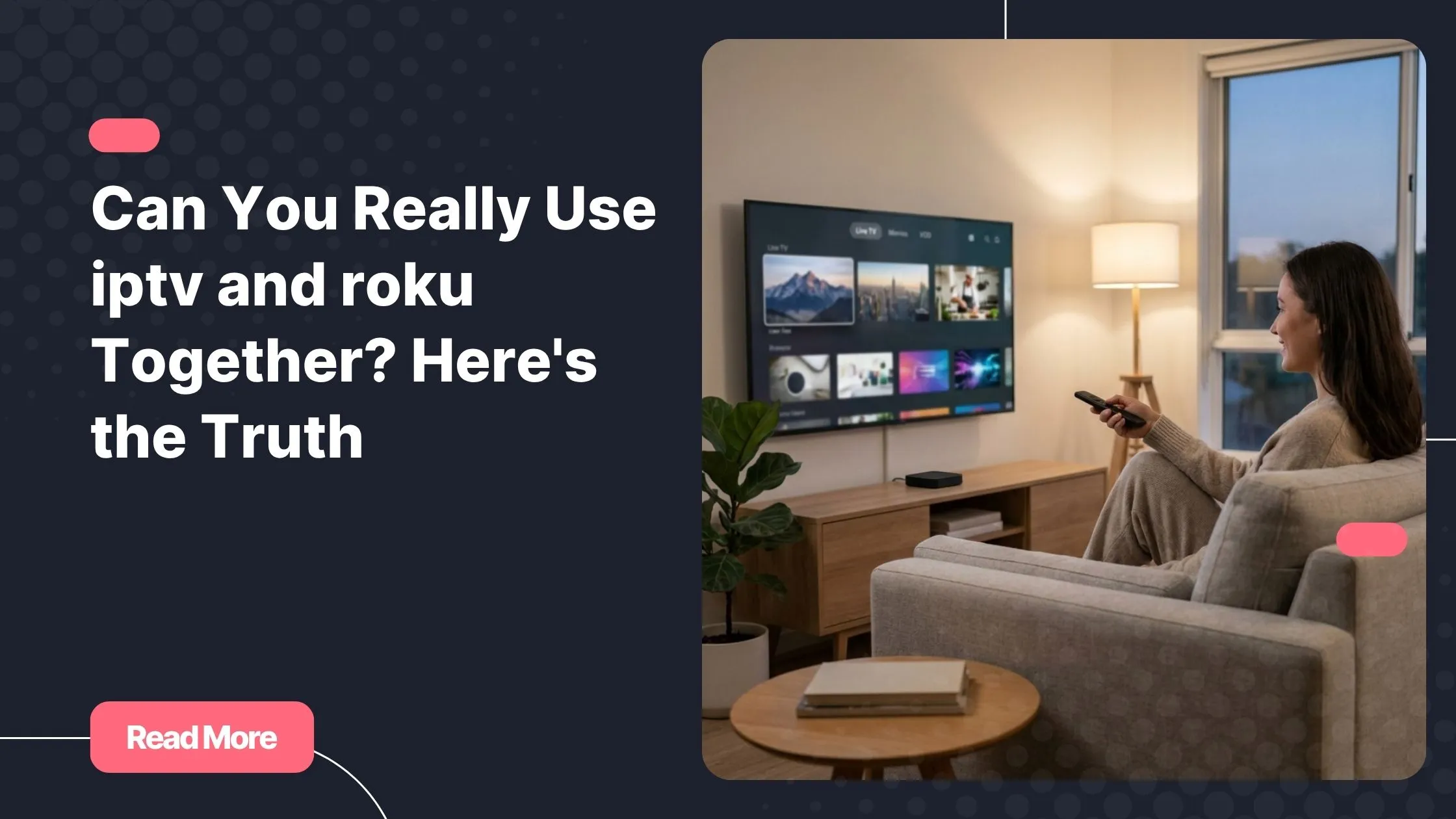
Yes, but indirectly and with conditions. There are two main paths: a player app from the Channel Store, or screen mirroring and casting from another device. Each path has strengths, and the right one depends on your patience, your network and the devices you already own. When people ask about iptv and roku, this is the answer that matters most.
Compatibility by Roku Device Type
Almost every modern Roku can handle streaming IPTV on Roku, though some models feel smoother than others. Here is a quick overview:
| Roku Model | Streaming Ability | Mirroring Support | Best For |
|---|---|---|---|
| Roku Express | Basic HD | Yes, varies by OS version | Casual viewing |
| Roku Streaming Stick | HD and 4K | Yes | Portable setups |
| Roku Ultra | 4K, HDR and Ethernet port | Yes | Heavy users who want stability |
| Roku TV | Built into the screen | Yes | All-in-one setups |
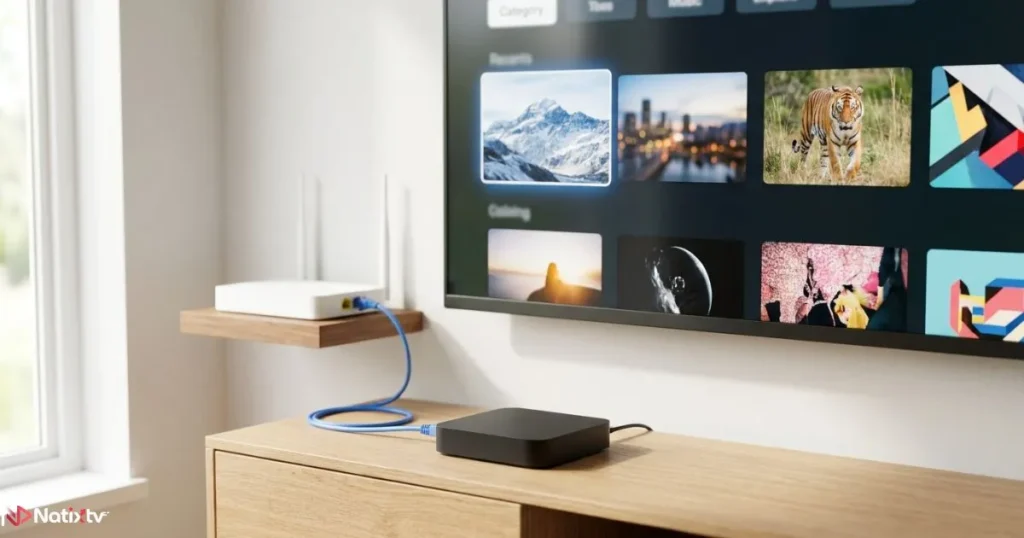
Specifications change with each release, so check your model’s details on Roku’s official pages before you buy. If your router sits far from the TV, an Ethernet-capable model such as the Ultra makes a real difference to stability, especially during live sports.
Roku IPTV Apps: What You Can Expect
Apps Available Through the Channel Store
Some player-style apps in the Channel Store can load a playlist or a provider portal. Availability changes over time, so what you see today may differ next month. Always search the store directly instead of relying on old lists you find online. Once you find a compatible app, iptv and roku pair up far more smoothly.
Private Channels and Their Risks
Roku also supports private channels that you add with a code. They can be handy, but they are not reviewed like official listings, and they may disappear or stop working without warning. Stick to trusted sources, and never enter personal details you would not share anywhere else.
How to Choose a Reliable App
Not every Roku IPTV app deserves a place on your home screen. Look for these qualities:
- Regular updates that keep the app compatible with new Roku software
- Support for playlists, portals or login-based access, depending on your provider
- Program guide (EPG) compatibility so you can browse channels easily
- Positive, recent user reviews that mention stability
Your provider matters just as much as your app. If you are still comparing options, read about the criteria US subscribers weigh before choosing a plan so your decision rests on real priorities instead of marketing promises.
Roku IPTV Setup Methods Step by Step
A smooth setup starts with a dependable service, which is why so many viewers begin with the best iptv provider before they even open the Roku store. Below are the three most common methods, from the simplest to the most flexible.
Method 1: Install an IPTV Player App
- Add a compatible player from the Channel Store.
- Open the app and choose how to load your content: playlist URL, portal or login.
- Enter the details supplied by your provider.
- Load the program guide (EPG) if the app supports it.
- Restart the app and confirm that your channels appear.
If your provider uses Xtream credentials, this guide to what each Xtream login field does will help you avoid the typos that cause most first-time errors. Keep in mind that a single misplaced character is enough to stop iptv and roku from connecting.
Method 2: Screen Mirroring From Android or Windows
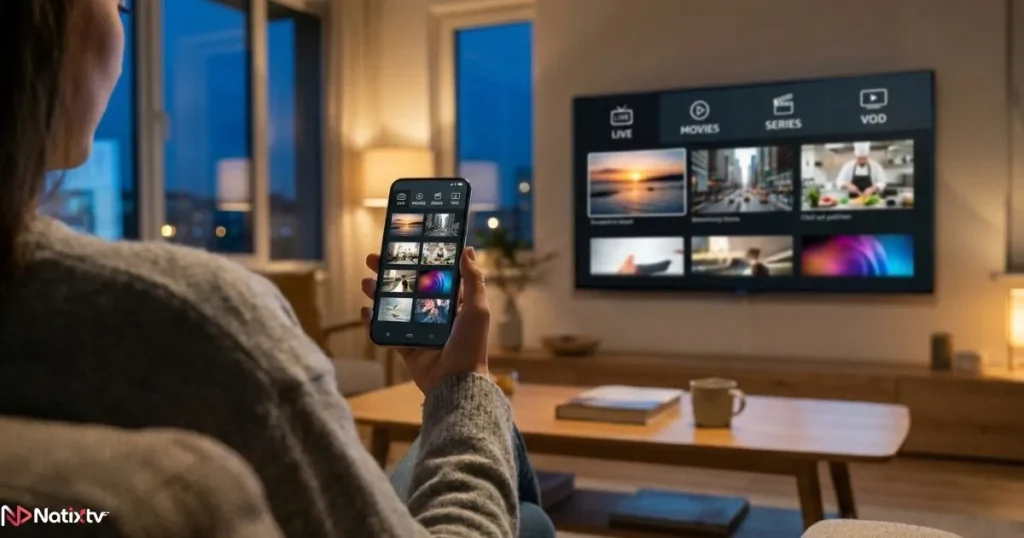
Enable screen mirroring in your Roku settings, then mirror from your phone or PC. This lets you use any IPTV app you like, including ones that never appear in the Channel Store. The trade-off is that your second device must stay on and connected, and your Wi-Fi quality directly affects the picture. For occasional viewing, it is a practical workaround for iptv and roku.
Method 3: Casting From a Compatible App
Some apps support casting straight to your Roku. When it works, it feels seamless: you tap a button on your phone and the content appears on your TV. Support depends on the app and on your provider, so treat casting as a bonus rather than a guarantee.
Quick Troubleshooting Checklist
- Buffering: restart your router, move closer to it, or switch to Ethernet
- Black screen: close and reopen the app, then re-enter your playlist details
- Missing channels: refresh the playlist and confirm that your subscription is active
- Guide not loading: reload the EPG and check your time zone settings
Here is how the three methods compare side by side:
| Method | Difficulty | Stability | Picture Quality | Second Device Needed |
|---|---|---|---|---|
| Player app | Easy | High | High | No |
| Screen mirroring | Medium | Medium | Medium to high | Yes |
| Casting | Medium | Medium | High | Yes |
For most viewers, installing a player app remains the best long-term option for iptv and roku, because it frees your phone and keeps the experience simple for everyone at home.
Platform Limitations You Should Know Before Streaming IPTV on Roku
Technical Limits
- No native APK support
- Restricted codec or format handling on some models
- Fewer advanced player features than you would find on Android boxes
These limits do not make Roku a poor choice. They simply mean you should set realistic expectations. Knowing them upfront is the difference between a smooth night and a frustrating one when you use iptv and roku.
Performance Factors
Speed and stability depend on your connection more than on the device itself. As a general guide, plan for around 10 Mbps for HD and 25 Mbps for 4K per stream, and remember that every other device in your home shares the same bandwidth. Router placement matters too: a clear line of sight often beats a strong signal passing through two walls.
If you ever need to update your software or reset your device, Roku’s official support center offers clear and reliable guidance.
Roku Compared With Other Devices
| Device | Sideloading | IPTV App Choice | Ease of Use | Flexibility |
|---|---|---|---|---|
| Roku | No | Limited | Very easy | Low |
| Android TV box | Yes | Wide | Medium | High |
| Fire Stick | Yes | Wide | Easy | High |
| Smart TV | Varies | Varies | Easy | Medium |
If flexibility matters most to you, an Android-based device may suit you better. If simplicity wins, Roku is hard to beat.
Tips for the Best Streaming IPTV on Roku Experience
A few small habits can transform your daily viewing:
- Use an Ethernet connection whenever your model supports it
- Keep your Roku software up to date
- Restart your device and router from time to time to clear temporary glitches
- Choose a provider with stable servers and responsive technical support
- Test before you commit: Natixtv offers a free trial of 24 to 48 hours, so you can check performance on your own Roku setup
Follow these habits and iptv and roku will run like a well-tuned system, ready every time you press the power button.
Frequently Asked Questions
Does iptv and roku work without a computer or phone?
Yes, as long as a compatible player app is available in the Channel Store. In that case, you set everything up directly on your Roku with your remote and never need a second device.
What is the best way to use iptv and roku together?
For most people, installing a player app is the most stable and convenient option. Screen mirroring and casting are useful alternatives when you want to use an app that is not available on Roku.
Can I install IPTV apps on Roku like on Android?
No. Roku does not support native APK installation. You can only add apps through the Channel Store or private channels, or use mirroring and casting from another device.
Why is my IPTV buffering on Roku?
The cause is usually your network, the app or the provider’s servers. Test your internet speed, try an Ethernet connection, restart your router, and confirm that your subscription is running on stable servers.
Do I need a specific Roku model?
Any modern Roku can work, but performance varies. Higher-end models such as the Ultra offer better processing power and Ethernet support, which helps with 4K and live sports.
Can I test an IPTV subscription on Roku before paying?
Yes. Natixtv offers a free trial of 24 to 48 hours, which gives you enough time to check channel quality, stability and ease of use on your own device.
Conclusion: Your Roku Is Ready When You Are
The truth about iptv and roku is simple: they can work beautifully together once you choose the right method. Roku’s closed design is the main limitation, and a good player app or a reliable mirroring setup is the best way around it.
Start small, test carefully, and only then commit. A stable connection, an up-to-date device and a trustworthy service are the three pillars of a great viewing experience. Your remote, your couch and your favorite channels are already waiting.
Ready to see it on your own screen? Choose the best iptv provider and start your free trial of 24 to 48 hours with Natixtv, an IPTV subscription compatible with many devices, including your Roku.