You know that feeling when you’ve paid for a streaming service, set everything up, and then — nothing works the way you expected? Buffering every few minutes, channels that won’t load, a confusing interface that makes you want to give up before you even started. It’s one of the most frustrating experiences for anyone who just wants to sit back and watch great content. If you’re considering IPTV and you’ve heard about the IPTV Sleek trial, you’re already making the smarter choice. Testing before committing is simply the right move — and this guide exists to make sure you don’t waste a single minute of that free access. Whether you’re a first-timer or switching from another service, iptv in usa with NatixTV gives you a reliable, risk-free way to explore what IPTV can really do.
The Sleek app has earned a strong reputation among IPTV users for its clean interface, smooth playback, and wide device compatibility. But even the best app needs to be set up correctly to shine. That’s why we’re walking you through every step — from downloading the app to fine-tuning settings on your specific device — so your IPTV Sleek trial feels effortless from the very first stream.
This complete guide covers setup, optimization, troubleshooting, and device-specific tips. By the end, you’ll know exactly how to get crystal-clear streams on your TV, phone, Firestick, or computer — and you’ll be ready to decide if a full NatixTV subscription is right for you.
Table of Contents
What Is the IPTV Sleek Trial and Why Does It Matter?
Before diving into the technical steps, it helps to understand what you’re actually testing. The IPTV Sleek trial refers to a free access period that lets you use a full IPTV subscription through the Sleek app — without paying anything upfront. Think of it as a test drive for your streaming experience.
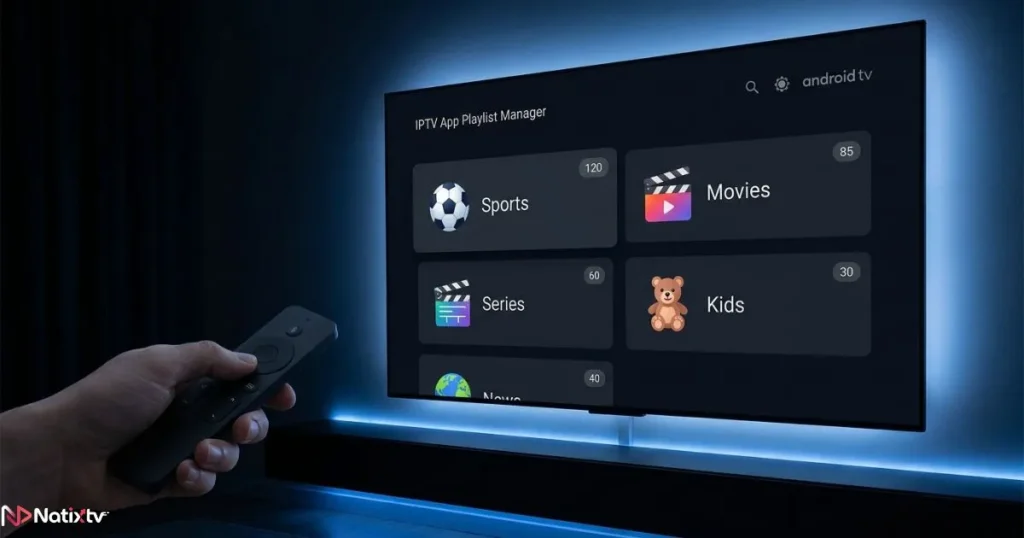
Sleek is a premium IPTV player available on Android, Android TV, Amazon Firestick, iOS, and more. When paired with a quality IPTV provider like NatixTV, it delivers live channels, VOD content, and an Electronic Programme Guide (EPG) in one polished interface. The IPTV Sleek trial from NatixTV lasts between 24 and 48 hours — enough time to thoroughly evaluate picture quality, server stability, and channel variety across your preferred devices.
No credit card is required. No long-term commitment. Just real access to a real service so you can make an informed decision. That’s what makes the sleek iptv trial worth your time.
Setting Up the Sleek IPTV App: Step-by-Step
Getting started with your IPTV Sleek trial is straightforward once you know where to look. Here’s how to go from zero to streaming in under ten minutes.
Step 1 – Download and Install the Sleek App
Depending on your device, you’ll install the Sleek app differently:
- Android / Android TV: Search “Sleek” on the Google Play Store and install directly.
- Amazon Firestick: Use the “Downloader” app to sideload the Sleek APK. You’ll need to enable “Unknown Sources” in your Firestick settings first (Settings > My Fire TV > Developer Options).
- iPhone / iPad: Search for Sleek on the App Store. Availability may vary by region.
- PC / Mac: Use an Android emulator like BlueStacks to run the app on desktop.
Step 2 – Enter Your NatixTV Trial Credentials
Once you’ve requested your free IPTV Sleek trial from NatixTV, you’ll receive your credentials by email. These come in one of two formats: an M3U playlist URL or Xtream Codes login (username, password, and server URL).
To add your playlist in Sleek:
- Open the Sleek app and tap “Add Playlist.”
- Choose either “M3U URL” or “Xtream Codes” depending on what NatixTV sent you.
- Paste your credentials carefully — avoid spaces before or after the URL.
- Tap “Add” and wait for the channel list to load.
A common mistake is manually typing the URL instead of copy-pasting it. Even one wrong character will prevent the playlist from loading, so always paste directly from your email.
Step 3 – Configure Your EPG
The Electronic Programme Guide transforms Sleek from a simple player into a full TV experience. NatixTV provides an EPG URL along with your trial credentials. To enable it:
- Go to Sleek Settings > EPG Settings.
- Paste your EPG URL in the designated field.
- Force a refresh and wait a few seconds for the guide to populate.
Once set up, you can browse schedules, filter channels by genre, and even set reminders — all features that make your free iptv sleek test feel like a premium service from day one.
Optimizing Your IPTV Sleek Trial Across Multiple Devices
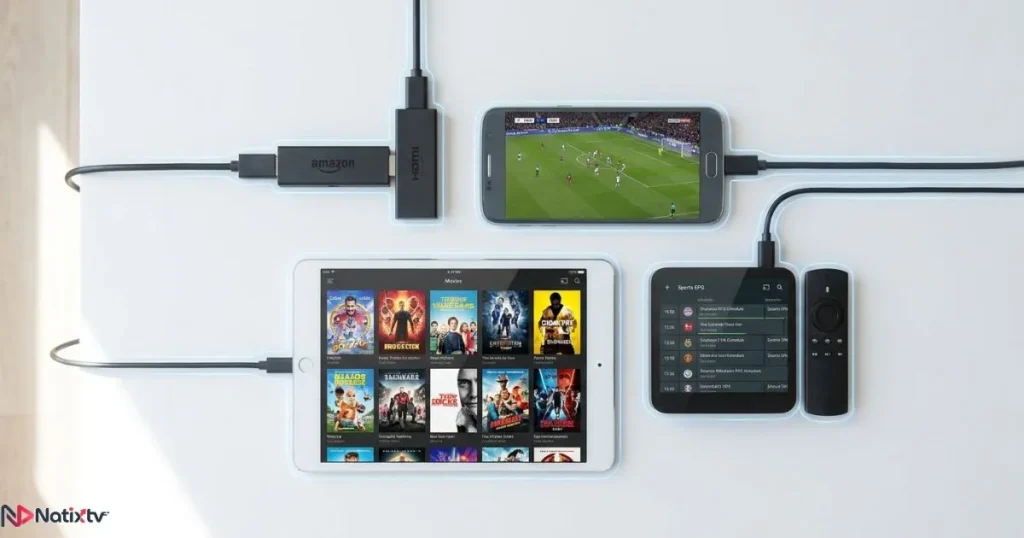
One of the biggest advantages of Sleek is its flexibility. Your IPTV Sleek trial lets you test it on the devices you actually use — and each one benefits from slightly different settings. This is where iptv trial multi device testing really pays off: you’ll quickly discover which setup delivers the best experience for your lifestyle.
Android TV Box and Smart TV
For the best living room experience, an Android TV box or compatible Smart TV is hard to beat. Set Sleek’s stream quality to “Auto” initially, then lock it to 1080p once you’ve confirmed your internet is stable. Enable hardware acceleration in the app’s advanced settings for smoother 4K playback, and use a wired Ethernet connection whenever possible to eliminate Wi-Fi interference.
Amazon Firestick
The Firestick is one of the most popular devices for IPTV — affordable, portable, and powerful enough for HD streaming. For the best sleek iptv setup on Firestick, clear the app cache regularly (Settings > Applications > Manage Installed Applications > Sleek > Clear Cache), and close all background apps before launching a stream. If you’re using a Firestick Lite, stick to 1080p rather than 4K to avoid overloading the processor.
Android and iPhone
Mobile testing is ideal for evaluating how NatixTV performs on the go. In Sleek’s mobile settings, switch to adaptive bitrate streaming so the app automatically adjusts quality based on your connection. On mobile data, this prevents excessive buffering without sacrificing too much quality. Keep your screen brightness moderate to extend battery life during longer test sessions.
PC and Mac
Running Sleek through BlueStacks on a computer is a solid option for testing purposes, but expect slightly lower performance compared to native devices. It’s best used to verify credentials and channel availability rather than as your primary viewing setup.
Device Compatibility at a Glance
| Device | Setup Difficulty | Performance | Best Use Case |
|---|---|---|---|
| Android TV Box | Easy | Excellent | Home theater viewing |
| Amazon Firestick 4K | Medium | Very Good | Portable HD setup |
| Smart TV (native app) | Easy | Good | Plug-and-play simplicity |
| Android Smartphone | Easy | Good | Streaming on the go |
| iPhone / iPad | Medium | Good | Apple ecosystem users |
| PC / Mac (emulator) | Hard | Average | Credential testing only |
Getting the Best Picture and Sound Quality
Your IPTV Sleek trial is only as good as your internet connection and app settings. Here’s what you need to know to maximize quality during your free access window.
Recommended Internet Speeds
- Standard Definition (SD): 5 Mbps minimum
- High Definition (HD): 10 to 15 Mbps
- 4K Ultra HD: 25 Mbps or more
If you’re experiencing buffering despite a fast connection, the issue is often DNS-related rather than bandwidth. Try switching to a public DNS like Google (8.8.8.8) or Cloudflare (1.1.1.1) — many users report immediate improvement. You can also find detailed guidance on choosing the right streaming service for your setup to better understand what to look for before subscribing.
Also, disable any active VPN during your trial. VPNs add latency and can cause streams to drop or fail authentication. If you normally use a VPN for privacy, pause it just for streaming and re-enable it afterward.
In-App Settings for Smoother Playback
- Enable hardware decoding in Sleek’s player settings for better performance on low-power devices.
- Set the buffer size to “Medium” as a baseline — increase it only if you’re on a slower connection.
- Use the HLS stream format for Smart TVs and iOS devices; MPEG-TS tends to perform better on Android and Firestick.
For more options on apps that work well with these settings, check out this useful overview of top IPTV apps for streaming to compare players side by side. According to Ookla’s Global Internet Speed Index, average broadband speeds in the US now exceed 200 Mbps — more than enough for flawless 4K IPTV if your home network is properly configured.
Troubleshooting Your IPTV Sleek Trial
Even with a great provider and a well-configured app, issues can occasionally pop up. Here’s how to handle the most common ones quickly so you don’t lose valuable trial time.
Streams Not Loading
Double-check your M3U URL or Xtream credentials. Delete the current playlist in Sleek and re-add it from scratch. Make sure your trial hasn’t expired — NatixTV’s IPTV Sleek trial lasts 24 to 48 hours from activation.
EPG Not Showing
Go to Sleek Settings > EPG and force a manual refresh. If the guide still doesn’t appear, verify that the EPG URL provided by NatixTV is pasted correctly without extra spaces.
App Crashing or Freezing
Clear the Sleek cache on your device, restart the app, and if the problem persists, uninstall and reinstall. On Firestick, also restart the device itself — a quick reboot solves most performance issues.
Buffering on a Fast Connection
Switch your DNS, turn off your VPN, and try a wired connection. If you’re on Wi-Fi, move closer to your router or switch to the 5GHz band for a stronger signal.
Why Choose NatixTV for Your IPTV Sleek Trial?
Not all IPTV providers offer a genuine, no-strings-attached trial. NatixTV stands out by giving you a real IPTV Sleek trial of 24 to 48 hours — full access, no credit card, no automatic billing. You get to experience the actual service, not a stripped-down demo. For users exploring iptv in usa, NatixTV delivers thousands of live channels across sports, news, entertainment, and international programming, all accessible through the Sleek app on your preferred device.
Here’s what makes NatixTV’s offer stand apart:
- Free trial delivered quickly after your request — no waiting days for activation.
- Support for multiple simultaneous connections during the trial period.
- Stable, low-latency servers optimized for HD and 4K streaming.
- Full EPG included with the trial, not just a channel list.
- Friendly customer support available if you run into any issues.
- Seamless upgrade path to a full subscription when you’re ready.
The sleek iptv app guide you’re following right now is designed specifically around NatixTV’s setup — so every step you’ve read applies directly to your trial experience.
Frequently Asked Questions
What exactly is an IPTV Sleek trial and how does it work?
An IPTV Sleek trial is a limited free access period that lets you stream live channels and VOD content through the Sleek app using real IPTV credentials. With NatixTV, the trial lasts 24 to 48 hours and gives you full access to the service — no payment required upfront.
How do I request a free IPTV Sleek trial from NatixTV?
Visit the NatixTV website and fill out the trial request form. You’ll receive your M3U URL or Xtream Codes login by email shortly after submitting your request. From there, follow the setup steps in this guide to start streaming immediately.
Can I use my IPTV Sleek trial on more than one device at the same time?
Yes. NatixTV supports multi-connection access during the trial, which means you can test the service on your TV and your smartphone simultaneously. This makes it easy to evaluate the IPTV Sleek trial across all the devices you plan to use regularly.
What should I do if my streams are buffering during the trial?
Start by switching your DNS to 8.8.8.8 (Google) or 1.1.1.1 (Cloudflare), disabling any active VPN, and connecting your device via Ethernet instead of Wi-Fi. Also check your internet speed — HD streaming requires at least 10 Mbps. If the problem continues, contact NatixTV support directly.
Is the Sleek IPTV app free to download?
Yes, the Sleek app itself is free to download on Android, Android TV, Firestick, and iOS. You only need a valid IPTV subscription or trial credentials — like those from NatixTV — to access live channels and content.
What happens when my IPTV Sleek trial expires?
Once your 24 to 48-hour trial ends, your streams will stop working. You can then choose a NatixTV subscription plan that fits your needs. There’s no automatic billing — upgrading is always your choice.
Conclusion
Testing before you subscribe is the smartest thing you can do in the IPTV space. The IPTV Sleek trial gives you real, hands-on access to a premium streaming experience — and with this guide, you now have everything you need to set it up correctly, optimize it for your devices, and troubleshoot anything that comes up along the way. From your living room TV to your phone, the Sleek app handles it all beautifully when configured right.
NatixTV makes the process as easy as possible: fast trial activation,

full EPG access, stable servers, and a support team ready to help. If you’re serious about finding a reliable IPTV Sleek trial that won’t waste your time, this is where to start. Ready to try it yourself? Head over to iptv in usa on NatixTV and request your free 24 to 48-hour trial today — no commitment, no risk, just great television.