There is a specific kind of frustration that every TV lover knows. You settle in for a live match or a season finale, only to realize you are on the wrong screen, in the wrong room, or traveling somewhere without access to your usual setup. That moment of helplessness is something the best iptv provider is designed to eliminate entirely. IPTV streaming has quietly become the smartest way to watch television, giving you the freedom to tune in from virtually any device, anywhere in the world.
Whether you are a sports fan who refuses to miss a single minute of live action, a family juggling different tastes across different rooms, or simply someone tired of paying too much for cable channels you never watch, IPTV streaming offers a genuinely flexible alternative. It puts you in control of what you watch, when you watch it, and where.
This guide walks you through everything you need to know, from choosing the right IPTV subscription to setting up your favorite device and getting the most out of your streaming quality. By the end, you will have a complete picture of how IPTV works and exactly how to make it work for you.
Table of Contents
What Is IPTV Streaming and Why Is It Changing Television?
IPTV stands for Internet Protocol Television. Instead of receiving channels through a satellite dish or a cable connection, your content is delivered directly over your internet connection. Think of it as streaming, but with the full experience of live television included, complete with sports, news, international channels, and on-demand libraries.
The global IPTV market is projected to exceed $100 billion by 2027, which tells you something important: this is not a niche trend. It is a fundamental shift in how the world consumes television content.
IPTV vs. Cable vs. On-Demand Platforms
Understanding where IPTV fits in the landscape helps you make a smarter decision. Here is a direct comparison:
| Feature | Traditional Cable | Netflix / VOD | IPTV Service |
|---|---|---|---|
| Live TV Channels | Yes | No | Yes |
| On-Demand Content | Limited | Yes | Yes |
| Multi-Device Access | Limited | Yes | Yes |
| Contract Required | Yes | Yes | Often No |
| Monthly Cost | High | Medium | Low to Medium |
| Free Trial Available | Rarely | Limited | Often Yes |
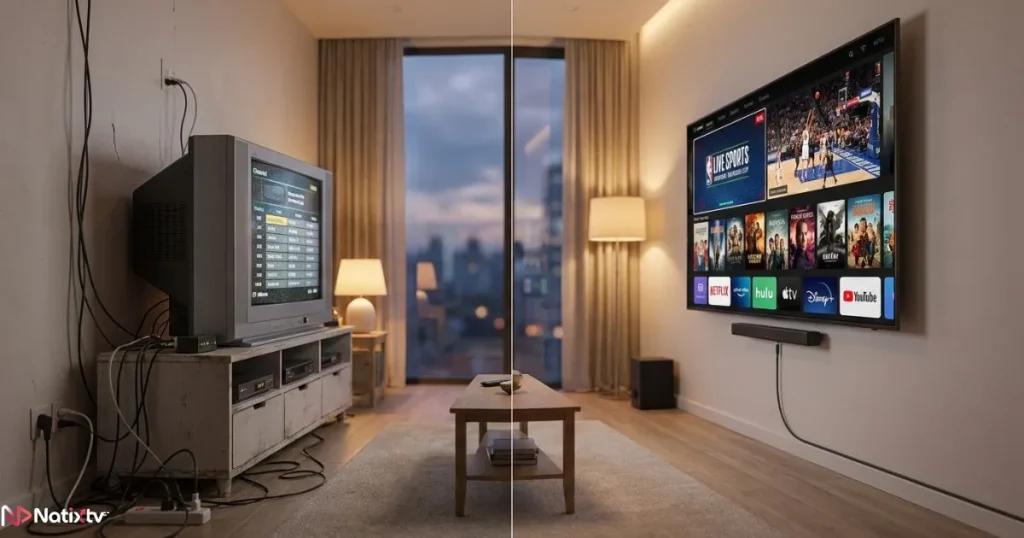
IPTV streaming combines the live experience of traditional cable with the flexibility of modern on-demand platforms, typically at a fraction of the cost. That combination is hard to beat.
Choosing the Right IPTV Subscription
Not all IPTV providers are equal. Choosing the wrong one means buffering, poor channel selection, and frustrating support experiences. Knowing what to look for from the start saves you time and disappointment.
Key Criteria for a Quality IPTV Service
When evaluating any IPTV service, focus on these essentials:
- Channel variety: live sports, news, international content, and a solid VOD library
- Streaming quality options: SD, HD, Full HD, and 4K availability
- Server stability and uptime reliability
- Responsive customer support
- Number of simultaneous connections included in your plan
- Compatibility with your devices
Red Flags to Avoid
Be cautious of providers that offer no free trial, no visible channel list, or suspiciously low prices with no user reviews. These are signs of an unreliable service that may disappear without warning or deliver a poor streaming quality experience.
Why a Free Trial Is a Non-Negotiable
A free trial period lets you test real-world performance before committing your money. You can check streaming quality on your actual internet connection, confirm your favorite channels are available, and verify that the service works across all your devices. Natixtv, one of the best iptv provider options available today, offers a risk-free trial of 24 to 48 hours, giving you everything you need to make a confident decision. If you are also comparing providers, this overview of the top IPTV services in 2026 is a genuinely useful reference point.
IPTV Streaming on Smart TVs: Setup Made Simple
Your smart TV is probably the most comfortable screen in your home. The good news is that setting up smart TV IPTV access is far simpler than most people expect.
Compatible Smart TV Brands
Most major brands are compatible with IPTV apps, including:
- Samsung (Tizen OS)
- LG (WebOS)
- Sony and other Android TV models
- Philips and Hisense
Step-by-Step Setup on a Smart TV
- Download a compatible IPTV app such as IPTV Smarters Pro or Smart IPTV from your TV’s app store.
- Open the app and navigate to the playlist or settings section.
- Enter the M3U URL or Xtream Codes credentials provided by your IPTV subscription.
- Load your channel list and configure the Electronic Program Guide (EPG) for a proper TV schedule view.
- Start enjoying your content.
Once configured, the experience feels exactly like traditional TV, except you have far more channels and full on-demand access alongside your live programming. For a detailed walkthrough of how to use your M3U credentials across different devices, this step-by-step M3U URL setup guide covers everything you need.
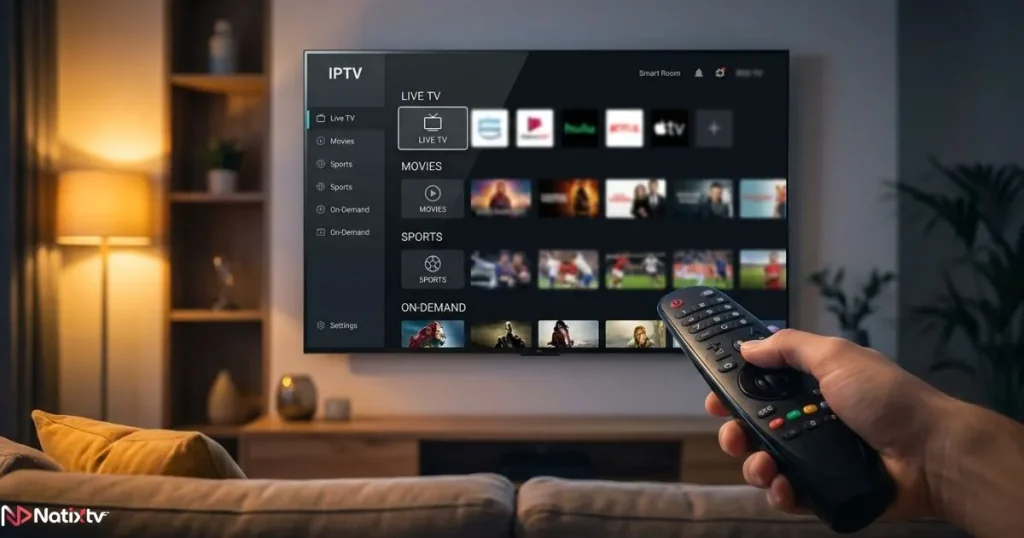
Best IPTV Apps for Smart TVs
- IPTV Smarters Pro – clean interface, wide compatibility
- TiviMate – excellent for Android TV, feature-rich
- Smart IPTV – lightweight and easy to use
- GSE Smart IPTV – strong multi-format support
IPTV for Firestick: The Most Portable Setup Available
If you want the flexibility to turn any television into a smart streaming screen, IPTV for Firestick is the answer. Amazon’s Fire TV Stick is affordable, portable, and powerful enough to handle full HD and 4K IPTV streaming with ease.
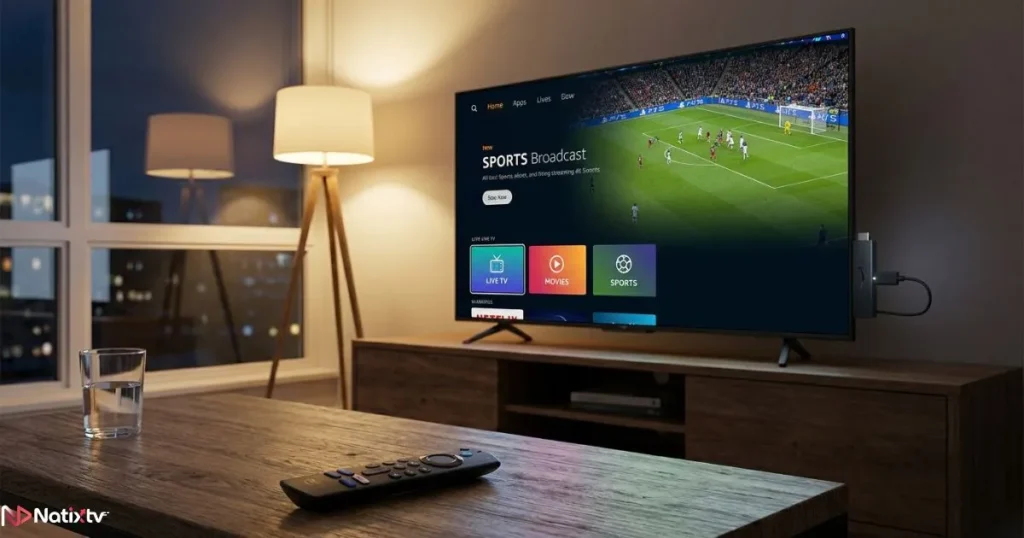
Why Firestick Works So Well for IPTV
- Plugs into any HDMI port on any TV
- Runs a full Android-based OS that supports app sideloading
- Simple remote navigation makes it accessible for all ages
- Wide app ecosystem compatible with all major IPTV apps
How to Install IPTV on Firestick
- Go to Settings, then My Fire TV, then Developer Options, and enable “Apps from Unknown Sources.”
- Install the Downloader app directly from the Amazon App Store.
- Use Downloader to locate and install your preferred IPTV app, such as IPTV Smarters.
- Open the app and enter your Natixtv subscription credentials.
- Your full channel library loads and you are ready to stream.
Tips for Better Streaming Quality on Firestick
- Connect to a 5GHz Wi-Fi band rather than 2.4GHz for faster speeds
- Clear your app cache regularly to prevent slowdowns
- For live sports or high-stakes events, a wired Ethernet connection via a USB adapter is the most reliable option
- Reduce simultaneous active connections if you notice buffering
IPTV Streaming on Mobile Devices: Watch Anywhere
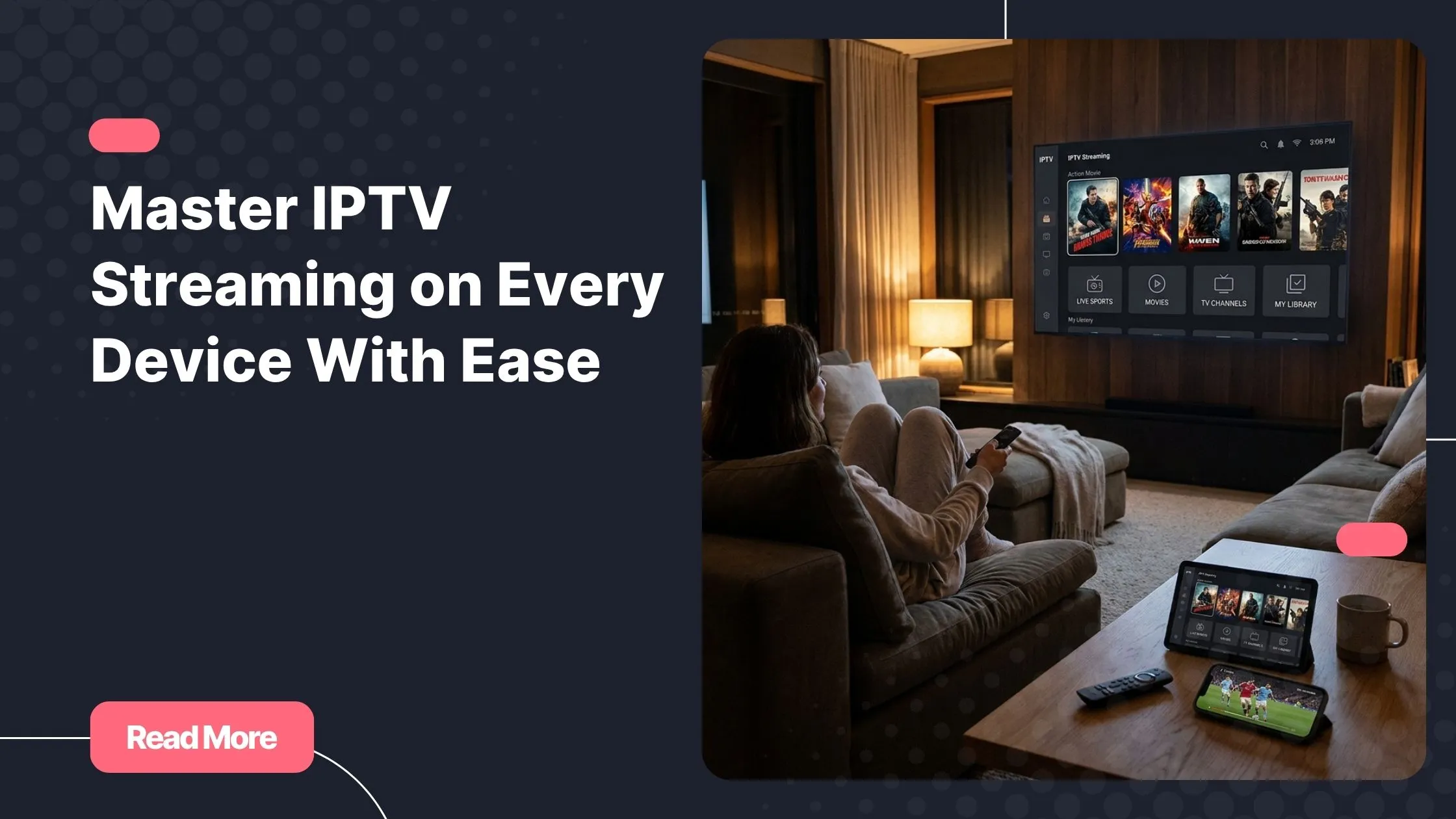
Your smartphone or tablet turns into a complete television experience the moment you have a solid IPTV app installed. Whether you are commuting, traveling, or just relaxing away from the main TV, mobile IPTV streaming keeps you connected to your content.
Best IPTV Apps for Android and iOS
| App Name | Android | iOS | Free Version |
|---|---|---|---|
| IPTV Smarters Pro | Yes | Yes | Yes |
| GSE Smart IPTV | Yes | Yes | Yes |
| Flex IPTV | No | Yes | Yes |
| TiviMate | Yes | No | Yes |
Data Usage to Keep in Mind
IPTV streaming consumes data based on video quality. Here is a practical reference:
- SD quality: approximately 1 GB per hour
- HD quality: approximately 3 GB per hour
- Full HD: approximately 5 GB per hour
- 4K: 15 GB or more per hour
For mobile data plans, set your app to HD rather than Full HD to balance quality and data consumption. On Wi-Fi, you can enjoy the full experience without restrictions.
IPTV on PC, Mac, Kodi, and More
IPTV streaming is not limited to televisions and phones. Your laptop or desktop computer is a perfectly capable streaming device, and so are platforms like Kodi.
PC and Mac Setup
The easiest approach on a computer is VLC Media Player, a free and widely trusted tool. Simply open VLC, navigate to Media, then Open Network Stream, and paste your M3U URL. According to VideoLAN’s official documentation, VLC supports virtually every streaming format, making it one of the most reliable cross-platform players available.
For a more complete TV-style experience on PC, IPTV Smarters also offers a dedicated Windows application.
Kodi: The Power User’s Choice
Kodi is an open-source media center that gives you exceptional control over your IPTV experience. To set it up:
- Install Kodi from the official Kodi website.
- Navigate to Add-ons and install the PVR IPTV Simple Client.
- Enter your M3U URL from your IPTV subscription.
- Configure the EPG for a full program guide.
- Restart Kodi and your channels will appear under Live TV.
Full Device Compatibility at a Glance
| Device | Setup Difficulty | Recommended App | 4K Support |
|---|---|---|---|
| Smart TV | Easy | IPTV Smarters / Smart IPTV | Model-dependent |
| Firestick | Medium | IPTV Smarters / TiviMate | Yes |
| Android Phone | Easy | IPTV Smarters / GSE | Yes |
| iPhone / iPad | Easy | GSE Smart IPTV / Flex | Yes |
| Windows PC | Easy | VLC / IPTV Smarters | Yes |
| Mac | Easy | VLC / IPTV Smarters | Yes |
| Kodi | Medium | PVR IPTV Simple Client | Yes |
| MAG Box | Easy | Built-in portal | Yes |
Optimizing Your IPTV Streaming Experience
Getting a great IPTV subscription is only half the equation. The other half is making sure your setup delivers the smooth, buffer-free experience you deserve.
Minimum Internet Speed Requirements
- SD content: 5 Mbps minimum
- HD content: 10 to 15 Mbps
- Full HD content: 20 to 25 Mbps
- 4K content: 50 Mbps or higher
Run a speed test before starting your first session. If your speeds are below the recommended threshold for your preferred quality, adjusting the video quality setting in your app is a quick fix.
How to Fix Buffering and Lag
- Switch your router connection to a 5GHz Wi-Fi band
- Restart both your router and your streaming device
- Lower the video quality temporarily to see if stability improves
- Check if your IPTV provider offers alternative servers you can switch to
- Contact your provider’s support team if the problem persists on multiple channels
Should You Use a VPN With IPTV?
A VPN is not required for IPTV streaming in most cases, but it can be useful for privacy protection or accessing geo-restricted content. The main trade-off is a potential reduction in connection speed depending on the VPN server you choose. If you do use a VPN, opt for a reputable provider with fast servers and always verify that your IPTV provider allows VPN usage in their terms.
Why Natixtv Is the Right IPTV Service for You
Natixtv is built around one core belief: your streaming experience should be effortless, regardless of what device you prefer or where you happen to be watching. The service supports Smart TVs, Firestick, Android and iOS devices, PCs, Macs, MAG boxes, Kodi, and Android TV boxes, which means your entire household is covered under a single subscription.
The channel library spans live sports, international programming, news, and a rich on-demand catalog, all available in HD, Full HD, and 4K depending on your package. Servers are optimized for stability, and the support team is available to help you troubleshoot or get set up.
Most importantly, you can try everything before you commit. The 24 to 48-hour free trial gives you full access to the service with no financial risk. Test the streaming quality IPTV performance on your home network, browse the channel list, and confirm it meets your expectations before spending a single euro or dollar.
Frequently Asked Questions About IPTV Streaming
What exactly is IPTV streaming and how does it work?
IPTV streaming delivers television content over your internet connection using the same protocol that powers websites and apps. Instead of a satellite signal or cable line, your device receives a continuous data stream that reconstructs the video in real time. This makes it device-agnostic and globally accessible, as long as you have a stable internet connection.
Is IPTV streaming legal?
IPTV streaming itself is a legal technology. The legality depends on whether the provider holds proper licensing agreements for the content they distribute. Choosing a reputable and transparent IPTV service like Natixtv is the safest approach. Avoid providers with no identifiable business information or those that offer suspiciously large channel counts at near-zero prices.
What internet speed do I need for a smooth IPTV experience?
For HD content, a stable connection of 10 to 15 Mbps is sufficient. For Full HD, aim for 20 to 25 Mbps. If you want to enjoy 4K content without interruption, 50 Mbps or above is recommended. The key word here is stable: consistent speed matters more than peak speed.
Can I watch IPTV on multiple devices at the same time?
Yes, depending on your plan. Most quality IPTV subscriptions offer options for multiple simultaneous connections, which is ideal for households where different family members want to watch different content at the same time. Natixtv offers multi-connection plans to cover your entire home without compromise.
How do I get started with an IPTV subscription on my device?
The process is straightforward regardless of your device. You download a compatible IPTV app, enter the credentials provided by your provider (typically an M3U URL or Xtream Codes login), load your channel list, and start watching. For a complete walkthrough, this device-by-device M3U setup guide is an excellent starting point.
What should I do if my IPTV stream keeps buffering?
Start by testing your internet speed and switching to a 5GHz Wi-Fi band if you are currently on 2.4GHz. Restarting your device and router often resolves temporary issues. If the problem continues on specific channels, your provider may have alternative servers you can connect to. Persistent issues across all channels are worth reporting directly to your provider’s support team.
Start Watching Smarter Today
Television has never been more flexible, more affordable, or more personal than it is right now. IPTV streaming gives you live channels, on-demand libraries, and multi-device freedom under one roof, without the overpriced bundles and rigid contracts that traditional cable still tries to sell you.
Whether you are setting up a smart TV in your living room, a Firestick in a guest bedroom, or a mobile app for your daily commute, the process is simpler than you think and the results are genuinely impressive. The right IPTV subscription brings everything together: stable servers, broad device support, and content that actually matches your tastes.
The best place to start is with a service you can trust and test for yourself. As the best iptv provider for users who value reliability, variety, and flexibility, Natixtv invites you to try the full service free for 24 to 48 hours, with no strings attached. The best seat in the house is wherever you choose to sit, and Natixtv makes sure you are never missing the show.