Think back to the last time you sat down for a big game or a show you had been looking forward to all week. You picked up the remote, started scrolling, switched apps, hit a paywall, and somehow ended up watching something entirely different. That moment of friction is something millions of viewers experience every single day, and it should not be part of your evening.
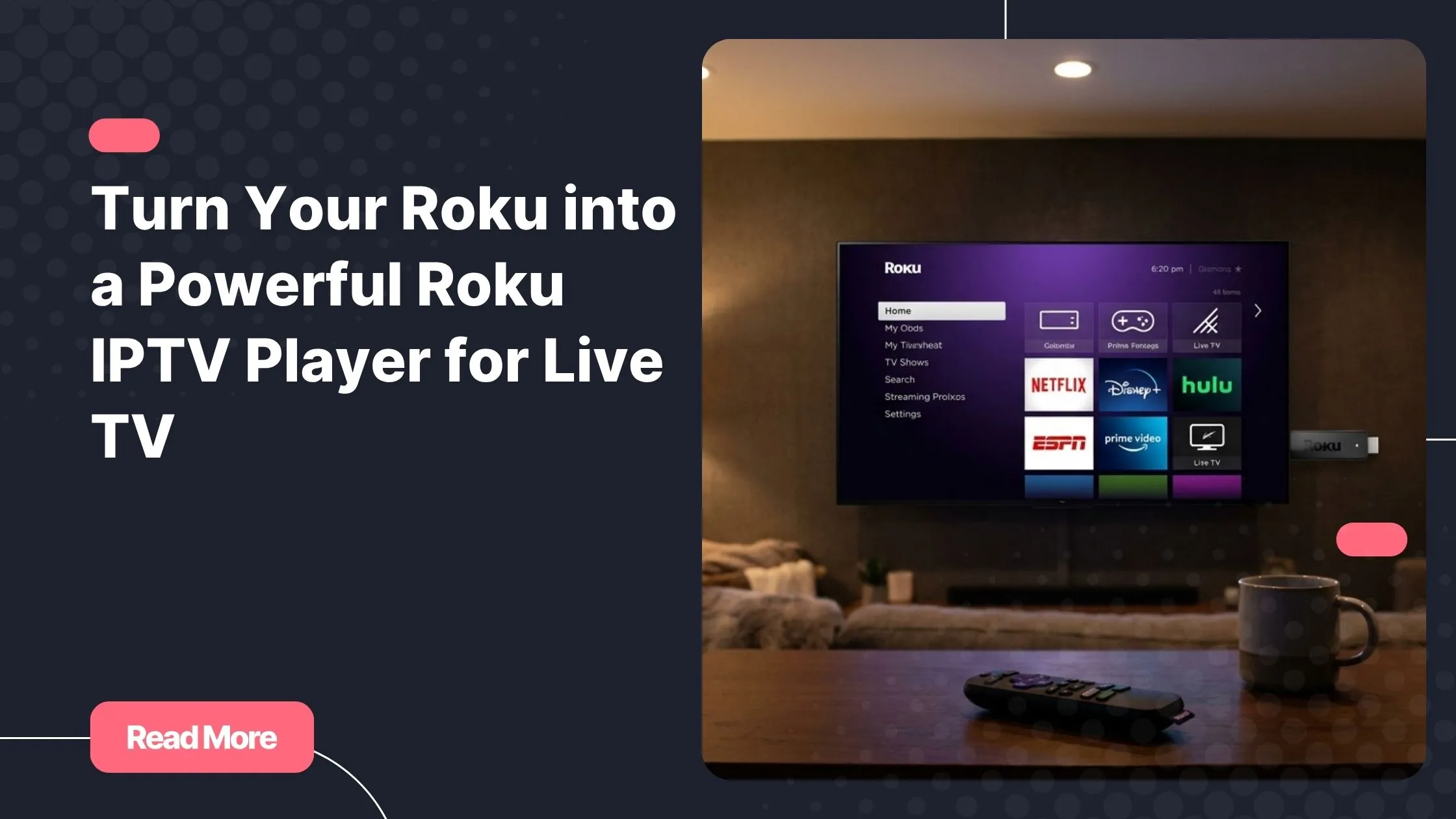
Your Roku device is already sitting there, quietly capable of so much more than you might realize. With the right setup, it can become a true streaming hub: one that pulls together live sports, news, international content, and on-demand libraries in a single, organized experience. All you need is a solid buy iptv subscription and a few smart configuration choices.
This guide walks you through everything: choosing the best IPTV player app, getting your channels loaded, optimizing picture quality, and organizing your lineup so you always find what you want in seconds. By the end, you will wonder why you ever put up with cable.
Table of Contents
What Is IPTV and Why Your Roku Is the Perfect Match
IPTV stands for Internet Protocol Television. Instead of receiving TV signals through a cable wire or satellite dish, your content streams directly over your internet connection. That one shift changes everything: no hardware installation, no rigid channel bundles, and no geographic restrictions forcing you into a limited selection.
The combination of IPTV for Roku is particularly powerful because Roku devices are designed around simplicity and reliability. Whether you own an entry-level Roku Express or a flagship Roku Ultra, the platform handles smooth video playback efficiently, supports 4K HDR output on compatible models, and works with a wide ecosystem of third-party apps that serve as the gateway to your IPTV channels.
How IPTV Compares to Traditional Cable
Here is a quick side-by-side look at what sets IPTV apart from what most people grew up with:
| Feature | Cable / Satellite | IPTV on Roku |
|---|---|---|
| Hardware required | Set-top box, dish or cable line | Roku device + internet connection |
| Monthly cost | High (often $80-$150+) | Low to moderate (IPTV subscription only) |
| Channel variety | Limited to provider packages | Thousands of global channels |
| International content | Rare or expensive add-ons | Readily available |
| Setup time | Technician visit needed | Under 15 minutes, self-guided |
| 4K HDR support | Limited | Yes, on compatible Roku models |
The shift toward IPTV is not just a trend; it reflects a genuine change in how people want to consume content. Understanding why modern IPTV services are reshaping the way we watch television helps you appreciate what this setup can actually deliver.
Setting Up Your Roku IPTV Player: A Step-by-Step Guide
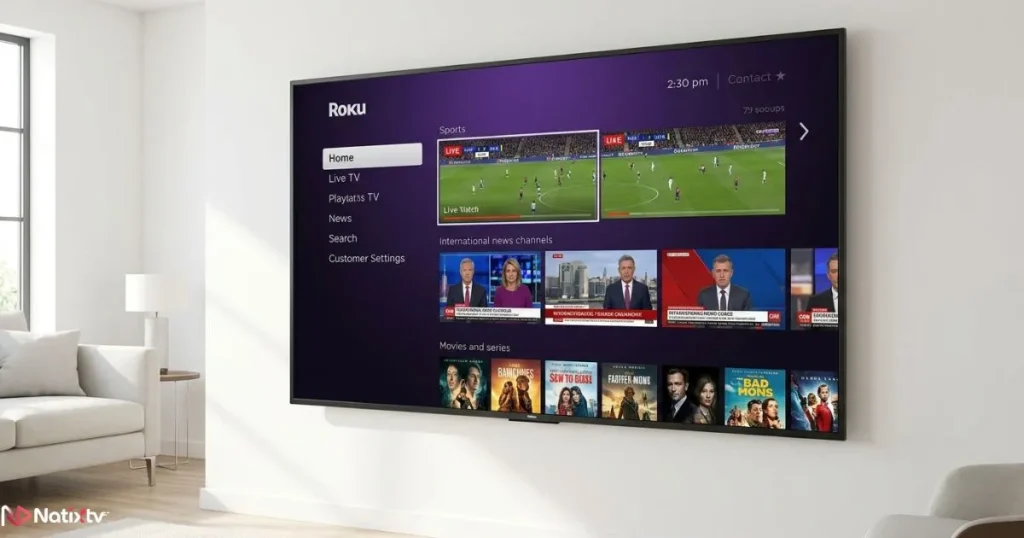
Getting started with a roku iptv player is simpler than most people expect. You do not need any technical background. You just need your Roku device connected to your TV, an active internet connection, and an IPTV subscription that provides either an M3U playlist URL or Xtream Codes credentials.
What to Have Ready Before You Begin
- Your Roku streaming device (any model works; newer ones support higher resolutions)
- A stable internet connection – at least 10 Mbps recommended for HD playback
- Your IPTV subscription details: M3U URL or Xtream Codes login (username, password, server URL)
- The name of the IPTV player app you plan to use
Choosing the Right IPTV Player App for Roku
The IPTV player app is the software interface that reads your playlist and displays your channels. Not every app available on Roku is equally capable. Here are the most reliable options to look for in the Roku Channel Store:
- IPTV Smarters – Clean interface, EPG support, supports multiple playlists
- GSE Smart IPTV – Advanced filtering, good for large channel lists
- OTT Navigator – Strong EPG integration and intuitive category management
- Flex IPTV – Lightweight, fast loading, suitable for beginner users
Tip: Always verify app availability in the Roku Channel Store at the time of your setup, as app listings can change. If one app is unavailable, a close alternative will always exist.
Loading Your IPTV Subscription: M3U vs. Xtream Codes
Once your app is installed, you need to connect it to your content source. Most IPTV subscriptions support one of two methods:
- Open your chosen IPTV player app on Roku
- Navigate to “Add Playlist” or “Add Provider” in the settings menu
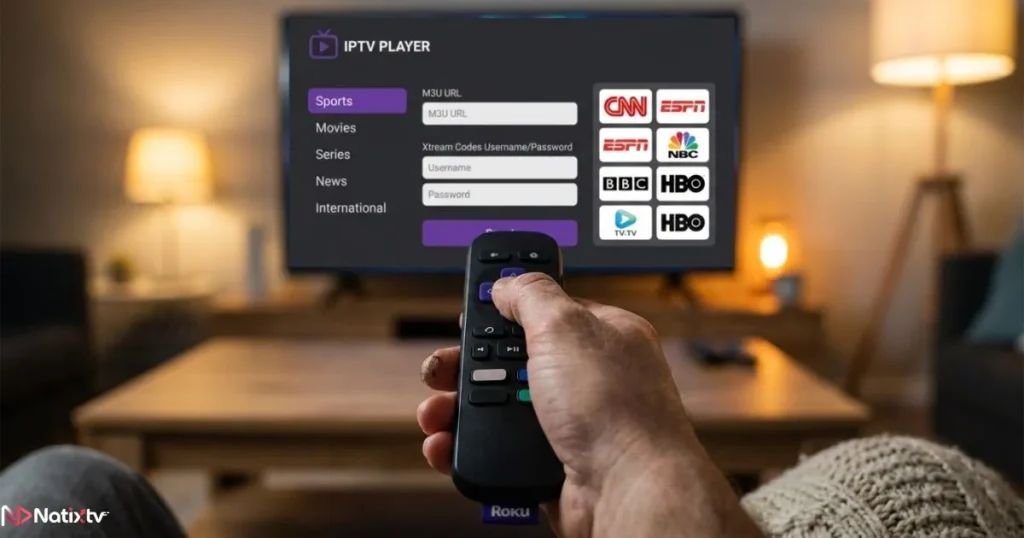
- Select your input method: M3U URL or Xtream Codes
- Enter your credentials as provided by your IPTV subscription service
- Wait for the channel list to load, which usually takes 30 to 90 seconds
- Browse and organize your channels by category
M3U is the simpler route: you paste a single URL and your full channel list appears. Xtream Codes offers deeper integration, including VOD libraries and catch-up TV, making it the preferred method for a fuller experience.
Internet Speed: The Foundation of a Great Streaming Experience
Even the best roku iptv player setup will underperform if your internet connection cannot keep up. Before you start troubleshooting buffering or frozen images, check that your speeds match what your chosen stream quality demands.
| Stream Quality | Minimum Speed | Recommended Speed |
|---|---|---|
| SD (480p) | 3 Mbps | 5 Mbps |
| HD (720p / 1080p) | 5 Mbps | 10 Mbps |
| 4K UHD | 15 Mbps | 25 Mbps |
| Multiple streams at once | 25 Mbps | 50 Mbps+ |
According to Speedtest by Ookla, average broadband speeds in most developed countries now comfortably exceed 100 Mbps. If yours falls below these thresholds, contact your provider or consider upgrading your plan before diving into 4K IPTV streaming.
Optimizing Playback Quality on Your Roku IPTV Setup
Raw speed is only part of the equation. How your network delivers that speed to your Roku streaming device also matters. A wired Ethernet connection is always more stable than Wi-Fi for live TV, because it eliminates the packet loss and interference that wireless signals are prone to. If your router is far from your TV, a powerline adapter is a practical middle ground.
Wi-Fi Best Practices If Ethernet Is Not an Option
- Use the 5 GHz band rather than the older 2.4 GHz band for faster, less congested streaming
- Position your router as close to your Roku as reasonably possible
- Reduce the number of active devices on your network during viewing sessions
- Consider a Wi-Fi extender or mesh network system if signal strength is an issue
Roku Display Settings Worth Adjusting
Your Roku itself has display settings that directly affect streaming quality. Navigate to Settings then Display Type and confirm it matches your TV’s native resolution. Turn on “Auto-adjust display refresh rate” so that live content plays at the correct frame rate without judder. If you notice unusual lag on live channels, disable any post-processing features your Roku may apply, as these can add unwanted delay.
Troubleshooting Common Playback Issues
| Issue | Likely Cause | Quick Fix |
|---|---|---|
| Buffering or freezing | Low internet speed or congestion | Switch to Ethernet or lower stream quality |
| Black screen on channel load | Codec incompatibility | Try a different IPTV player app or stream format |
| Audio out of sync | App bug or server-side lag | Restart the app, try a different server region |
| Channels not loading at all | Expired or invalid subscription | Check credentials and renew your IPTV subscription |
| EPG not displaying | Wrong EPG URL entered | Re-enter the correct EPG source URL provided by your service |
Organizing Your IPTV Channels for a Better Daily Experience
One of the biggest advantages of a roku iptv player over cable is the ability to organize your content exactly the way you want it. No more scrolling through 500 channels you never watch. With the right setup, your channel list reflects your actual interests.
Building a Favorites List
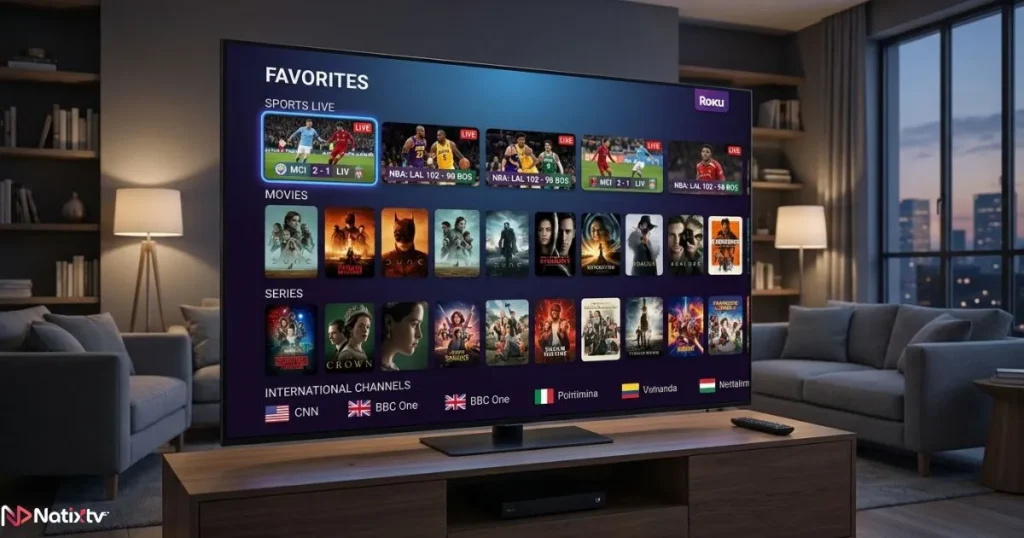
Every major IPTV player app lets you mark channels as favorites, which moves them to a dedicated, instantly accessible list. Take 10 minutes after your initial setup to go through your IPTV channels and star the ones you watch most. Group them mentally into categories: sports, news, entertainment, and international content. A clean favorites list reduces the time between turning on the TV and actually watching something.
Using the EPG: Your Digital TV Guide
The Electronic Program Guide, or EPG, transforms your IPTV experience from a raw channel list into something that feels like a proper TV service. It shows you what is playing now, what is coming up next, and lets you browse programming schedules hours in advance. Most quality IPTV subscriptions include an EPG feed, typically in XML format, which you enter into your player app’s EPG settings section.
Once your EPG is loaded, you can browse programming the way you would on cable, without any of the cable bill. If your IPTV subscription supports it, you can even schedule reminders for upcoming programs. For a full breakdown of how to get the most out of your setup from the very start, check out this practical guide on the right way to get started with an IPTV service.
Parental Controls and Channel Filtering
If your household includes younger viewers, most IPTV player apps offer PIN-protected channel locks. You can hide entire categories from the main view, restrict access to adult content, and create a simplified interface that kids can navigate safely. Keeping your channel list clean and curated is not just a matter of convenience; it also makes the experience genuinely better for everyone at home.
Unlocking Advanced Features in Your Roku IPTV Player
Once your basics are in place, a roku iptv player offers several advanced capabilities that most cable subscribers have never experienced. These features are often included with a quality IPTV subscription and simply need to be enabled or explored within your app.
Catch-Up TV: Never Miss a Moment
Catch-up TV lets you access content that already aired, typically within the last 7 days. If you miss a morning news broadcast, a sports highlight show, or an episode of a series, you can go back and watch it without any additional recording setup. This feature is built into many premium IPTV subscriptions and is available directly through your IPTV player app when supported.
VOD Libraries: On-Demand Built In
Many IPTV subscriptions include a Video on Demand library alongside their live channel package. This means your roku iptv player is not just a live TV tool; it is also a movie and series library. Using Xtream Codes as your connection method typically unlocks full VOD access within your player app, organized by genre, release year, or language.
Time-Shifting: Pause and Rewind Live TV
Time-shifting gives you the ability to pause, rewind, or fast-forward live content as if it were a recording. Not all IPTV providers support this, so it is worth confirming before you sign up. When it is available through your roku iptv player, it fundamentally changes how you interact with live television.
Ready to experience all of this on your Roku?
Natixtv offers a premium IPTV subscription with thousands of live channels, full VOD access, EPG integration, and servers optimized for HD and 4K streaming. Compatible with your Roku streaming device and every app covered in this guide.buy iptv subscription
Free trial available – 24 to 48 hours, no commitment required.
Why Natixtv Is the Right IPTV Subscription for Roku Users
Choosing the right IPTV provider matters as much as the app you use. Your streaming setup is only as good as the stream quality and reliability of the service feeding it. Natixtv is built for exactly this use case.
What You Get with a Natixtv Subscription
- Thousands of live channels across sports, news, entertainment, and international categories
- Full VOD library updated regularly with movies and series
- EPG data included for easy program navigation
- HD and 4K streams on supported channels and devices
- Xtream Codes and M3U support for compatibility with all major IPTV player apps
- Multi-device compatibility: Roku, Smart TV, smartphone, tablet, PC
- Responsive customer support when you need help
Try Before You Commit: The Free Trial
One of the most reassuring things about Natixtv is the free trial period. You get 24 to 48 hours to test the service on your actual Roku streaming device before spending a single dollar on a full subscription. That means you can verify channel availability, test stream stability on your home network, and explore the EPG before making any commitment. Very few cable or satellite providers have ever offered you that kind of confidence.
If you want a deeper understanding of what separates a reliable, quality-focused IPTV provider from cheaper alternatives, this overview of what defines a premium IPTV experience in 2026 is worth a few minutes of your time.
Frequently Asked Questions
What is the best roku iptv player app available right now?
The best roku iptv player app depends on your priorities. IPTV Smarters is excellent for first-time users due to its clean interface and reliable EPG support. OTT Navigator offers more advanced category management for users who want granular control. GSE Smart IPTV is a strong choice if you manage multiple playlists. Check the Roku Channel Store for current availability, as listings update periodically.
Can I watch live TV on Roku without a cable subscription?
Absolutely. Live TV on Roku via IPTV requires only your Roku device, an internet connection, and an IPTV subscription. There is no need for a cable line, a satellite dish, or any additional hardware. Your IPTV subscription replaces all of that.
How do I set up a roku iptv player using an M3U playlist?
After installing your chosen IPTV player app on Roku, open the app and navigate to the playlist or provider settings. Select “Add M3U URL” and paste the link provided by your IPTV subscription service. Save the entry and wait for your channel list to load. The whole process usually takes less than two minutes.
How many IPTV channels can I access on a Roku streaming device?
This depends entirely on your IPTV subscription. Entry-level services may offer a few hundred channels, while a comprehensive provider like Natixtv gives you access to thousands of live channels spanning sports, news, entertainment, and international programming, all available directly on your Roku streaming device.
Is IPTV for Roku legal to use?
IPTV technology itself is entirely legal. The legality of any specific service depends on whether the provider holds the rights to distribute the content it offers. Using a licensed, reputable IPTV subscription like Natixtv keeps you on the right side of that line. Always choose a provider that operates transparently.
Does Natixtv offer a free trial before I commit to a full IPTV subscription?
Yes. Natixtv provides a free trial period of 24 to 48 hours so you can test the full service on your Roku or any other compatible device before purchasing. It is one of the most honest ways a provider can demonstrate confidence in what they offer.
Conclusion: Your Roku Is Ready – Are You?
Setting up a roku iptv player is one of the most practical upgrades you can make to your home entertainment setup. The combination of Roku’s reliable hardware, a quality IPTV player app, and a well-chosen IPTV subscription turns a modest streaming stick or box into a genuinely complete television experience.
You have seen how to choose the right app, how to connect your subscription, how to optimize picture quality, and how to organize your channels so that finding your favorite content takes seconds rather than minutes. You have also seen what advanced features like catch-up TV, VOD libraries, and EPG scheduling can add to your daily viewing habits.
The frustration of scattered apps, failed streams, and cable bills that never seem to go down is a thing of the past. Your Roku streaming device already has what it takes. All it needs is the right IPTV subscription behind it. Start with Natixtv’s free trial, test everything on your own setup, and make the switch with complete confidence. buy iptv subscription today and experience the difference from the very first channel you load.