You are finally settled on the couch, remote in hand, ready to watch the match. Then nothing loads. The screen freezes, the app crashes, or the service simply refuses to work on your TV. If this sounds familiar, you already know the frustration of picking the wrong provider. Finding the best iptv subscription is not just a technical decision — it is about reclaiming those quiet evenings, those family movie nights, and every live moment you cannot afford to miss.
The market is flooded with hundreds of providers, each promising crystal-clear streams and thousands of channels. But not all of them deliver. Buffering, broken channels, outdated apps, and zero support are far too common. The difference between a frustrating experience and a smooth one comes down to knowing exactly what to look for before you spend a single dollar or euro.
This guide walks you through every criterion that truly matters — from streaming quality and device compatibility to pricing plans and free trials — so you can make a confident, informed choice and enjoy a great IPTV experience from the very first day.
Table of Contents
What Makes a Great IPTV Subscription Worth Your Money
Stability, Quality, and Reliability Above All
A great IPTV service is not defined by the number of channels listed on a sales page. It is defined by what you actually see when you press play. Server uptime, stream stability, and picture quality are the three pillars that separate a premium provider from a cheap, unreliable one.
The best providers run on dedicated servers with load-balancing technology, meaning your stream stays smooth even during peak hours — Friday night football, live Formula 1 races, NBA playoffs. Look for services that advertise 99.9% uptime and have real user reviews to back that claim up. A reliable IPTV provider will also include a properly populated Electronic Program Guide (EPG), so you can see what is on and browse upcoming content without guessing.
Anti-freeze technology is another marker of quality. It pre-buffers a small segment of the stream so that minor network fluctuations do not interrupt your viewing. If a provider does not mention any of these technical features, treat that as a red flag.
Why Device Compatibility Is a Deal-Breaker
You might watch TV on a Smart TV in your living room, scroll through shows on your phone during a commute, and catch a late match on your laptop at night. A great IPTV subscription must follow you across all of those screens without friction.
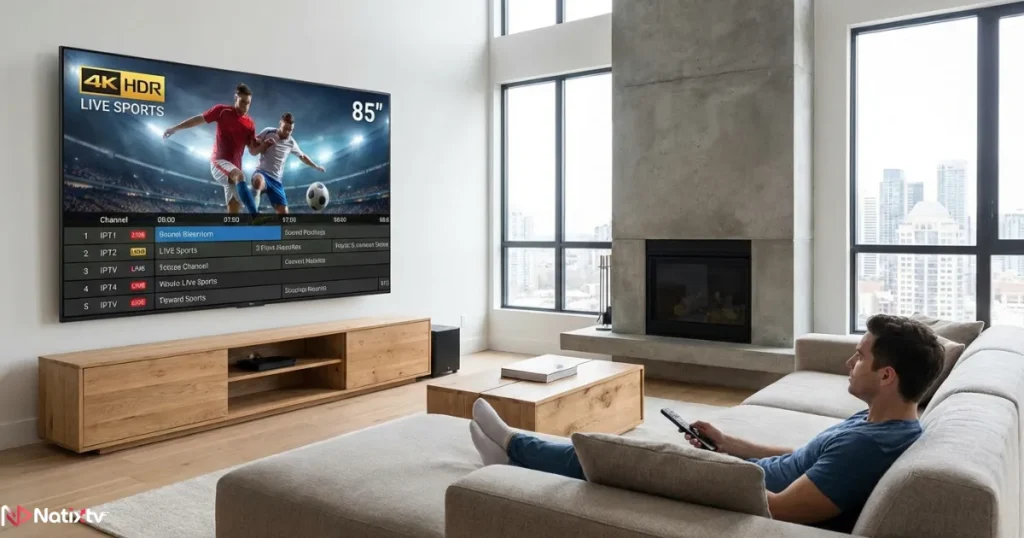
Before subscribing, always confirm which devices the service officially supports. The most versatile providers cover Android and iOS smartphones, Smart TVs from Samsung, LG, and Android TV, Amazon Fire TV Stick, MAG boxes and set-top boxes, PC and Mac via browser or dedicated app, and even Enigma2 receivers. If a provider only works on one or two platforms, keep looking. Device flexibility is not a bonus — it is a basic expectation for any serious IPTV subscription.
Key Criteria to Evaluate Before You Subscribe
Channel Library and Content Variety
Content is the reason you are subscribing in the first place. A strong IPTV subscription should offer a broad, well-organized channel library that actually reflects your watching habits — not just inflated numbers on a product page.
Here is what a quality library should include:
- Live channels in multiple resolutions: SD, HD, Full HD, and 4K UHD
- Sports packages covering football (Premier League, La Liga, Ligue 1), F1, NBA, tennis, cricket, and rugby
- International bouquets in French, English, Arabic, Spanish, and more
- A large, regularly updated VOD catalog with recent movies and full TV series
- Catch-up TV – the ability to rewatch content from the past 7 days
- News, entertainment, kids, and documentary channels across multiple regions
The more diverse the library, the more value you extract from a single subscription. This matters especially for households with different viewing preferences across generations.
Streaming Quality and Server Performance
Not all HD is the same. A stream labeled “HD” can vary wildly depending on server load, encoding quality, and bandwidth allocation. Before committing, understand which quality tiers the provider genuinely supports and whether your internet connection can handle them reliably.
| Stream Quality | Recommended Speed | Best For |
|---|---|---|
| SD (480p) | 5 Mbps | Mobile data or slow connections |
| HD (720p) | 10 Mbps | Standard TVs and tablets |
| Full HD (1080p) | 20 Mbps | Smart TVs and laptops |
| 4K UHD | 50+ Mbps | 4K home cinema and large-screen TVs |
You can check your current connection speed on Speedtest by Ookla before subscribing to make sure your home network can comfortably handle the quality tier you want. A wired Ethernet connection will always outperform Wi-Fi for stream stability, especially during high-traffic live events.
Device Compatibility – The Full Checklist
When evaluating a provider for IPTV for Smart TV, mobile, or multi-screen use, run through these questions before paying:
- Does the service have a dedicated app for your exact TV brand and model year?
- Can you use it simultaneously on Android and iOS devices?
- Is it compatible with Amazon Fire TV Stick (third generation and later)?
- Does it work with MAG boxes or Enigma2 receivers if you own one?
- How many simultaneous connections does your chosen plan allow?
- Is there a browser-based player as a fallback option on PC or Mac?
Multi-screen households especially need to confirm the simultaneous connection limit upfront. Two people watching different content at the same time on a single-connection plan will result in one stream being cut off — a frustrating and avoidable problem.
Number of Simultaneous Connections
Connection limits are one of the most overlooked details when comparing IPTV plans. A single-screen plan works perfectly for solo viewers. But if your household includes a partner, children, or shared devices, you need at least a dual-connection plan — ideally more for a busy family home.
Some providers offer multi-room packages built for exactly this scenario. Calculate the cost per screen across different plan tiers before committing. Often, a higher plan with three or four connections is more cost-effective per screen than buying separate subscriptions for each viewer.
Customer Support and Responsiveness
Support is easy to overlook when everything is working. But issues do happen — an app update breaks compatibility, a channel goes offline before a big match, or your credentials stop working on a new device. In those moments, the quality of customer support becomes everything.
A serious IPTV provider offers real, responsive support through live chat or a fast ticket system, available in your language and at the hours you actually watch TV. Before subscribing, send a pre-sales question and measure the response time. If it takes 48 hours to answer a simple query, imagine how long a real technical issue will take to resolve on a Saturday night.
Red Flags to Avoid When Choosing an IPTV Provider
Signs of an Unreliable IPTV Service
Not every provider that looks polished online actually delivers. These warning signs are common among low-quality services, and spotting them early can save you both money and frustration:
- No free trial offered – a confident provider always lets you test before paying
- Vague or nonexistent refund policy with no clear conditions
- Anonymous website with no visible contact information or support channel
- No setup guides, tutorial videos, or technical documentation
- Suspiciously low prices with no explanation of what is actually included
- Channels listed without any indication of quality level, resolution, or EPG support
Common Complaints and How to Avoid Them
User reviews across streaming communities consistently point to the same recurring problems with low-quality providers: constant buffering during live sports, channels going offline mid-season, apps not updated for new device firmware, and EPG data that is either missing entirely or weeks out of date.
The solution is straightforward — choose a provider recognized among the best iptv services available, one with a track record, genuine positive reviews, and a free trial that lets you verify everything before paying. Transparency is the clearest indicator of a provider that stands behind its product.
How to Test an IPTV Service Before Committing
Why a Free Trial Is Non-Negotiable
A free trial is not just a marketing tactic — it is your quality control window. During a 24 to 48-hour trial, you can evaluate every aspect of the service under real conditions: your actual devices, your actual internet connection, and your actual viewing habits. This is the single most important step in choosing a great IPTV subscription, and no serious provider should refuse to offer it.
NatixTV offers a free trial of 24 to 48 hours, giving you enough time to fully test the service on all your devices before spending any money. This kind of transparency is a strong trust signal and a clear differentiator from providers who are not confident in their own product quality.
What to Do During Your Trial Period
Make the most of your free trial by running through this structured checklist:
- Test the service on every device you own — Smart TV, smartphone, tablet, and laptop
- Stream a live sports event in Full HD to detect any buffering or freezing
- Browse the VOD catalog and test playback on several titles
- Verify EPG accuracy and confirm that catch-up TV loads correctly
- Contact customer support with a question to measure their response time and quality
- Test during peak hours (evenings and weekends) for a realistic picture of performance
If the service passes this checklist cleanly, you can subscribe with full confidence. If it fails on more than one point, the problem will only get worse over time — not better.
Best IPTV Apps to Use With Your Subscription
Top IPTV Players by Device
Your great IPTV subscription is only as good as the app you use to access it. The player determines your navigation experience, EPG layout, image quality settings, and overall comfort. Here are the best options organized by device type:
- Android and Fire TV Stick: TiviMate (best UI and EPG), IPTV Smarters Pro, GSE Smart IPTV
- iOS (iPhone and iPad): IPTV Smarters, GSE Smart IPTV
- Samsung and LG Smart TVs: SmartIPTV, SSIPTV
- PC and Mac: VLC Media Player, Kodi with an IPTV plugin
- MAG Box: Native firmware player, plug-and-play with your M3U or portal URL
| App | Compatible Devices | Price | Best Feature |
|---|---|---|---|
| TiviMate | Android, Fire TV | Free / Premium | Best UI and full EPG support |
| IPTV Smarters Pro | Android, iOS, PC | Free | Multi-playlist management |
| GSE Smart IPTV | iOS, Android | Free / Paid | Advanced EPG and custom lists |
| SmartIPTV | Samsung, LG TVs | One-time fee | Direct Smart TV installation |
| VLC | PC, Mac, Android | Free | Universal, zero setup required |
How to Set Up Your IPTV App in Minutes
Most IPTV apps support two connection methods: an M3U URL or Xtream Codes credentials (a server address, username, and password). Your provider will send these details after you subscribe or activate your trial. In TiviMate or IPTV Smarters, open the app, select “Add Playlist,” enter your credentials, and let the app load your full channel list automatically.
Once loaded, spend a few minutes organizing your favorites, setting your preferred EPG source, and adjusting the video buffer size to match your connection speed. A properly configured app makes a noticeable difference in daily usability — and it only takes about five minutes to set up correctly.
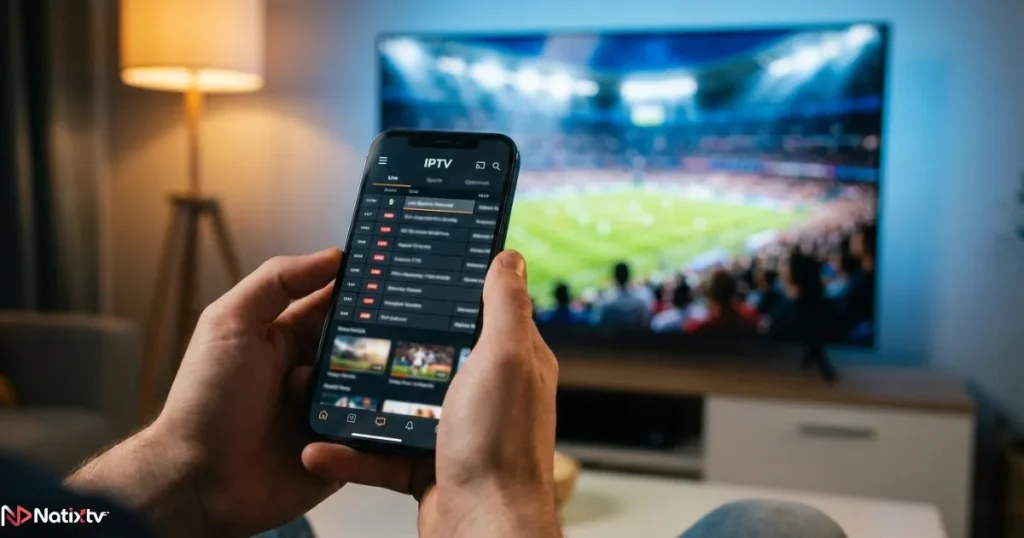
To get even more out of your viewing experience, you can use your IPTV channel schedule and program guide to plan your week around live events, premieres, and sports fixtures before they air.
IPTV Subscription Plans – What to Look For
Monthly vs. Annual Plans
Choosing between a monthly and an annual plan depends entirely on where you are in your evaluation process. Monthly plans offer maximum flexibility and are ideal for the first real month after your free trial. Annual plans offer significantly better value per month and make financial sense once you are fully confident in the service quality.
| Plan Type | Duration | Screens | Best For |
|---|---|---|---|
| Free Trial | 24 to 48 hours | 1 | Testing before buying |
| Monthly | 1 month | 1 to 2 | Flexibility and short-term use |
| Quarterly | 3 months | 1 to 2 | Medium commitment at better value |
| Annual | 12 months | 1 to 4 | Best overall value for families |
Watch out for hidden auto-renewal clauses in some long-term plans. Always read the terms before committing to anything beyond a monthly cycle, and confirm whether the renewal price differs from the promotional rate.
Multi-Device and Family Plans
If multiple people in your household watch TV simultaneously, a single-connection plan will create constant conflicts and disconnections. Look for plans that offer two or more simultaneous streams, and calculate the real cost per screen across the available options.
Some providers offer dedicated multi-room packages that are tailor-made for busy households.

If you are based in the United States and want an IPTV subscription optimized for American sports and entertainment content, explore a tailored IPTV plan for US viewers that covers the channels and events most relevant to your market.
Frequently Asked Questions
What makes a great IPTV subscription different from a basic one?
A great IPTV subscription combines stable servers, high-definition streams, a wide and well-organized channel library, reliable catch-up TV, and real customer support. The difference shows up most clearly during live events — a premium service stays smooth when a basic one buffers out completely.
Can I use a great IPTV service on my Smart TV and phone simultaneously?
Yes, as long as your plan includes multiple simultaneous connections. Always verify the connection limit before subscribing. A two-screen plan is the minimum for households where more than one person watches TV at the same time, and multi-room plans are available for larger families.
How do I know if an IPTV provider is reliable before paying?
The most reliable signal is a free trial. A great IPTV provider will always offer at least 24 hours to test the service on your actual devices, under your actual conditions, before asking for payment. NatixTV offers a 24 to 48-hour free trial for exactly this reason – because confidence in the product speaks louder than any promotional description.
What internet speed do I need for a premium IPTV experience?
For Full HD streaming, a stable connection of at least 20 Mbps is recommended. For 4K content, aim for 50 Mbps or higher. If your Wi-Fi is inconsistent, switching to a wired Ethernet connection will dramatically improve stream stability, especially during high-demand live broadcasts.
Is NatixTV a great IPTV option for households with multiple devices?
Yes. NatixTV is fully compatible with Smart TVs, Android and iOS devices, Amazon Fire TV Stick, MAG boxes, PC, Mac, and more. The 24 to 48-hour free trial lets you test everything across all your screens before committing to a paid plan – which is exactly how it should be.
Are IPTV player apps free to use?
Most IPTV apps — including TiviMate and IPTV Smarters — offer free versions with solid core functionality. Premium tiers in some apps unlock multi-playlist support, advanced EPG features, and an ad-free experience. The app cost is entirely separate from your IPTV subscription, and many users get excellent results with the free versions alone.
Conclusion
Your Final Checklist Before You Subscribe
Before clicking subscribe on any IPTV plan, run through this quick checklist to confirm you are making the right choice for your specific situation:
- Device compatibility confirmed across all your screens and platforms
- Free trial completed and tested during real peak viewing hours
- Channel count, content variety, and EPG quality verified firsthand
- Streaming quality tested at Full HD or 4K on your actual connection
- Customer support contacted and responsiveness assessed
- Subscription plan matched to your household size and viewing frequency
Ready to Stream Without Compromise?
The right great IPTV subscription transforms how you watch television. No more buffering during the match that matters most, no more missing a season finale because the app crashed, and no more paying month after month for a service that barely works. You deserve a smooth, high-quality streaming experience on every device you own — and that is exactly what a great IPTV provider makes possible, every single time you press play.
NatixTV ticks every box on that checklist: broad device compatibility, Full HD and 4K streams, thousands of live channels across multiple languages, a large VOD library, and real customer support. Start with the free 24 to 48-hour trial, test everything without risk, and experience the difference for yourself. Discover your options at best iptv today and take the first step toward a better streaming experience.