There is a moment almost every streaming fan knows too well. You have cleared your evening, picked your show, settled into the couch — and then the screen freezes. The buffer wheel spins. The moment is gone. If that sounds familiar, the problem was almost certainly not your internet connection. It was your iptv service. Choosing the wrong iptv service provider quietly ruins the experience you were promised.
The good news is that a bad streaming experience is entirely avoidable. With the right knowledge, you can identify a reliable IPTV service before you spend a single euro — and long before you commit to a full subscription. This guide walks you through every criterion that matters, from server quality and channel selection to device compatibility and customer support.
Whether you want to stream live sports, international news, or on-demand movies across your Smart TV, phone, or Firestick, this complete guide will help you make a confident, informed decision. By the end, you will know exactly what separates a trustworthy iptv service provider from one that will waste your time and money.
Table of Contents
What Is an IPTV Service Provider and How Does It Work?
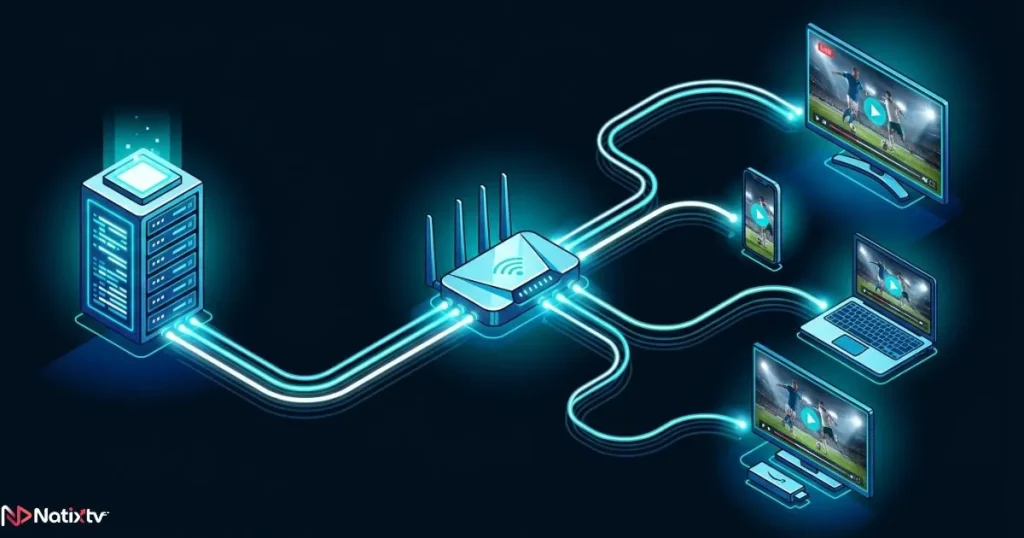
IPTV stands for Internet Protocol Television. Instead of receiving content through a satellite dish or a cable line, your TV signal travels over the internet — just like a video call or a web page. An iptv service provider manages the infrastructure that makes this possible: the servers, the channel licenses, the content delivery network, and the apps you use to watch.
At the technical level, most providers deliver content through one of two methods:
- M3U playlists: A URL-based file that loads your channel list into a compatible player app. You can learn exactly how to configure and use an M3U URL on any device to get started quickly.
- Xtream Codes (API login): A more structured method using a username, password, and server URL — typically more stable and easier to manage.
Both methods feed into an Electronic Program Guide (EPG), which acts as your digital TV schedule. Unlike Netflix or Disney+, a true iptv service provider gives you live IPTV channels — broadcast in real time — alongside a Video on Demand (VOD) library. It is the closest thing to replacing your cable box entirely, but with far more flexibility.
Why Your Choice of IPTV Provider Matters More Than You Think
Not all providers are built on the same infrastructure. Some operate professional-grade servers with redundant systems and global content delivery networks. Others are small resellers with no real technical control over what they offer you. The difference shows up immediately in your daily streaming experience.
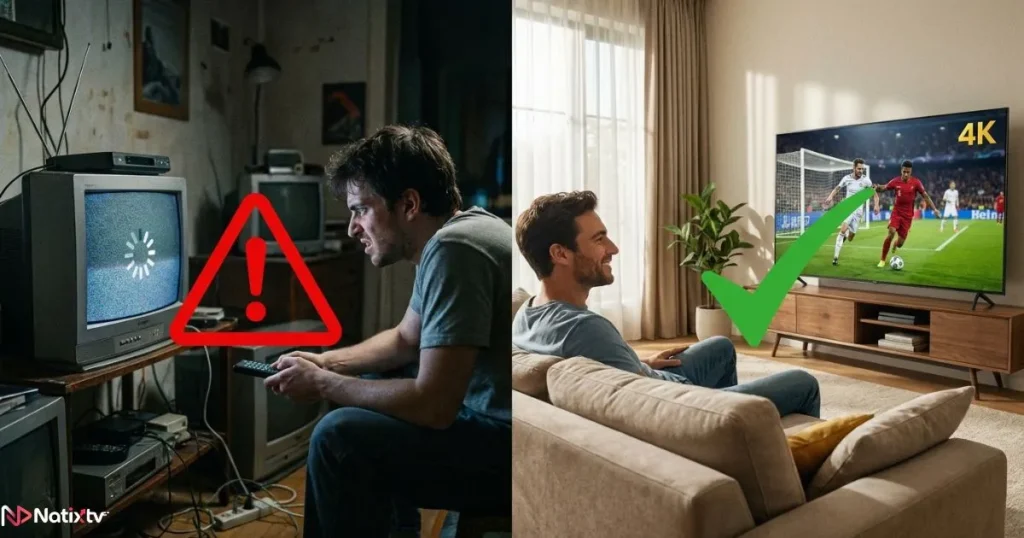
A weak iptv service provider means dropped connections during peak hours, outdated channel lists, and support that never responds. A premium IPTV streaming setup, on the other hand, delivers consistent HD and 4K quality, a stable EPG, and fast channel switching — even during live events like Champions League finals or major news broadcasts.
The stakes are real. If you rely on IPTV for live sports, missing a match because of a server crash is not a minor inconvenience. It is a direct failure of the service you paid for. Choosing well from the start is always better than switching providers every few months out of frustration.
Key Criteria to Evaluate Before You Subscribe
Channel Selection and Content Depth
The first thing to check is what the provider actually offers. A quality iptv service provider should give you access to a broad and well-organized channel library, including:
- Live sports channels (football, basketball, F1, combat sports)
- International news in multiple languages
- Regional and local channels for your country
- Kids, cinema, and entertainment categories
- A solid VOD library with recent releases
Multi-language support is especially important if you watch content in Arabic, French, Spanish, or English. The best IPTV provider for your needs is not necessarily the one with the most channels — it is the one whose content library genuinely matches what you watch.
Streaming Quality and Server Stability
Resolution matters, but server uptime matters more. Look for a provider that offers HD, Full HD, and 4K streams — and one that maintains a guaranteed uptime of at least 99%. According to Ookla’s Global Index, average home internet speeds in most regions are now well above 50 Mbps, which means buffering is almost never a network problem. It is a server problem.
Anti-freeze and anti-buffering technology, content delivery networks (CDNs), and server redundancy are the infrastructure features that keep your stream stable during peak hours. Always ask whether your iptv service provider uses multiple server locations before subscribing.
Device Compatibility
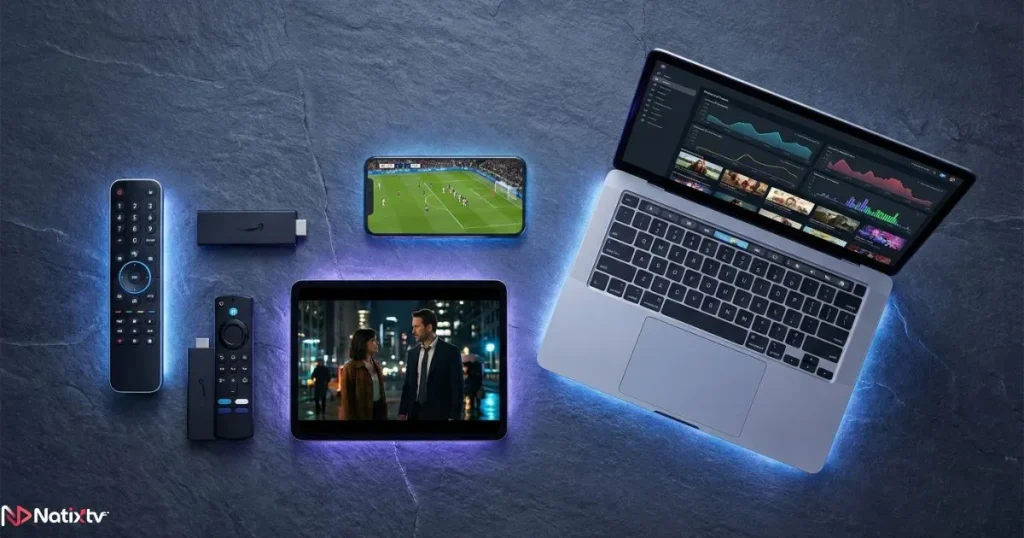
A modern IPTV subscription service should work across every screen you own. Here is what genuine multi-device support looks like:
- IPTV for Smart TV: Samsung, LG, Android TV (via apps like TiviMate or IPTV Smarters)
- Amazon Firestick and Fire TV
- Android and iOS smartphones and tablets
- Windows and macOS computers (via VLC, Kodi, or browser players)
- MAG boxes, Formuler devices, and Apple TV
Also check how many simultaneous connections the subscription allows. A household with multiple viewers needs at least two or three connections running at the same time without extra cost.
Customer Support Quality
Support is one of the most overlooked criteria — until something breaks. A trustworthy iptv service provider offers responsive, knowledgeable support through live chat, ticket systems, or email. Availability matters: 24/7 support is the gold standard, especially if you watch content across different time zones. An average response time under two hours is a reasonable benchmark for a serious provider.
Pricing and Subscription Flexibility
Pricing should be transparent, with clear monthly, quarterly, and annual options. Hidden renewal fees or unclear refund policies are immediate red flags. Most importantly, look for a provider that offers a free trial period. A legitimate iptv service provider is confident enough in its product to let you test it before you pay.
Comparison: Basic vs. Premium IPTV Provider
| Criteria | Basic Provider | Premium IPTV Provider |
|---|---|---|
| Channel count | Under 1,000 | 10,000+ |
| Stream quality | SD / HD only | HD, FHD, 4K |
| Server uptime | Below 95% | 99.9%+ |
| Device support | 1 to 2 devices | 5+ platforms |
| EPG support | None or basic | Full 7-day guide |
| Free trial | No | Yes (24 to 48 hours) |
| Customer support | Email only | 24/7 live chat |
| Anti-freeze technology | No | Yes |
How to Set Up Your IPTV Subscription on Any Device
Once you have chosen your iptv service provider, setup is faster than most people expect. Here is a quick overview by device type.
Smart TV (Samsung / LG / Android TV)
- Download a compatible app from the app store: TiviMate, IPTV Smarters, or GSE IPTV are all solid choices.
- Open the app and choose “Add Playlist” or “Xtream Codes” depending on your provider’s format.
- Enter your M3U URL or your Xtream login credentials.
- Load the EPG and start browsing your IPTV channels.
Amazon Firestick
- Go to Settings, then My Fire TV, then Developer Options, and enable “Apps from Unknown Sources.”
- Install the Downloader app from the Amazon store.
- Use Downloader to install TiviMate or IPTV Smarters Pro via APK.
- Enter your credentials and begin streaming.
Smartphones and PCs
Android users can sideload apps directly. iOS users should look for App Store-compatible players like GSE Smart IPTV. On a computer, VLC Media Player handles M3U playlists with no extra configuration, while Kodi offers a more powerful setup for users who want full media center features.
If you stream across regions or need guidance for specific markets, the best IPTV options for Canadian viewers page is a useful reference for understanding how location-based content and plan selection work in practice.
Red Flags to Avoid When Choosing a Provider
Not every iptv service provider that looks legitimate actually is. Watch out for these warning signs before you hand over your payment details:
- No free trial and no refund policy
- Missing or vague contact information
- No EPG or channel guide included
- Only accepting cryptocurrency with no other payment method
- Reviews that all sound identical and suspiciously perfect
- No clear mention of which devices are supported
- Prices that seem too low to be sustainable
A genuine provider is transparent about what it offers, how to reach its team, and what happens if the service does not meet your expectations.
Why NatixTV Stands Out as a Reliable IPTV Service
NatixTV is built around a single principle: give users a premium streaming experience they can count on, across every device they own. As a trusted iptv service, NatixTV delivers over 10,000 live channels covering sports, cinema, news, kids’ programming, and international content in multiple languages including Arabic, French, and English.
Streams are available in HD, Full HD, and 4K, powered by anti-freeze server technology and a robust CDN infrastructure. Every major device is supported: Smart TVs, Amazon Firestick, Android and iOS devices, MAG boxes, Formuler, and desktop computers. You can run multiple connections simultaneously, making it ideal for families or multi-screen households.
What makes NatixTV particularly easy to try is its free trial period of 24 to 48 hours. No upfront payment required. You get real access to the full service — channels, VOD, EPG, and quality — before you decide. Flexible plans (monthly, quarterly, and annual) make it easy to find the right fit for your budget and usage habits.
Frequently Asked Questions
What should I look for in a reliable iptv service provider?
Focus on five core elements: server uptime (99%+), channel variety, device compatibility, responsive customer support, and a free trial offer. A trustworthy iptv service provider is transparent about all of these and does not ask you to commit blindly.
How do I know if an IPTV provider is legitimate?
Legitimate providers offer clear payment options, verifiable contact details, honest reviews, and a trial period. If a provider avoids transparency on any of these points, treat it as a warning sign.
Can I use one IPTV subscription service on multiple devices at the same time?
Yes, as long as your plan includes multiple simultaneous connections. Premium plans from reliable providers typically support two to five connections, which covers most household needs.
What internet speed do I need for smooth IPTV streaming?
For HD streaming, a minimum of 10 Mbps is recommended. For 4K content, aim for at least 25 Mbps. A wired Ethernet connection is more stable than Wi-Fi for live IPTV channels, especially during high-traffic events.
Is premium IPTV streaming a better value than traditional cable?
In most cases, yes. An IPTV subscription service typically costs less than cable while offering more channels, more flexibility, and compatibility across all your devices. You are not locked to a single TV or set-top box.
Does NatixTV offer a free trial for its iptv service provider plans?
Yes. NatixTV offers a free trial of 24 to 48 hours with no payment required upfront. You get full access to the platform so you can evaluate quality, channel selection, and device compatibility before making any commitment.
Conclusion
Choosing the right iptv service provider comes down to four things: streaming quality, content depth, device compatibility, and support you can actually reach. When a provider checks all four boxes and offers a free trial on top of that, the decision becomes straightforward.
You should never have to guess whether a service will work for you. A trial period is not a bonus feature — it is the minimum standard of confidence a serious iptv service provider should offer its users. Test the stream, browse the channels, try it on your devices, and then decide.
NatixTV is ready when you are. Start your free 24 to 48 hour trial today through the official iptv service page, and experience reliable, premium streaming on every screen in your home — no compromise required.