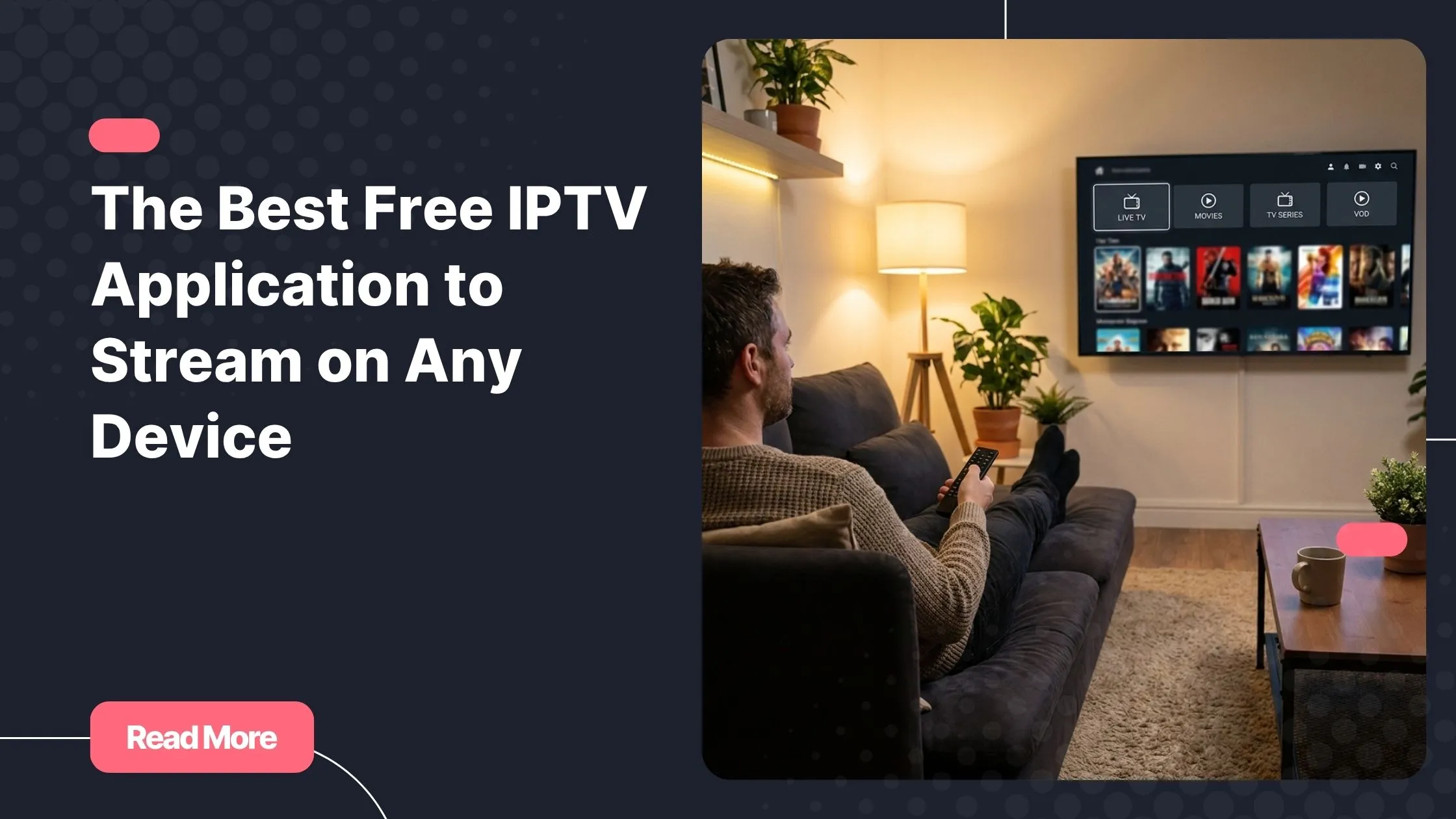
You remember the moment you realized your cable bill had quietly crept past what you spend on groceries. You kept paying anyway, out of habit, out of comfort, out of a vague fear of missing out. Then a friend mentioned IPTV, and everything changed. If you are ready to buy iptv subscription and start streaming the smart way, the very first decision you need to make is choosing the right free IPTV application for your setup.
That choice matters far more than most people expect. A great IPTV player transforms your screen into a fluid, personalized TV experience. A poor one turns even the best subscription into a frustrating parade of buffering wheels. This guide walks you through every option, every device, and every detail you need to make the right call confidently.
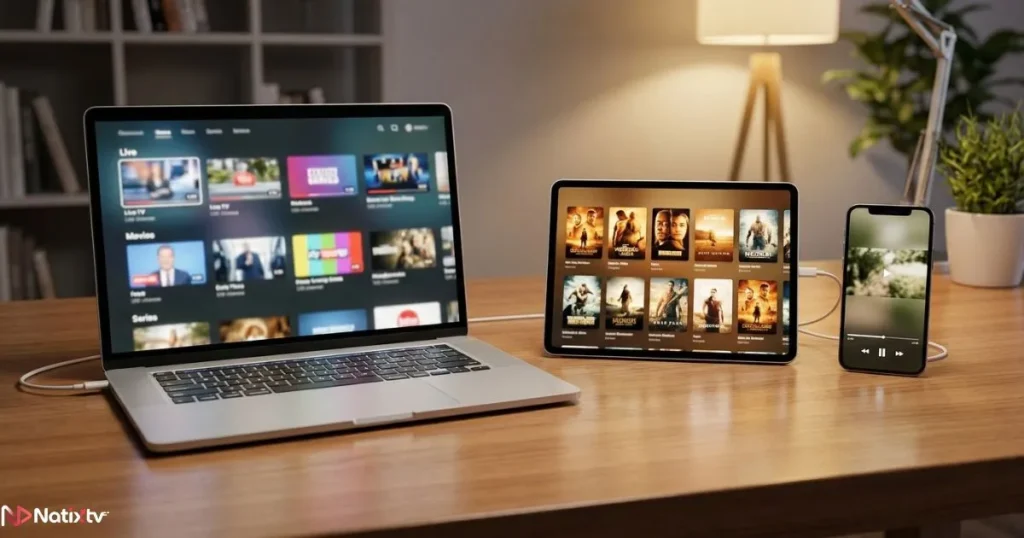
Whether you are a total beginner or someone who has tried a few apps and given up in confusion, you will find your answer here. By the end, you will know exactly which free IPTV application to install, how to set it up, and where to find a subscription worthy of it.
Table of Contents
What Is a Free IPTV Application and Why Does It Matter?
Before diving into comparisons, it is worth understanding what a free IPTV application actually does. Unlike traditional cable or satellite, IPTV delivers television content over your internet connection using the IP protocol. The application is the player: it is the software that reads your playlist, connects to the streams, and displays the content on your screen.
Think of it this way. Your IPTV subscription is the fuel, and your IPTV player is the engine. The two work together, but they are completely separate things. A reliable IPTV player free of charge can handle your M3U playlist or Xtream Codes credentials and render channels in full HD or 4K, depending on your provider and connection. A weak one will crash, buffer, or mangle your EPG (Electronic Program Guide).
According to Grand View Research, the global IPTV market is projected to grow significantly through the late 2020s, driven by cord-cutting and on-demand viewing habits. This is no longer a niche technology: it is how millions of viewers are choosing to watch television every day.
Key Criteria for Choosing the Right IPTV Player
Compatibility With Your Device
The first filter is simple: your player must actually run on your hardware. The landscape here varies considerably depending on what you own.
- Android smartphones and tablets: the widest selection of players, most available directly from the Play Store
- Fire Stick and Fire TV: requires either a Play Store-listed app or sideloading via the Downloader app
- Smart TVs (Samsung, LG, Sony): more restricted ecosystems; fewer native options, but workarounds exist
- Windows and macOS: desktop players like VLC or Kodi handle M3U playlists natively
- iOS: Apple’s App Store restrictions make this the trickiest platform; options exist but are more limited
Features That Actually Matter
Not every feature listed on a player’s store page translates into real value. Here are the ones that genuinely affect your daily experience:
- EPG support: a proper program guide is essential if you want to know what is on and schedule viewing in advance
- Catch-up TV and VOD: lets you watch content you missed without hunting for a separate source
- Multi-screen support: useful if more than one person in your household streams at the same time
- External player integration: some apps let you route streams through MX Player or VLC for better codec support
- Parental controls: an underrated feature for households with children
Performance and Stability
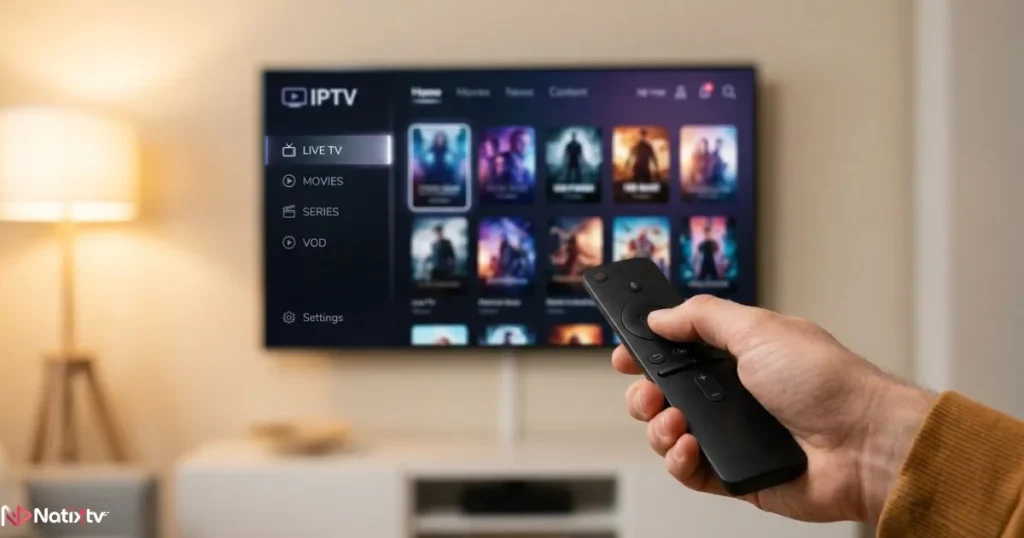
This is where many IPTV players live or die. Buffer management, hardware decoding support, and H.265/HEVC compatibility all determine whether your streams run smoothly or collapse under pressure. Always test a player with a real subscription on a real stream before committing to it as your primary option.
The Top Free IPTV Applications Compared
Below is a side-by-side breakdown of the most popular options available today. Each has been assessed across the criteria that matter most to everyday viewers.
| Application | Android | Fire Stick | Smart TV | Free Version | EPG Support | UI Quality |
|---|---|---|---|---|---|---|
| IPTV Smarters Pro | Yes | Yes | Yes | Yes | Yes | 4 | 5 |
| TiviMate | Yes | Yes | No | Limited | Yes | 5 | 5 |
| GSE Smart IPTV | Yes | Yes | No | Yes | Yes | 4 | 5 |
| Perfect Player | Yes | Yes | No | Yes | Yes | 3 | 5 |
| Kodi (with add-on) | Yes | Yes | Yes | Yes | Yes | 3 | 5 |
| OTT Navigator | Yes | Yes | No | Yes | Yes | 4 | 5 |
Best Free IPTV App for Android
Android users are in the best position: the ecosystem is open, the Play Store has plenty of legitimate options, and sideloading is easy when needed. Two applications stand out consistently.
IPTV Smarters Pro is one of the most widely recommended choices. It supports multi-profile setups, handles VOD and live TV cleanly, and loads M3U or Xtream Codes credentials with minimal friction. Its interface is polished enough for everyday use without being overwhelming for newcomers.
OTT Navigator is the power-user alternative. It offers a deeply customizable interface, excellent EPG rendering, and robust catch-up support. If you want granular control over how your channels are sorted and displayed, this is your pick as an IPTV app for Android.
Best IPTV App for Fire Stick
The Fire Stick environment requires a bit more care. Not every app is available in the Amazon Appstore, so some installations require using the Downloader app after enabling Developer Mode in your device settings.
TiviMate is widely regarded as the gold standard IPTV app for Fire Stick users. Its UI is elegant, remote-friendly, and genuinely pleasant to navigate from the couch. The free version is functional but limits you to a single playlist; the premium unlock is affordable and worth it. If you are serious about your streaming experience, TiviMate is the one to install.
IPTV Smarters is the easier starting point if you want something that requires no sideloading: it is available directly in the Amazon Appstore and works reliably as an IPTV player on Fire TV devices.
Best IPTV App for Smart TV
Smart TVs running Samsung’s Tizen OS or LG’s webOS have more restricted app environments. Native IPTV players are limited, but a few options exist. The Smart IPTV app supports both Samsung and LG platforms and handles M3U playlists without requiring any sideloading. For Android TV-based sets (Sony, Philips, Hisense), the full Android ecosystem opens up again, including Kodi and IPTV Smarters.
If sports streaming is central to your IPTV use, it is also worth reading about finding the right service for live sports coverage, since not all providers deliver the same channel depth for football, basketball, or motorsports.
Best IPTV Player for Desktop
VLC Media Player remains the most universal option. It runs on Windows and macOS, requires no configuration beyond pasting your M3U URL, and handles virtually every codec in existence. For a richer experience with EPG and channel organization, Kodi with the PVR IPTV Simple Client add-on is the go-to desktop choice.
How to Load an M3U Playlist in VLC
- Open VLC and click Media in the top menu
- Select Open Network Stream
- Paste your M3U URL into the field and click Play
- VLC will load your full channel list automatically
How to Set Up a Free IPTV Application Step by Step
Setting up a free IPTV application is simpler than most people expect. The process is nearly identical across all major players, and it takes under five minutes once you have your credentials ready.
What You Need Before You Start
- Your M3U playlist URL or Xtream Codes API credentials from your IPTV provider
- A stable internet connection – ideally 25 Mbps or faster for HD streams
- Your chosen player installed on your device
Universal Setup Process
- Download and install your chosen IPTV player from the appropriate store or source
- Open the app and select Add Playlist or Add Provider
- Enter your M3U URL or paste your Xtream Codes username, password, and server URL
- Wait for the channel list to finish loading (this can take 30 to 90 seconds for large lists)
- Add your EPG URL in the settings to activate the program guide
- Browse your channels, set up favorites, and run a test on a few streams
If you are completely new to this technology and want a more detailed walkthrough of the entire process from scratch, this beginner’s complete setup guide for IPTV covers everything from choosing your first subscription to watching your first stream.
Common Setup Errors and Quick Fixes
- Playlist not loading: check that your M3U URL is still valid and has not expired
- Buffering constantly: switch to a wired Ethernet connection if possible, and increase the buffer size in your player’s settings
- EPG not showing: verify that your EPG URL is correctly entered and refresh it manually in the settings
- Streams playing in wrong language: check your audio track settings within the player
Free vs. Paid IPTV Applications: What Is the Real Difference?
Most free IPTV application options available today offer a genuinely usable experience at no cost. The limitations typically appear in areas like multi-playlist support, recording features, and advanced EPG layouts rather than basic streaming quality.
TiviMate is the clearest example: the free tier covers one playlist and basic channel browsing, which is enough for most single-subscriber setups. The premium version unlocks multiple playlists, catch-up recording, and a more refined EPG. If you are the only one using the service, the free version works perfectly well as a starting point.
Important distinction: the player app is separate from your IPTV subscription. The app itself can be free, but you still need a subscription or a valid M3U playlist to access any content. The player is the door; the subscription is the key.
Legal and Safety Considerations
IPTV players are completely legal software tools. There is nothing inherently problematic about installing IPTV Smarters, TiviMate, or any other player on your device. The legal question only arises with the content source you connect to it.
A licensed IPTV subscription, like the ones offered by reputable providers, delivers content through agreements with broadcasters. Unlicensed streams, by contrast, redistribute content without permission. The safest path is always to use a verified provider you can trust.
A few practical safety tips worth following:
- Only download players from official stores or the developer’s verified website
- Avoid APK files shared in forums or social media groups of uncertain origin
- Use a VPN if you want an additional layer of privacy on your connection
- Choose an IPTV provider that is transparent about its service terms
Why Your IPTV Player Is Only as Good as Your Subscription
You can install the most sophisticated free IPTV application on the market, but if the subscription behind it is unreliable, you will still face constant buffering, dropped streams, and missing channels. The player and the service have to work together.
A quality IPTV subscription brings stable servers, a broad channel lineup, solid EPG data, and responsive support when something goes wrong. These are not luxuries: they are baseline requirements for a viewing experience that actually competes with cable.
Ready to experience IPTV at its best?
Buy iptv subscription from Natixtv and activate your free trial of 24 to 48 hours. Test every feature, every channel, and every device – completely risk-free before you commit.
Natixtv is fully compatible with all the major players covered in this guide: IPTV Smarters, TiviMate, GSE Smart IPTV, OTT Navigator, and more. Whether you are streaming on an Android phone, a Fire Stick, or a Smart TV, Natixtv delivers the M3U and Xtream Codes credentials your player needs, along with reliable uptime and a channel library built for real viewers.
Frequently Asked Questions
What exactly is a free IPTV application and how does it work?
A free IPTV application is a media player designed to read and display streams delivered over the internet via the IPTV protocol. You connect it to your subscription by entering an M3U URL or Xtream Codes credentials, and it handles everything else: loading your channel list, displaying the EPG, and rendering the video on your screen. The app itself does not provide any content: it simply interprets the stream your subscription delivers.
Which IPTV player works best on Android?
IPTV Smarters Pro and OTT Navigator are the two strongest options for Android. Smarters is the more beginner-friendly choice, with a clean interface and straightforward setup. OTT Navigator is better suited to users who want deeper customization, more detailed EPG control, and advanced sorting options for their channel list.
Can I use a free IPTV app on my Fire Stick?
Yes, absolutely. TiviMate and IPTV Smarters are both excellent choices for Fire Stick. IPTV Smarters is available directly from the Amazon Appstore, making installation straightforward. TiviMate requires sideloading via the Downloader app after enabling Developer Mode, but the extra steps are worth it for the best-in-class interface it delivers.
Is it safe to use a free IPTV app?
The apps themselves are safe when downloaded from official or verified sources. The risk comes not from the player but from the content source you connect it to. Stick to reputable IPTV subscription providers, avoid APKs shared in unverified communities, and you will have no issues. Using a VPN adds an extra layer of privacy if that is a concern for you.
What is the difference between IPTV Smarters and TiviMate?
Both are excellent IPTV player options, but they target slightly different users. IPTV Smarters is fully cross-platform, easier to configure, and completely free with no core feature restrictions. TiviMate offers a more polished, TV-optimized interface and better EPG rendering, but limits the free version to a single playlist. Both work seamlessly with Natixtv credentials.
Do I need a paid subscription to use a free IPTV app?
You need either a paid IPTV subscription or a valid M3U playlist to access any content through your player. The application itself is free, but without a content source connected to it, there is nothing to watch. If you want to test before committing, Natixtv offers a free trial of 24 to 48 hours so you can experience the full service before making any payment.
Conclusion
Choosing the right free IPTV application comes down to three things: your device, your priorities, and the subscription you pair it with. Android users have the widest selection. Fire Stick viewers should start with TiviMate or IPTV Smarters. Smart TV owners can explore dedicated apps or leverage Android TV compatibility. Desktop users are well served by VLC or Kodi.
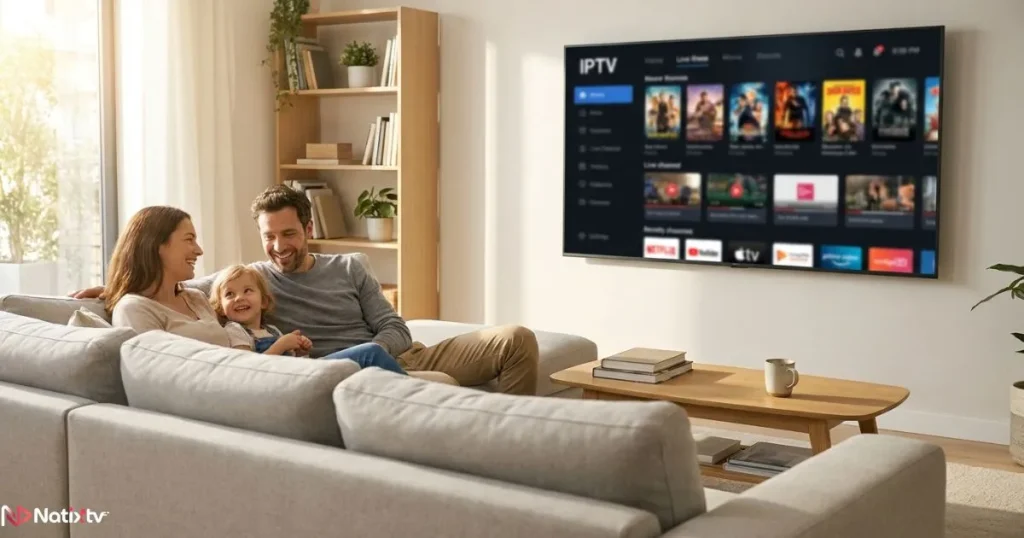
The player opens the door. What makes the experience truly great is the service behind it: stable streams, a rich channel lineup, reliable EPG data, and support you can actually reach. That is exactly what a trusted provider delivers.
There is no better way to find out than to try it yourself. Buy iptv subscription from Natixtv today, claim your 24 to 48-hour free trial, and discover what IPTV looks like when the player and the provider are both working at their best. No commitment, no risk, just great television on the device you already own.