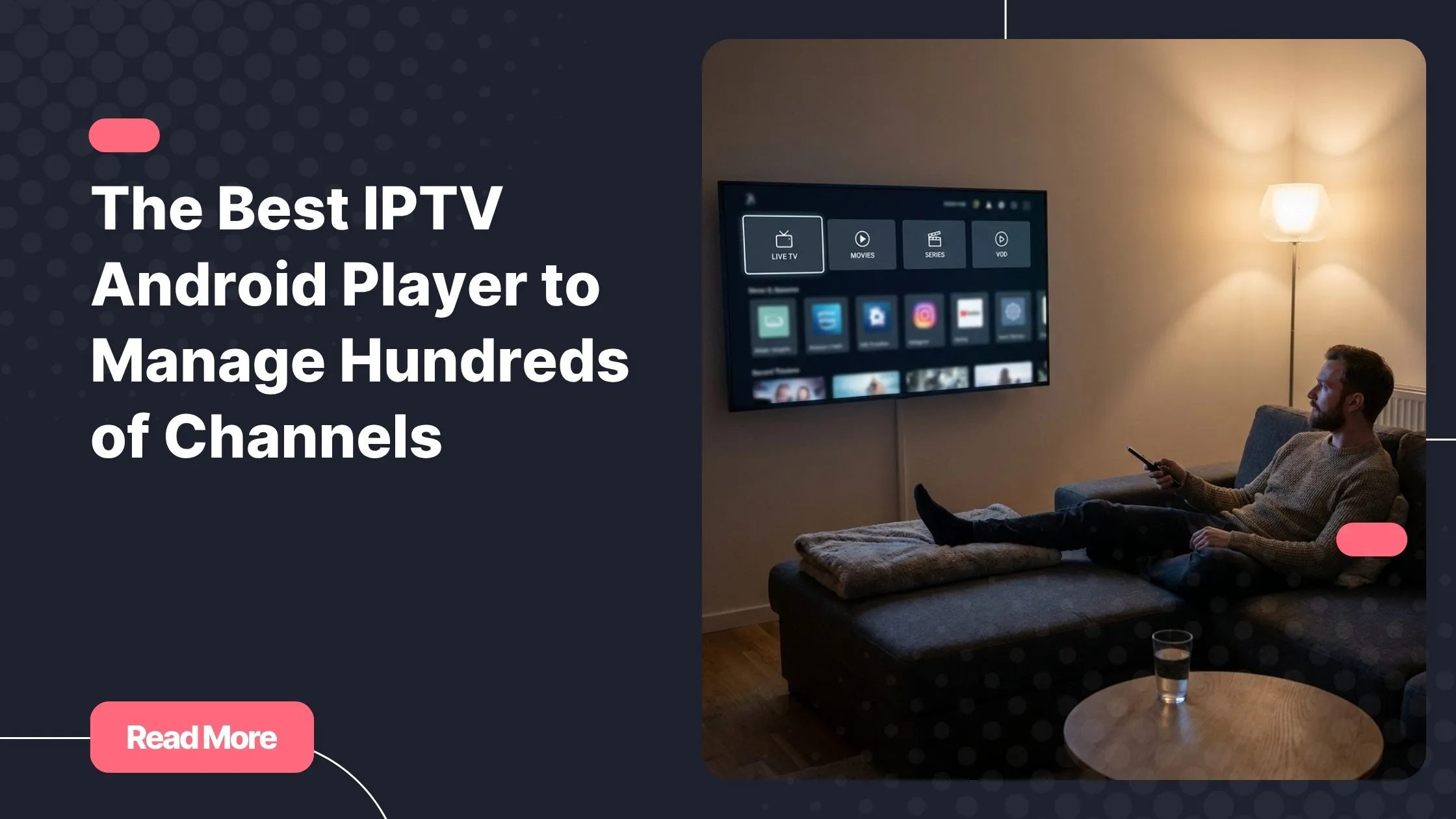
Picture this: it is Friday evening, you finally settle into your couch, and you open your IPTV app. Three thousand channels stare back at you, completely unorganized, with no favorites saved and no program guide in sight. Sound familiar?
Finding the right app for your Android device is not just a technical choice. It is the difference between spending twenty minutes hunting for a channel and pressing play in seconds. The best IPTV android player for your setup is the one that makes a massive library feel manageable, personal, and fast. Whether you stream on a smartphone, a tablet, or an Android TV box, the right app changes everything about your daily viewing experience. If you are already looking for a reliable IPTV subscription to go along with your player, iptv usa from Natixtv is worth exploring right from the start.
In this guide, you will find a complete, honest breakdown of the top Android IPTV apps available in 2026, a detailed comparison, and practical tips to turn even the most bloated channel list into a clean, organized library you actually enjoy using.
Table of Contents
Why Picking the Right IPTV Player Android App Changes Everything
The Android ecosystem gives you a long list of IPTV apps to choose from. Most of them work fine with a modest channel list. The gap in quality becomes very obvious once your playlist grows past one thousand entries. Choosing the best IPTV android player for your specific use case is not about picking the most popular option. It is about matching the app’s strengths to your actual streaming habits.
A weak Android IPTV app will freeze during playlist loading, scramble your groups, ignore your favorites, and render an EPG grid that is impossible to read. A strong one will cache your playlist quickly, let you build custom category groups, surface your most-watched channels in seconds, and display a clean program guide that helps you plan what to watch next.
In short: your player is the interface between you and your content. Getting it right means less frustration and more actual watching.

The Features That Define the Best Android IPTV Player
Before jumping into specific app recommendations, it helps to know exactly what to look for. These are the features that separate a truly great IPTV player Android experience from an average one.
Playlist Handling at Scale
If your provider gives you access to thousands of channels, your app must be able to handle that without grinding to a halt. Look for:
- Support for M3U and M3U8 playlists with 1,000 to 20,000+ entries
- Fast initial loading and background caching
- Multi-source playlist support (for users with more than one IPTV subscription)
- A built-in channel search bar so you never have to scroll endlessly
IPTV Channel Organization Tools
This is where most apps fall short. Solid IPTV channel organization features include the ability to create custom groups, hide unwanted categories (goodbye, 200 channels from a country you never watch), and reorder channels to match your habits. The best apps let you build multiple IPTV favorites lists, not just one. That distinction matters if you manage content for a whole household with different tastes.
EPG Quality and Flexibility
A reliable IPTV EPG (Electronic Program Guide) is what turns a raw list of live streams into something that feels like a real TV experience. A good EPG implementation should support XMLTV and JTV formats, refresh automatically every 24 hours, and display a scrollable grid view that works equally well with a touchscreen and a remote control. Without a working IPTV EPG, you are flying blind on live content.

Streaming Quality and Stability
Performance matters as much as organization. Your app should offer:
- Hardware decoding for smooth H.265/HEVC and 4K playback
- Adjustable buffer sizes to compensate for network fluctuations
- Auto-reconnect on dropped streams
- Support for external media players as a fallback option
If you are specifically planning to stream in ultra high definition, reading up on choosing a reliable 4K IPTV service will help you pair the right subscription with the right player settings.
Android TV Navigation
If you use a set-top box or a smart TV running Android, the interface requirements are completely different. An Android TV IPTV player must be navigable with a D-pad remote, load quickly from a cold start, and display content in a layout designed for a large screen viewed from a distance. Apps that were built primarily for phones often feel awkward on a ten-foot screen.
Top IPTV Android Players Compared: Which One Fits Your Setup
Here is an honest look at the most popular and capable options available right now.

TiviMate: The Best IPTV Android Player for Power Users
TiviMate is widely considered the best IPTV android player for anyone managing a large, complex channel library. It was built from the ground up for IPTV, and it shows in every detail. The EPG grid is the cleanest and most responsive you will find on Android. The IPTV favorites system supports multiple named lists, so you can have one for sports, one for news, and one for kids. Channel hiding, group pinning, and custom category creation are all included. Performance stays smooth even with playlists exceeding ten thousand entries.
The main trade-off is cost. TiviMate’s most useful features are locked behind a premium subscription, though a free trial period lets you test everything before committing. If you are also interested in running TiviMate beyond your Android device, there is a detailed guide on setting up TiviMate on a Windows PC that walks through the full process.
IPTV Smarters Pro: Best All-in-One Android IPTV App
IPTV Smarters Pro takes a broader approach. It handles live TV, catch-up content, VOD libraries, and TV series all within a single interface. If your subscription includes on-demand content alongside live channels, this is one of the most convenient Android IPTV app options available. It also supports multiple accounts, which makes it a solid choice for households or anyone who juggles more than one provider. The EPG can be slow to load on very large playlists, but the overall experience is polished and easy to set up.
GSE Smart IPTV: Maximum Flexibility for Technical Users
GSE Smart IPTV is the right pick if you want granular control over playback. It supports external media players, gives you detailed codec and buffer settings, and handles M3U/M3U8 playlists reliably. The interface is functional rather than beautiful, but for users who care more about precision than aesthetics, it delivers where it counts. It is also free to use, making it a strong entry point for anyone just starting out with IPTV on Android.
Televizo: The Rising Challenger for Organized Viewing
Televizo has grown quickly in popularity over the last year. Its channel browser is clean and group-based, making IPTV channel organization feel natural even for less technical users. The recently watched section and favorites system are well-designed, and remote control navigation works well on Android TV. If you want something that balances simplicity with solid organization features, Televizo is worth trying.
Perfect Player: Lightweight and Reliable
Perfect Player has been around for years and still holds up as a dependable choice on lower-powered devices. It is lightweight, supports EPG, and lets you set up custom channel groups. The interface feels dated compared to newer apps, and updates are less frequent, but it remains a solid option when device resources are limited.
Side-by-Side Comparison: Choosing Your Best IPTV Android Player
| Feature | TiviMate | IPTV Smarters Pro | GSE Smart IPTV | Televizo | Perfect Player |
|---|---|---|---|---|---|
| Large Playlist Support | Excellent | Good | Good | Good | Average |
| IPTV EPG Quality | Excellent | Average | Good | Good | Good |
| IPTV Favorites System | Multi-list | Basic | Basic | Basic | Basic |
| IPTV Channel Organization | Advanced | Good | Good | Good | Basic |
| Android TV IPTV Player | Yes – optimized | Partial | Partial | Yes – optimized | Partial |
| 4K / HEVC Support | Yes | Yes | Yes | Yes | Yes |
| Free Version Available | Trial only | Yes | Yes | Yes | Yes |
How to Organize a Large Channel Library Like a Pro
Even the best IPTV android player needs a smart configuration strategy. These habits will save you significant time and make your daily viewing far more enjoyable.
Build a Favorites System That Reflects Your Real Habits
Do not just add channels to a single favorites list. Use multiple IPTV favorites lists organized by theme: sports, news, entertainment, and kids content each deserve their own list. Limit each list to twenty or thirty channels so it stays fast and functional. The goal is to reach your top channels in two taps or fewer.
Use Groups Strategically
Most IPTV subscriptions come with pre-built groups organized by country or language. Customize them. Hide the groups you never use. Pin your most-visited categories at the top. This single step alone will make a three-thousand-channel library feel half the size.
Set Up and Optimize Your EPG
Your IPTV EPG is only as useful as the source behind it. Ask your provider for the XMLTV EPG URL that matches your channel list, then set it to auto-refresh daily. Once the guide is populated, you can plan what to watch in advance instead of flipping through live streams hoping something good is on.
Dial In Your Playback Settings
- Use hardware decoding for 4K and HEVC streams to reduce CPU load
- Increase buffer size slightly if you experience frequent rebuffering
- Enable auto-reconnect to recover dropped live streams automatically
- Test a secondary external player as a backup for tricky stream formats
Setting Up Your IPTV Player on Android: Step by Step
Getting started is straightforward once you have your subscription credentials ready. No matter which best IPTV android player you settle on, the setup process follows the same core steps. Here is how to go from a blank install to an organized library in under ten minutes:
- Download your chosen IPTV app from the Google Play Store. For Android TV boxes, you may need to sideload the APK if the app is not listed in your regional store.
- Gather your M3U playlist URL or your Xtream Codes login details from your provider.
- Open the app, navigate to the playlist or account settings, and enter your credentials.
- Wait for the channel list to load. On large playlists, this first sync can take a few minutes.
- Add your EPG source URL in the settings, then trigger an initial guide sync.
- Create your custom channel groups and build your first IPTV favorites lists.
- Test playback on a few channels across different categories, then adjust your decoding and buffer settings if needed.
Looking for a subscription to pair with your player? iptv usa via Natixtv gives you access to a large, well-organized channel library compatible with every app covered in this guide. Both M3U and Xtream Codes formats are supported, and EPG data is included. A free trial period of 24 to 48 hours lets you test the full service on any Android device before you commit to a plan.
Why Natixtv Is the Subscription to Pair with Your Android Player
Your IPTV player is only half the equation. No matter how well-configured your app is, a poor-quality subscription will let you down with buffering, broken streams, and outdated channel lists. Natixtv is built to complement the best Android IPTV apps with a stable, content-rich service that works right out of the box.
- Device compatibility: Android smartphones, Android tablets, Android TV boxes, and Fire Stick devices (via sideloading) are all supported.
- EPG included: Natixtv provides EPG data that integrates cleanly with TiviMate, IPTV Smarters Pro, and every other app reviewed in this guide.
- Easy setup: Both M3U playlist URLs and Xtream Codes credentials are available, so you can connect to any player in minutes.
- Free trial: A 24 to 48-hour free trial period gives you time to test stream quality, channel availability, and EPG accuracy with zero risk.
Whether you are just starting with IPTV or switching from a provider that has been letting you down, Natixtv offers a straightforward, reliable alternative worth trying on your next Friday evening in. Pair it with the best IPTV android player for your device, and the difference is immediate.
Frequently Asked Questions
What is the best IPTV android player for managing a large number of channels?
TiviMate is consistently the top recommendation for users dealing with large channel libraries. Its IPTV channel organization tools, multi-list IPTV favorites system, and outstanding EPG grid make it the most complete option available. IPTV Smarters Pro is a strong runner-up if you also want to manage VOD and catch-up content from a single interface.
Is the best IPTV android player free to use?
Several strong options are free, including GSE Smart IPTV, Televizo, and Perfect Player. TiviMate offers a free trial but requires a paid subscription to unlock its full feature set. For casual users, the free versions are often sufficient. Power users managing large playlists will generally find the investment in TiviMate premium worthwhile.
Which Android IPTV app has the best EPG support?
TiviMate leads the field when it comes to IPTV EPG quality. Its program grid is fast, visually clear, and supports XMLTV sources with daily auto-refresh. GSE Smart IPTV and Televizo also handle EPG well. The key is pairing your app with a subscription that provides a reliable EPG data source, which Natixtv includes as part of its service.
Can I use the best IPTV android player on my Android TV box?
Yes. Both TiviMate and Televizo are fully optimized as an Android TV IPTV player, with remote-friendly navigation and layouts designed for large screens. IPTV Smarters Pro and GSE Smart IPTV also work on Android TV, though their interfaces are more phone-oriented. If remote control navigation is a priority, TiviMate is the clear winner.
How do I set up IPTV favorites in an Android IPTV app?
In TiviMate, you can create multiple named favorites lists from the channel settings menu. Long-press any channel to add it to a list. In IPTV Smarters Pro, tap the heart icon on any channel to add it to your single favorites list. Building at least three separate lists (sports, news, entertainment) will make your daily navigation significantly faster.
Does Natixtv work with all Android IPTV players?
Yes. Natixtv provides both M3U playlist URLs and Xtream Codes credentials, which means it is compatible with every Android IPTV app reviewed in this guide, including TiviMate, IPTV Smarters Pro, GSE Smart IPTV, Televizo, and Perfect Player. Setup typically takes less than five minutes. You can verify compatibility during the 24 to 48-hour free trial before subscribing.
Final Verdict: Which Player Should You Use
After testing and comparing all the major options, the picture becomes clear. If you want the single best IPTV android player for a large library, TiviMate is the answer. Its combination of IPTV channel organization depth, multi-list IPTV favorites, premium IPTV EPG integration, and polished Android TV IPTV player experience puts it in its own category.
That said, your situation matters:
- Best overall: TiviMate, for power users who want full control
- Best all-in-one Android IPTV app: IPTV Smarters Pro, for VOD and live TV together
- Best free IPTV player Android option: GSE Smart IPTV or Televizo
- Best for older or lower-powered devices: Perfect Player
No matter which app you choose, remember that the player is only part of the experience. A stable, well-curated IPTV subscription is what actually fills that player with content worth watching. iptv usa from Natixtv offers exactly that, with a large channel library, built-in EPG data, full Android compatibility, and a 24 to 48-hour free trial so you can experience the difference before spending a single dollar. Set up your player, connect your Natixtv subscription, build your favorites, and enjoy your Friday evening the way it was meant to be.
Sources: Android Authority – Best IPTV Players for Android provides additional independent comparisons of IPTV player Android apps for readers who want to explore further technical benchmarks and community feedback.