You’ve been there before. Popcorn in hand, lights dimmed, and the moment a big game or season finale hits its peak, the screen freezes. The little buffering wheel spins endlessly. That frustration is not just about a bad evening – it’s a sign that your IPTV connection is being throttled, monitored, or simply left unprotected. And in 2026, that’s a problem with a clear, practical solution.
Whether you’re streaming live sports, international news, or your favourite shows on a best iptv service, the quality of your experience depends on more than just your subscription. A reliable IPTV VPN acts as a shield and a speed booster at the same time – protecting your privacy, bypassing throttling, and making sure your stream stays smooth no matter where you watch.
This guide walks you through everything you need to know: what to look for, which VPNs actually deliver, and how to set one up on any device. By the end, you’ll know exactly how to pair the right tool with a great IPTV service for a truly seamless viewing experience.
Table of Contents
Why IPTV Users Need a VPN in 2026
Most people assume buffering is caused by a slow internet connection. In reality, your ISP (Internet Service Provider) may be deliberately slowing down your IPTV traffic through a technique called throttling. Studies consistently show that between 30% and 40% of streaming traffic is throttled by major ISPs using deep packet inspection (DPI) – a method that identifies IPTV streams specifically and limits their bandwidth.
Beyond speed, there’s the matter of IPTV privacy. Even with a legitimate subscription, your viewing habits, connection times, and content preferences can be logged by your ISP or intercepted on unsecured networks. If you ever stream on hotel Wi-Fi, airport connections, or any public hotspot, you’re sending that data entirely unprotected.
A VPN for IPTV streaming resolves both issues at once. It encrypts your traffic so ISPs can no longer identify or throttle it, and it masks your connection so third parties can’t track what you’re watching. It also opens geo-restricted channels you might otherwise never reach.
ISP Throttling and How a VPN Bypasses It
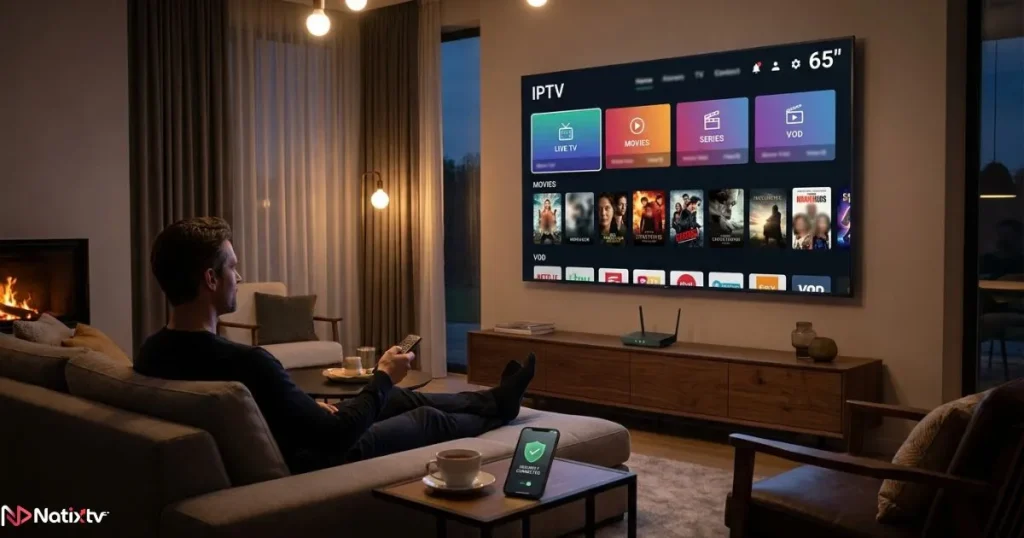
When your ISP detects a high-bandwidth stream, it often slows it down to manage network load – especially during peak hours. The moment your traffic passes through a VPN tunnel, it becomes encrypted and unreadable to your ISP. They can no longer identify it as IPTV traffic, which means they can’t throttle it selectively. The result: IPTV without buffering, stable bitrates, and a picture that actually matches the quality your subscription promises.
IPTV Privacy: Protecting Your Viewing Data
Secure IPTV isn’t just for privacy purists. Even with a fully licensed service, your ISP can legally collect and sell browsing and streaming data in many countries. A no-log VPN ensures none of that data exists to be shared. Your viewing history stays yours – encrypted, anonymous, and untraceable.
What to Look for in the Best VPN for IPTV
Not every VPN is built for streaming. Some prioritise raw security at the expense of speed, while others offer fast connections without proper privacy protections. When you’re looking for the best VPN for IPTV, these are the factors that actually matter:
- Speed and low latency: Essential for HD and 4K streams. Aim for VPNs supporting WireGuard or equivalent modern protocols.
- No-log policy: Independently audited policies are far more trustworthy than simple promises.
- Device compatibility: You need a VPN that works natively as a VPN for Smart TV and a VPN for Fire Stick – not just on laptops.
- Server spread: More servers in more locations means better options to bypass geo-blocks and reduce congestion.
- Kill switch: If your VPN drops, a kill switch cuts your internet connection instantly so your real IP is never exposed.
- Split tunneling: Lets you route only your IPTV app through the VPN while other traffic goes through your regular connection.
- Simultaneous connections: Cover your Smart TV, Fire Stick, phone, and tablet under one subscription.
| Feature | Why It Matters for IPTV |
|---|---|
| Speed (Mbps) | Prevents buffering on HD and 4K streams |
| No-log policy | Protects your IPTV privacy at its source |
| Smart TV / Fire Stick support | Easy native setup on all your devices |
| WireGuard protocol | The fastest tunnelling protocol available today |
| Global server locations | Unlocks geo-restricted channels worldwide |
| Kill switch | Keeps your connection protected if the VPN drops |
| Simultaneous connections | Covers every streaming device you own |
Speed: The Most Critical Factor for Streaming
Minimum speed requirements for uninterrupted IPTV streaming sit around 5 Mbps for HD, 10 Mbps for Full HD, and 25 Mbps for 4K. The fastest VPN for IPTV doesn’t have to be the most expensive – it just has to support WireGuard or a similarly lightweight protocol that adds minimal overhead to your connection. Always test with a free trial before committing.
For a deeper look at how protocols affect streaming quality, Cloudflare’s guide to VPN protocols is a reliable technical reference worth bookmarking.
Device Compatibility: VPN for Smart TV and Fire Stick
Setting up a VPN for Smart TV or a VPN for Fire Stick is straightforward when the provider offers a native app. Most top-tier VPNs now have dedicated apps for Android TV, Fire OS, and Apple TV. If your Smart TV runs on a platform without a native app, a router-level VPN setup covers every device on your network at once – no individual configuration needed.
To learn how to get the most out of your setup across devices, this complete guide to using IPTV features walks you through the practical steps in detail.
Top 5 Best VPNs for IPTV in 2026
The following VPNs have been selected based on streaming speed, verified privacy policies, device support, and overall value for IPTV users. If you’re comparing reliable streaming options alongside your VPN choice, compare leading IPTV providers in 2026 to see which services actually deliver on their promises.
Best All-Round
1. ExpressVPN – Best VPN for IPTV Overall
ExpressVPN consistently tops streaming benchmarks for a reason. Its proprietary Lightway protocol delivers exceptional speeds with very low latency, and it has native apps for Fire Stick, Android TV, and Apple TV. Its no-log policy has been independently audited multiple times, and it operates across 105 countries. The price is on the higher end, but for anyone who wants the best VPN for IPTV without compromise, it remains the benchmark.
- Lightway protocol for blazing connection speeds
- Audited no-log policy for genuine IPTV privacy
- Native apps for all major streaming devices
- 8 simultaneous connections per account
Fastest for Streaming
2. NordVPN – Fastest VPN for IPTV Streaming
NordVPN’s NordLynx protocol is built on WireGuard, making it the fastest option in head-to-head speed tests. With over 6,000 servers across 111 countries, finding a low-latency connection is nearly always possible. It’s the go-to choice for anyone dealing with severe ISP throttling, and its Meshnet feature is ideal for multi-device streaming households.
- NordLynx (WireGuard-based) for the lowest possible latency
- 6,000+ servers – excellent for bypassing geo-blocks
- Double VPN for those who want extra layers of protection
- 10 simultaneous connections
Best Budget Pick
3. Surfshark – Best Budget IPTV VPN
Surfshark is the most cost-effective option on this list – and the only one that offers unlimited simultaneous connections. If you have a house full of streaming devices, that matters enormously. WireGuard support keeps speeds competitive, and its CleanWeb feature blocks ads and trackers while you stream.
- Unlimited simultaneous connections under one account
- WireGuard support for solid streaming speeds
- Camouflage mode hides VPN usage from your ISP
- Available on all major IPTV devices
Best for Beginners
4. CyberGhost – Simplest Setup for IPTV
CyberGhost takes the complexity out of VPN configuration with dedicated streaming servers you can activate in one tap. Its Fire Stick and Android TV apps are among the most user-friendly available. If you’re new to IPTV VPN setups and want a no-fuss experience, CyberGhost is your starting point.
- Dedicated streaming-optimised servers
- One-click setup on Fire Stick and Smart TV
- 9,000+ servers in 100 countries
- 7 simultaneous connections
Best for Power Users
5. Private Internet Access (PIA) – Most Customisable Option
PIA gives experienced users the most control over their VPN configuration – protocol choice, encryption level, port selection, and more. It’s open-source, independently audited, and supports an impressive range of devices. If you want to fine-tune your secure IPTV setup to match your exact network conditions, PIA rewards that effort.
- Highly configurable protocols and encryption settings
- Open-source codebase with audited no-log policy
- 35,000+ servers worldwide
- Unlimited simultaneous connections
| VPN | Speed Rating | Smart TV App | No-Log | Best For | Price / Month |
|---|---|---|---|---|---|
| ExpressVPN | ★★★★★ | Yes | Audited | All-round performance | ~$6.67 |
| NordVPN | ★★★★★ | Yes | Audited | Speed and privacy | ~$3.99 |
| Surfshark | ★★★★☆ | Yes | Audited | Budget and families | ~$2.49 |
| CyberGhost | ★★★★☆ | Yes | Yes | Beginners | ~$2.19 |
| PIA | ★★★★☆ | Yes | Audited | Power users | ~$2.03 |
How to Set Up a VPN for IPTV on Any Device
Setting up the best VPN for IPTV is simpler than most people expect. The method varies slightly by device, but the core process is the same: install, connect, stream.
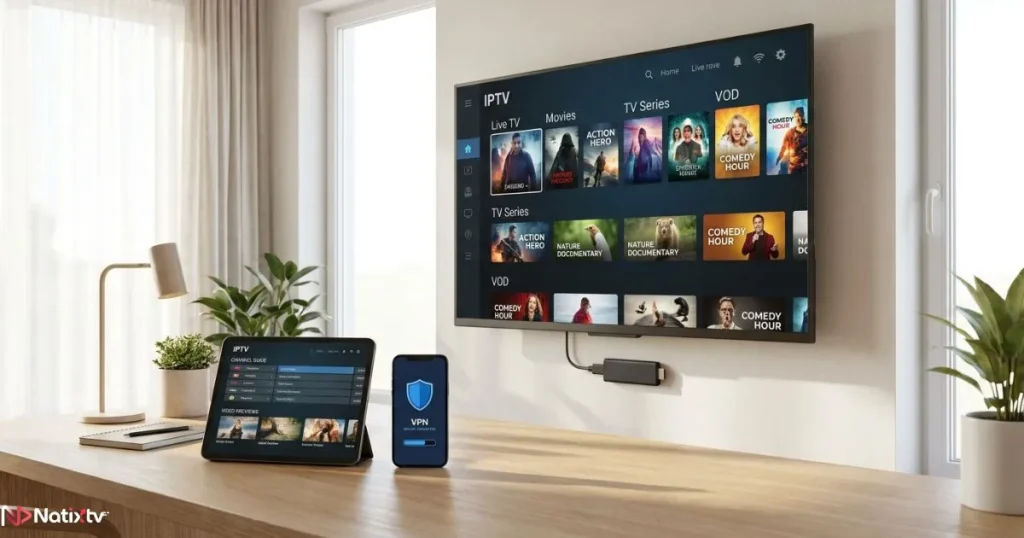
Setting Up a VPN on Fire Stick
- Open the Amazon Appstore from your Fire Stick home screen.
- Search for your chosen VPN (ExpressVPN, NordVPN, Surfshark, etc.).
- Install the app and log in with your account credentials.
- Connect to a server geographically close to your IPTV provider’s servers for the best speed.
- Enable the kill switch in settings, then open your IPTV app and enjoy buffer-free streaming.
Setting Up a VPN on Android TV and Smart TV
- Navigate to the Google Play Store on your Android TV.
- Search for your VPN and install the app.
- Log in and select a streaming-optimised server.
- Turn on the kill switch for uninterrupted IPTV privacy protection.
- Launch your IPTV app – your stream is now encrypted and protected.
Router-Level VPN: The Best Setup for the Whole Home
If your Smart TV doesn’t support a native VPN app, installing the VPN at the router level is the most elegant solution. Every device connected to your home network benefits automatically – no individual setup required. Compatible routers include those running DD-WRT, Asus Merlin, or Tomato firmware. Check your VPN provider’s documentation for the exact configuration steps, as they vary by router model.
Common IPTV Problems a VPN Solves
If you’ve ever struggled with your IPTV stream, there’s a good chance one of the following issues was at the root of it – and a good VPN addresses all of them:
Problem
Constant buffering and lag during live streams
Solution
VPN bypasses ISP throttling for stable, high-speed delivery
Problem
Certain channels blocked in your region
Solution
Switch to a server in the target region to unlock content
Problem
Stream cuts out when VPN loses connection
Solution
Kill switch cuts traffic instantly to protect your session
Problem
Slow speeds on hotel or public Wi-Fi
Solution
Encrypted tunnel secures and stabilises your connection
Problem
ISP tracking your viewing activity
Solution
No-log VPN anonymises all IPTV traffic completely
VPN and IPTV: What You Need to Know About Legality
Using a VPN is entirely legal in the vast majority of countries. Pairing one with a licensed IPTV subscription is just as legal as using a VPN with Netflix or any other streaming platform. The key distinction is the service you’re accessing: a legitimate, licensed IPTV service combined with the best VPN for IPTV is a perfectly lawful setup designed for privacy and performance.
It’s worth noting that some regional sports broadcasting agreements create blackout zones for specific events. While a VPN can technically bypass these restrictions, the legal landscape around this practice is nuanced and varies by jurisdiction. When in doubt, stick to what your subscription legitimately covers.
Free Trial: 24 to 48 Hours
Why Natixtv Is the Ideal IPTV Service to Pair with Your VPN
Finding the best VPN for IPTV is only half the equation. The other half is choosing an IPTV service that’s actually built for performance across all your devices. That’s exactly what Natixtv delivers.
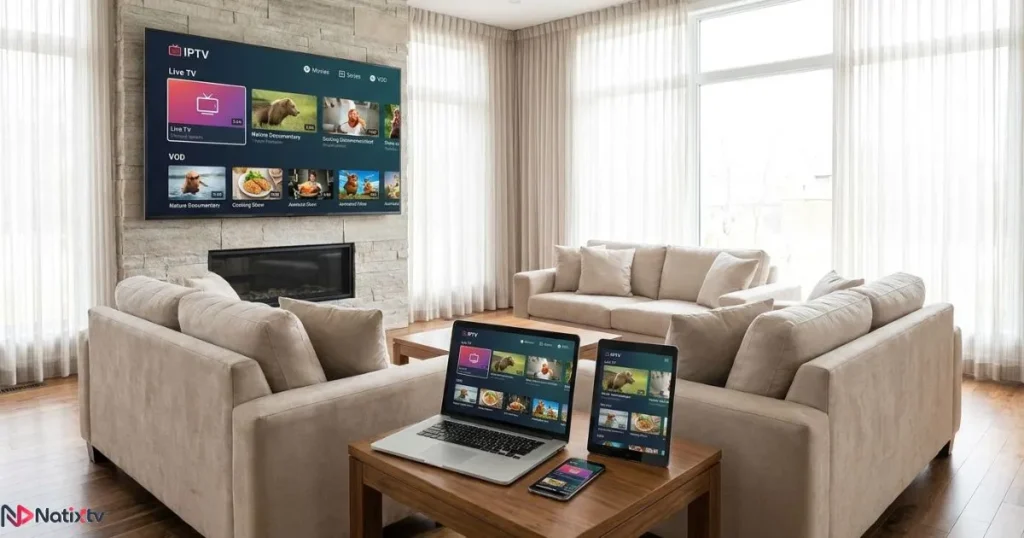
Natixtv offers IPTV subscriptions compatible with virtually every major device and platform – Smart TVs, Fire Stick, Android and iOS phones and tablets, MAG boxes, and more. The service is engineered for smooth, high-quality delivery that pairs naturally with the encrypted tunnel a top VPN provides.
What makes Natixtv especially worth trying is its free trial period of 24 to 48 hours. You can test the full service – channels, quality, device compatibility – before spending a cent. Combine that with your chosen VPN, and you have a setup that protects your privacy, eliminates throttling, and gives you access to a premium IPTV experience with nothing to lose on day one.
- Compatible with Smart TV, Fire Stick, Android, iOS, MAG boxes, and more
- Free 24 to 48-hour trial – no commitment required
- Optimised streams that work seamlessly behind a VPN
- Straightforward setup on every supported device
Frequently Asked Questions
What is the best VPN for IPTV in 2026?
The best VPN for IPTV in 2026 depends on your priorities. For all-round performance, ExpressVPN leads the field. For raw speed, NordVPN’s NordLynx protocol is unmatched. Budget-conscious streamers should look at Surfshark. All three offer native apps for Smart TV and Fire Stick, verified no-log policies, and the speeds needed for 4K IPTV streams.
Does a VPN actually stop IPTV buffering?
Yes, in most cases. When your ISP uses deep packet inspection to identify and throttle IPTV traffic, a VPN encrypts that traffic so your ISP can no longer detect or limit it. The result is a more consistent connection and IPTV without buffering – particularly during peak viewing hours when throttling is most aggressive.
Can I use a VPN on my Fire Stick for IPTV?
Absolutely. Most leading VPNs – including ExpressVPN, NordVPN, Surfshark, and CyberGhost – offer dedicated Fire Stick apps available through the Amazon Appstore. Setup takes under five minutes. Once connected, your IPTV traffic on the Fire Stick is fully encrypted and protected.
Will a VPN slow down my IPTV stream quality?
A poorly chosen VPN can add latency, but a modern VPN using WireGuard or an equivalent protocol adds minimal overhead – often less than 5% to your connection speed. In practice, the fastest VPN for IPTV setups frequently improve your effective speed by eliminating ISP throttling, more than compensating for any minor protocol overhead.
What is the best VPN for IPTV if I’m on a tight budget?
Surfshark is consistently the best VPN for IPTV users watching their budget, with plans available from around $2.49 per month and unlimited simultaneous connections. CyberGhost and Private Internet Access also offer strong streaming performance at competitive prices without sacrificing the privacy protections that matter most.
Is using a VPN with an IPTV service legal?
Yes. Using a VPN to protect your privacy while accessing a licensed IPTV service is entirely legal in most countries. VPN tools are broadly legal across North America, Europe, and most of Asia. The legality of your IPTV usage depends on the service itself – always ensure your subscription is from a legitimate, licensed provider.
Final Thoughts: Protect Your Stream, Elevate Your Experience
In 2026, the combination of a reliable IPTV service and the best VPN for IPTV isn’t a niche setup for tech enthusiasts. It’s the standard for anyone who takes their viewing experience seriously. ISP throttling is real, IPTV privacy matters, and the difference between a frozen stream and flawless 4K playback often comes down to one smart choice.
For speed and reliability, NordVPN and ExpressVPN lead the pack. For budget-conscious households, Surfshark offers exceptional value. Whatever you choose, the principle is the same: encrypt your connection, bypass the throttles, and take control of what you watch and how you watch it.
Pair your VPN with a best iptv service like Natixtv – fully compatible with Smart TV, Fire Stick, Android, and iOS – and take advantage of their free 24 to 48-hour trial. You have nothing to lose, and a far better streaming experience to gain.Start Your Free Natixtv Trial Today