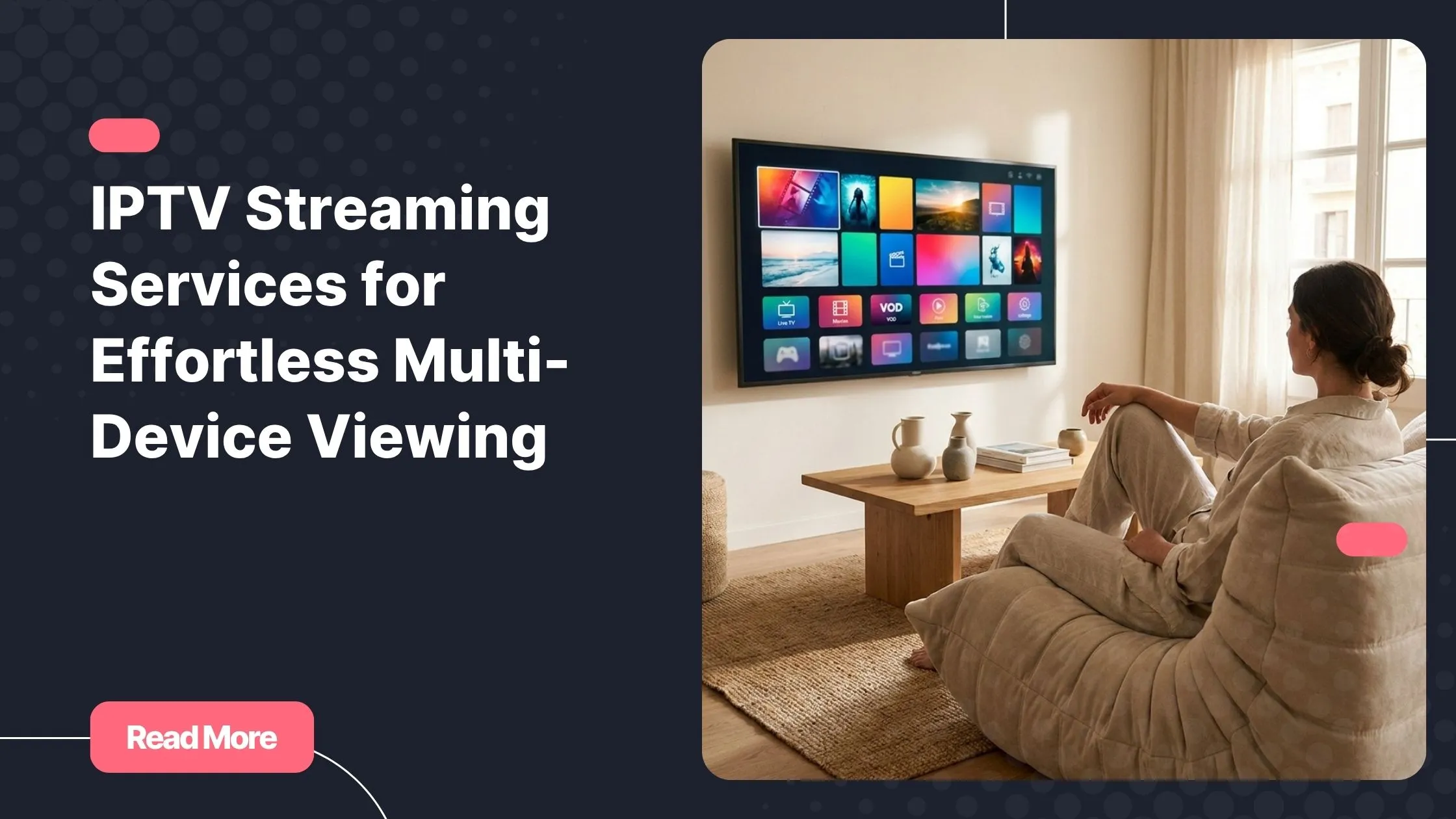
There is a special kind of freedom in being able to start a live match on your television, continue watching it on your phone while you move around the house, and pick it up later on your laptop. With top rated iptv, your entertainment can follow your routine instead of forcing you to stay in front of one screen.
Today, you expect more than a fixed channel list and a single device. You want smooth playback, simple setup, reliable access, and the flexibility to watch from the screen that fits your moment. That is exactly why IPTV has become an appealing option for viewers who value control, convenience, and modern streaming performance.
This guide explains how iptv streaming services work, what happens behind the scenes when you press play, and how you can create a better multi-device viewing setup at home or on the go.
Table of Contents
What Are IPTV Streaming Services?
IPTV stands for Internet Protocol Television. Instead of receiving television content through a satellite dish, cable line, or antenna, you receive it through an internet connection. Your chosen player application or compatible device connects to the service and displays the available live channels, video-on-demand content, and other supported features.
Unlike traditional television, iptv streaming services are designed around flexibility. You can often watch on a smart TV in your living room, a streaming device in another room, a tablet in bed, or a smartphone when you are away from home. The experience depends on your subscription, device, application, and internet connection.
Most modern IPTV platforms are built around three common content types:
- Live TV: Real-time channels, including news, sports, entertainment, and international programming.
- Video on demand: Movies, series, documentaries, and other content you can choose when you want to watch.
- Catch-up features: Replay options for selected channels and programming, where supported by the provider.
The biggest advantage is simple: you choose how and where you want to watch. Rather than being limited by one receiver or one location, your viewing experience can adapt to your daily life.
How IPTV Streaming Technology Delivers Video
To understand why IPTV can work across so many screens, it helps to look at the journey your video takes. When you select a channel or on-demand title, your device does not usually download the entire video file first. Instead, it requests small segments of video continuously, allowing playback to begin quickly while the rest of the stream continues to arrive.

From Source to Screen
The process behind iptv streaming services usually follows a clear path:
- The source video is prepared for online delivery.
- The video is encoded into formats and quality levels suited to internet playback.
- The stream is hosted and distributed through delivery infrastructure.
- Your IPTV player requests the stream using your subscription credentials or setup details.
- Your device decodes the video and plays it on your screen.
This IPTV delivery process must happen quickly and consistently. A well-configured service aims to provide fast channel loading, stable playback, clear picture quality, and a responsive browsing experience. However, your local internet connection, Wi-Fi quality, selected player, and device hardware also influence the final result.
Encoding and Compression
Raw video files are extremely large, which makes them impractical to send over the internet in real time. Video encoding and compression reduce the amount of data required while preserving as much visual quality as possible. This is why you may see different stream resolutions, such as SD, HD, Full HD, or 4K, depending on what is available and what your connection can support.
Higher resolutions generally require more stable bandwidth and stronger device performance. If your smart TV is connected through weak Wi-Fi while other people are downloading files, gaming, or joining video calls, your stream may need to use a lower quality level to remain stable.
Why Delivery Infrastructure Matters
Reliable live streaming services need more than a good app. They depend on strong delivery infrastructure, efficient server capacity, and systems designed to handle busy periods. This becomes especially important during high-demand moments, such as major sporting events, popular live broadcasts, or prime-time viewing hours.
Many video platforms use content delivery networks, often called CDNs, to distribute media efficiently. HTTP Live Streaming can use ordinary web servers and CDNs while supporting live and on-demand video, multiple bitrate streams, and switching based on network conditions. You can learn more about this delivery method in Apple’s HTTP Live Streaming documentation.
Adaptive Streaming Keeps Viewing Smooth
One of the most useful parts of modern IPTV streaming technology is adaptive streaming. Rather than forcing every viewer to receive the exact same video quality at all times, adaptive streaming allows the player to react to changing network conditions.
For example, if your connection becomes temporarily slower because several devices are using the same Wi-Fi network, your IPTV player may switch to a lower bitrate. The image may become less sharp for a short time, but the stream is more likely to keep playing instead of stopping repeatedly to buffer.
How Adaptive Streaming Helps You
- It can reduce interruptions when Wi-Fi strength changes.
- It helps your player respond to temporary congestion.
- It supports smoother viewing when you move between mobile data and Wi-Fi.
- It makes multi-device viewing more practical in active households.
- It can balance picture quality with playback stability.
This does not mean that every buffering issue disappears automatically. If your connection is unstable, your router is too far away, or your device is struggling to process the stream, you can still notice delays. But adaptive streaming gives your player a useful way to choose the best available quality for your real-time conditions.
That flexibility is a major reason iptv streaming services can feel more natural than older television systems. Your viewing adapts to your environment instead of requiring a perfect setup at every moment.
Multi-Device IPTV Gives You More Freedom
Multi-device IPTV is about more than simply installing an application on different screens. It is about creating a viewing experience that fits your home, workday, travel schedule, and personal preferences. You may prefer a large smart TV for family viewing, a tablet for relaxed evening watching, and a phone for short sessions when you are away.

With the right subscription and compatible app, iptv streaming services can give you that flexibility without making the experience complicated. Before subscribing, you should always check the provider’s device policy and the number of simultaneous connections included with your plan. Device compatibility does not always mean unlimited concurrent viewing.
Common Devices for IPTV Viewing
| Device type | Best use | What you should check |
|---|---|---|
| Smart TV | Main living-room entertainment | Available IPTV apps, Wi-Fi or Ethernet support, remote-friendly interface |
| Android TV or TV box | Flexible television setup | Android version, storage space, processor performance, supported player |
| Fire TV device | Compact streaming for any compatible TV | Installation method, app availability, device storage |
| Smartphone | Watching while travelling or away from home | Mobile-data use, app compatibility, screen and battery performance |
| Tablet | Portable viewing with a larger display | Wi-Fi reliability, player features, operating-system support |
| Computer | Desk, workspace, hotel, or second-screen viewing | Compatible software, browser support, connection stability |
| Dedicated IPTV box | Traditional remote-controlled IPTV experience | Portal setup, supported formats, provider instructions |
Compatibility Is Not an Afterthought
IPTV compatibility is one of the first things you should consider. A service may support a broad range of devices, but your actual experience depends on the app you use and the setup method provided. Some apps use playlist links, others use login credentials, and certain devices may require portal-based configuration.
Natixtv offers subscriptions designed for use across many device types, which gives you room to build a setup around the screens you already own. You can use the free 24- to 48-hour trial period to test your preferred device, assess stream stability, and confirm that the app you like works properly before choosing a longer plan.
If you use TiviMate on a supported Android-based device, take a moment to learn how to check a Downloader code and install your player more safely. Careful installation helps you avoid unreliable sources and makes your first setup less stressful.
Choosing the Right IPTV App and Setup Method
Your subscription is only one part of the experience. The IPTV application you select can make a significant difference in navigation, channel discovery, favorites, electronic program guide access, and playback behavior. The best player for you depends on your device and how you prefer to watch.
Common IPTV Setup Formats
Many iptv streaming services provide access through one of these common methods:
- M3U playlist: A playlist link that a compatible IPTV player can import.
- Xtream Codes-style login: A server address, username, and password entered directly into a compatible app.
- Portal configuration: A device-specific setup method often used with certain IPTV boxes or applications.
You should follow the exact instructions provided with your subscription. Entering the wrong server address, choosing the wrong login format, or using an unsupported app can lead to loading errors even when your account details are correct.
What to Look for in an IPTV Player
- Support for the login method supplied by your provider.
- A clean interface that works well with your remote control or touchscreen.
- Favorites, search, categories, and electronic program guide options.
- Regular updates from a reputable developer.
- Good performance on your specific device.
- Clear settings for video playback and parental controls where needed.
For a straightforward first experience, you can follow a practical guide that explains how to activate your subscription and complete your IPTV setup smoothly. A good setup process saves time and helps you begin testing the service on the device you use most.
Improve Your IPTV Viewing Experience
Even the best IPTV platforms need a healthy home network and a capable device. If you want consistently enjoyable viewing, focus on the elements you can control: your internet connection, Wi-Fi layout, device updates, and player settings.

Simple Ways to Reduce Buffering
- Use a stable internet connection with enough capacity for your viewing quality.
- Connect fixed devices by Ethernet when possible, especially smart TVs and TV boxes.
- Place your router in an open and central location if you rely on Wi-Fi.
- Limit heavy downloads, cloud backups, gaming updates, and other bandwidth-intensive tasks while watching live content.
- Restart your router and streaming device if a sudden issue appears.
- Keep your IPTV player and device operating system up to date.
- Temporarily lower playback quality if your network is unstable.
- Try another compatible player if the current app feels slow or unreliable.
The U.S. Federal Communications Commission notes that typical minimum download speeds for streaming range from 3 to 4 Mbps for standard-definition video, 5 to 8 Mbps for HD video, and 25 Mbps for Ultra HD 4K video. Your actual needs can increase when several people and devices share the same connection. Read the FCC broadband speed guide.
The FCC also recommends practical home-network improvements such as placing a router centrally, using the 5 GHz network for important activities where appropriate, and connecting devices directly by Ethernet when possible. See the FCC home network tips.
Quick Troubleshooting Checklist
| Issue | Likely reason | First action to take |
|---|---|---|
| Buffering | Weak Wi-Fi, congestion, or limited bandwidth | Test near the router or use Ethernet |
| App will not load | Outdated player or incorrect setup details | Update the app and verify your credentials |
| Black screen | Temporary stream or player issue | Restart the app and try another channel |
| Poor image quality | Adaptive bitrate adjustment | Check Wi-Fi activity and available bandwidth |
| Audio and video out of sync | Device performance or player setting | Restart the device and review playback settings |
These practical steps can make your experience with iptv streaming services noticeably smoother, especially if you watch live sports, high-resolution channels, or content during busy household internet hours.
Why You Should Test Before You Subscribe
No two homes have the same setup. Your internet provider, router location, smart TV model, streaming device, preferred app, and number of connected users can all affect your results. That is why a short trial is valuable: it lets you judge performance in your own real-world environment.
During your Natixtv free trial, you can test live channels at the times you normally watch, explore your favorite categories, check how quickly channels load, and compare performance between your Wi-Fi and Ethernet connections. You can also test your television, phone, tablet, or computer to see which screen gives you the most comfortable experience.
A thoughtful trial helps you choose with confidence. Rather than relying only on screenshots or promises, you can see how iptv streaming services fit into your own schedule and technology setup.
FAQ About IPTV Streaming Services
What are iptv streaming services?
IPTV streaming services deliver television and video content over an internet connection. You can access compatible live channels and on-demand content through supported applications on devices such as smart TVs, streaming boxes, phones, tablets, and computers.
Can You Watch IPTV on Several Devices?
You can use multi-device IPTV across different compatible screens, but the number of devices you can use simultaneously depends on your specific subscription. Before sharing access within your household, check your plan’s connection limits and terms.
What Internet Speed Do You Need for IPTV?
Your ideal speed depends on video quality, the number of people online, and how stable your connection is. HD viewing commonly needs more bandwidth than standard definition, while 4K viewing generally requires a stronger and more consistent connection. Ethernet can improve reliability for fixed devices.
What Does Adaptive Streaming Mean?
Adaptive streaming means your player can switch between video quality levels based on current network conditions. If your connection slows down, the player may temporarily lower quality to help avoid buffering and keep playback moving.
How Can You Improve IPTV Compatibility?
Choose a reputable player that supports your subscription’s setup method, update your device and application, use stable Wi-Fi or Ethernet, and confirm that your device has enough storage and processing power. Testing during a free trial is the most practical way to verify your personal setup.
Why Do IPTV Streams Buffer?
Buffering can come from weak Wi-Fi, network congestion, several devices sharing bandwidth, device limitations, app issues, or changing stream conditions. Restarting your router, using Ethernet, closing downloads, and trying a different compatible player are useful first steps.
Choose a Viewing Experience That Moves With You
The real strength of IPTV is not just the content you can watch. It is the ability to make television work around your life. With reliable delivery, adaptive streaming, a suitable player, and the right device setup, you can enjoy a smoother and more flexible experience whether you are at home, travelling, or switching between screens.
Take the time to test your favorite devices, improve your home network where needed, and choose a subscription that matches how you actually watch. When you are ready to explore a flexible solution, visit top rated iptv and use the Natixtv 24- to 48-hour free trial to experience compatible multi-device viewing before selecting your subscription.