You’ve finally settled in for the Champions League final. The snacks are ready, your screen is on, and then it happens: buffering. That spinning circle that kills the moment in seconds. Most people immediately blame their internet connection, but here’s the truth — the real issue is almost always the iptv server on the other end of that stream. Choosing a best iptv provider means choosing a provider whose infrastructure is built to handle the pressure, so you never have to think about what’s happening behind the scenes.
Understanding how an iptv server works isn’t just for tech enthusiasts. It’s the kind of knowledge that helps you make smarter decisions when choosing a subscription, troubleshoot issues faster, and ultimately enjoy a better viewing experience every single day.
In this guide, you’ll get a clear, honest breakdown of what powers your streams, why some services freeze while others don’t, and what separates a reliable iptv server from a frustrating one.
Table of Contents
What Is an IPTV Server? A Clear Definition
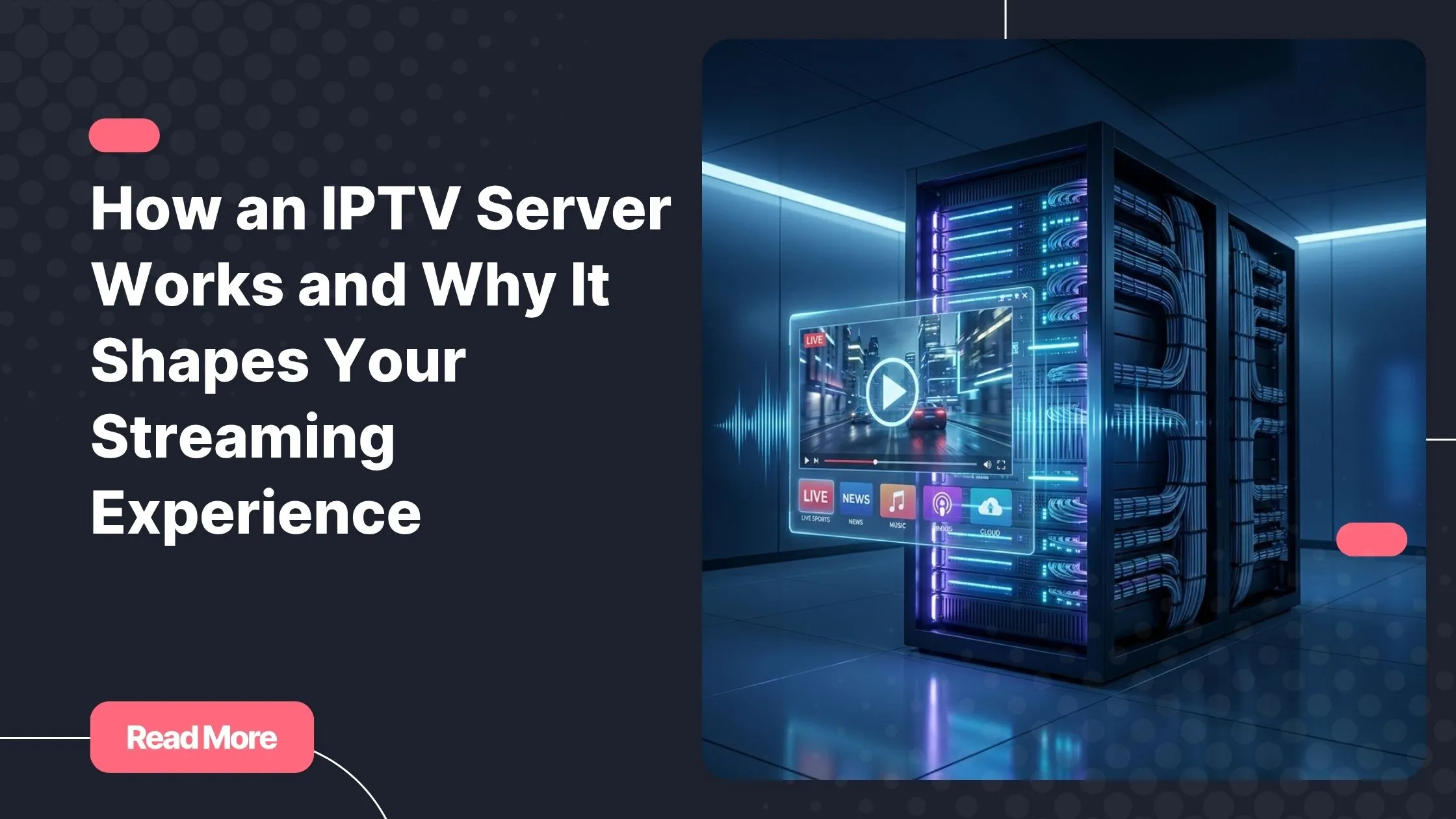
At its core, an iptv server is a specialized computer system that receives, processes, and distributes television content over an internet connection. Unlike traditional cable or satellite TV, which pushes signals through physical infrastructure, IPTV delivers video data through internet protocols — the same technology that powers websites and streaming apps.
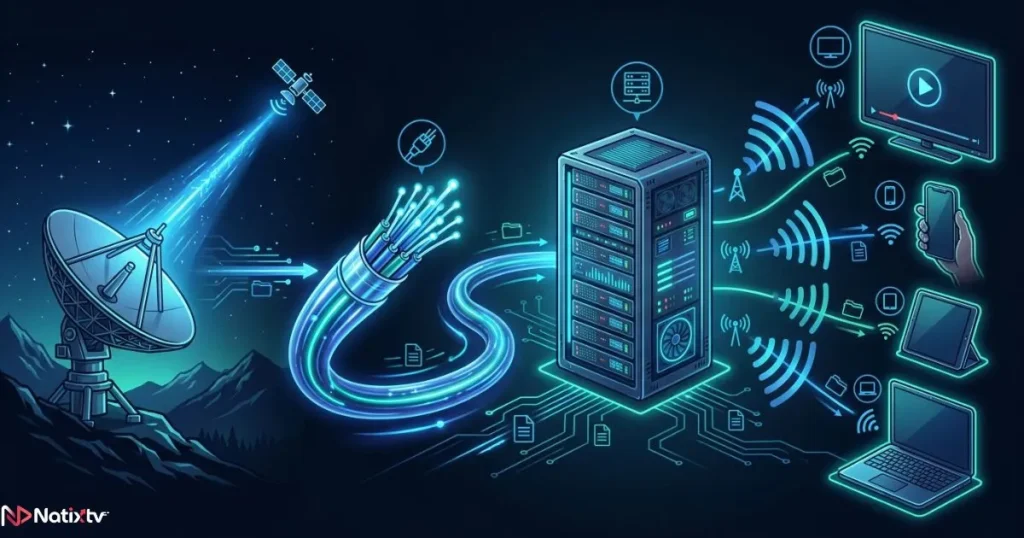
The server acts as the central hub. It captures live broadcasts or on-demand content, encodes them into digital formats, and then delivers those streams directly to your device, whether that’s a Smart TV, a Firestick, a smartphone, or a PC. When everything is working properly, this entire process happens in milliseconds — completely invisible to you.
The global IPTV market was valued at over $60 billion in 2024 and is projected to grow significantly through 2027, according to Grand View Research. That growth is driven by one simple reality: when a server is powerful and well-configured, IPTV is simply a better way to watch TV.
How an IPTV Server Works: Step by Step
The journey from a live broadcast to your screen involves several interconnected processes. Here’s how it actually works.
Content Ingestion: Where the Signal Comes From
Every stream begins with content ingestion. The iptv server captures raw video signals from satellite feeds, digital broadcasts, or pre-stored video files. These signals arrive in formats that are often too large or incompatible for direct streaming, so the server immediately gets to work converting them.
Transcoding is the key process here. The server re-encodes the video into compressed, streamable formats like H.264 or the more efficient H.265 (HEVC). This compression controls the bitrate of the stream, which directly determines whether you’re watching in SD, HD, or 4K. A higher bitrate means sharper detail but demands more bandwidth from both the server and your connection.
Content Delivery: How the Stream Reaches Your Screen
Once encoded, the stream needs to travel from the server to your device as quickly and reliably as possible. This is where delivery protocols come in. The most common ones include:
- HLS (HTTP Live Streaming) – Apple’s adaptive protocol, widely supported across devices
- MPEG-TS (MPEG Transport Stream) – The industry standard for live broadcast delivery
- RTMP (Real-Time Messaging Protocol) – Often used for low-latency live events
- RTSP (Real-Time Streaming Protocol) – Common in IPTV box configurations
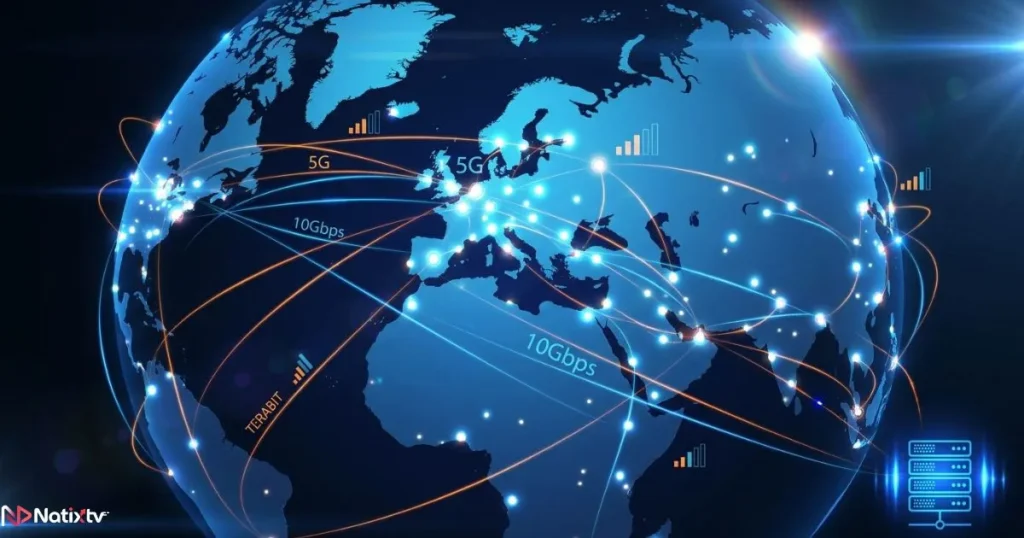
Many premium providers also integrate a CDN (Content Delivery Network) into their infrastructure. A CDN distributes copies of the stream across multiple server nodes around the world, so your device connects to the nearest one rather than a distant central server. This dramatically reduces latency and improves load speed, which is why iptv server speed is closely tied to how well a CDN is deployed.
Your device receives the stream through either an M3U playlist URL or the Xtream Codes API, both of which tell your IPTV app where to find each channel and how to request it from the server.
Middleware: The Brain Behind the System
Middleware is the software layer that manages everything between the server and the user. It handles authentication (verifying your login credentials in real time), the Electronic Program Guide (EPG), VOD library organization, and multi-screen session management.
A well-configured middleware system is what makes an iptv server setup truly professional. It ensures that when you log in, your subscription is verified instantly, your channel list loads cleanly, and your VOD content is properly organized and accessible. Poor middleware is often the hidden cause of login errors, missing channels, or broken EPG data.
Why the IPTV Server Directly Impacts Your Streaming Quality
Now that you understand the mechanics, here’s why all of this matters for what you actually see on your screen.
Server Speed and Bandwidth Capacity
An iptv server‘s speed is determined by its network bandwidth and the processing power allocated to each stream. When you press play, the server must respond immediately, locate your requested stream, and begin delivering data at a consistent rate. Any slowdown at this stage causes buffering.
Overloaded servers are one of the most common problems with low-cost IPTV providers. They oversell connections, meaning thousands of users are competing for the same limited bandwidth. The result is predictable: peak hours, big sports events, and popular series releases all cause the service to degrade exactly when you need it most.
IPTV Server Stability and Uptime
IPTV server stability refers to how consistently the server operates without interruption. It’s measured as an uptime percentage. A server with 99.9% uptime means roughly 8 hours of downtime per year. A server at 98% uptime? That’s over 7 days of potential outages annually.
For live events especially, downtime isn’t just an inconvenience. Missing the last 10 minutes of a match because a server crashed is the kind of experience that makes users cancel subscriptions. Premium providers invest heavily in redundancy systems, failover servers, and anti-DDoS protection to maintain high uptime regardless of traffic spikes.
Geographic Proximity and Latency
Even with fast internet, your location relative to the iptv server affects your experience. Latency — the time it takes for data to travel between the server and your device — increases with physical distance. For VOD content, a few hundred milliseconds of extra latency is barely noticeable. For live TV, it can cause audio-video sync issues or delayed streams.
Top-tier providers solve this by operating multiple server nodes across different regions, ensuring that viewers in Europe, North America, and the Middle East all connect to a nearby node rather than routing traffic across continents.
Quality Tier Comparison
| Feature | Low-Quality Server | Mid-Range Server | Premium IPTV Server |
|---|---|---|---|
| Uptime | ~95% | ~98% | 99.9%+ |
| Concurrent Users | Limited | Moderate | Unlimited / Scalable |
| Anti-DDoS Protection | None | Basic | Advanced |
| CDN Integration | No | Partial | Full |
| Stream Latency | High | Medium | Very Low |
| HD / 4K Support | Rare | Partial | Full |
What Makes a Best IPTV Server? Key Criteria to Evaluate
Not all iptv server infrastructure is created equal. When evaluating a provider, here are the technical and practical factors that actually matter:
- Hardware power: High-performance CPUs, large RAM capacity, and SSD storage for fast data access
- Network backbone: Fiber connections and direct peering agreements with major ISPs
- Channel and VOD volume: A large, well-maintained catalog that’s regularly updated
- EPG quality: Accurate, timely Electronic Program Guide data for every channel
- Support responsiveness: Fast resolution of technical issues when they arise
- Device compatibility: Native support for Smarters, TiviMate, VLC, MAG boxes, Smart TVs, Firestick, and mobile
If you want to go deeper on which apps work best with a quality iptv streaming server, this guide to top-rated IPTV applications for any device covers all the major options with practical setup advice.
5 Signs You’re on a Reliable IPTV Streaming Server
- Streams load in under 3 seconds, even during peak hours
- No buffering during major live events like sports finals or award shows
- EPG data is accurate and updates regularly
- Your connection stays stable across multiple simultaneous devices
- HD and 4K streams play without quality drops or resolution downscaling
IPTV Server Setup: What Happens Behind the Scenes
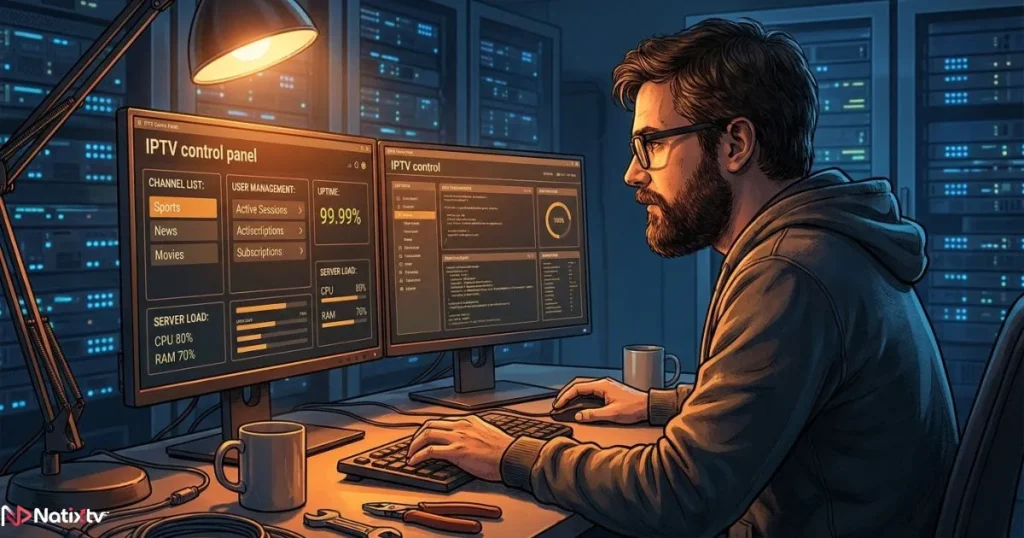
When a provider deploys a new iptv server, the setup process is far more complex than simply installing software on a machine. A professional iptv server setup involves configuring the panel (often Xtream UI or a custom solution), mapping thousands of channels to their correct sources, organizing VOD libraries, setting up user authentication rules, and connecting the EPG data feeds.
The difference between a self-hosted amateur server and a professionally managed cloud IPTV server is enormous. Amateur setups often use shared hosting resources, lack proper security hardening, and have no redundancy plan. Professional providers maintain dedicated infrastructure with load balancing, automated failover, and 24/7 monitoring.
This is also why the quality of your iptv server experience depends so heavily on who manages the backend — not just the app you use on your end. You can have the best IPTV player installed, but if the server side is poorly configured, no app will compensate for that.
If you’re also curious about expanding your setup with time-shifted viewing capabilities, discover how recording and rewatching live content works with modern IPTV services and what it requires from the server side.
NatixTV: A Premium IPTV Streaming Server Built for Every Screen
NatixTV is a best iptv provider that has built its reputation on exactly the criteria covered in this article: high-uptime infrastructure, fast content delivery, and a stable, well-configured iptv server that performs consistently whether you’re watching a live Premier League match or binge-watching a full series at 2 AM.
Here’s what you get with a NatixTV subscription:
- Thousands of live channels in SD, HD, and 4K across sports, entertainment, news, and international content
- A vast VOD library with films and series updated regularly
- Full compatibility with Smart TVs, Android devices, iOS, Firestick, MAG boxes, Apple TV, and PC
- A clean, accurate EPG for effortless browsing
- Multi-connection support for different screens in your household
- A free trial period of 24 to 48 hours so you can test the server quality before committing
That free trial isn’t just a marketing gesture — it’s an invitation to experience the difference that a properly built iptv server makes firsthand.
Frequently Asked Questions
What is an iptv server and how does it work?
An iptv server is a system that receives broadcast or on-demand video content, encodes it into a streamable format, and delivers it to your device over an internet connection. It handles everything from signal ingestion and transcoding to user authentication and real-time delivery through protocols like HLS or MPEG-TS.
Why does my IPTV keep buffering even with fast internet?
Buffering is usually caused by a weak or overloaded server rather than your internet speed. If the provider’s iptv server is serving too many simultaneous users without enough bandwidth or processing power, your stream will stutter regardless of how fast your home connection is.
What does iptv server stability actually mean in practice?
It means the percentage of time the server is operational without outages. A server with 99.9% uptime gives you near-continuous access. Anything below 98% means real risk of disrupted streams during exactly the content you care about most — live sports, premieres, or scheduled events.
How does iptv server speed affect the quality of live TV?
Server speed determines how quickly your stream initializes and how consistently data is delivered to your device. Slow server response leads to long loading times and mid-stream interruptions. High iptv server speed, paired with CDN integration, ensures near-instant channel switching and smooth playback even during peak traffic periods.
What devices are compatible with an IPTV streaming server?
A well-built iptv streaming server supports virtually any internet-connected device, including Smart TVs (Samsung, LG), Android phones and tablets, iPhones and iPads, Amazon Firestick, MAG boxes, Apple TV, and computers running Windows or macOS. Compatibility depends on both the server’s supported protocols and the app you use to connect.
How can I test an IPTV server before buying a subscription?
The best way is to use a free trial. NatixTV offers a 24 to 48 hour free trial that gives you full access to the service, so you can evaluate stream quality, channel stability, loading times, and device compatibility on your own setup before making any commitment.
Conclusion
The iptv server is the invisible engine behind every stream. It’s what determines whether your viewing experience is smooth and immersive or interrupted and frustrating. From the moment content is ingested and encoded to the second it appears on your screen, every step in that process depends on the quality of the server infrastructure powering it.
Server speed, stability, geographic distribution, and professional configuration are not optional extras. They’re the foundation of a service worth paying for. Now that you understand what to look for, you’re in a much better position to choose a provider that actually delivers on its promises.
If you’re ready to experience what a high-performance iptv server really feels like, start with NatixTV’s free trial and see the difference for yourself. As a trusted best iptv provider, NatixTV gives you full access to test everything — channels, VOD, quality, and stability — with zero risk and no commitment required.