There’s a moment most cord-cutters know well. You’re sitting in front of your TV, scrolling through a bloated cable menu, paying for 300 channels you never watch — and the one live match or show you actually want is nowhere to be found. It doesn’t have to be that way. If you’re looking for a smarter, more flexible way to stream, iptv usa solutions have completely changed the game — and the IPTV M3U list is at the center of it all.
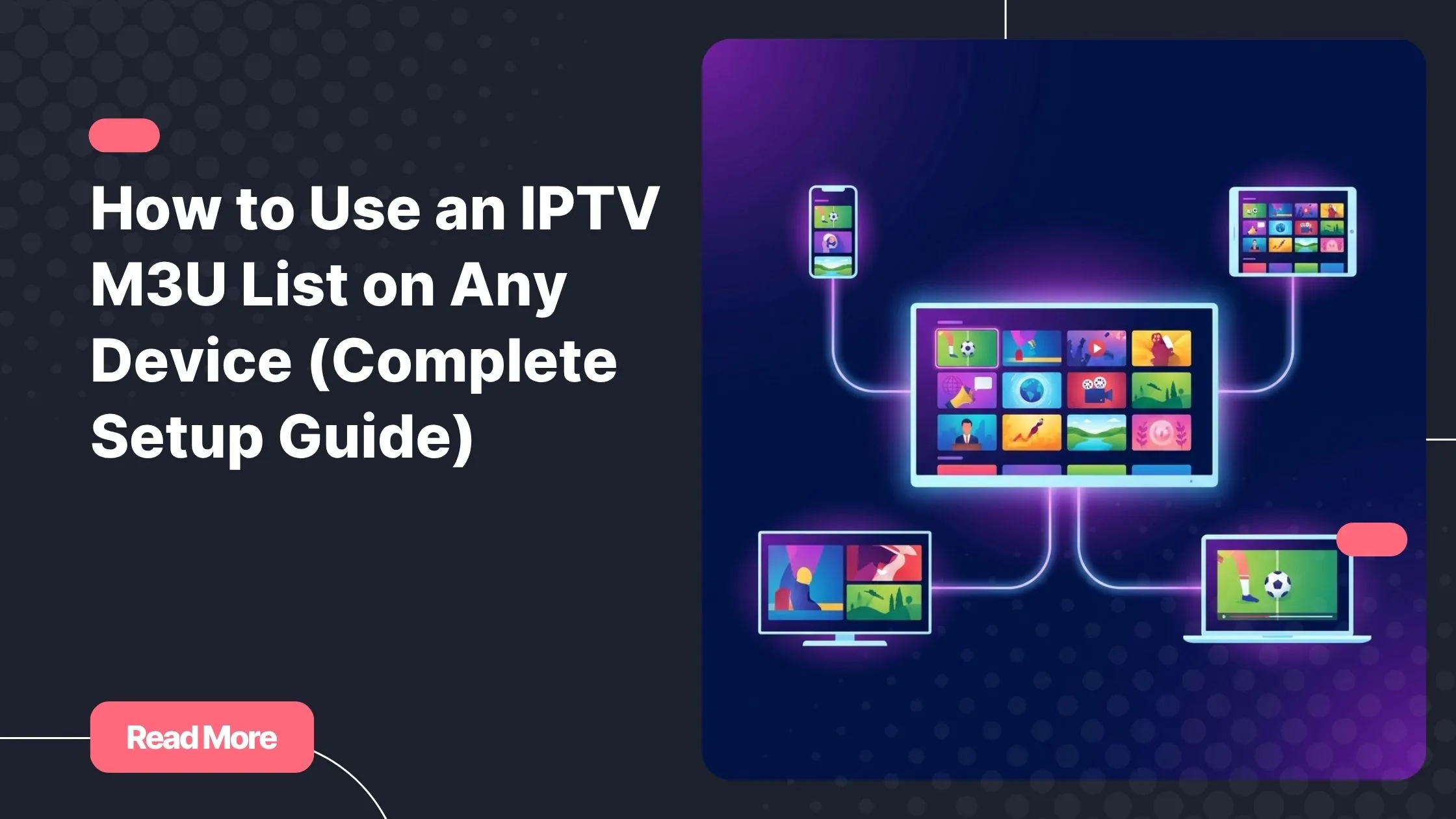
An IPTV M3U list gives you direct access to live TV channels, on-demand movies, and series — all organized in a single playlist file you can load into almost any device you already own. No set-top box rental. No contracts. Just your content, your way.
In this guide, you’ll learn exactly what an IPTV M3U list is, how to set it up on every major device, which apps work best, and how to avoid the most common pitfalls. Whether you’re a first-timer or switching providers, this is the only guide you need.
Table of Contents
What Is an IPTV M3U List and How Does It Work?
An IPTV M3U list is a plain text file that contains a structured list of streaming URLs, each pointing to a live TV channel, a movie, or a series episode. Your IPTV player reads this file and organizes the content into a navigable channel guide — just like a traditional TV interface, but fully digital and on-demand.
The file format itself is simple. Each entry in the playlist includes a stream URL, a channel name, a logo link, and a category tag. When you load an IPTV M3U URL into a compatible player, the app fetches all those streams and presents them as an organized library.
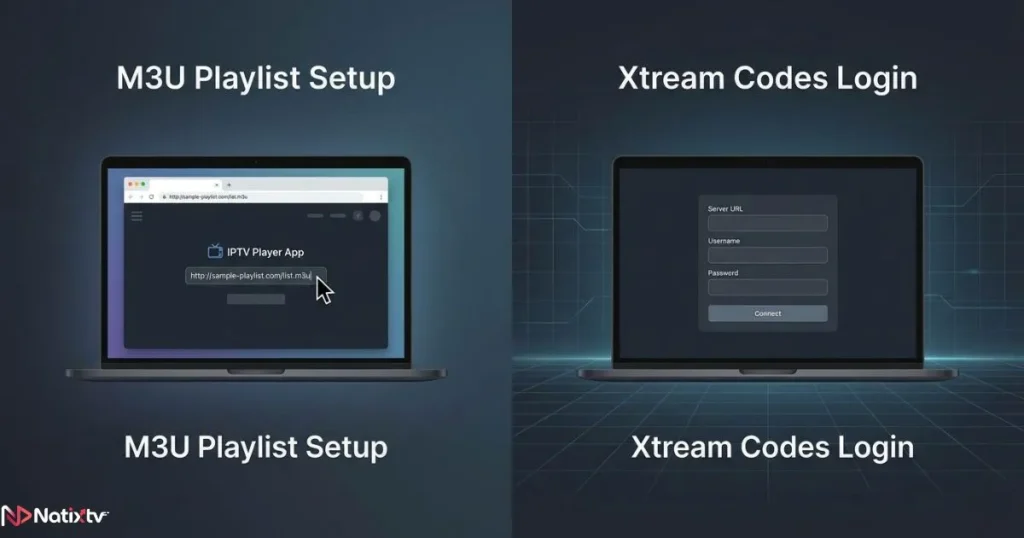
It’s also worth knowing that some providers offer an alternative method called Xtream Codes IPTV. Instead of a raw playlist URL, you get a server address, a username, and a password. Both methods deliver the same result — a full channel lineup — but Xtream Codes tend to offer cleaner EPG (Electronic Program Guide) integration. Your provider will tell you which format they support, and many, like NatixTV, offer both.
M3U vs. Xtream Codes: A Quick Comparison
| Feature | M3U Playlist URL | Xtream Codes IPTV |
|---|---|---|
| Setup method | Paste URL into player | Enter server + username + password |
| Compatibility | Nearly universal | Requires Xtream-compatible app |
| EPG support | Depends on provider | Often built-in and automatic |
| Best for | Quick setup on any device | Advanced users, full guide experience |
What You Need Before Getting Started
Before you load your first IPTV M3U list, there are three things you need in place. Miss one of them and your setup experience will be frustrating rather than smooth.
- A valid IPTV subscription: This gives you your M3U URL or Xtream Codes credentials. NatixTV offers a free 24 to 48-hour trial so you can test everything before committing to a plan.
- A compatible device: Android phones and TVs, Amazon Firestick, Smart TVs (Samsung, LG, Hisense), iPhones, iPads, Windows PCs, Macs, and MAG boxes all work with an IPTV M3U list.
- A stable internet connection: Aim for at least 10 Mbps for HD streams and 25 Mbps or more for 4K. A wired Ethernet connection is always more reliable than Wi-Fi for live TV.
Once those three boxes are checked, the IPTV player setup process on any device takes less than five minutes.
How to Use an IPTV M3U List on Every Major Device
The beauty of the M3U format is its near-universal compatibility. Regardless of what device is sitting in your living room or your pocket, there’s a reliable way to get your IPTV M3U list running on it.
Android Phones, Tablets, and Android TV Boxes
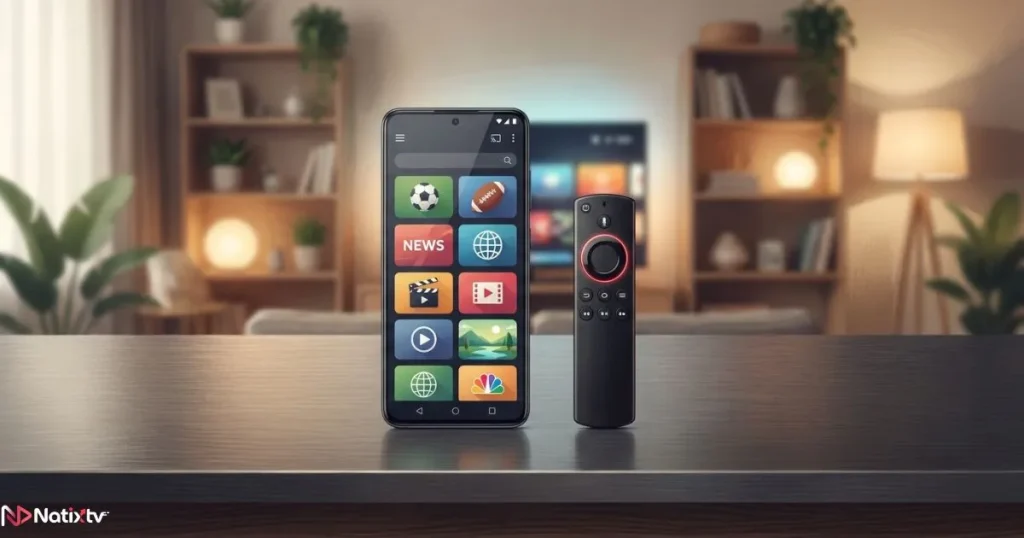
Android is the most flexible platform for IPTV, with several powerful smart IPTV apps available directly from the Google Play Store. TiviMate and IPTV Smarters Pro are the top choices.
- Download TiviMate or IPTV Smarters Pro from the Play Store.
- Open the app and select “Add Playlist” or “Add Provider.”
- Choose “M3U URL” and paste your IPTV M3U URL.
- Wait for the channel list to load, then organize by group or add favorites.
- Optionally add an EPG URL to enable the full program guide.
TiviMate in particular offers a premium TV-like experience with a polished interface, multi-screen support, and catch-up TV functionality — it’s arguably the best IPTV player setup option available on Android today.
Amazon Firestick and Fire TV
Amazon’s Firestick is one of the most popular IPTV devices worldwide, but it requires a slightly different approach since not all IPTV apps are available directly in the Amazon Appstore.
- Go to Settings – My Fire TV – Developer Options and enable “Apps from Unknown Sources.”
- Install the Downloader app from the Amazon Appstore.
- Use Downloader to sideload the APK of TiviMate or IPTV Smarters.
- Open the app, select M3U URL, and paste your IPTV M3U list link.
- Pin the app to your Fire TV home screen for instant access.
If you want a faster, simpler path, check out this step-by-step guide to using the IPTV Smarters Downloader code — it cuts the setup time significantly.
Smart TVs – Samsung, LG, Hisense, Philips
Most modern Smart TVs support the Smart IPTV (SIPTV) app, which is available in both the Samsung Tizen Store and the LG Content Store. Setup works slightly differently than on Android — it uses a web-based activation portal.
- Install the Smart IPTV app from your TV’s app store.
- Open the app — it will display a unique MAC address on screen.
- On your phone or computer, visit the SIPTV activation page and enter the MAC address.
- Paste your IPTV M3U URL into the playlist field and save.
- Restart the app on your TV — your channels will load automatically.
Note: Smart IPTV requires a one-time payment after a free trial period, but it’s one of the most stable options for Smart TV users.
iPhone and iPad (iOS)
iOS users have strong options for loading an IPTV M3U list, with GSE Smart IPTV being the most recommended app on the App Store.
- Download GSE Smart IPTV from the App Store.
- Open the app and go to “Remote Playlists.”
- Tap the “+” icon and choose “Add M3U URL.”
- Enter a name for your playlist, paste your IPTV M3U URL, and save.
- Browse your channels from the main screen.
Windows PC and Mac
On a desktop or laptop, VLC Media Player is the quickest way to test your IPTV M3U list without installing anything extra. It’s free, open-source, and trusted by hundreds of millions of users worldwide — you can download VLC directly from the official VideoLAN website.
- Open VLC and go to Media – Open Network Stream.
- Paste your IPTV M3U URL and click Play.
- VLC will load the playlist and start the first stream.
For a more organized experience with a proper channel guide on PC, Kodi with the PVR IPTV Simple Client add-on is a powerful alternative that turns your computer into a full media center. If you want a more complete picture of which IPTV services and apps are leading in 2026, that comparison covers everything you need to make an informed choice.
MAG Boxes and STB Emulator
MAG boxes use a portal-based system rather than a direct M3U URL. Your provider gives you a portal address that you enter directly in the device settings. If you don’t own a MAG box but want to replicate the experience, the STB Emulator app on Android does exactly that — it mimics a MAG box environment using your provider’s portal or MAC address.
Choosing the Best IPTV Player for Your Setup
Not all smart IPTV apps are created equal. The right player depends on your device, your priorities (EPG, multi-screen, catch-up), and your technical comfort level.
| App | Platforms | M3U Support | Xtream Codes | EPG | Cost |
|---|---|---|---|---|---|
| TiviMate | Android / Fire TV | Yes | Yes | Yes | Freemium |
| IPTV Smarters | All platforms | Yes | Yes | Yes | Free |
| GSE Smart IPTV | iOS / Android | Yes | Yes | Yes | Free |
| VLC | PC / Mac / Mobile | Yes | No | No | Free |
| Smart IPTV (SIPTV) | Samsung / LG TV | Yes | No | Yes | Paid (one-time) |
| Kodi (PVR plugin) | All platforms | Yes | Yes | Yes | Free |
Troubleshooting Common IPTV M3U List Problems
Even with a solid setup, issues can pop up. Here are the most common problems and how to fix them quickly.
- Buffering or freezing: Check your internet speed. If it’s above 25 Mbps and you’re still buffering, switch to a wired Ethernet connection or ask your provider to assign you a closer server.
- Channels not loading: Double-check your IPTV M3U URL for any extra spaces or missing characters. Even a single typo breaks the entire playlist.
- EPG not showing: Your IPTV M3U list may need a separate EPG URL. Ask your provider — most include one with your subscription details.
- App crashes on launch: Clear the app’s cache in your device settings, or uninstall and reinstall the player.
- Geo-blocked streams: Some channels are region-restricted. A reputable VPN service can help you bypass those restrictions while keeping your connection private.
- Playlist expired: IPTV M3U list URLs sometimes have an expiry date. If yours stops working suddenly, log into your account and generate a fresh URL, or contact your provider’s support.
Where to Get a Reliable IPTV M3U List: Try NatixTV Free
Your entire IPTV experience depends on one thing above everything else: the quality of your provider. A shaky, unreliable IPTV M3U list leads to buffering, missing channels, and constant frustration — no matter how good your device or app is.
A trustworthy provider gives you high server uptime (99% or above), a large and up-to-date channel library, HD and 4K streams where available, and responsive customer support. iptv usa services like NatixTV check every one of those boxes. NatixTV provides both M3U URL and Xtream Codes IPTV access, making it compatible with every device and every app covered in this guide.
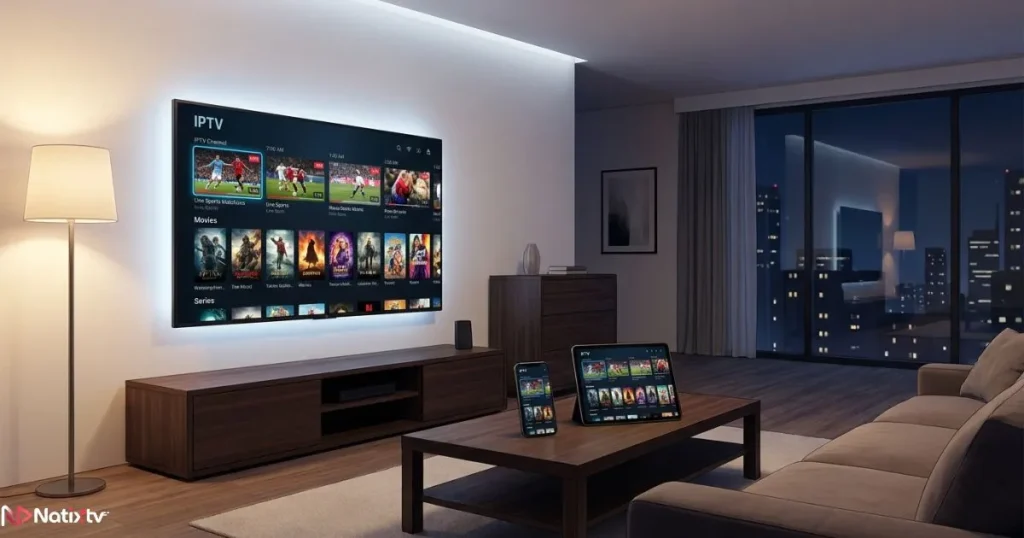
Most importantly, NatixTV offers a free trial period of 24 to 48 hours with no credit card required. You can test the stream quality, explore the channel lineup, and verify that everything works on your specific device before spending a cent.
Frequently Asked Questions
What exactly is an IPTV M3U list and where do I get one?
An IPTV M3U list is a playlist file containing the stream URLs for your TV channels, movies, and series. You get it from your IPTV subscription provider — they either email it to you or display it in your account dashboard. Avoid using free, unverified M3U lists found on random websites, as they often contain dead links, unstable streams, or worse. A reliable paid service with a free trial, like NatixTV, is always the safer choice.
How do I add an IPTV M3U list to TiviMate on Android?
Open TiviMate and go to “Add Playlist.” Select “M3U URL,” paste the IPTV M3U URL your provider gave you, and tap “Next.” The app will fetch your channels automatically. You can then organize them by group, set up favorites, and add an EPG URL for a full program guide.
Can I use an IPTV M3U list on my Samsung or LG Smart TV?
Yes, absolutely. The easiest method is the Smart IPTV app, available in both the Samsung Tizen Store and the LG Content Store. Once installed, you activate it via a web portal where you enter your M3U URL linked to your TV’s MAC address. The channels then load directly on your TV interface.
What is the difference between an IPTV M3U list and Xtream Codes?
Both give you access to the same content, but the setup method is different. An IPTV M3U list uses a single URL you paste into any compatible player. Xtream Codes IPTV requires a server URL plus a username and password, and it typically offers better EPG integration. Many providers, including NatixTV, support both formats so you can choose what works best for your app.
Why is my IPTV M3U list suddenly not working?
The most common causes are: a typo in the URL, an expired playlist, a server outage on the provider’s side, or an internet connection that dropped below the minimum required speed. Start by checking your connection, then re-copy your IPTV M3U URL directly from your account dashboard. If the problem persists, contact your provider’s support team.
Do I need a VPN to use an IPTV M3U list?
Not always. For most users on a standard home broadband connection, a VPN is not required to enjoy a stable IPTV experience. However, a VPN can be useful if you’re accessing geo-restricted channels, using public Wi-Fi, or if your ISP throttles streaming traffic. Choose a VPN with fast servers and a no-logs policy for the best results.
Start Streaming Smarter Today
Setting up an IPTV M3U list is simpler than it looks. Pick your device, download the right IPTV player, paste your M3U playlist IPTV URL, and you’re live in minutes. The format works on Android, Firestick, Smart TVs, iPhones, PCs, and MAG boxes — making it one of the most universally compatible streaming solutions available today.
The one variable that makes or breaks the experience is your provider. Stable servers, a rich channel library, and genuine customer support are non-negotiable. iptv usa viewers and international subscribers alike trust NatixTV for exactly those reasons — and the 24 to 48-hour free trial means you can verify everything yourself before committing. Your content, your devices, your rules.